Resize Mobile Split View
pendingby churnish
Drag divider line to resize tab groups on mobile.
Resize Mobile Split View
Drag divider line to resize tab groups on mobile.
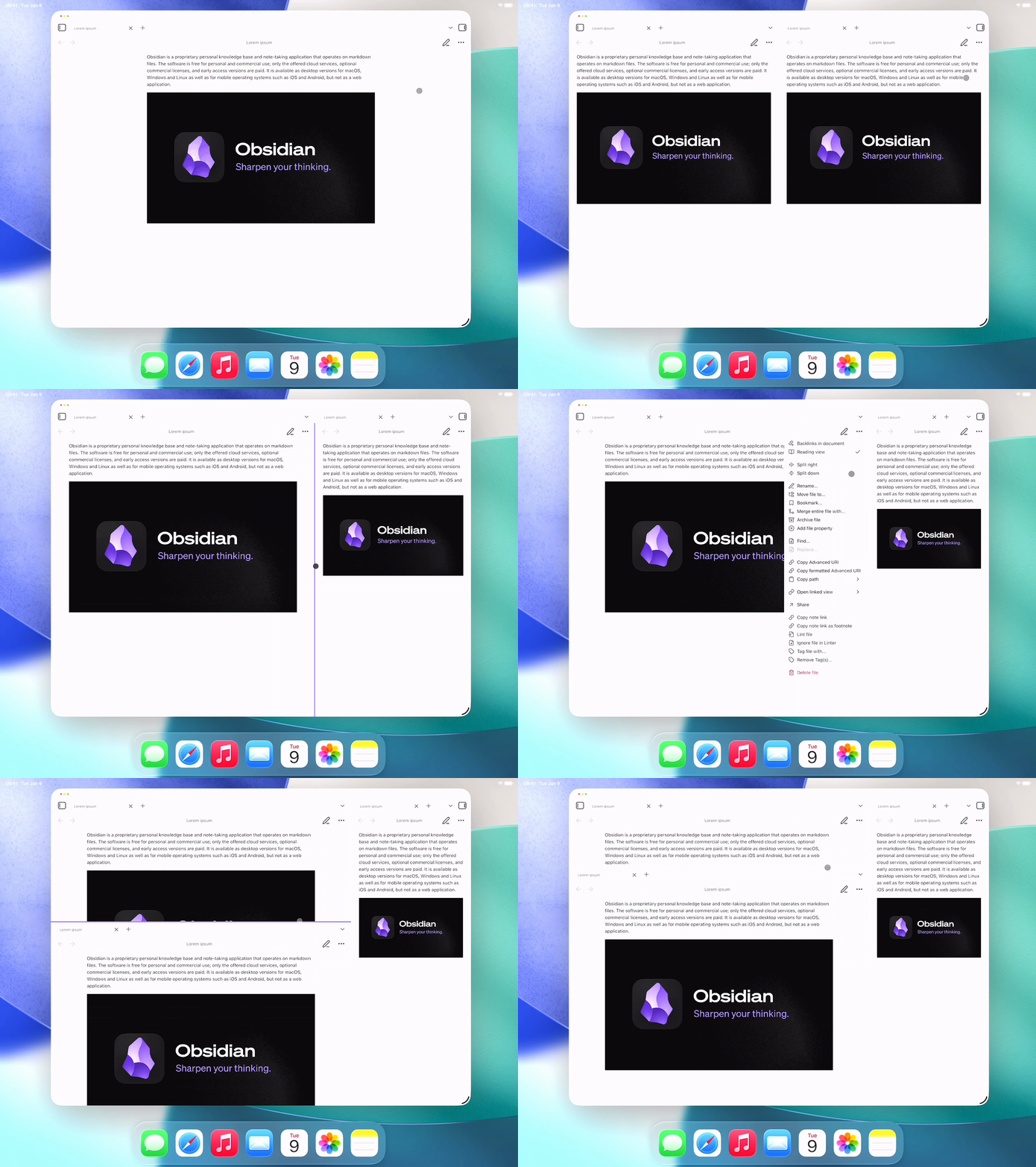
Touch: Hold down on a line for a brief moment then move as it lights up.
Pointer: Press on a line then move as you hold — just like on desktop.
Tested on iPadOS 26.
Installation
Until Resize Mobile Split View is made available in the plugin directory, to install it:
- Download and enable the BRAT plugin.
- Install via BRAT.
- Select Add plugin.
Install manually
Note: To get updates for Resize Mobile Split View, you will have to check for and install them manually.
- Download
resize-mobile-split-view.zipin theAssetsof the latest release. - Open the vault folder in the system file manager.
- Open your Obsidian configuration folder (
.obsidianby default, hidden on most OSes). - Unzip
resize-mobile-split-view.zipand place it in thepluginsfolder. - Reload plugins or app.
- Enable Resize Mobile Split View in Obsidian settings → Community plugins → Installed plugins.
Support
- Found a bug or have a feature request? Open an issue.
- Have a question? Start a discussion.
- PRs welcome.
For plugin developers
Search results and similarity scores are powered by semantic analysis of your plugin's README. If your plugin isn't appearing for searches you'd expect, try updating your README to clearly describe your plugin's purpose, features, and use cases.