Click Image to Zoom
pendingby saltyfireball
Click any image in your notes to open it in a full-size zoomable modal. Supports scroll-to-zoom, drag-to-pan, and per-note frontmatter control.
Click Image to Zoom
An Obsidian plugin that lets you click any image in your notes to open it in a full-size zoomable modal. Supports scroll-to-zoom, drag-to-pan, pinch-to-zoom on mobile, and keyboard controls.
Works on both desktop and mobile.
Features
- Click to zoom -- click any image in a note to open it in a full-screen overlay
- Scroll to zoom -- use the mouse wheel to zoom in and out
- Drag to pan -- click and drag to move around a zoomed image
- Pinch to zoom -- two-finger pinch gesture on mobile/touch devices
- Keyboard controls --
+/-to zoom,0to reset,Escapeto close - Per-note control -- disable zoom for specific notes via frontmatter
- Global toggle -- enable/disable from settings or the command palette
- Configurable zoom -- adjust zoom step, minimum, and maximum zoom levels
- Works in both edit mode (live preview) and reading view
How to Use
- Click any image in a note -- it opens in a full-screen overlay
- Scroll to zoom in and out
- Click and drag the image to pan around when zoomed in
- Click outside the image, press Escape, or click the X button to close
- Press
0to reset zoom and position
Disabling for Specific Notes
Add the following frontmatter to any note where you want to disable image zoom:
---
click-image-to-zoom: false
---
Installation
Obsidian Community Plugin (pending)
This plugin has been submitted for review to the Obsidian community plugin directory. Once approved, you will be able to install it directly from Settings > Community plugins > Browse by searching for "Click Image to Zoom".
Using BRAT
You can install this plugin right now using the BRAT plugin:
-
Install BRAT from Settings > Community plugins > Browse (search for "BRAT" by TfTHacker)
-
Open the BRAT settings
-
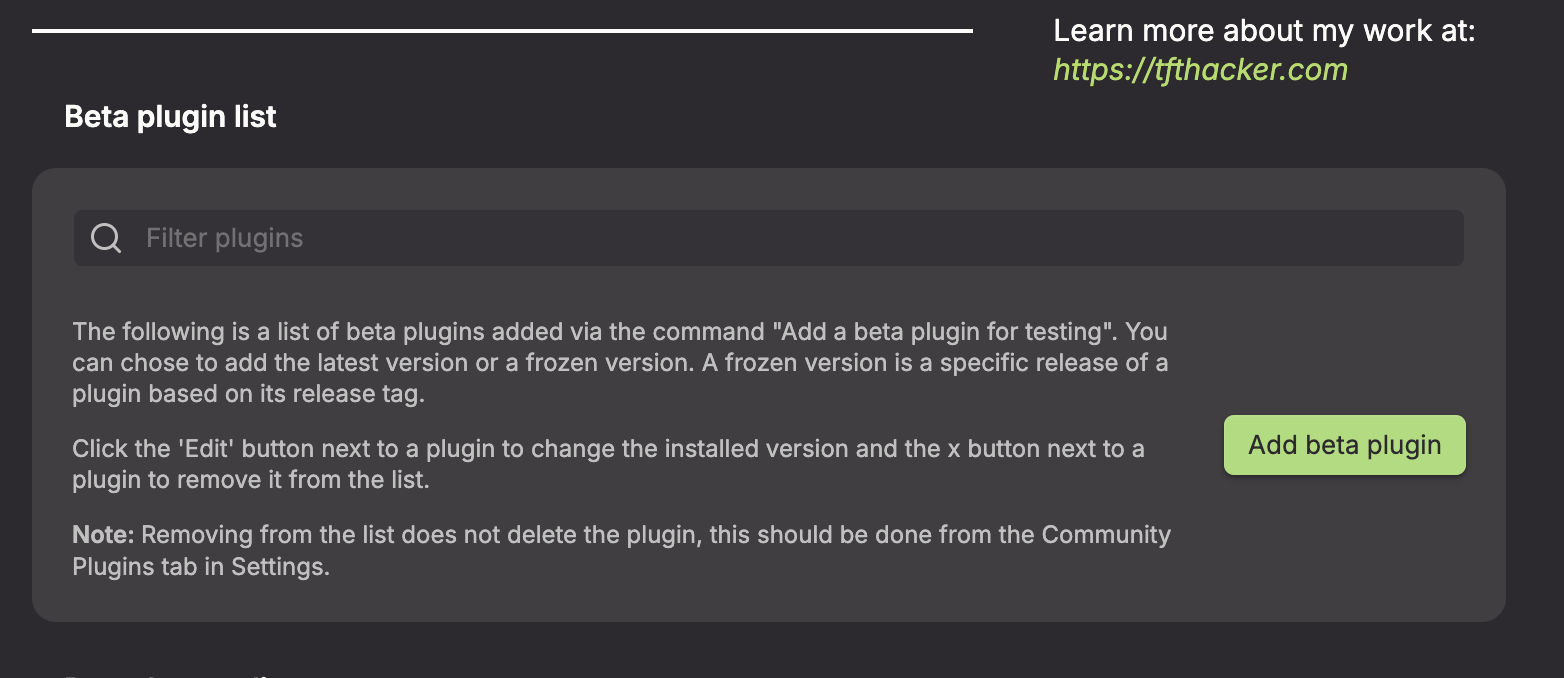
Under the Beta plugins section, click Add beta plugin
-
In the overlay, enter this plugin's repository:
https://github.com/saltyfireball/obsidian-click-image-to-zoom(or justsaltyfireball/obsidian-click-image-to-zoom)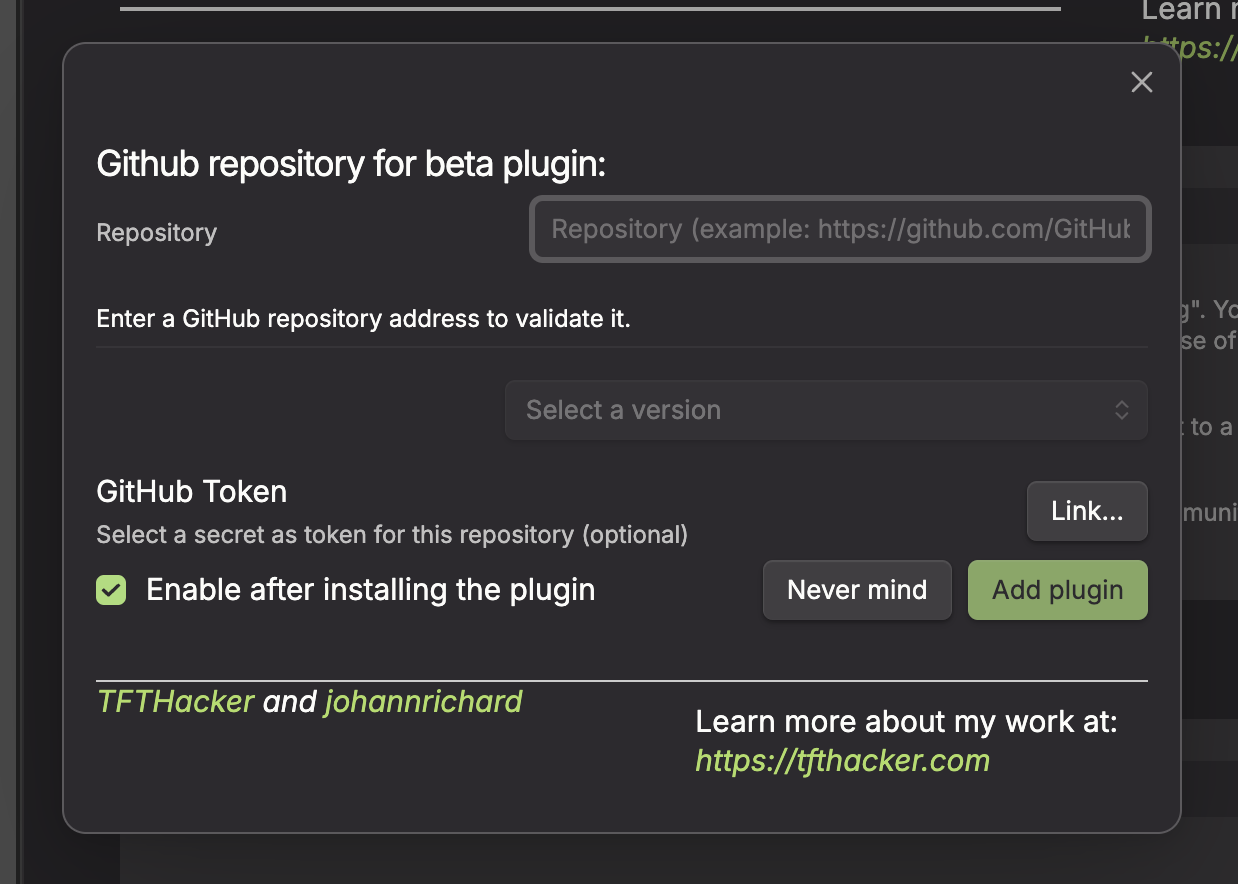
-
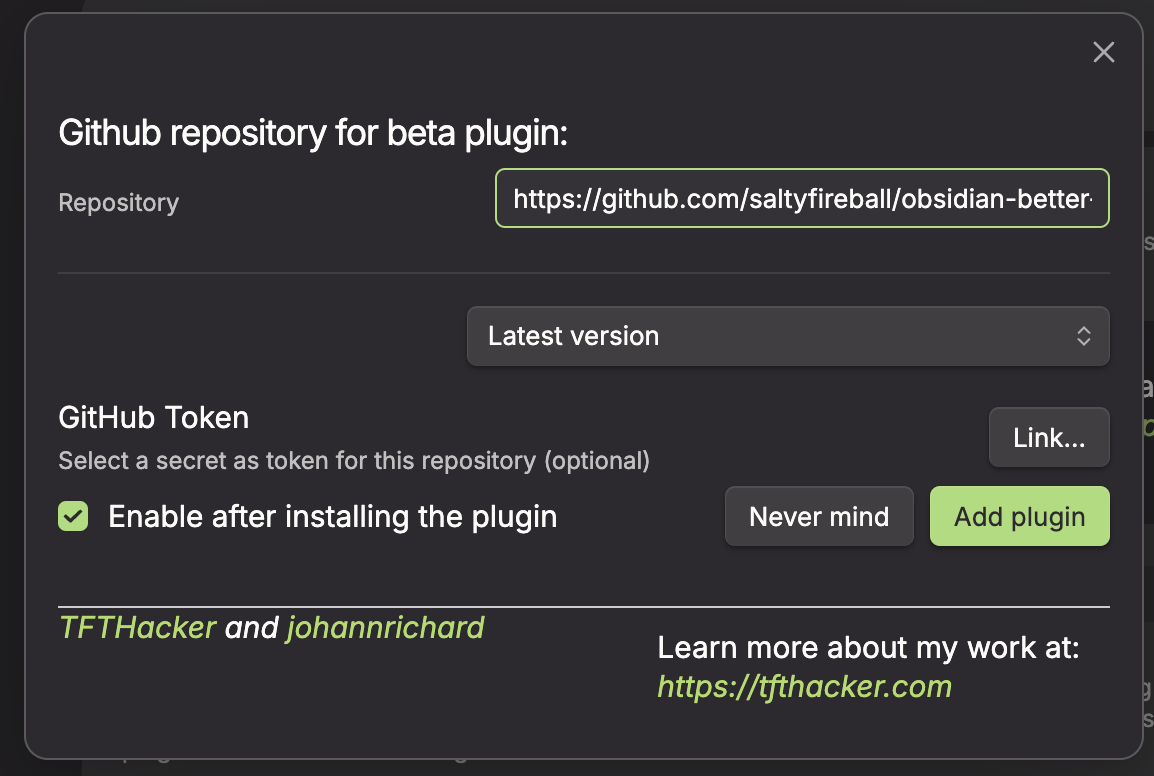
Leave the version set to latest
-
Click Add plugin
Manual
- Download the latest release from the Releases page
- Copy
main.js,manifest.json, andstyles.cssinto your vault's.obsidian/plugins/sfb-click-image-to-zoom/directory - Enable the plugin in Settings > Community plugins
Settings
- Enable image zoom -- toggle click-to-zoom on or off globally
- Zoom step -- how much to zoom per scroll tick or keypress (default 0.2)
- Maximum zoom -- maximum zoom level (default 5x)
- Minimum zoom -- minimum zoom level (default 0.5x)
License
For plugin developers
Search results and similarity scores are powered by semantic analysis of your plugin's README. If your plugin isn't appearing for searches you'd expect, try updating your README to clearly describe your plugin's purpose, features, and use cases.