File Color v2
pendingby gothicnoodle
Forked from File Color
Set colors on folders and files in the file explorer with a full color picker, favorites, recent colors, and independent cascade controls.
File Color v2
An enhanced fork of obsidian-file-color by ecustic, with a redesigned color picker and new features.
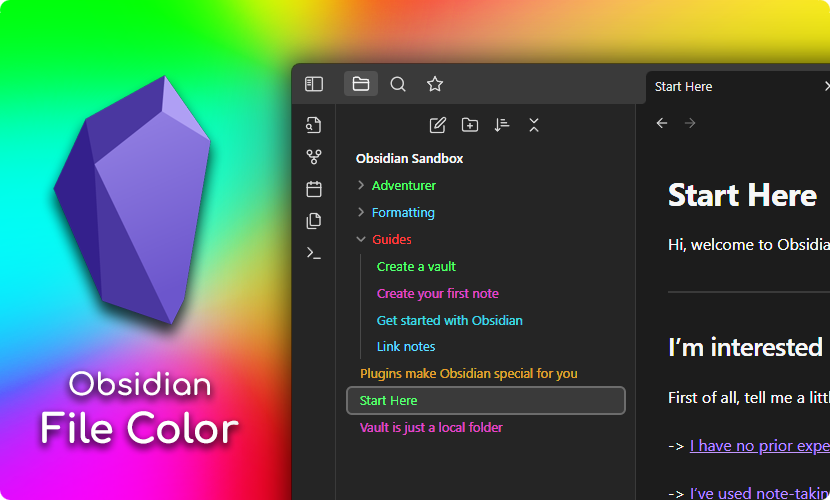
What's New in v2 Full 16 million color picker — pick any color directly from the right-click modal Basic palette — 7 fixed colors (red, orange, yellow, green, blue, purple, grey) always available Favorites — save colors you use often; hover to see a red minus badge to remove Recent colors — automatically tracks your last 15 used colors with expand/collapse Star from recent — hover any recent color to star it directly into favorites Independent cascade controls — cascade to subfolders and files separately, right from the modal Cleaner UI — everything accessible from one right-click, no need to visit settings to add colors.
Usage Setting a color Right-click any file or folder in the file explorer and select Set color.
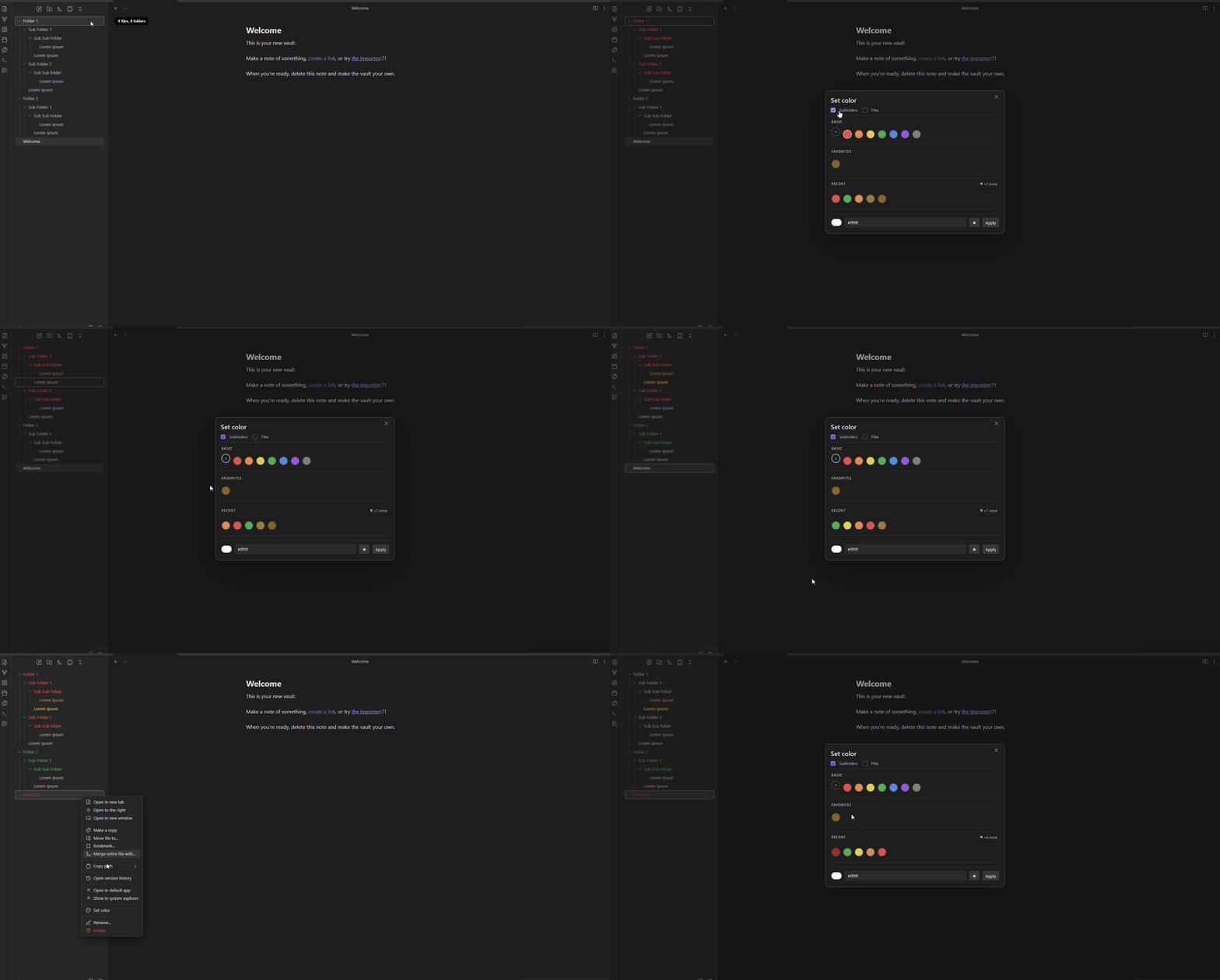
The color modal
The modal is organized into sections:
Basic — 7 fixed colors plus a None option. Click any to apply instantly.
Favorites — your starred colors. Hover to reveal the red − badge to remove.
Recent — the last 5 colors you used. Click ▼ +N more to expand up to 15. Hover any circle to star it.
Color picker — pick any custom color using the color wheel or type a hex value. Click ★ to save to favorites, or Apply to use it once.
Cascade controls
At the top of the modal are two checkboxes:
Subfolders — cascade the folder color to all child folders
Files — cascade the folder color to all files inside the folder
These can be toggled independently so you can have colored folders with uncolored files for contrast.
Options
In Settings → File Color v2 you can also:
Toggle Color Background to color the background instead of the text
Manage your saved palette
Installation
From Obsidian Community Plugins
Search for File Color v2 in Settings → Community Plugins → Browse.
Manual Installation
Download main.js, styles.css, and manifest.json from the latest release
Create a folder called file-color-v2 in your vault's .obsidian/plugins/ folder
Copy the three downloaded files into that folder
Enable the plugin in Settings → Community Plugins
Credits
This plugin is a fork of obsidian-file-color by ecustic. The original plugin provided the foundation that this version builds on. All credit for the core architecture goes to the original author.
License
MIT
For plugin developers
Search results and similarity scores are powered by semantic analysis of your plugin's README. If your plugin isn't appearing for searches you'd expect, try updating your README to clearly describe your plugin's purpose, features, and use cases.