TimeLink
pendingby jskorlol
Kanban board, calendar, and timeline views with linked event notes.
TimeLink
TimeLink is an Obsidian community plugin that connects a calendar, timeline, kanban workflow, and board-level schedule overview in one place.
It is built for linked-note workflows: create notes from cards, create events from cards, keep backlinks in sync, and review dated work from daily views up to a board-wide Gantt overview.
What TimeLink includes
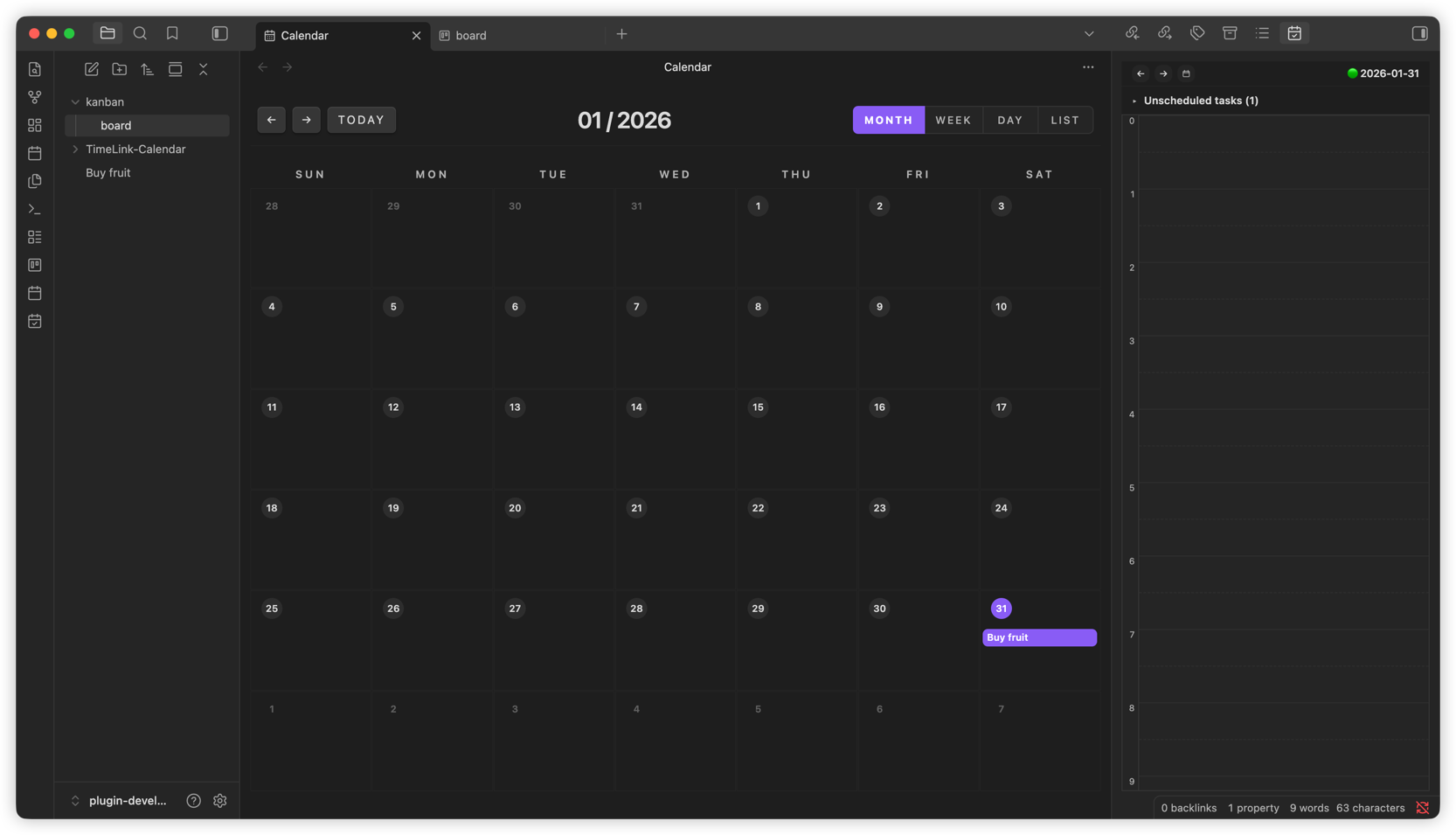
- Calendar view: Create and manage event notes by date.
- Timeline view: Review timed and unscheduled work in chronological order.
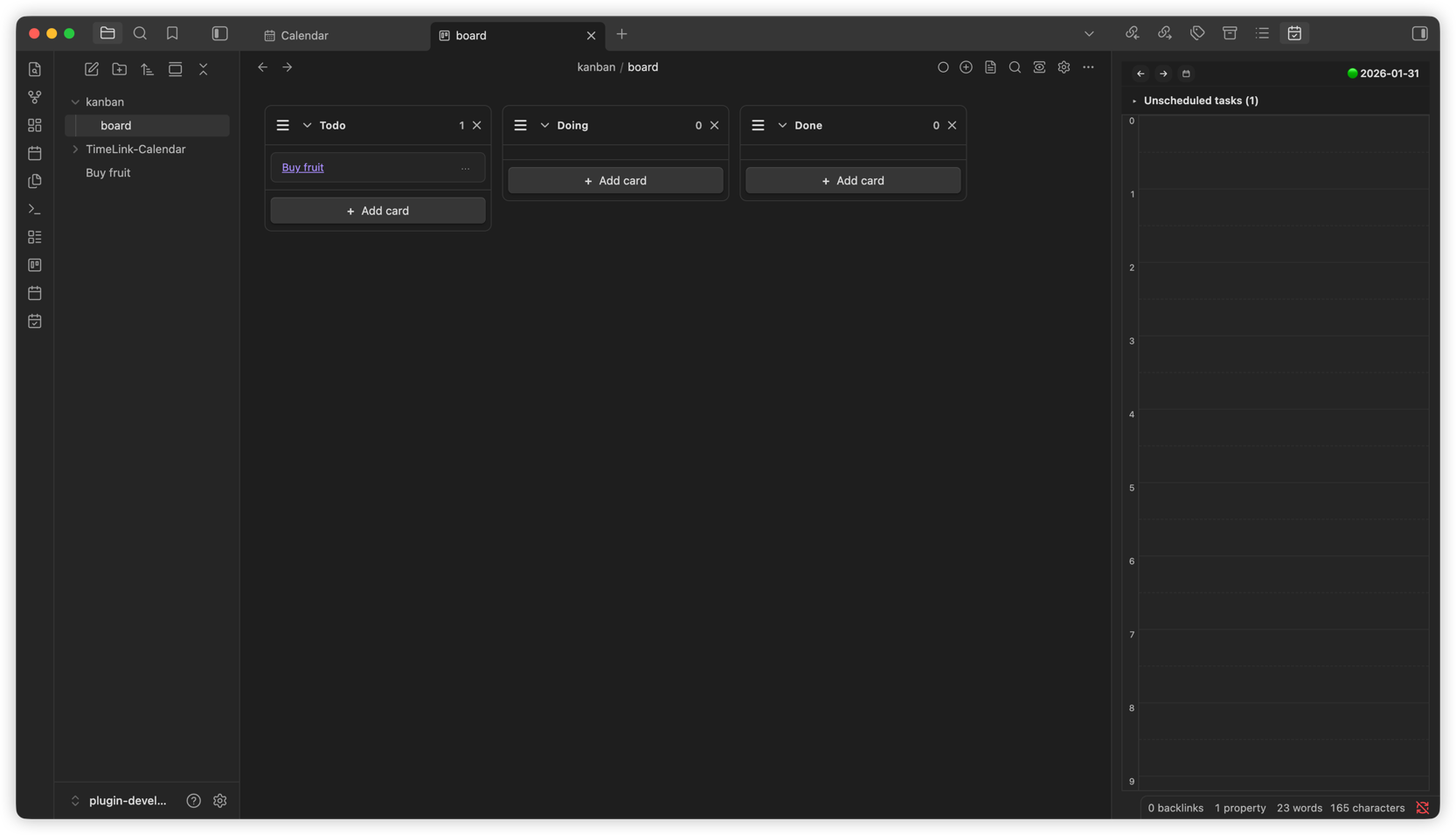
- Kanban board view: Manage tasks on boards, open markdown files as kanban boards, and add lists from the command palette.
- Kanban list view: Browse kanban boards in your vault and refresh the board index from one place.
- Gantt view: See dated kanban-linked events grouped by board in a year-based overview with a quick jump back to today.
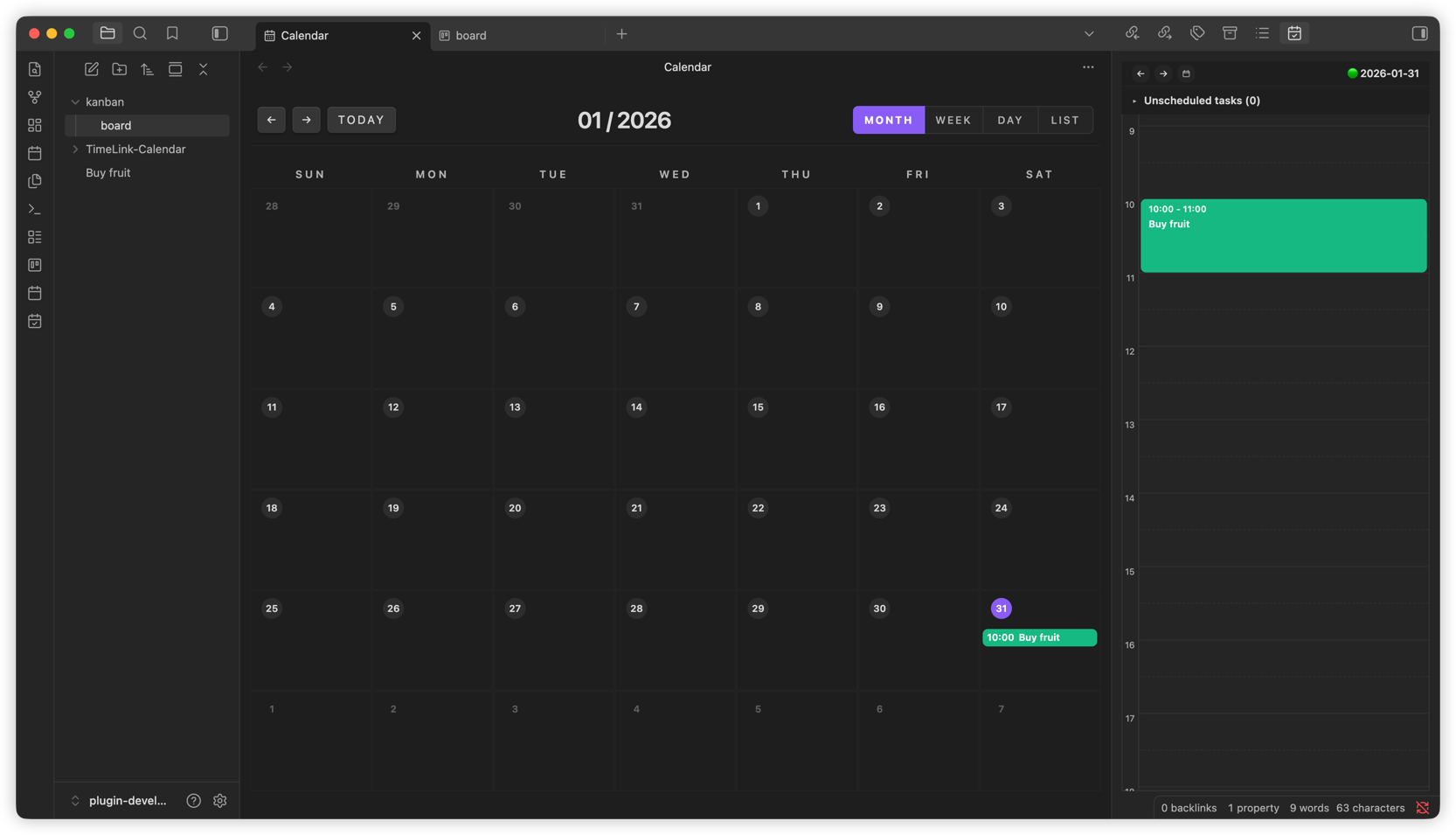
- Board colors: Apply per-board colors and reuse them in linked event displays.
- Linked note and event automation: Create note/event links from cards and keep backlinks between cards and event notes in sync.
- Linked cleanup on card deletion: Optionally remove the linked note and linked event when deleting a card.
Screenshots
Kanban board
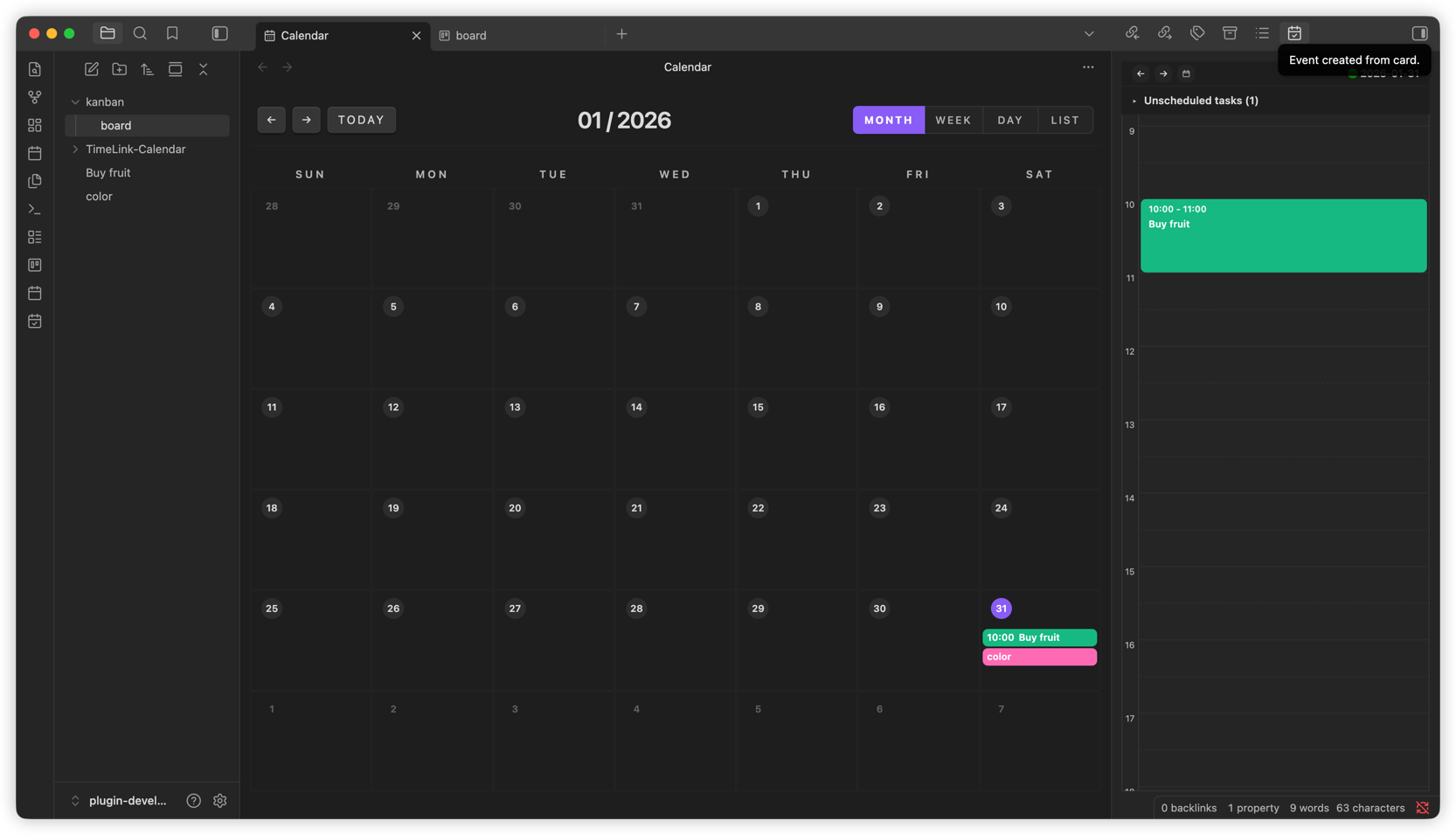
Calendar
Timeline and board color settings
Default kanban board color
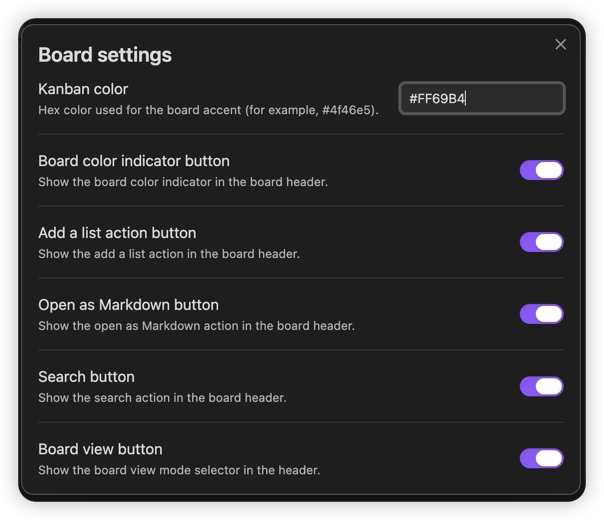
Board color applied to linked calendar events
Getting started
-
Open the main views
- Calendar: Open calendar ribbon icon
- Timeline: Open timeline ribbon icon or Open timeline command
- Kanban list: Open kanban list ribbon icon when kanban is enabled
- Gantt: Open gantt ribbon icon when kanban is enabled
-
Create or open kanban boards
- Ribbon: Create kanban board
- Command palette: Create kanban board
- File explorer folder menu: New kanban board
- Markdown file menu: Open as kanban board
- Command palette on an active markdown note: Open active kanban board
-
Manage board structure
- Command palette inside an active kanban board: Add a list
Typical workflow
Card to note
- Use New note from card to create a linked markdown note from a kanban card.
- Use Copy link to card to copy a direct link back to the card.
Card to event
- Use Create event from card in the card menu.
- TimeLink creates or reuses the linked card note, creates the event, and writes backlinks between the card note and event note.
Board-level planning
- Assign a board color to visually group related work across kanban, calendar, timeline, and linked events.
- Open Kanban list to scan boards in the vault.
- Open Gantt to review dated kanban-linked events grouped by board and jump directly back to today.
Safe cleanup
- When deleting a card, you can choose whether the linked note should also be removed.
- If the card is linked to an event, TimeLink can remove the linked note and linked event together.
Settings
- Enable kanban: Enable or disable kanban, kanban list, and gantt-related features.
- Calendar folder: Choose the folder where calendar event notes are stored.
Development
npm install
npm run lint
npm test
npm run build
The automated test suite runs on Vitest and includes structure guards for the calendar, timeline, kanban, kanban-list, gantt, and shared layers.
References
TimeLink is inspired by ideas from these Obsidian plugins:
- https://github.com/mgmeyers/obsidian-kanban
- https://github.com/obsidian-community/obsidian-full-calendar
- https://github.com/ivan-lednev/obsidian-day-planner
License
0-BSD
For plugin developers
Search results and similarity scores are powered by semantic analysis of your plugin's README. If your plugin isn't appearing for searches you'd expect, try updating your README to clearly describe your plugin's purpose, features, and use cases.