Interactive Timeline
pendingby tulgardinc
View your notes in an interactive timeline.
Timeline View
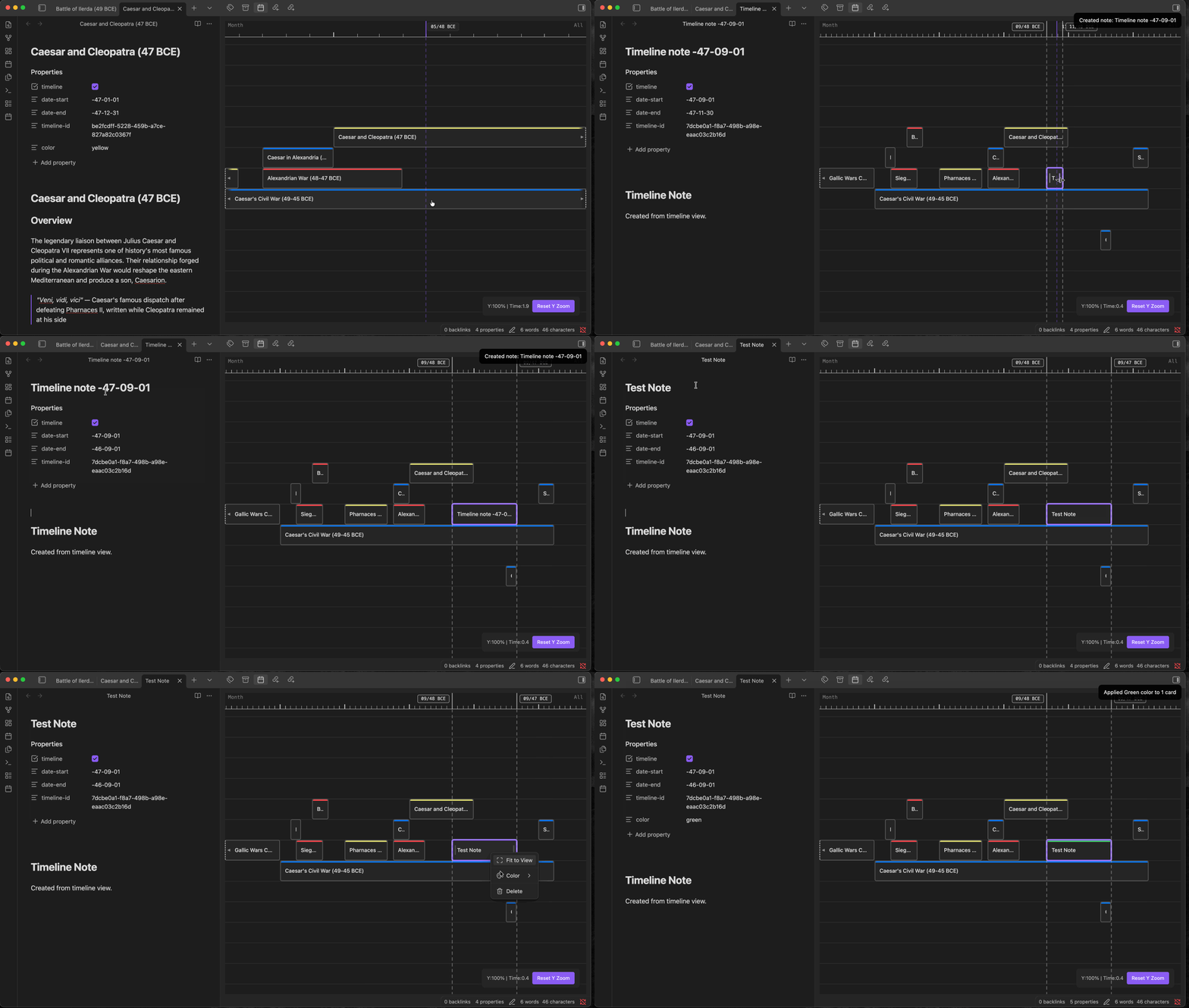
View your notes in relation to each other on an infinte scrollable timeline/canvas.
Timeline
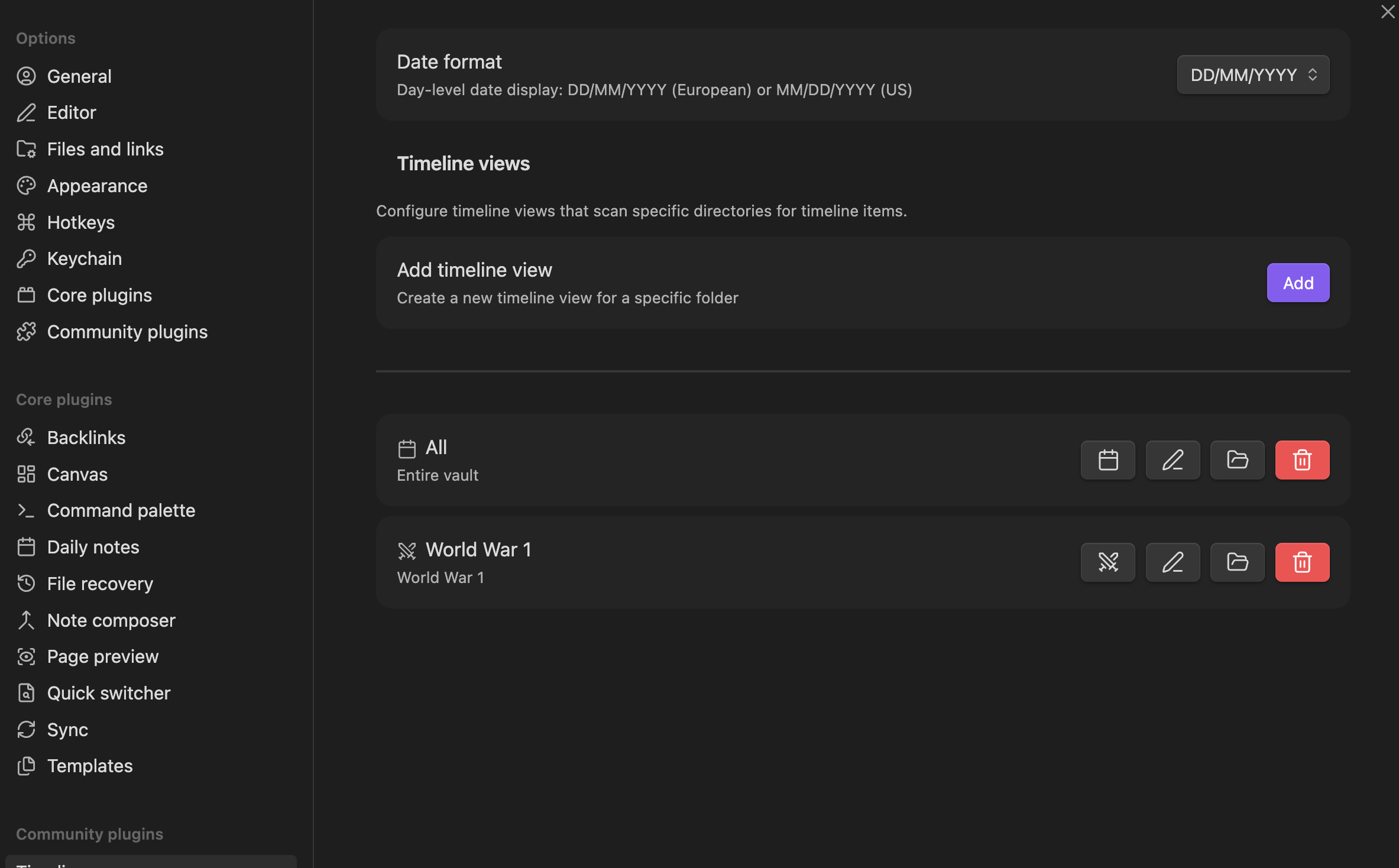
Configure Multiple Timeline Views
Features
- Infinite canvas with smooth panning and zooming
- Arbitrary date ranges from 20 billion years BCE to 20 billion years CE
- Multi-select cards with Shift+click
- Drag and drop to move cards across layers and time
- Resize card start/end dates by dragging edges
- Color coding via frontmatter or context menu
- Undo/redo for move, resize, and layer-change operations
- Multiple timelines scoped to folders, with clickable timeline-reference cards
Usage
Creating timeline notes
Add timeline: true, date-start, and date-end to any note's frontmatter:
---
timeline: true
date-start: 2024-03-15
date-end: 2024-06-20
color: blue
---
Date format
Supprots both European and US style dates for normal ranges.
For extended ranges: YYYY BCE-MM-DD or -YYYY-MM-DD
Commands
| Command | Description |
|---|---|
| Open Timeline view | Open the timeline selector (ribbon icon or command palette) |
| Undo / Redo | Undo/redo the last card move, resize, or layer change |
| Go to note | Fuzzy-find and center on a specific timeline card |
| View in Timeline | Jump to the current note's card in the best-matching timeline |
| Add Timeline | Add a reference card for another timeline |
Configuring timelines
Open Settings -> Timeline to create named timelines scoped to specific folders. Each timeline scans its configured folder recursively for notes with timeline: true frontmatter.
License
MIT
For plugin developers
Search results and similarity scores are powered by semantic analysis of your plugin's README. If your plugin isn't appearing for searches you'd expect, try updating your README to clearly describe your plugin's purpose, features, and use cases.