Live Columns
pendingby nhiwentwest
Create editable columns in your notes with customizable colors. Type directly in columns in Live Preview mode.
Obsidian Live Columns
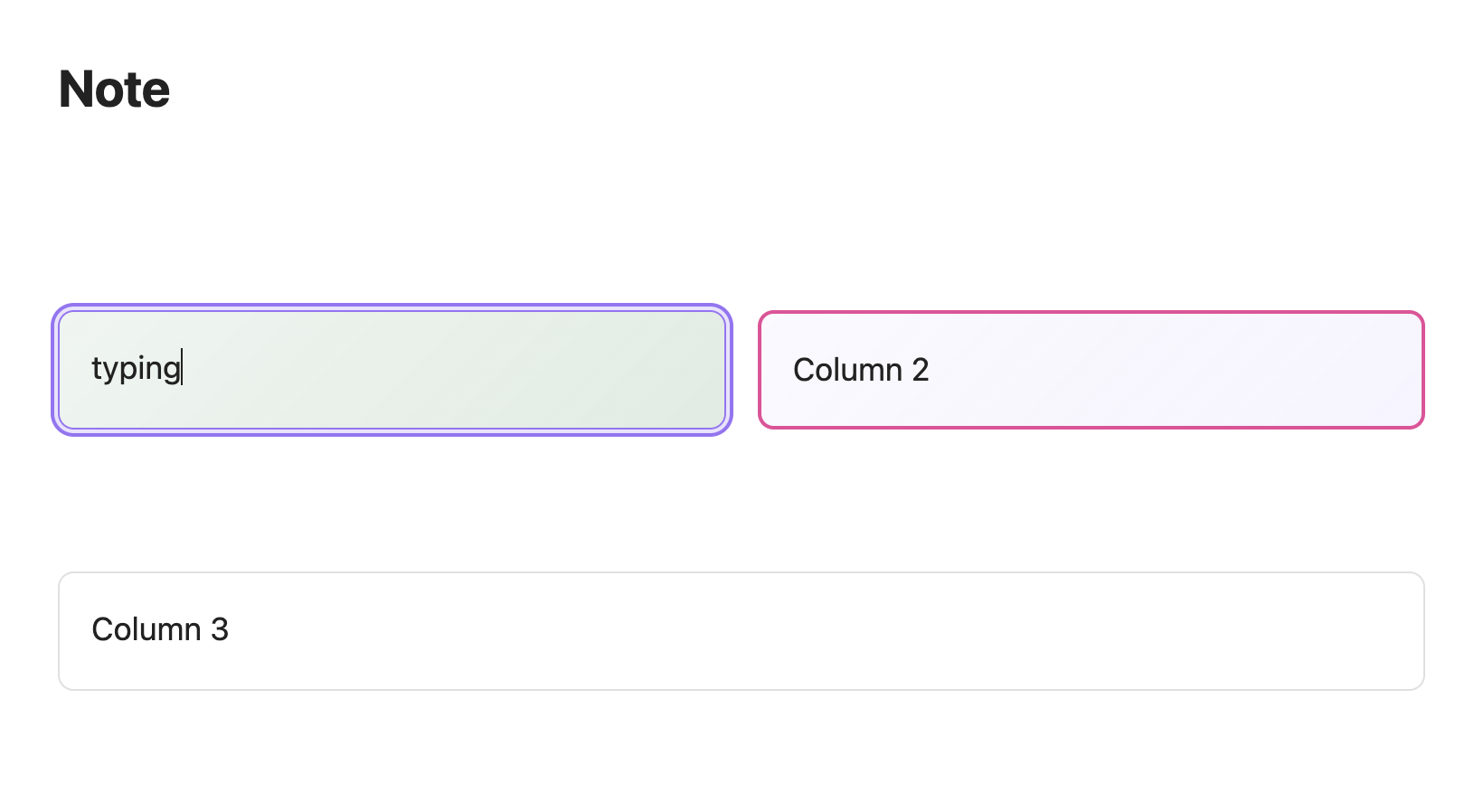
Live Columns allows you to create multi-column layouts visually. Lets you insert, edit, and style columns directly in the Live Preview mode.
Key Features
- Editing: Create columns and write content directly within the Live Preview view. No need to switch to Source Mode or deal with messy code blocks.
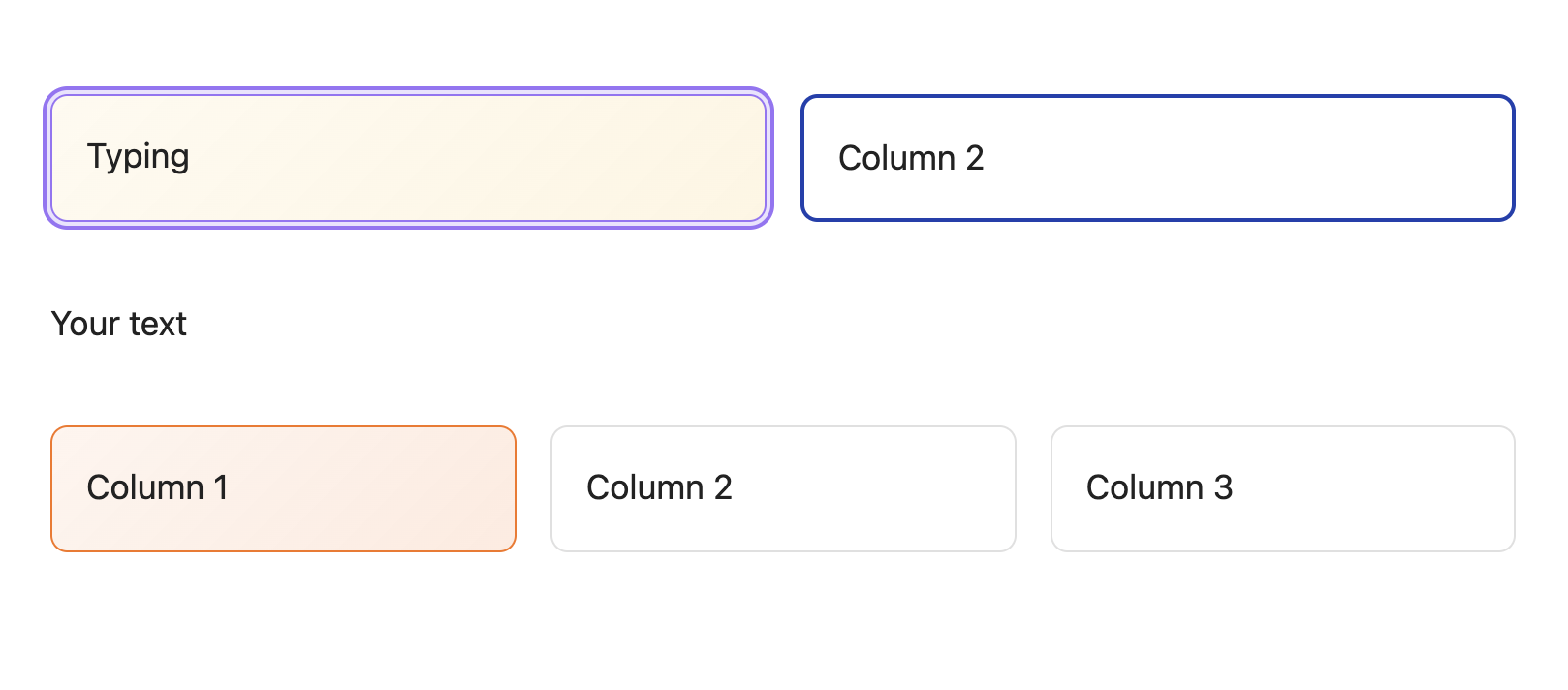
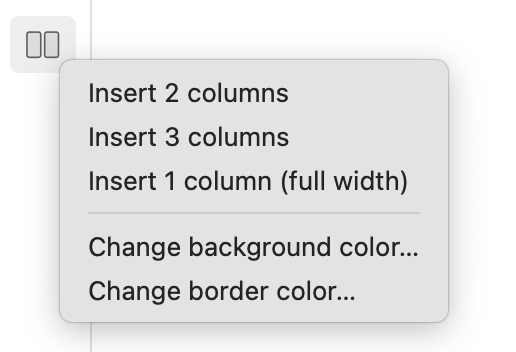
- Flexible Layouts: Quickly insert 2 columns, 3 columns, or full-width (1 column) sections.
- Customizable Styles: Change Background/Border Colors for each column.
How to Use
After installing, simply click the plugin icon located in the left ribbon (the sidebar on the left).
Contributing
Contributions are welcome! If you have ideas for new features or find bugs, please open an issue or submit a pull request.
License
MIT
For plugin developers
Search results and similarity scores are powered by semantic analysis of your plugin's README. If your plugin isn't appearing for searches you'd expect, try updating your README to clearly describe your plugin's purpose, features, and use cases.