GHVault
pendingby nyxene
Bidirectional vault-GitHub sync via REST/GraphQL API. No git CLI. Mobile-first.

GHVault
Bidirectional vault-GitHub sync for Obsidian
Your vault. Your repo. Always in sync.





Syncs your vault to a GitHub repository using the REST and GraphQL APIs directly — no git binary, no shell commands, no desktop-only dependencies. Designed from the ground up to work everywhere Obsidian runs, including iOS and Android.
Why GHVault?
Most Obsidian-to-GitHub solutions wrap the git CLI, which means they only work on desktop or require complex mobile workarounds. GHVault takes a different approach:
| GHVault | git-based plugins | |
|---|---|---|
| Mobile (iOS/Android) | Full support | Limited or none |
| Git CLI required | No | Yes |
| Commit signing | Automatic (GPG via GitHub) | Manual setup |
| Setup complexity | Token + repo name | Git install + SSH keys + config |
| Conflict handling | Per-file resolution (skip, local/remote wins, or interactive) | Merge conflicts (manual resolution) |
Features
| Feature | Description |
|---|---|
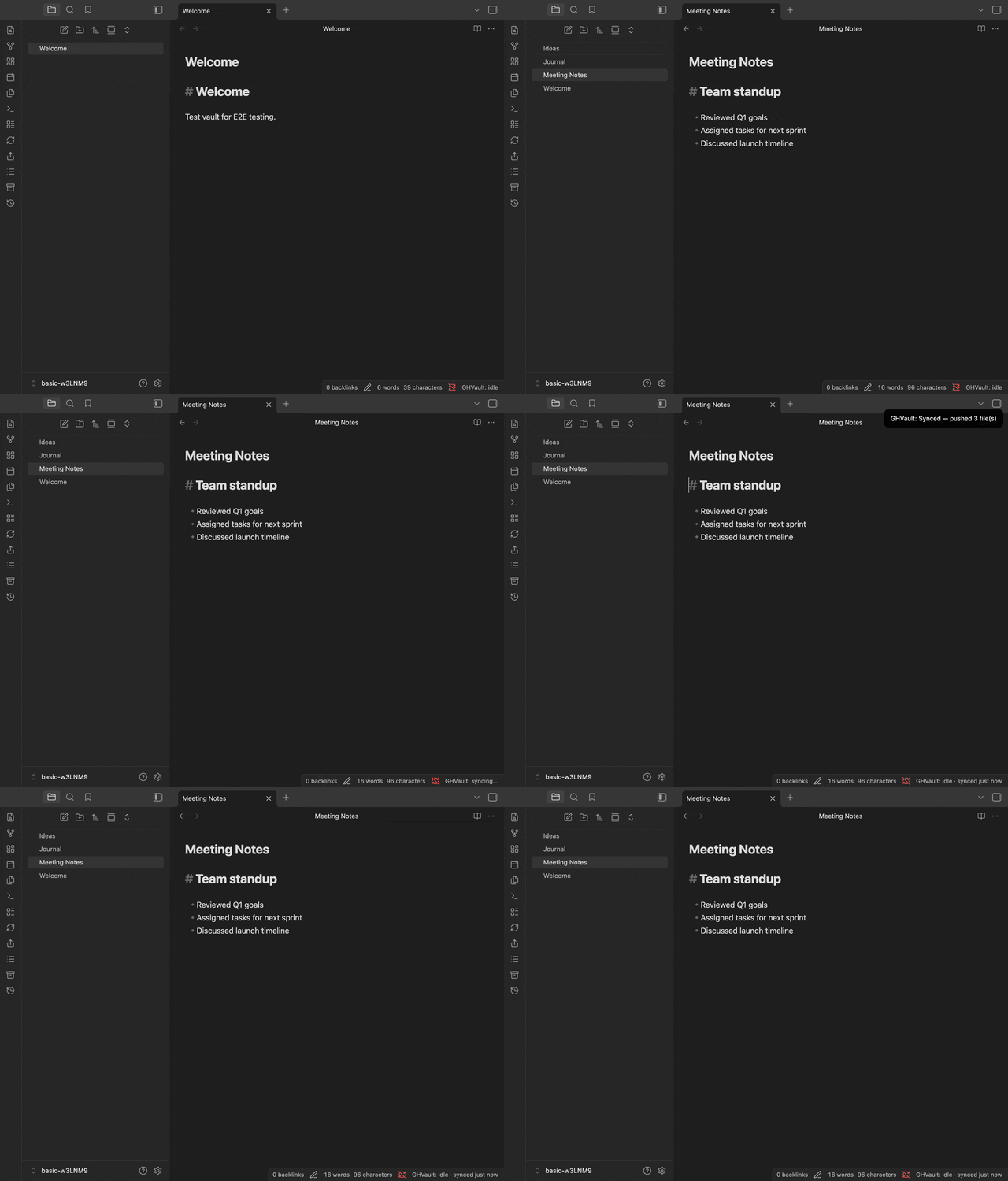
| 🔄 Bidirectional sync | Push and pull changes between your vault and GitHub in one click |
| ⚡ Auto-sync | Detects file changes and syncs automatically with smart debounce and periodic remote checks |
| ⚔️ Conflict resolution | Four strategies: skip, local-wins, remote-wins, or interactive diff view with per-hunk accept/reject |
| 📎 Share as Gist | Publish any note as a GitHub Gist (public or secret) straight from Obsidian |
| 💾 Vault Backup | Full vault snapshots as ZIP archives in GitHub Releases, one-click restore |
| 📜 File history | Browse commit history for any file with pagination |
| 🌐 Publish to GitHub Pages | Auto-deploy your vault as a website with Quartz, MkDocs, or Astro Starlight (guide) |
| 🔒 Secure by design | GPG-signed commits, SHA integrity checks, path traversal protection, OWASP audited |
| 📱 Mobile-first | Works identically on iOS, Android, and desktop — no git CLI needed |
| 🧩 Flexible filtering | Subfolder sync, glob exclude patterns, per-file opt-out via frontmatter |
Requirements
- Obsidian 1.12.3+ (desktop or mobile)
- A GitHub repository (public or private)
- GitHub Personal Access Token (fine-grained recommended)
- Internet connection (no offline sync)
Quick start
[!NOTE] GHVault is in active development. Test on a non-critical repository first.
- Install — Settings → Community Plugins → Browse → search GHVault → Install → Enable
- Token — create a fine-grained PAT with Contents (read/write) permission for your repo
- Configure — open Settings → GHVault, enter token, owner, repo name, click Test Connection
- Sync — click the GHVault ribbon icon or run
GHVault: Syncfrom the command palette
For detailed setup instructions, see the Getting Started guide.
Documentation
- Getting Started — install, connect, first sync
- Settings Reference — all settings explained
- How It Works — architecture, sync cycle, limitations, security
- Workflow Dispatch — trigger GitHub Actions after sync
- Publishing to GitHub Pages — build a website from your vault
Getting help
- Discussions — questions and ideas
- Issues — bug reports
- Contributing — development setup, code style, how to submit PRs
Built with AI assistance
This project was developed with the assistance of Claude Code (Anthropic). All architecture decisions, code review, and quality control were performed by the project maintainer. AI was used as a development tool for implementation, testing, and documentation. See our AI Policy for contribution guidelines.
License
For plugin developers
Search results and similarity scores are powered by semantic analysis of your plugin's README. If your plugin isn't appearing for searches you'd expect, try updating your README to clearly describe your plugin's purpose, features, and use cases.