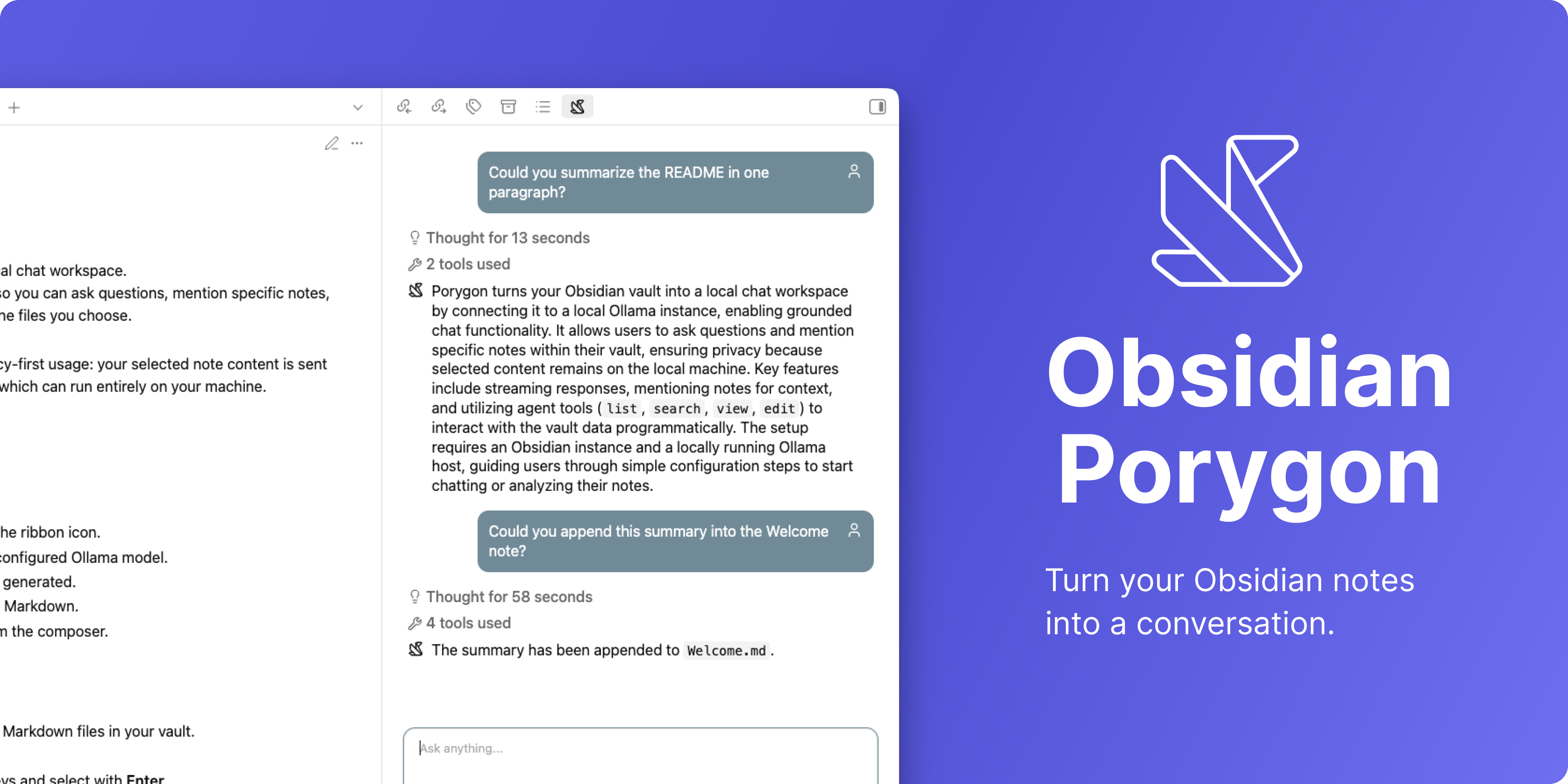
Porygon - The Obsidian Assistant
Turn your Obsidian vault into a local-first AI workspace.
Chat with your notes and use Ollama-powered agent tools to search, edit, and interact with your vault while keeping everything private, local, and free.
Philosophy
Porygon is a simple and practical workspace for thinking, learning, and daily work. The goal is to build tools that are minimalistic, lightweight, and genuinely useful. AI is part of the experience, but not the center of it. It should help when needed, stay out of the way when not, and feel naturally integrated into the workflow instead of becoming the workflow itself.
Features
- AI-powered chat: Talk with local Ollama models directly from Obsidian with streaming Markdown responses.
- Agent tools: Let the assistant search, read, create, and edit notes in your vault through built-in tools.
- Semantic search: Find relevant notes by meaning instead of exact words, making it easier to discover related content across your vault.
- Long-term memory: Porygon remembers short, concrete facts you share, keeping them across sessions so it can build on prior context instead of starting from scratch.
- Skills: Teach the assistant reusable procedures with simple Markdown files stored in your vault, loaded on demand.
- Ask before guessing: Porygon can pause mid-task to ask you a focused question with a few options when it needs your input, then resume where it left off.
- Approve before changing: Destructive vault actions (create folder, create or edit a note, rename or move files) prompt for approval, with the option to deny with a short free-form reason so Porygon adjusts its next step. Turn on YOLO mode in settings to auto-approve when you want to move fast.
- Save and resume sessions: Continue previous conversations at any time without losing context.
Agent tools
Porygon includes built-in tools like list, search, semantic search, view, edit, rename, create folder, copy, active file, backlinks, load skill, save memory, and ask user so the assistant can understand, navigate, organize, modify, and clarify things in your vault directly during a conversation.
Memories
Porygon can save short, concrete observations about you and your work as long-term memories. Each entry has an importance level (high, medium, low) and a timestamp, and the most important and recent memories are sent with every conversation so the assistant remembers what matters. You can review, edit, or delete memories at any time from the Memories field under the Personalization section in settings.
Skills
Skills are reusable instructions that teach Porygon how to handle specific tasks, such as summarizing notes in a consistent format. Porygon stores them as Markdown files in the skills/ subfolder of its internal folder (porygon/skills/ by default, configurable under Settings → Porygon → Advanced) and automatically makes them available to the assistant. To add a new skill, create a .md file in that folder with a short YAML header containing name and description, then write the instructions below it.
Personalize your experience
Keep the interface simple and concise, or enable advanced features like model thinking and tool inspection to better understand how the assistant works. You can also customize and fine-tune the agent instructions to shape the assistant around your own workflow.
Getting started
Porygon requires Ollama to be installed and running locally. You can download it from Ollama and install a model with:
ollama pull gemma4:12b # chat model
ollama pull qwen3-embedding:8b # embeddings model (search)
The first time you open Porygon, the onboarding flow will guide you through configuring your Ollama host, chat model, and embeddings model.
Semantic index settings
Porygon stores semantic index data locally in your browser's IndexedDB storage. You can exclude vault-relative files or folders from indexing in the Porygon Assistant settings page.
Privacy
Porygon does not add telemetry. When you send a message, the following data may be sent to your configured Ollama host:
- Your chat message
- The latest content of notes you explicitly mention
- Prior conversation history in the current Porygon session
- Tool results, including vault paths returned by list, search, edit, view, or rename operations
- Note content indexed for semantic search
If your Ollama host is local, this stays on your machine. If you configure a remote Ollama host, data is sent to that host.
For plugin developers
Search results and similarity scores are powered by semantic analysis of your plugin's README. If your plugin isn't appearing for searches you'd expect, try updating your README to clearly describe your plugin's purpose, features, and use cases.