SVG Style Editor
approvedby arg1998
Change the color and other style properies of an embded SVG file
★ 7 stars↓ 1,610 downloadsUpdated 1y agoMIT
SVG Styler Plugin
SVG Styler is a simple Obsidian community plugin designed to help you easily modify the style properties of SVG images directly within the editor. With this plugin, you can customize properties like color, border, opacity, and more. Supported drawable tags include: path, line, rect, circle, ellipse, and polygon.
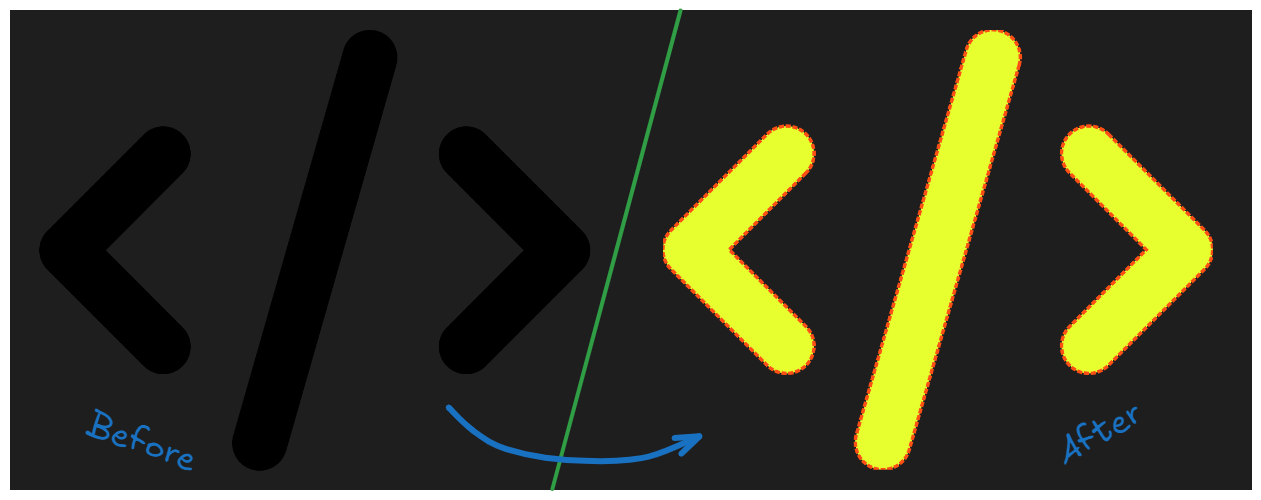
How to Use
- Select your embedded SVG file (e.g.,
![[my-icon.svg]]). - Press
Ctrl + Pto open the command palette. - Type SVG Styler and press
Enter.
Command Palette
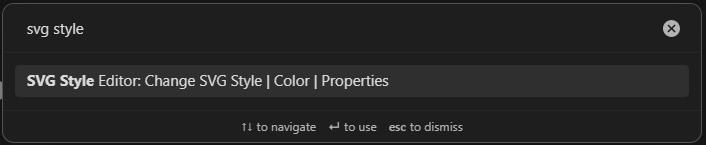
SVG Styler Plugin
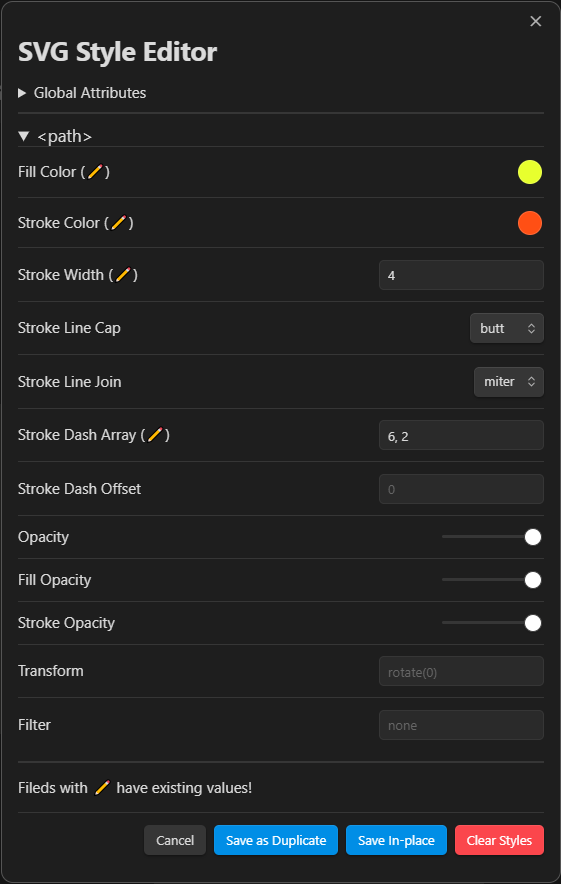
Available Options
- Save In-place: Inserts new style properties directly into the original SVG file.
- Save as Duplicate: Creates a new copy of the SVG with the updated styles applied.
- Clear Styles: Removes any existing styles from the SVG.
Changelog
To see version history, changelog and upcoming features, visit CHANGELOG.md.
For plugin developers
Search results and similarity scores are powered by semantic analysis of your plugin's README. If your plugin isn't appearing for searches you'd expect, try updating your README to clearly describe your plugin's purpose, features, and use cases.