by n-kort
Keep tasks in self-sorting blocks with created, completion and cancelled dates.
↓ 60 downloadsUpdated 12d ago0BSD
Task Block
Obsidian plugin that manages blocks of tasks/todos that stay very organized.
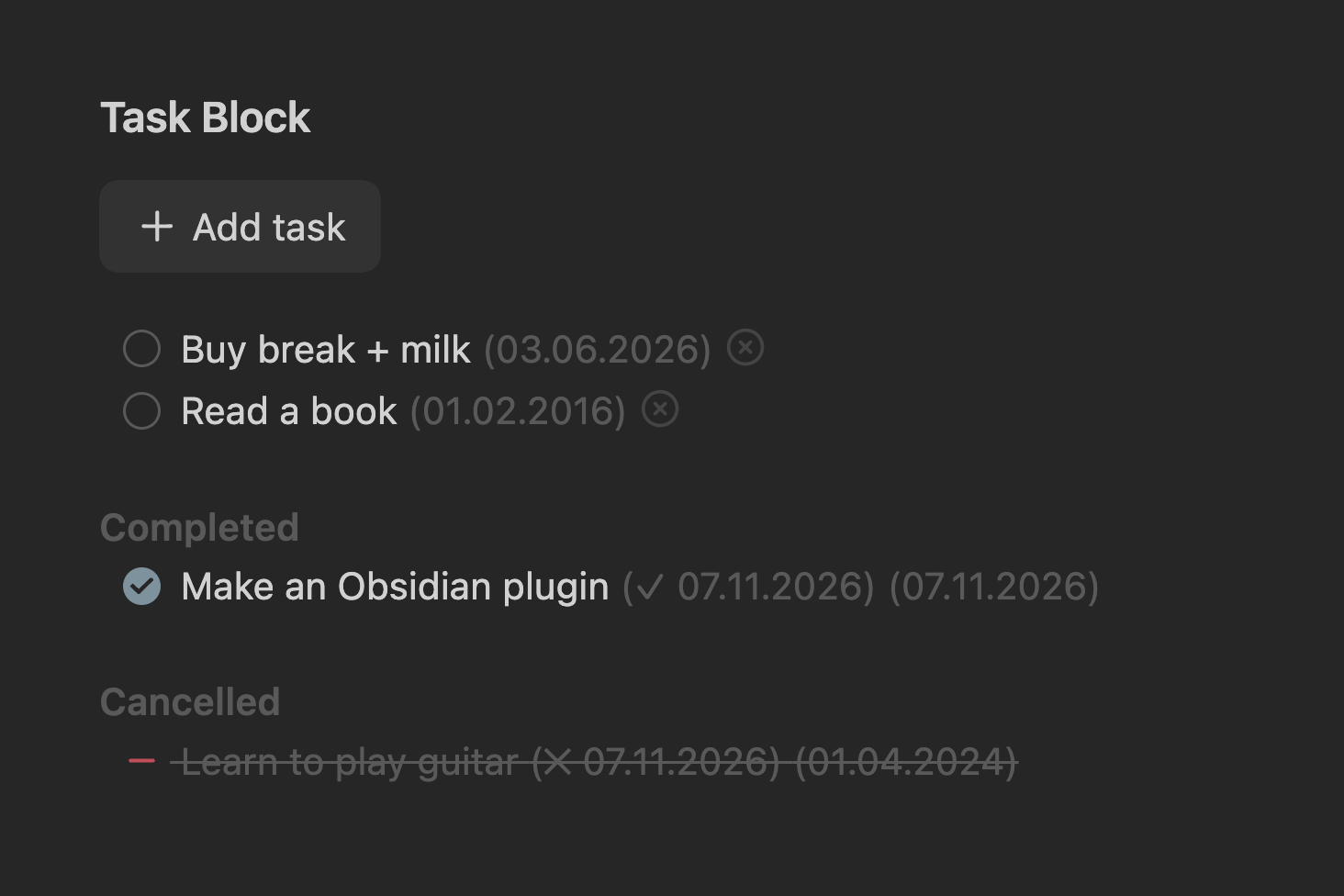
Features
- Task blocks wrapped in
%% tasks %%…%% /tasks %% - Sorts automatically: open tasks first, then completed, then cancelled, with optional section titles
- Adds created, completion and cancelled dates as inline fields (
[created:: 2026-11-07]), shown in a format you choose. Select a date to edit it - Add task button and an optional cancel button on open tasks
- Enter on a task creates a new dated task below it
- Statuses: open, in progress (
/), complete, cancelled (-) - Works in live preview and reading view
Usage
- Insert a block with the Insert task list command or from the editor context menu
- Override labels per block in its opening marker:
%% tasks button: Add item completed: Bought cancelled: Skipped %%. Each is optional - Add tasks with the button, the Add task command, or Enter on an existing task
- Change status by ticking the checkbox, from the context menu, or with the Mark as … commands
- Configure it in Settings → Task Block: date format, button text, cancel button, section titles
- Configure per-block labels in the opening
%% tasks %%tag. For example,%% tasks button: Add item completed: Bought cancelled: Not needed %%for a shopping list
How it works
- Tasks are plain Markdown checkboxes. Dates are stored as inline fields:
[created:: …],[completion:: …],[cancelled:: …] - Sorting and date stamps are written to the note itself, so the file stays organized without the plugin
- Notes that change while not open in an editor (reading view, sync, other plugins) are re-sorted in the background
- No network access; nothing leaves your vault
Installation
- Open Settings → Community plugins and select Browse
- Search for Task Block, then select Install
- Select Enable
For plugin developers
Search results and similarity scores are powered by semantic analysis of your plugin's README. If your plugin isn't appearing for searches you'd expect, try updating your README to clearly describe your plugin's purpose, features, and use cases.