by bishop67
Keep tasks as notes and plan them in a sidebar panel, a list, a board or a calendar, with a built-in pomodoro timer.
Tasky
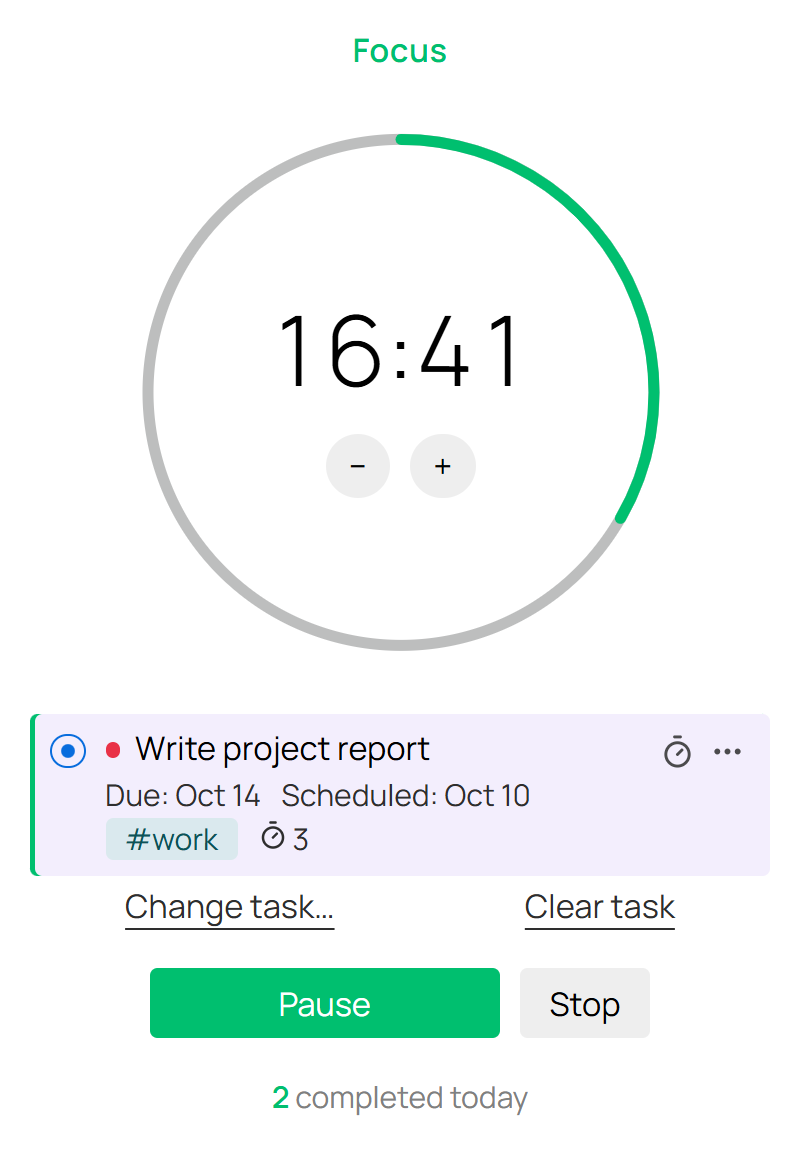
Tasks as notes for Obsidian: a sidebar panel with a mini calendar, Bases list/board/calendar views, and a pomodoro timer. Modelled on TaskNotes, without sync, recurrence, an API or webhooks.
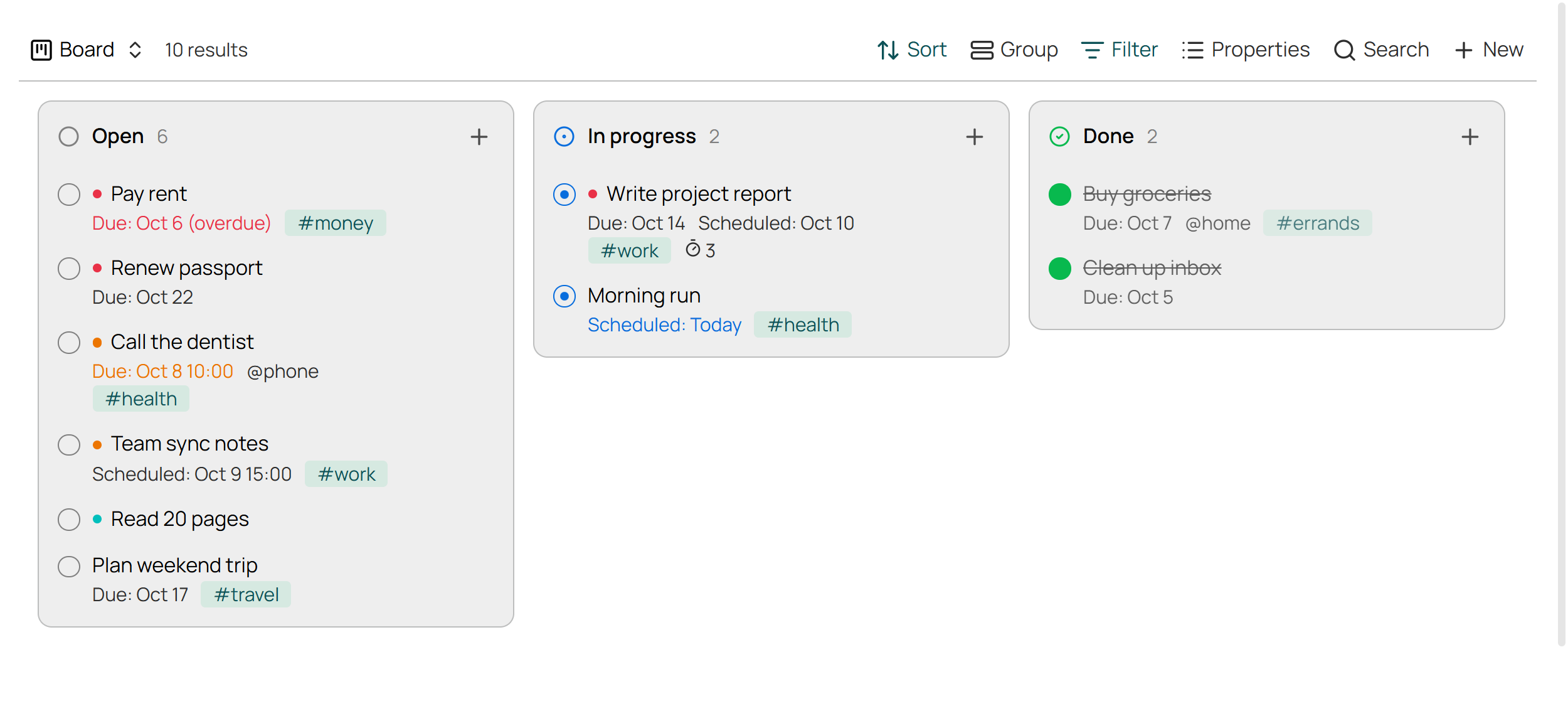
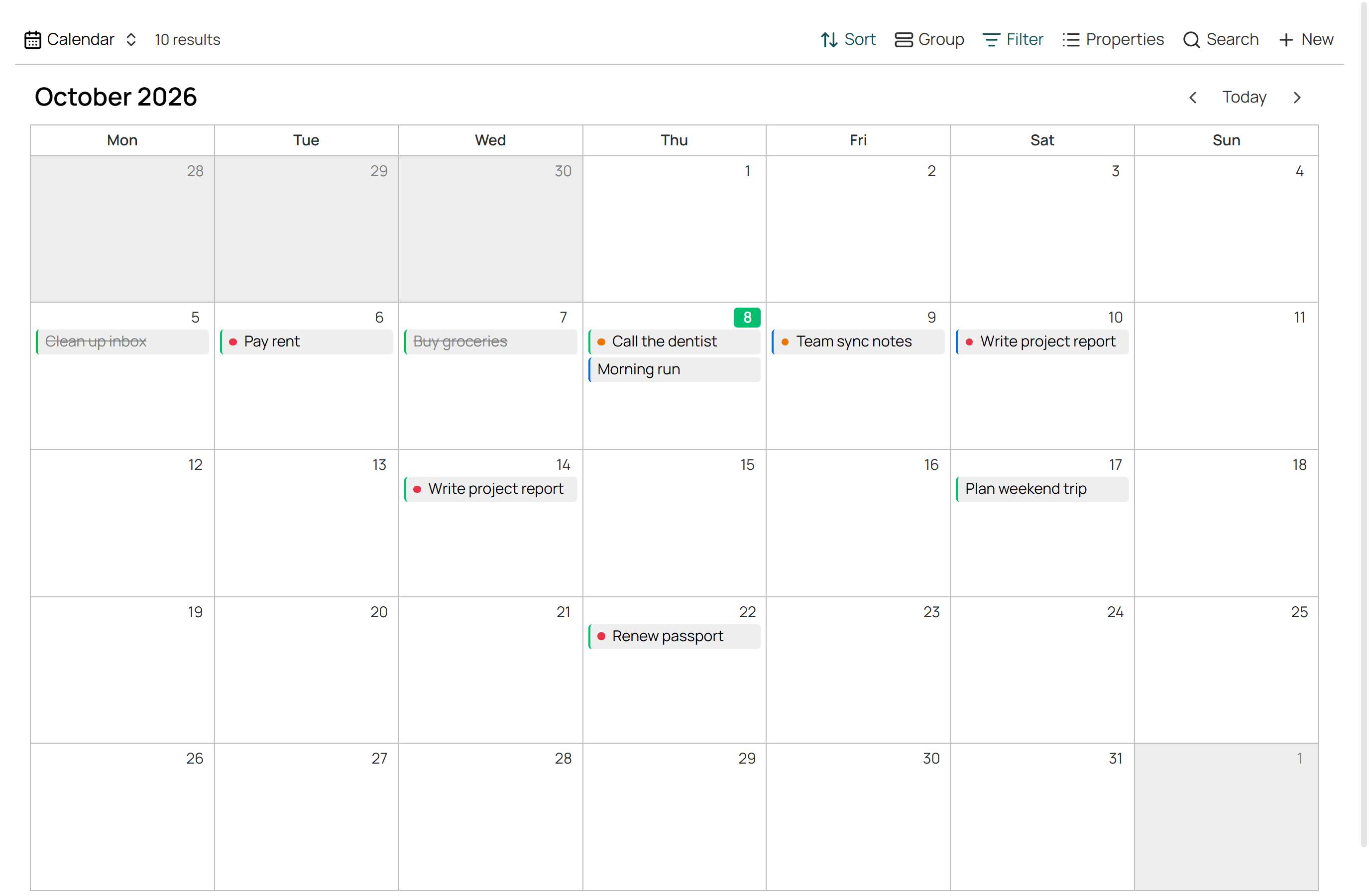
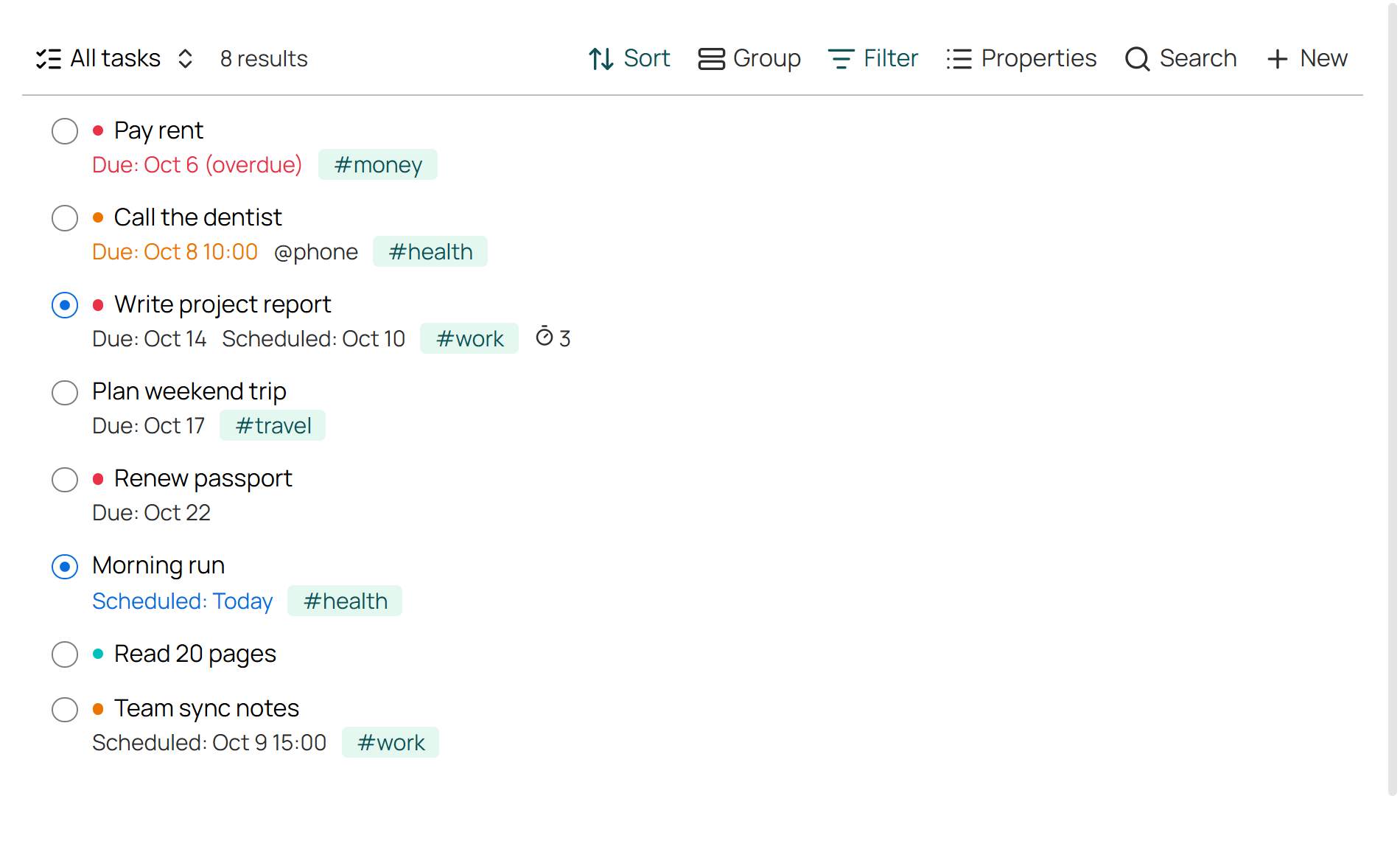
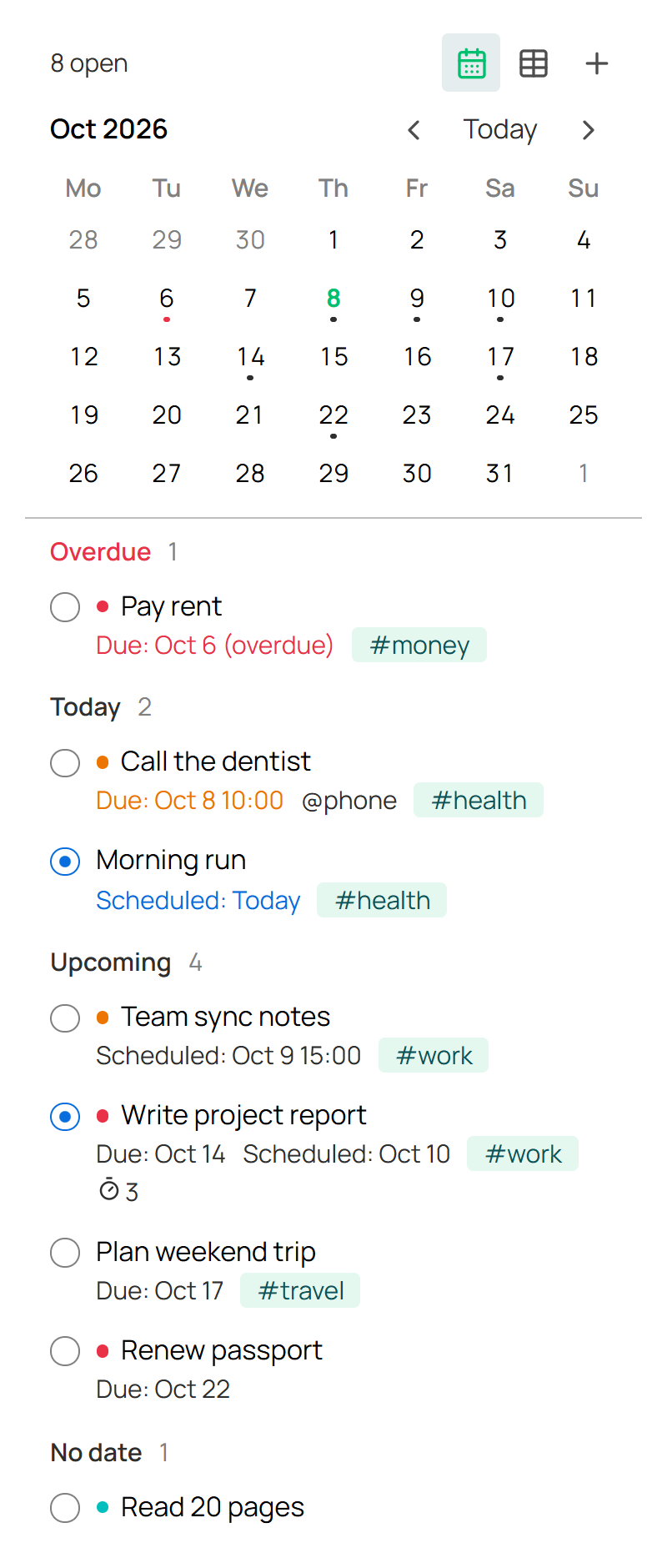
Use
- Ribbon checklist icon: Tasks panel. + adds a task.
- Tasky: Open task views: creates
Tasks/Tasks.base(Today, All, Board, Calendar, Done). - Ribbon timer icon: pomodoro. Finished sessions count on the task.
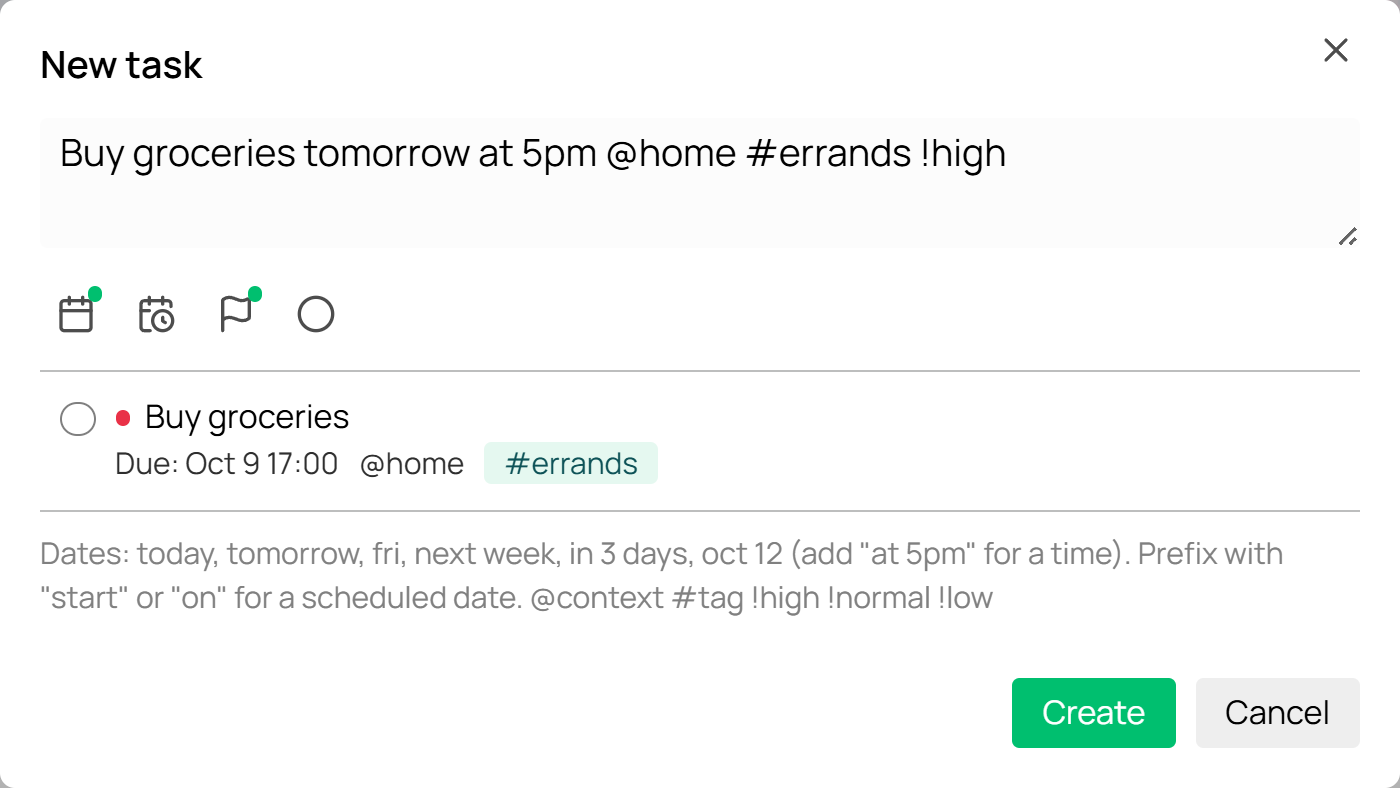
Quick add: Buy groceries tomorrow at 5pm @home #errands !high → due date, time, context, tag, priority. start fri sets the scheduled date instead.
A task is a note in Tasks/ tagged task, with status, priority, due, scheduled, contexts and pomodoros in its frontmatter.
Install
npm install && npm run build
Copy main.js, manifest.json, styles.css to <vault>/.obsidian/plugins/tasky/ and enable it. Needs Obsidian 1.13+ with Bases on.
To release: bump manifest.json, push a matching tag (1.0.2), publish the draft release.
MIT
For plugin developers
Search results and similarity scores are powered by semantic analysis of your plugin's README. If your plugin isn't appearing for searches you'd expect, try updating your README to clearly describe your plugin's purpose, features, and use cases.