Thecap cv generator
approvedby xthecapx
Generate PDF curriculum from your notes.
TheCAP CV Generator - Obsidian Plugin
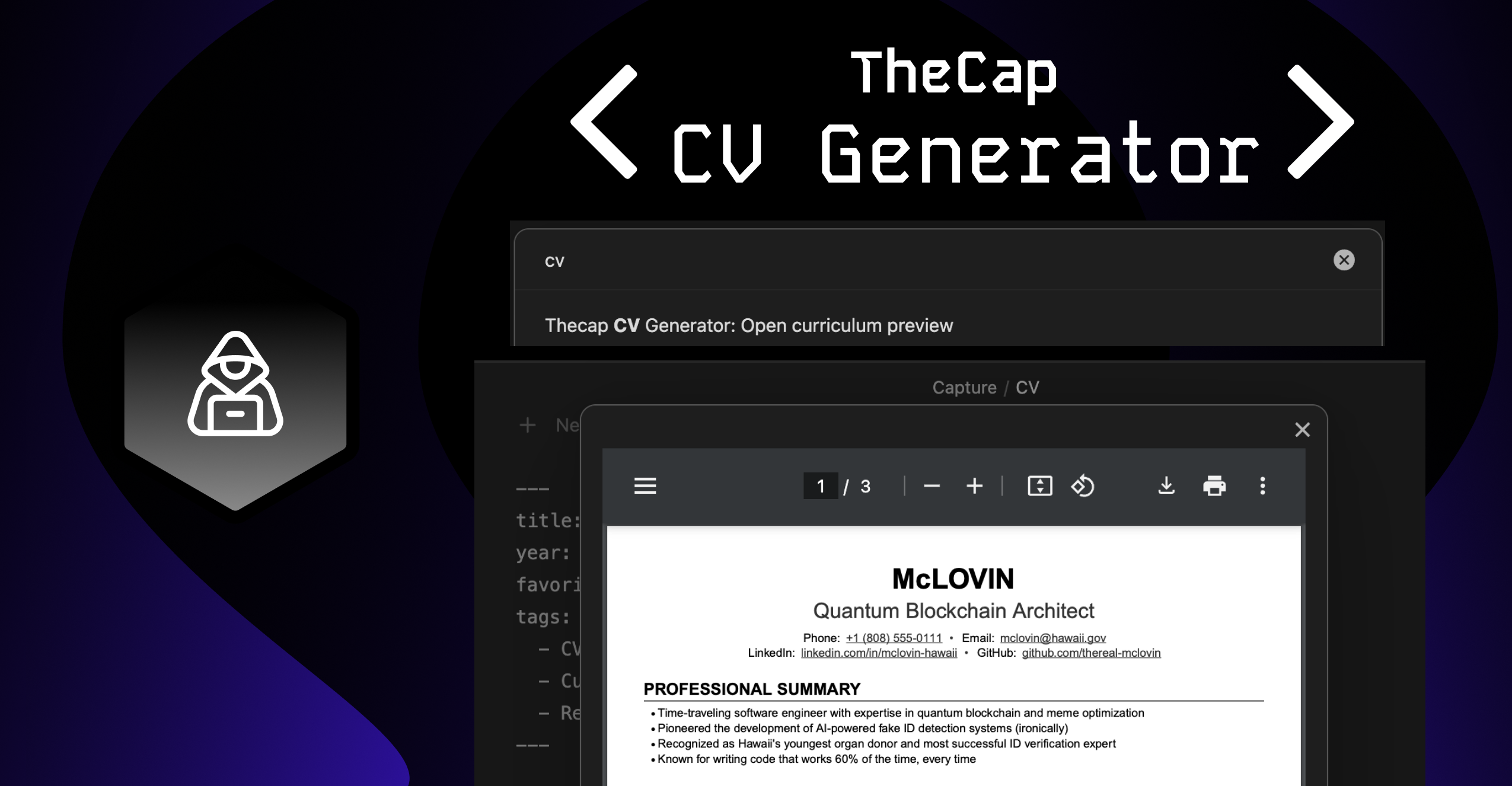
An Obsidian plugin for CV/Resume generation that's part of the Thecap CV Generator monorepo. This plugin allows you to generate a PDF version of your CV directly within your Obsidian vault.
Features
- Create and edit CVs using markdown format
- Preview your CV in PDF.
- Consistent formatting with the web version.
Usage
There are two ways to open the curriculum preview:
- Ribbon Icon: Click the PDF file icon (📄) in the left sidebar ribbon to "Preview curriculum"
- Command Palette: Open the command palette (Cmd/Ctrl + P) and search for "Open curriculum preview"
Notation Guide
Use the following markdown notation to structure your curriculum:
| Notation | Description | Example |
|---|---|---|
# Name | Your name followed by contact details | # John Doe |
- key: value | Contact details (under name) | - email: john@example.com |
## Section | Main section | ## Experience |
## Section \break | Section with page break after | ## Education \break |
### Primary Title | Right Text | Item with title and optional right-aligned text | ### Software Engineer | 2020-Present |
### Primary Title \break | Item with page break after | ### Project Lead \break |
#### Secondary Title | Right Text | Subtitle with optional right-aligned text | #### Team Lead | New York |
- Detail | Bullet point details | - Led team of 5 developers |
Example:
The CV follows a specific markdown format. For detailed information about the format, please refer to the main repository README.
Quick example:
---
title: My CV
year: 2024
---
# John Doe
- title: Software Engineer
- Email: john@example.com
- Location: New York, NY

## PROFESSIONAL EXPERIENCE
### Company Name | Location
#### Position | 2020 - Present
- Achievement 1
- Achievement 2
License
This project is licensed under the GNU General Public License v3.0 (GPL-3.0) - see the LICENSE file for details.
What this means:
- ✔️ You can use this software for commercial purposes
- ✔️ You can modify the source code
- ✔️ You can distribute modified versions
- ❗ You must keep the source code open source
- ❗ You must state changes made to the code
- ❗ You must disclose your source code
- ❗ You must use the same license (GPL-3.0)
For plugin developers
Search results and similarity scores are powered by semantic analysis of your plugin's README. If your plugin isn't appearing for searches you'd expect, try updating your README to clearly describe your plugin's purpose, features, and use cases.