Pulsar
unlistedby Lucas-Liona
Fade graph nodes by how recently each note was modified.
Pulsar
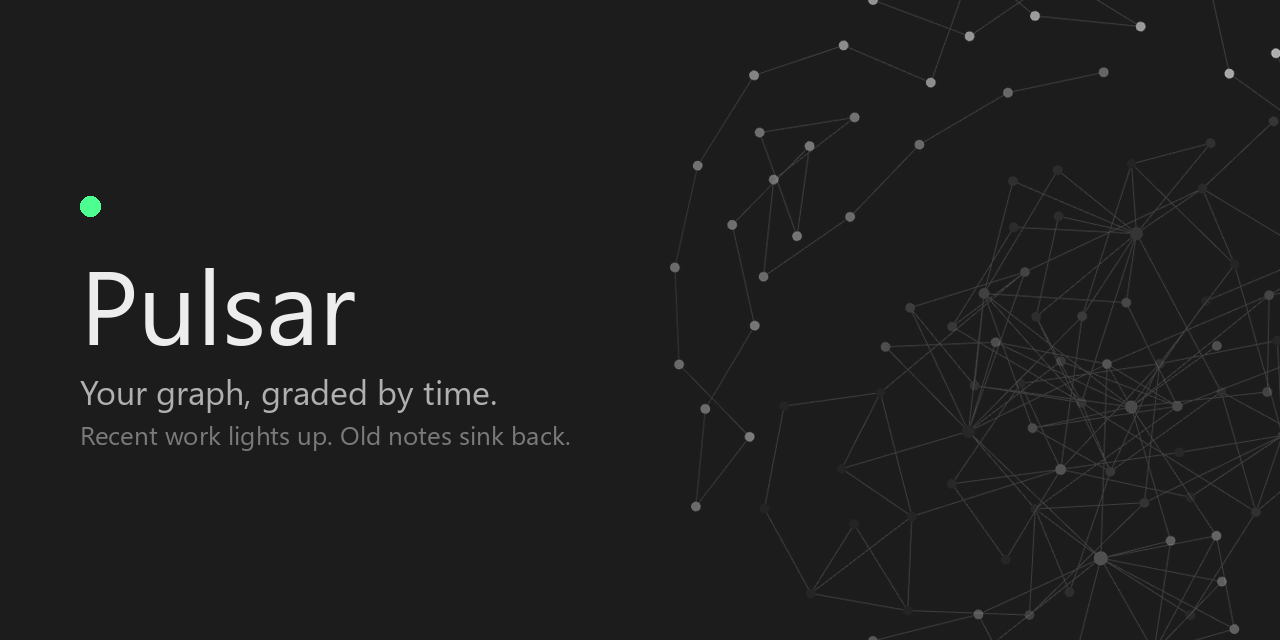
Fades the nodes in Obsidian's graph by how recently you touched each note, so the part of your vault you're actually working in lights up and the rest sinks back.



My own vault, 1200 notes. Every bright dot is something I touched this week.
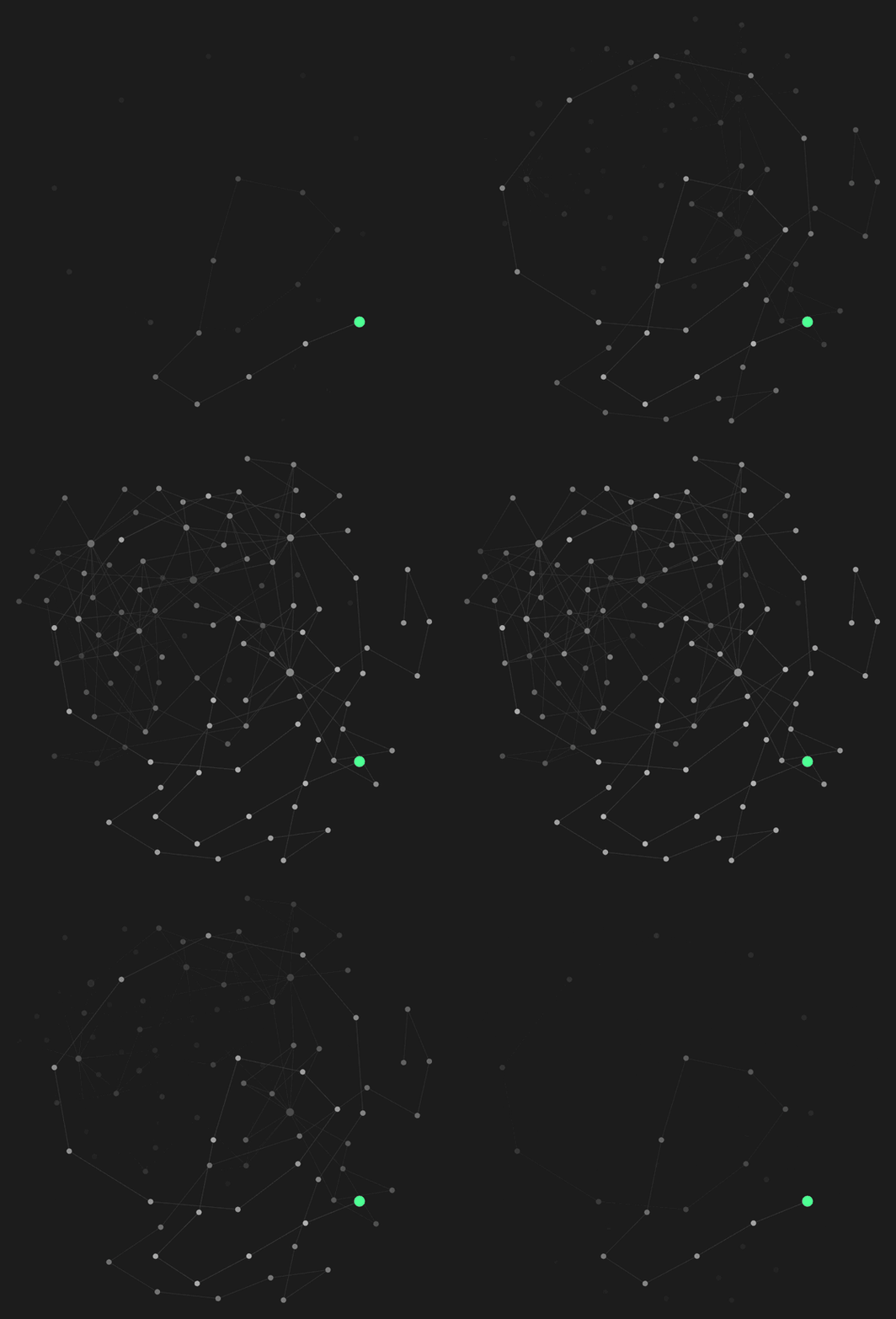
Sweeping the fade from hardest to softest. The green dot is the note I touched last.

20,000 notes with stars on: the 250 newest glow.
Why I made it
I built this plugin a year ago and I've been using it since, and I wanted to share it with people.
When you have a vault this big, you forget things you used to write. Graph mode equalizes everything — a note from two years ago sits there looking exactly like the one you wrote this morning. At first it's intimidating, and then it's just flat. I wanted the graph to carry time in it, so I could see what I've been working on without reading a single label, and so the old stuff would actually look old.
That turned out to be the useful part. You find concepts you meant to keep up with and haven't touched in months — all those learning notes sitting out at the dim edge. It makes you want to go write them properly, and it pushes you toward real links and well-defined notes, because that's what makes the clusters show up.
How I use it
Set Obsidian's text fade threshold (Graph view settings → Display) so the titles only appear once you lean in. Then at rest you're not reading anything — you're just looking at colour, and you can feel what's new and what's gone quiet. Zoom in a little and the names fade up right where you're looking.
It does the same thing for the local graph. When you're in a note and you can see which of its neighbours are alive and which have been sitting there for a year, that's a different kind of context than a list of links.
What it does
Every note gets a recency value between 0 and 1 — 0 at the old end of the range, 1 at the new one. A fade curve shapes that number, and the result becomes the node's opacity.
Documentation
Every surface has a page. Start wherever you are curious; nothing here depends on being read in order.
| Time | What counts as old, measuring against your vault or a window, the age scales and the fade curves. The number everything else reads. |
| The graph | Stars around the newest notes, node size, the age drawn above a node, the spotlight — on the newest few notes or on anything touched in the last so many minutes — the glow between neighbours, folder temperature, and what the links carry. |
| The age filter | Taking notes out of the graph entirely rather than dimming them, the scrubber inside the graph's own panel, and how to read the bar. |
| The local graph | The panel around one note. It can be measured against its own notes rather than against the vault, or from the note in the middle — how close in time each neighbour is, rather than how recent. |
| Pins | Notes you choose to hold bright whatever their dates say, in the graph and in the tab bar. The one place you overrule the clock. |
| Tabs | The tab bar as a readout of attention: fading by how long since you looked, a brightness dot, and marking the ones you have left alone. |
| Fresh writing | The part that works inside a note. Text takes a colour as you type it and cools back to normal. |
| Edit history | Pulsar's own record of when each note was worked on, and why it is worth nothing until it has been running a while. |
| A note's history | The record drawn as beads down the sidebar, one per sitting, so a note's bursts and quiet stretches read at a glance. |
| Every setting | The reference table, with defaults and what each one applies to. |
Switching it off
One toggle at the top of the settings, above everything else, and off means off: no events watched, no caches built, no timers running, no editor carrying anything of ours, no status bar item, and every graph handed back its own colours. The settings page collapses to that one switch.
Every feature below it can also be switched off on its own. A new install starts with most of them on, so the first look shows what Pulsar does; the ones that would hide notes or flatten the fade, such as the age filter, neighbour glow and the trails, start off.
Worth knowing
- Node names keep up with node size. Obsidian sizes a title from its node but only rebuilds the text when something flags the node dirty, and moving the graph's node size slider doesn't. So the circles grow and the names stay put. Pulsar flags them, because it draws text beside those names at the same size and can't very well leave them behind.
- Only notes are faded. Attachments and unresolved links keep whatever colour the graph gives them. Their timestamps don't say anything about when you were actually working on something.
- Your group colours survive. The plugin changes how transparent a node is and leaves its colour alone, so anything you've set up with graph groups still works. Two things paint a node — the spotlight and a pin — and both hand the colour back when they move on. The spotlight marks the newest note from the start; a pin paints nothing until you pin something.
- A faded node is still there. Obsidian draws labels, links and physics with their own opacity, so a note at minimum opacity still has a visible title and stays clickable. This is a fade, not a filter — that's a separate idea. Turning the text fade threshold up is the fix today, and it's the better way to use it anyway.
- Opacity isn't polled. It's reapplied when a note changes, when a graph rebuilds, and when you change a setting — never on a timer. The only timers in the plugin belong to the features that fade against the clock rather than against the vault: the status bar re-reads it once a minute, the tabs twice a minute, and fresh writing once per shade — and that last one only runs in an editor that still has something left to cool. The one exception is a star's pulse, off unless you turn it on: it draws the graph 30 times a second while the graph is otherwise still, and stops when the pulse does.
- It reads timestamps and file sizes, never contents. How recently a note was modified, and how long it is. Fresh writing adds one more of the same kind: where in a note an edit landed, and how long it was — never what it said. Not a word of what any note says, no network calls of any kind, and nothing written anywhere except this plugin's own folder. The one place it reads outside the vault is core File recovery's snapshot database, and only when you press Import earlier history — it takes the timestamps and cannot reach the note text those snapshots contain.
Install
Pulsar isn't in the community directory yet. Until it is:
- Download
main.js,manifest.jsonandstyles.cssfrom the latest release. - Put all three in
YourVault/.obsidian/plugins/pulsar-graph/. The folder and the plugin id staypulsar-graph; only the name is shorter. - Reload Obsidian and turn it on under Community plugins.
Compatibility
Obsidian 1.8.0 or newer, desktop and mobile, global and local graph views.
The plugin reaches into Obsidian's graph renderer, which isn't part of the public API. It's written to quietly do nothing rather than break if those internals change, but a graph update can still mean it needs a fix here.
Where it's going
I made this to do one thing well, and I'd rather keep it that way than bolt on everything. That said, time is a bigger idea than opacity, and the direction is making time easier to see throughout the graph.
Most of what used to be listed here is now in: the age on hover, the spotlight on what you edited last, the curve preview, and a half-life that measures each note against the calendar instead of against your vault's own range. What's next is less about adding surfaces than about what the graph is measured against — a local graph that answers for its own panel, a replay of the vault's history where notes flare as you wrote them, and playing nicely with other ways of exploring a graph.
It's all in the issues and grouped into milestones. If you use this and something is missing, open one.
Development
git clone https://github.com/Lucas-Liona/obsidian-pulsar-graph.git
cd obsidian-pulsar-graph
npm install
npm run dev     # watch build
npm run build   # production build, type-check included
npm run lint
main.js is built, not committed. To try a build, copy it next to manifest.json
in a vault's plugin folder and reload the plugin.
AGENTS.md has the repo conventions and the release process.
Credits
Written by me. The 1.0 cleanup — splitting it into modules, the build and release setup, and a pile of bug fixes — I did with Claude, in my free time, to get the repo into shape so other people could actually use it.
License
For plugin developers
Search results and similarity scores are powered by semantic analysis of your plugin's README. If your plugin isn't appearing for searches you'd expect, try updating your README to clearly describe your plugin's purpose, features, and use cases.