Brain Growth
approvedby raymondseek
Track note count, body count, tags, links, and vault growth trends. - This plugin has not been manually reviewed by Obsidian staff.
Brain Growth
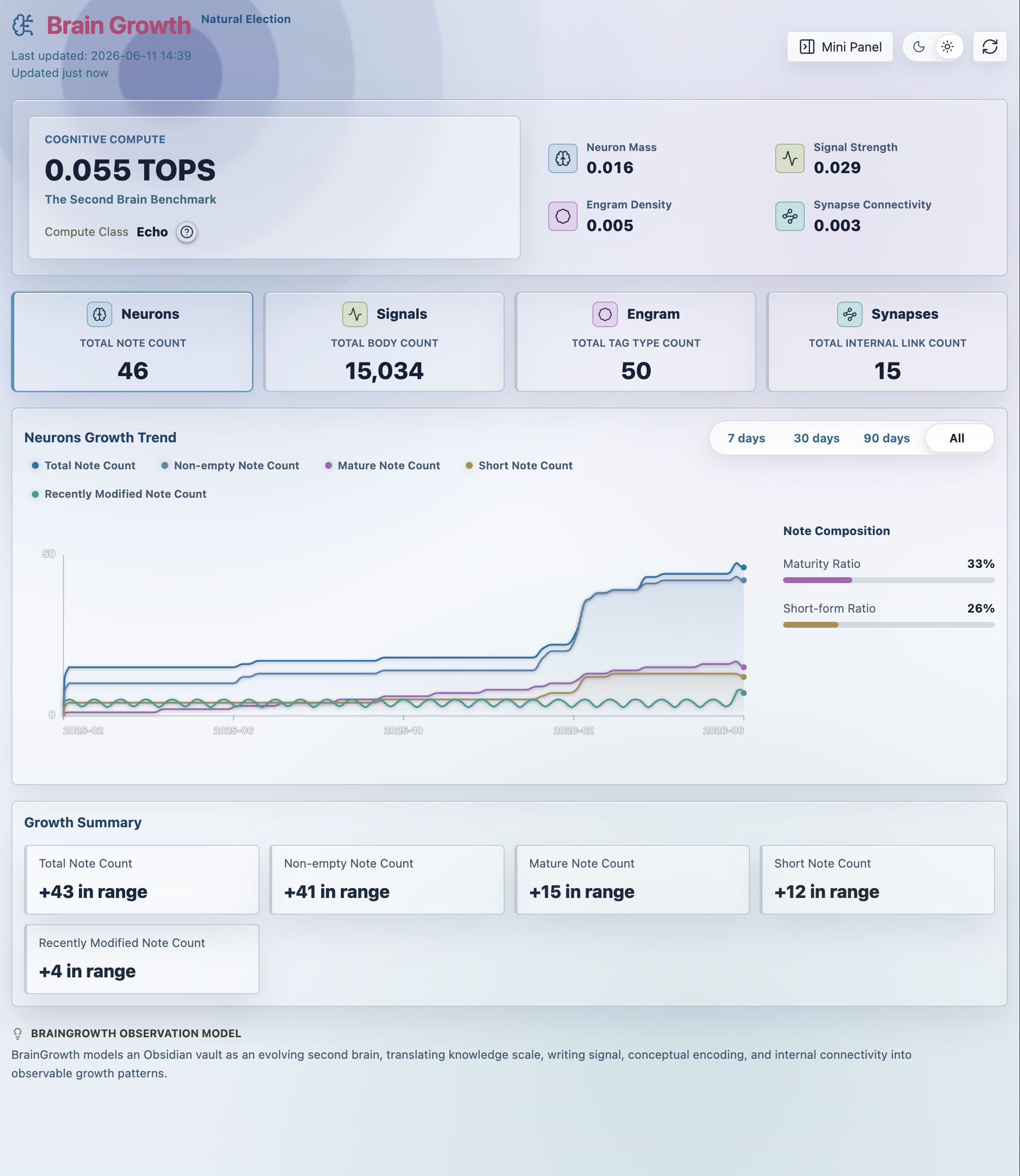
Brain Growth tracks how your Obsidian vault grows over time. It scans Markdown notes in your vault, keeps daily local snapshots, and shows growth trends in a dashboard and compact side panel.
Features
- Track Markdown note count, body count, tags, and internal links.
- View daily growth snapshots in a dedicated dashboard.
- Compare recent ranges with trend cards and charts.
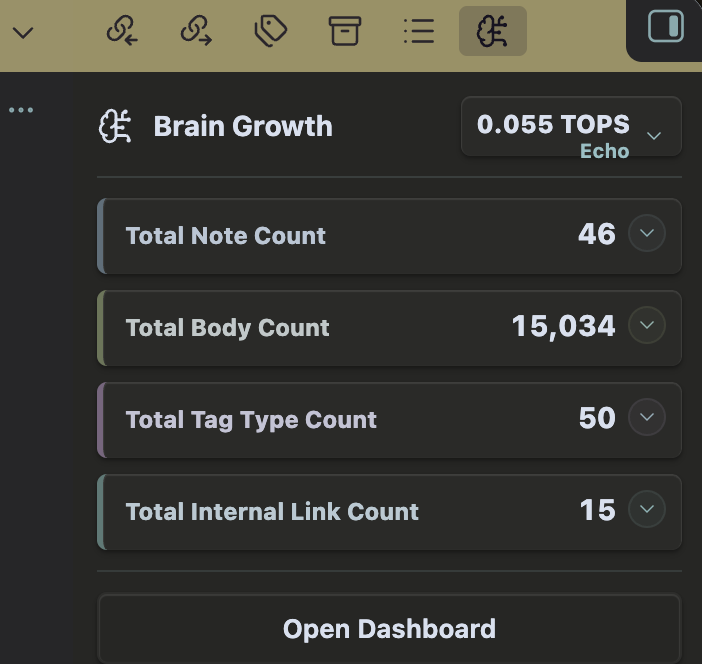
- Open a resident mini panel in the right sidebar.
- Initialize historical growth from existing vault file metadata.
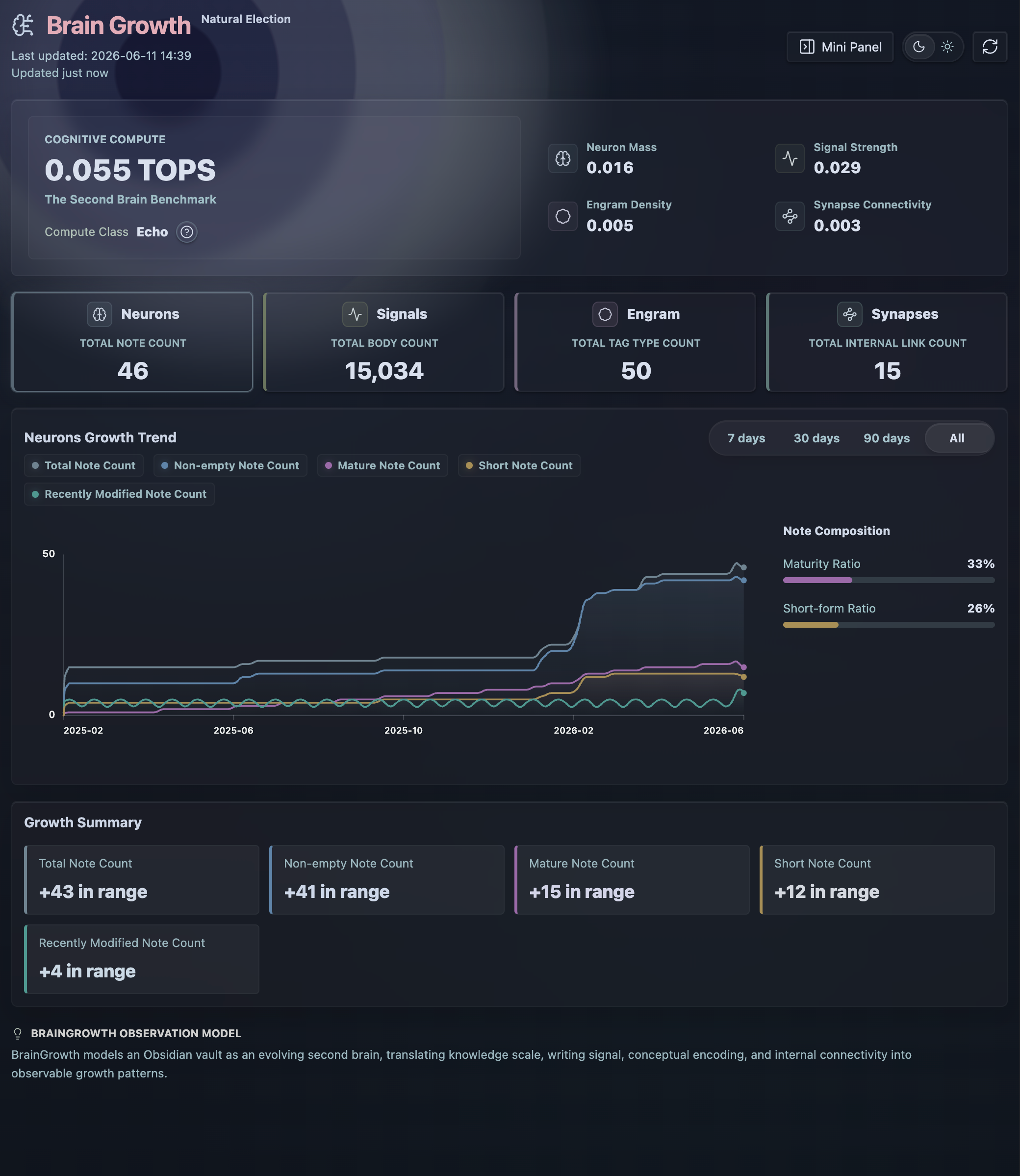
- Switch dashboard background mode between dark and light.
Screenshots
Dashboard, light mode
Dashboard, dark mode
Mini panel
Usage
After enabling Brain Growth, use the ribbon icon or the command palette command Open Brain Growth Mini Panel.
The plugin refreshes stats when Obsidian starts and when vault changes are detected. Snapshots are stored with the plugin's local data through Obsidian's plugin data API.
Privacy
Brain Growth works locally inside your vault.
- It does not send vault data to remote services.
- It does not include client-side telemetry or analytics.
- It does not require an account.
- It does not access files outside your Obsidian vault.
Installation
From Obsidian community plugins
Once published, install Brain Growth from Settings -> Community plugins -> Browse.
Manual installation
- Download
main.js,manifest.json, andstyles.cssfrom the latest GitHub release. - Place them in:
<vault>/.obsidian/plugins/brain-growth/
- Enable Brain Growth from Obsidian's Community plugins settings.
Development
Install dependencies:
npm install
Build the plugin:
npm run build
Run tests:
npm test
Release
- Update
versioninmanifest.jsonandpackage.json. - Run
npm run build. - Create a GitHub release whose tag exactly matches the manifest version, for example
0.2.4. - Upload
main.js,manifest.json, andstyles.cssas release assets.
License
MIT
For plugin developers
Search results and similarity scores are powered by semantic analysis of your plugin's README. If your plugin isn't appearing for searches you'd expect, try updating your README to clearly describe your plugin's purpose, features, and use cases.