Calm Focus Log
approvedby Kunal1522
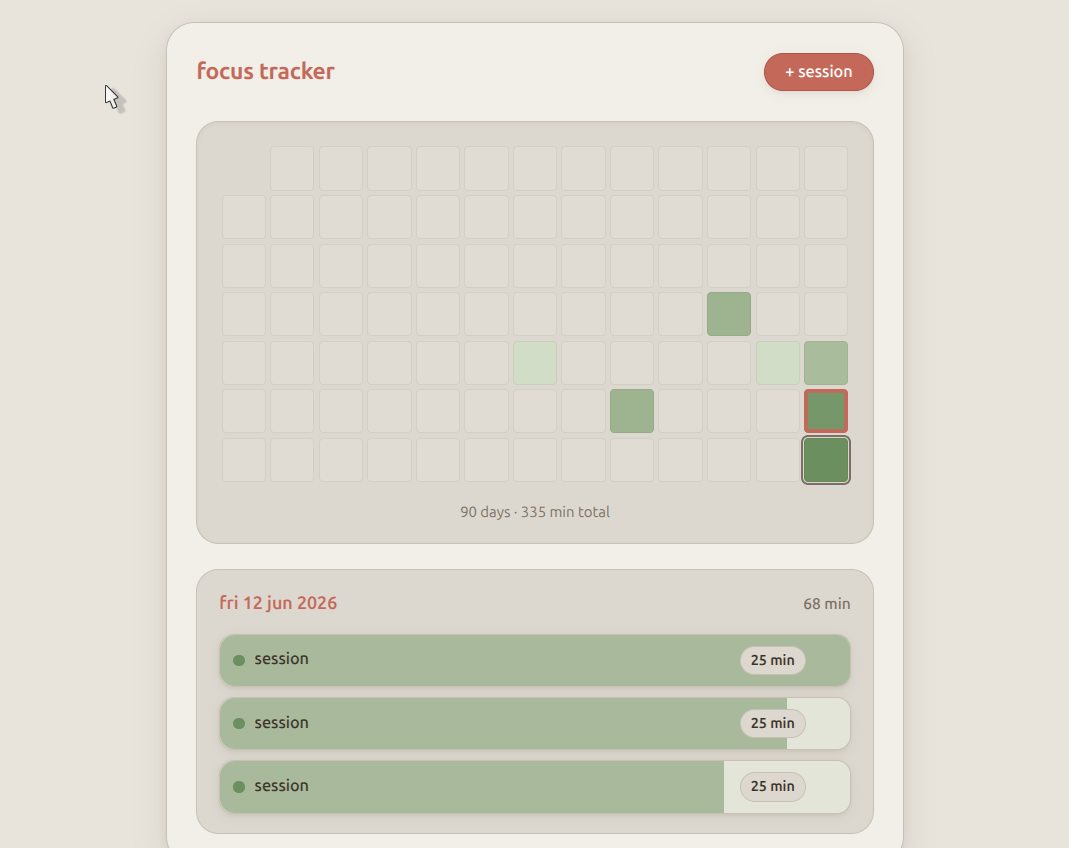
Log focus sessions on a 90-day heatmap. No goals or timers — just a calm record of what you did. - This plugin has not been manually reviewed by Obsidian staff.
↓ 140 downloadsUpdated 2mo agoMIT
Calm Focus Log for Obsidian
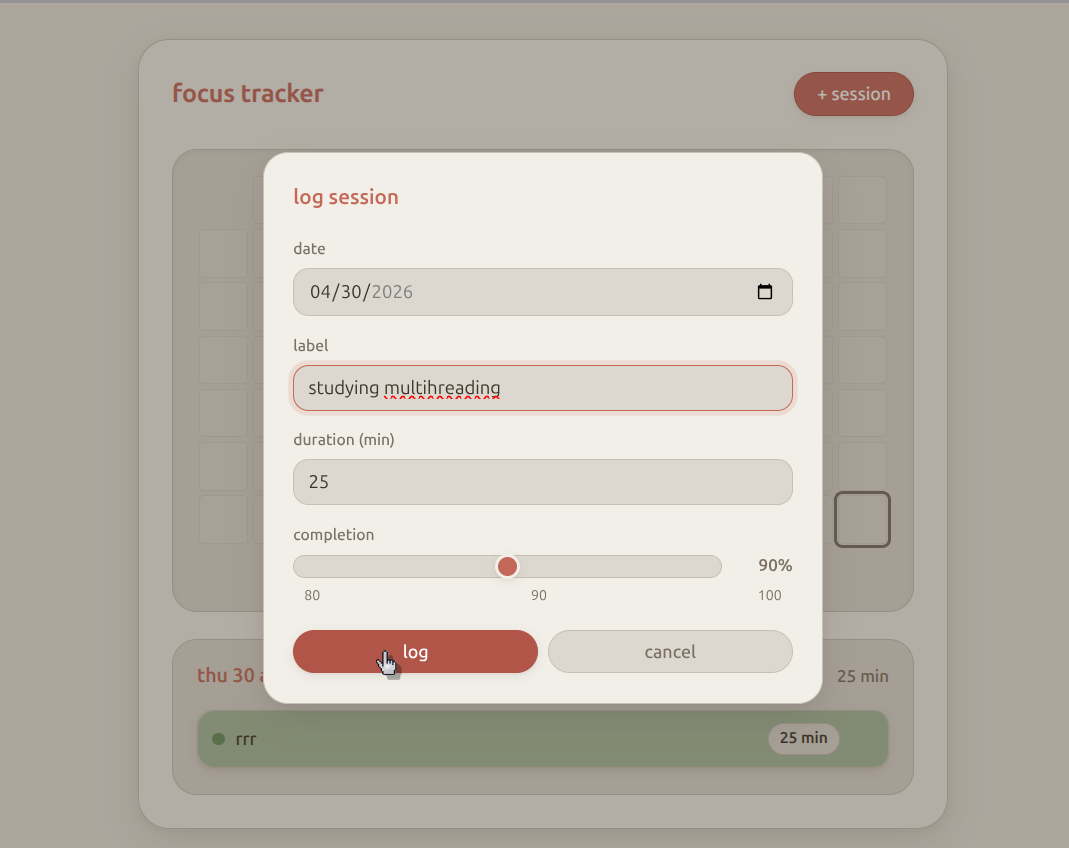
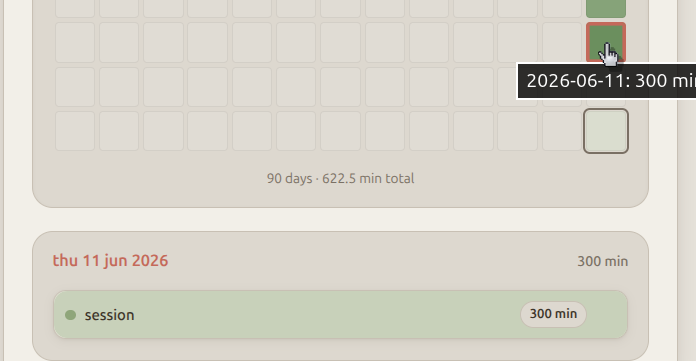
A minimal focus session tracker that lives inside Obsidian. Heatmap of the last 90 days, log sessions with a completion slider, no streaks pressure, no timers — just a visual record of what you did.
Data is stored in focus-tracker-data.json at your vault root.
Screenshots
Install
Manual
- Open your vault's plugin folder:
YOUR_VAULT/.obsidian/plugins/ - Clone this repo:
cd "YOUR_VAULT/.obsidian/plugins"
git clone https://github.com/Kunal1522/obsidian-focus-tracker.git calm-focus-log
- In Obsidian: Settings → Community plugins → Turn on community plugins
- Click Refresh, then enable Calm Focus Log
Update
cd "YOUR_VAULT/.obsidian/plugins/calm-focus-log"
git pull
Use
- Click the calendar-check ribbon icon, or
- Command palette → Open calm focus log
- Click a heatmap day to view sessions
- + session to log (date, label, duration, completion 80/90/100%)
Data format
{
  "2026-06-13": [
    { "id": "abc123", "label": "writing", "dur": 25, "pct": 100 }
  ]
}
License
MIT
For plugin developers
Search results and similarity scores are powered by semantic analysis of your plugin's README. If your plugin isn't appearing for searches you'd expect, try updating your README to clearly describe your plugin's purpose, features, and use cases.