Chancli Font Size Resizer
approvedby Mateo Santos
Quickly increase or decrease the editor font size. - This plugin has not been manually reviewed by Obsidian staff.
↓ 576 downloadsUpdated 4mo agoMIT
Chancli Font Size Resizer for Obsidian
Increase or decrease the note editor font size from the status bar. Headers scale proportionally; body text scales independently.
Works in Live Preview, Reading View, and Source Mode. Size persists across restarts.
Demo
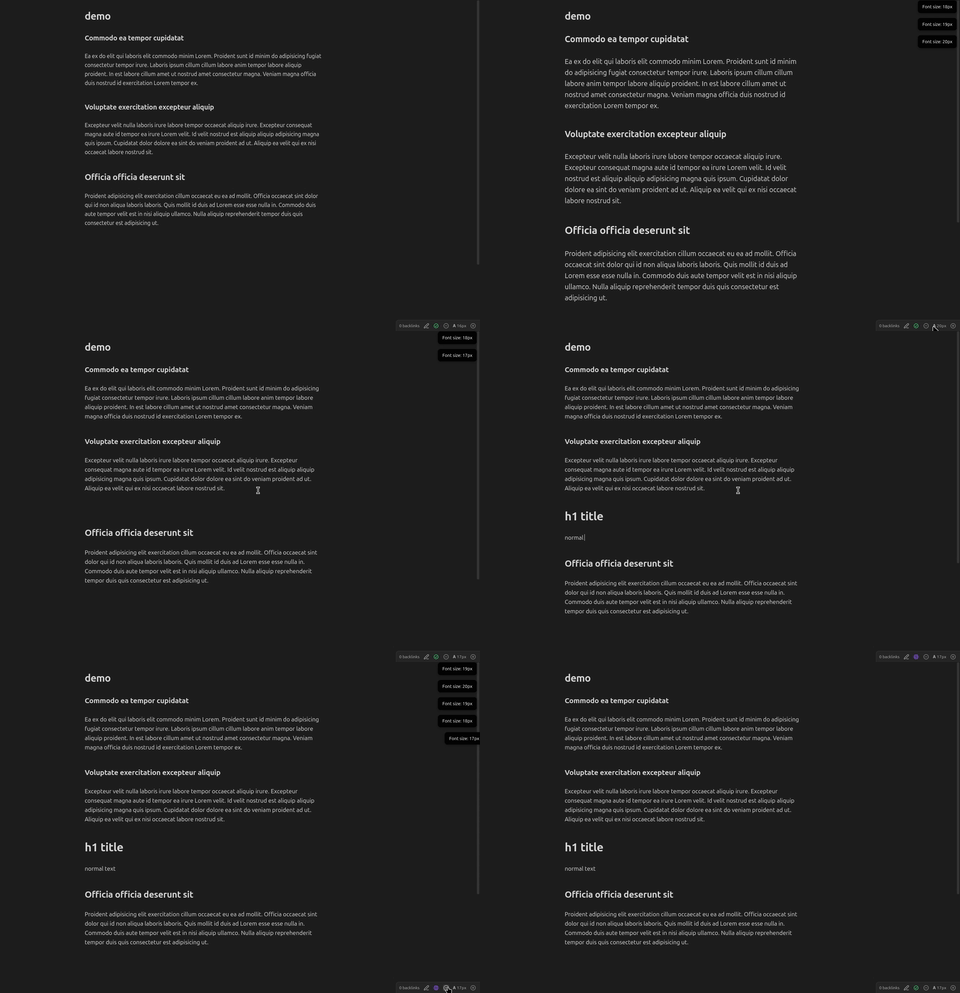
Usage
- Status bar — click
−/+buttons next to the𝐀 16pxindicator - Command palette — Increase / Decrease / Reset note font size
- Settings tab — adjust step size, min/max bounds, or drag the live slider
Settings
| Setting | Default |
|---|---|
| Font size | 16 px |
| Step size | 1 px |
| Minimum | 10 px |
| Maximum | 32 px |
Installation
- Run
npm install && npm run build - Copy
dist/main.js,manifest.json, andstyles.cssinto<vault>/.obsidian/plugins/chancli-font-size-resizer/ - Enable the plugin in Settings → Community Plugins
License
MIT
For plugin developers
Search results and similarity scores are powered by semantic analysis of your plugin's README. If your plugin isn't appearing for searches you'd expect, try updating your README to clearly describe your plugin's purpose, features, and use cases.