Kikijiki Habit Tracker
approvedby kikijiki
A simple habit tracker
★ 7 stars↓ 1,000 downloadsUpdated 1y agoMIT
Kikijiki Habit Tracker Plugin for Obsidian
A simple habit tracker plugin for Obsidian.
Usage
- Install the plugin through Obsidian's Community Plugins.
- Enable the plugin in Settings → Community Plugins.
- Configure your habits. Each habit will set a tag in the current document with the following name:
prefix/habit. - Use the "Open Habit Panel" command to show the panel and put it somewhere you like.
Screenshots
| Desktop | Mobile |
|---|---|
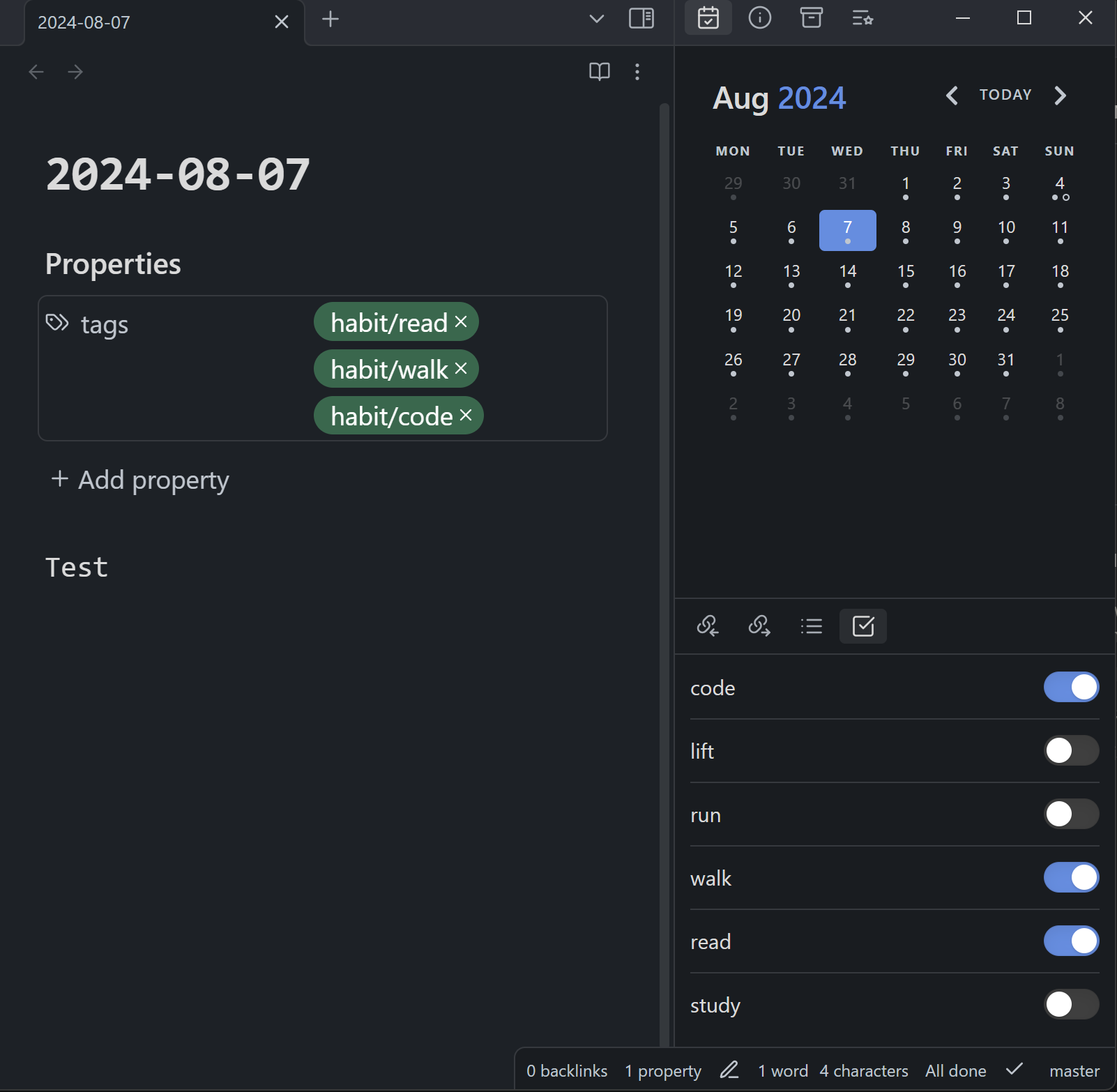 | 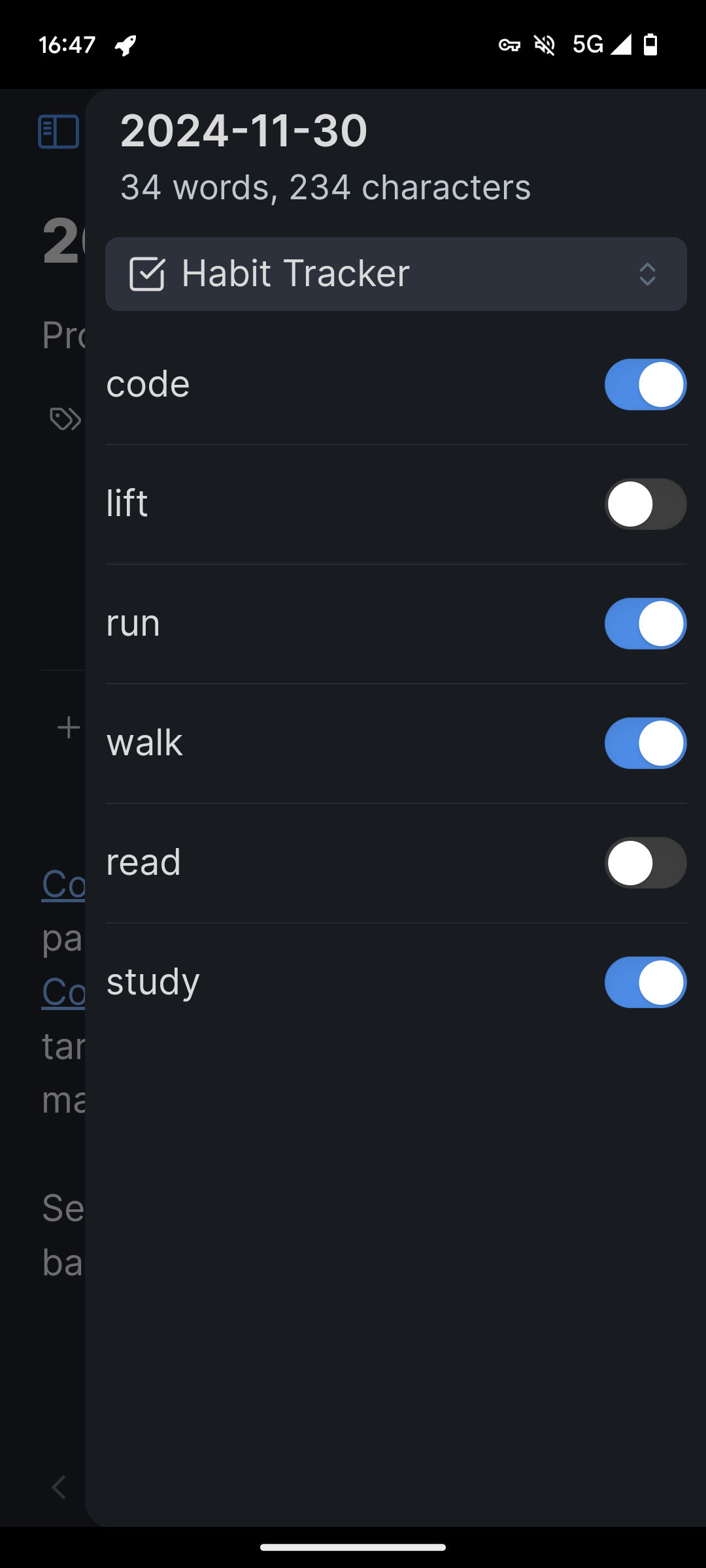 |
For plugin developers
Search results and similarity scores are powered by semantic analysis of your plugin's README. If your plugin isn't appearing for searches you'd expect, try updating your README to clearly describe your plugin's purpose, features, and use cases.