Listen Up!
approvedby tejas-hosamani
Covert text to natural voice audio, locally - Listen Up!
★ 17 stars↓ 1,758 downloadsUpdated 1y agoGPL-3.0
Listen Up!
An open source plugin to convert your notes into natural language audio files
Join Listen Up discord server if you get stuck somewhere or you have suggestions for features.
Sample:
Get Started - Quick
Follow along video - coming soon
Step 1: Download and enable the plugin
Step 2:
- Download, and extract Piper for your OS
- Select executable file from Obsidian plugin setting
Step 3: Download and setup language audio models -
- Check the samples - https://rhasspy.github.io/piper-samples
- Download whichever lang model you like from the samples from - https://github.com/rhasspy/piper/blob/master/VOICES.md
- Select these files from the Obsidian plugin settings
Step 3:
Run the Convert text to speech command to convert
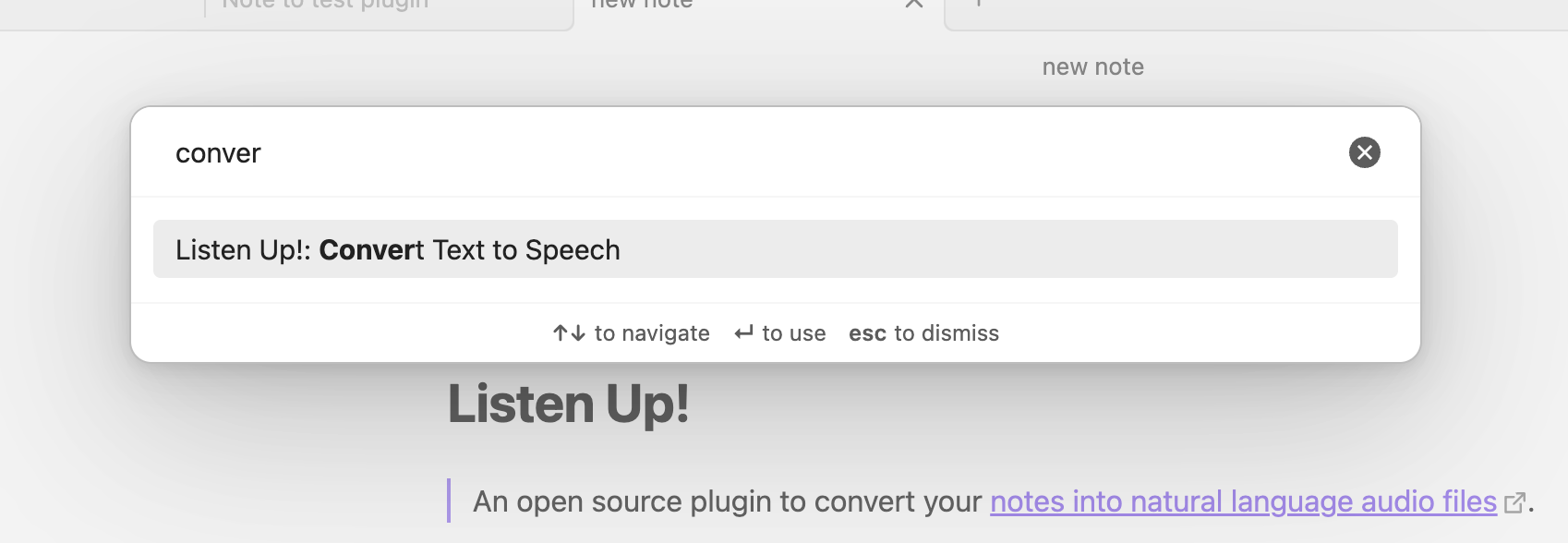 That's it! Start using the plugin!
Advanced
Different ways to convert text to audio
- Selection
- Using special text blocks -
{{listen}}Converts to voice{{/listen}} - Without any selection or text blocks, covers entire file to audio
Change language models
Coming soon
For plugin developers
Search results and similarity scores are powered by semantic analysis of your plugin's README. If your plugin isn't appearing for searches you'd expect, try updating your README to clearly describe your plugin's purpose, features, and use cases.