by Christian Hernandez
Beautify video and image links with stylish 1, 2, or 3-column responsive cards (YouTube, Vimeo, web images, local vault media).
Media Cardlink — Obsidian Plugin
Convert YouTube video links and images into responsive visual cards directly inside your Obsidian notes.
Features
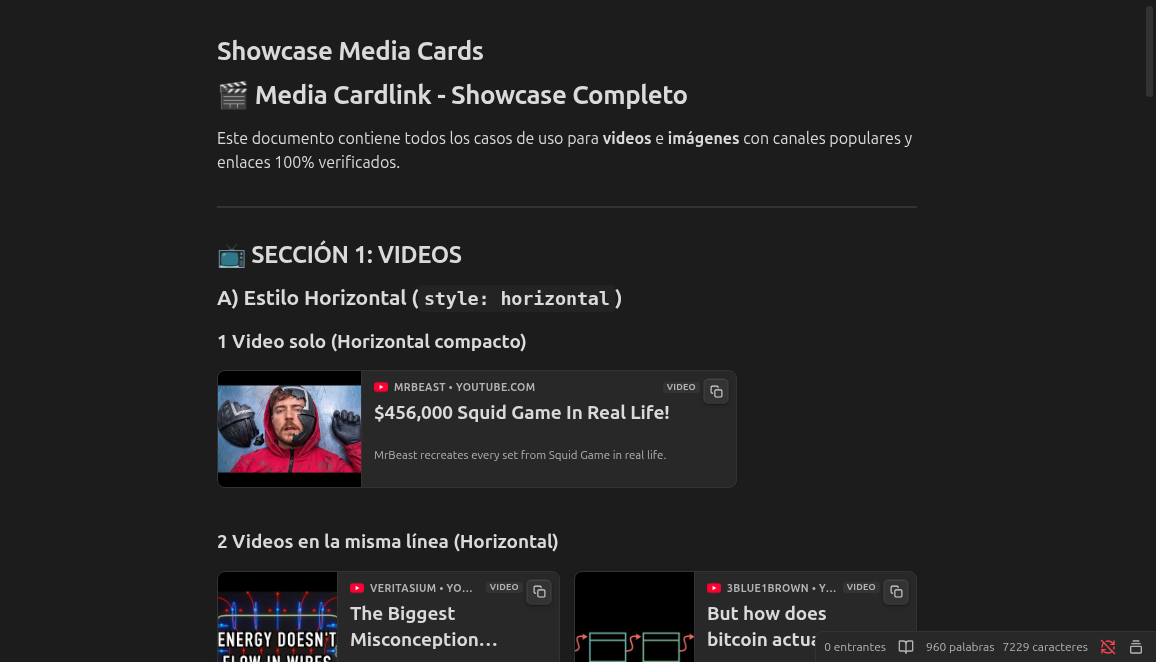
- Video cards with thumbnail, title, channel name, and duration for YouTube and Vimeo.
- Image cards with an integrated full-screen lightbox on click.
- One-click copy button on every card to quickly copy the source link.
- Context menu — right-click any URL in the editor to convert it into a card.
- Two layout styles:
horizontal(compact banner) andgrid(vertical card with large media preview). - Flexible column layouts: 1, 2, or 3 columns in a single row.
- Native performance: zero inline scripts, fully responsive, and safe for both desktop and mobile Obsidian apps.
Styles
Horizontal style — compact, thumbnail on the left
Ideal for resource lists, bookmarks, and quick references.
1 video (horizontal)
style: horizontal
links:
  - https://www.youtube.com/watch?v=0e3GPea1Tyg
2 videos in a row (horizontal)
style: horizontal
columns: 2
links:
  - https://www.youtube.com/watch?v=bHIhgxav9LY
  - https://www.youtube.com/watch?v=bBC-nXj3Ng4
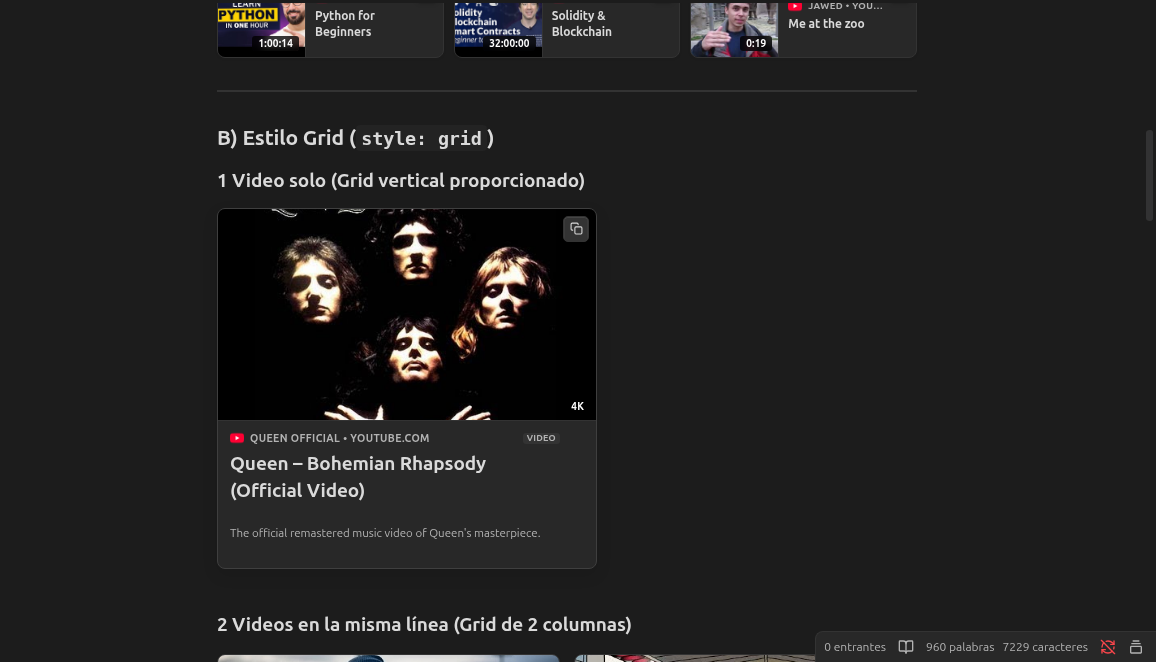
3 videos in a row (horizontal)
style: horizontal
columns: 3
links:
  - https://www.youtube.com/watch?v=8aGhZQkoFbQ
  - https://www.youtube.com/watch?v=PkZNo7MFNFg
  - https://www.youtube.com/watch?v=jNQXAC9IVRw
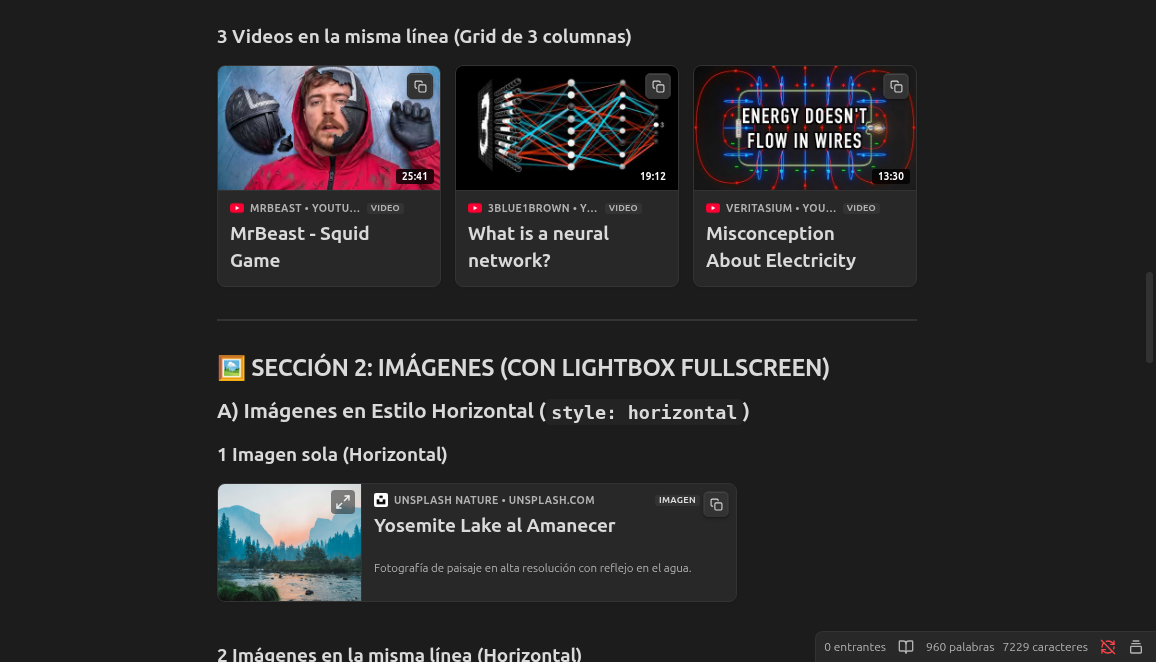
Grid style — vertical, large image on top
Ideal for media galleries, visual collections, and watchlists.
1 video (grid)
style: grid
links:
  - https://www.youtube.com/watch?v=fJ9rUzIMcZQ
2 videos in a row (grid)
style: grid
columns: 2
links:
  - https://www.youtube.com/watch?v=JGwWNGJdvx8
  - https://www.youtube.com/watch?v=9bZkp7q19f0
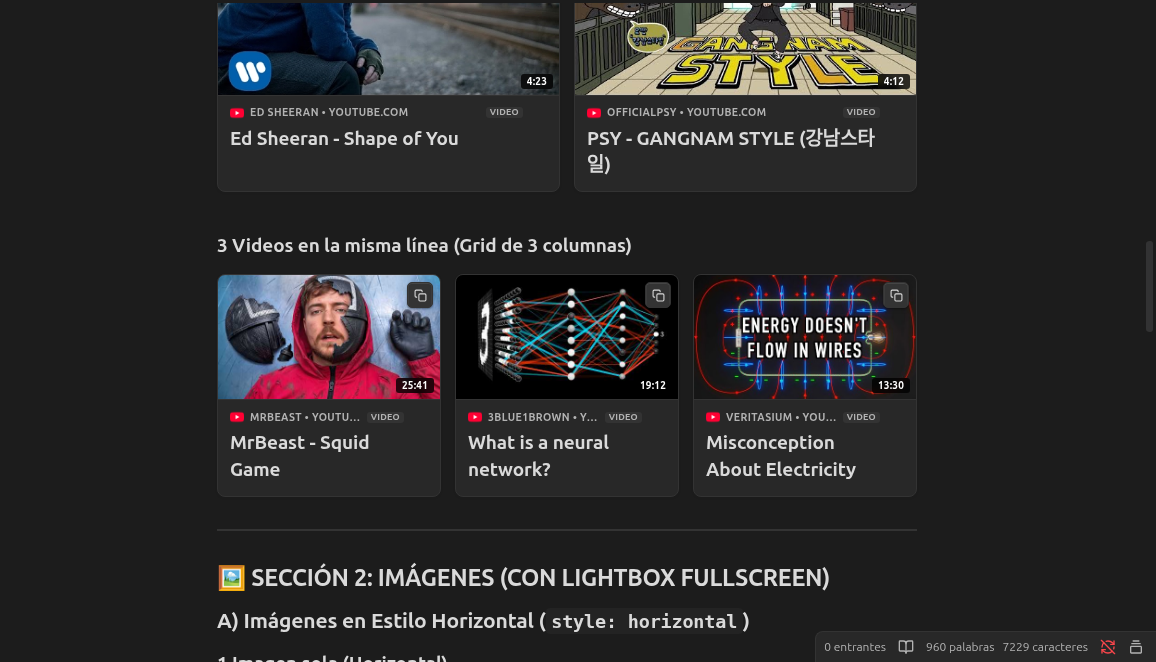
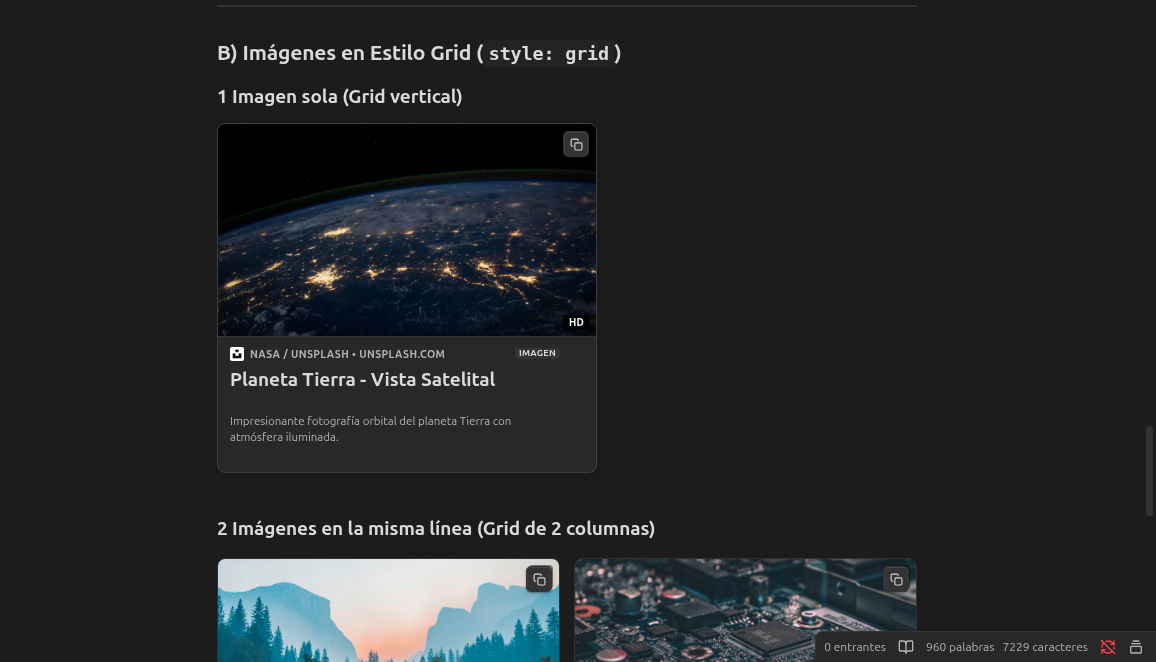
3 videos in a row (grid)
style: grid
columns: 3
links:
  - https://www.youtube.com/watch?v=0e3GPea1Tyg
  - https://www.youtube.com/watch?v=aircAruvnKk
  - https://www.youtube.com/watch?v=bHIhgxav9LY
Images with Lightbox
Images open in a full-screen lightbox when clicked. Works with direct web image URLs or vault media.
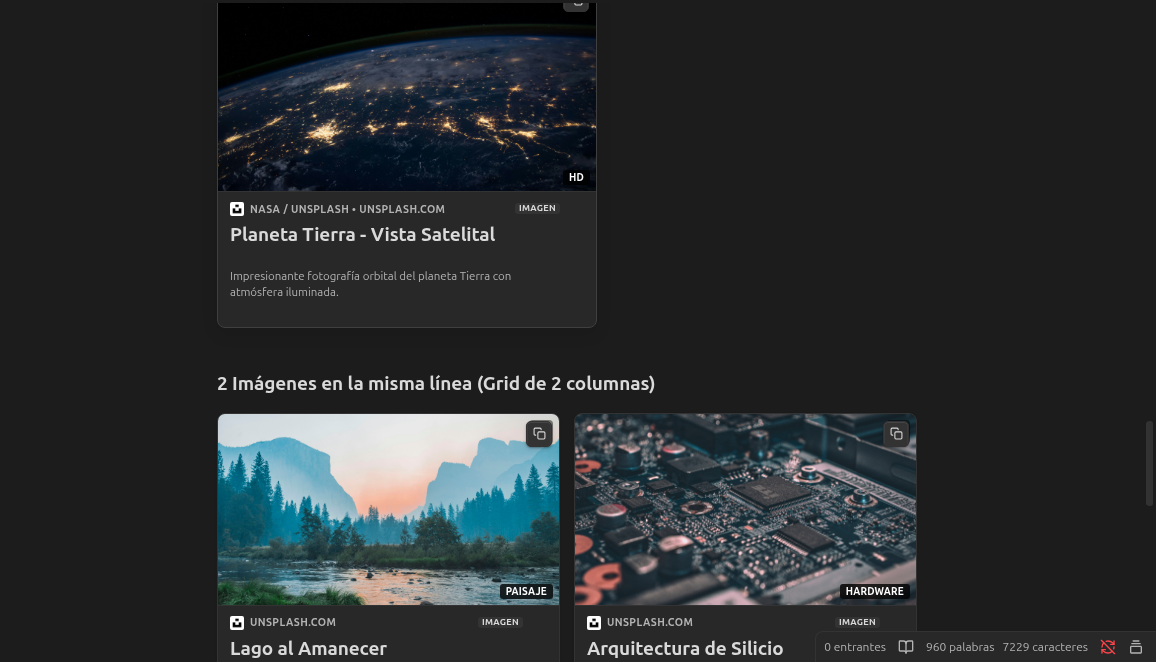
1 image (grid)
style: grid
links:
  - https://images.unsplash.com/photo-1446776811953-b23d57bd21aa
    title: Planet Earth - Satellite View
    description: Orbital view of planet Earth with atmospheric glow.
    author: NASA / Unsplash
    tag: HD
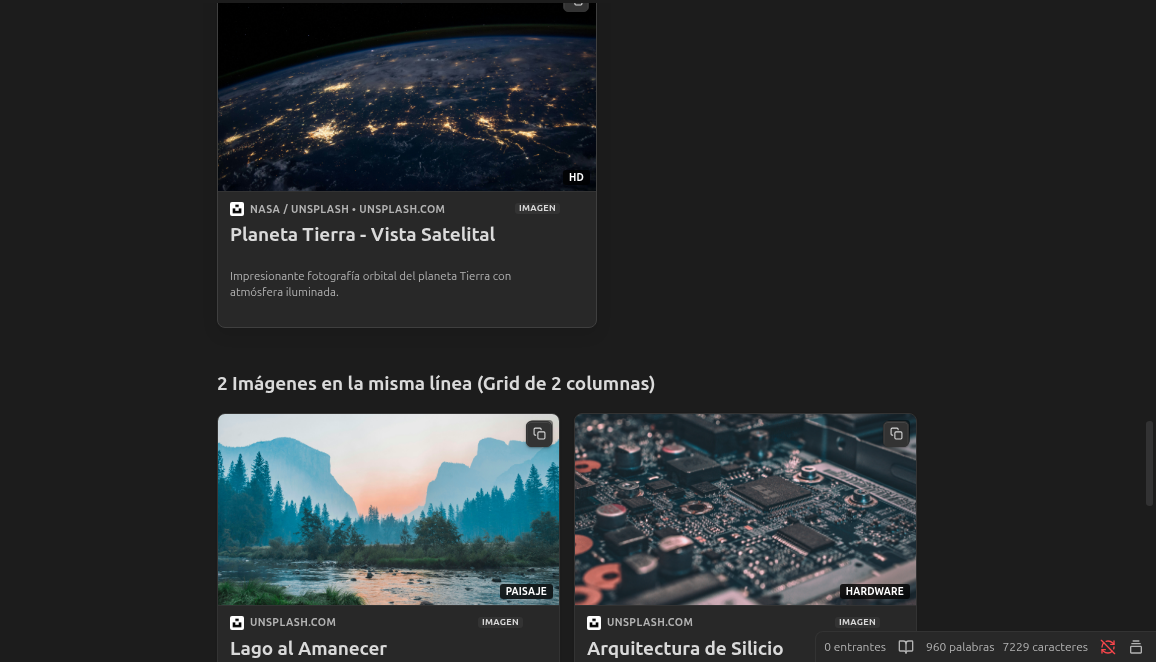
2 images in a row (grid)
style: grid
columns: 2
links:
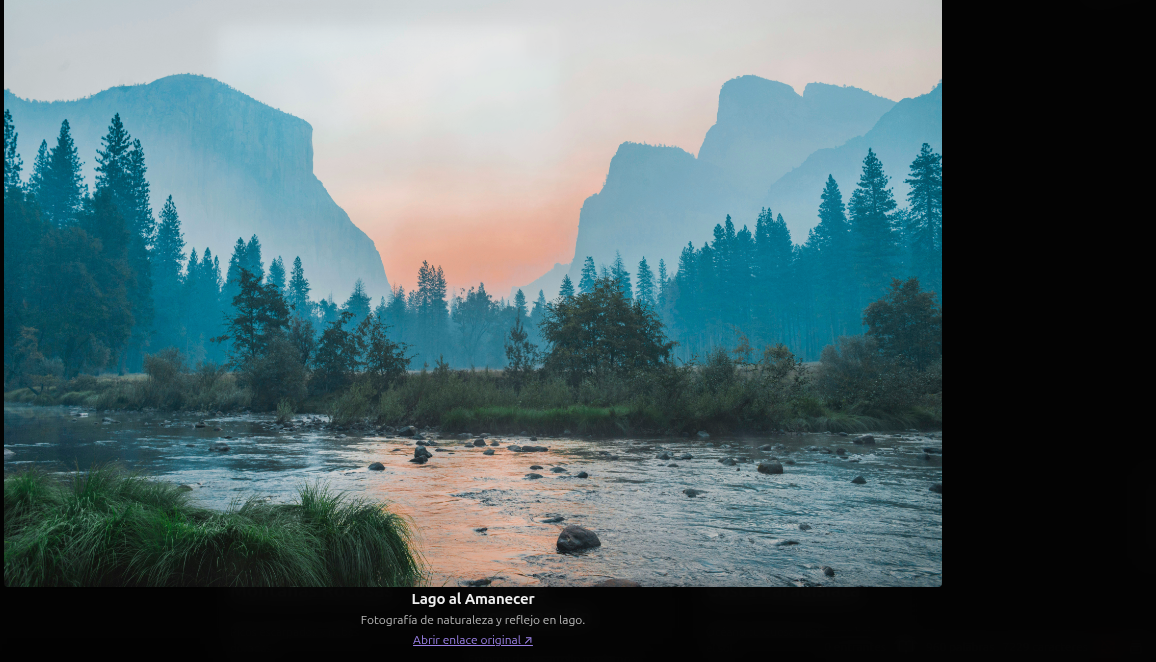
  - https://images.unsplash.com/photo-1506905925346-21bda4d32df4
    title: Yosemite Lake
    tag: LANDSCAPE
  - https://images.unsplash.com/photo-1518770660439-4636190af475
    title: Silicon Architecture
    tag: HARDWARE
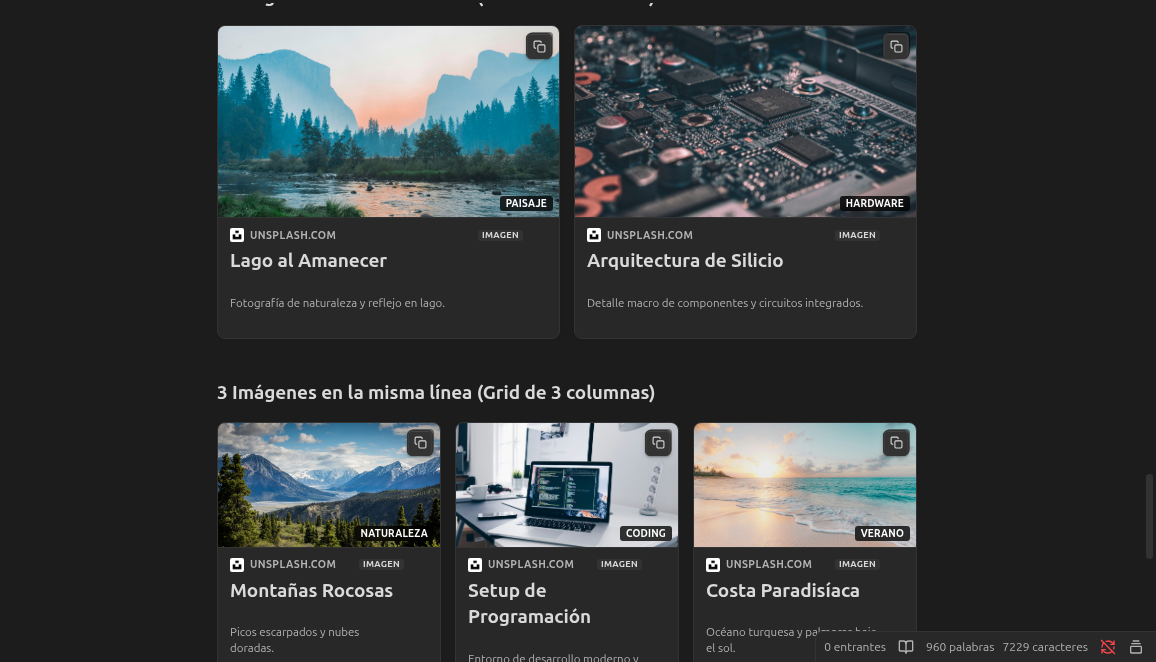
3 images in a row (grid)
style: grid
columns: 3
links:
  - https://images.unsplash.com/photo-1464822759023-fed622ff2c3b
    title: Rocky Mountains
    tag: NATURE
  - https://images.unsplash.com/photo-1587620962725-abab7fe55159
    title: Developer Setup
    tag: CODING
  - https://images.unsplash.com/photo-1507525428034-b723cf961d3e
    title: Tropical Coast
    tag: SUMMER
Fullscreen Lightbox
Clicking any image opens it in a distraction-free full-screen lightbox. Press Escape or click anywhere outside to close.
Editor Context Menu
Select any URL in your note, right-click, and choose:
- Convert to Media Card (Horizontal) → generates a
style: horizontalcode block. - Convert to Media Card (Grid) → generates a
style: gridcode block.
You can also use the command palette (Ctrl/Cmd + P) and run Insert Media Cards to paste up to 3 links at once.
Installation
From Obsidian Community Plugins (Recommended)
- Open Obsidian Settings > Community plugins.
- Turn off Restricted mode.
- Select Browse and search for
Media Cardlink. - Select Install, then Enable.
Via BRAT (Beta Testing)
- Install the BRAT plugin in Obsidian.
- Run the command BRAT: Add a beta plugin for testing.
- Enter
chris2555/obsidian-media-cardlink.
Manual Installation
- Download the release files (
main.js,styles.css,manifest.json) from the latest release. - Create the folder
.obsidian/plugins/media-cardlink/inside your vault. - Place the 3 downloaded files inside that folder.
- In Obsidian: Settings > Community plugins > Enable
Media Cardlink.
Syntax Reference
style: horizontal | grid      # Card layout style
columns: 1 | 2 | 3            # Number of columns (optional, default: auto)
links:
  - URL                        # Direct YouTube video, Vimeo, or image URL
    title: Custom Title        # (optional) Overrides automatic title
    description: Description  # (optional) Custom description text
    author: Author / Channel   # (optional) Custom author or channel name
    tag: BADGE                 # (optional) Badge pill overlay on media
Note: For YouTube videos, the title, channel name, and high-resolution thumbnail are resolved automatically. Only the URL is required.
License
MIT © 2026 Christian Hernandez
For plugin developers
Search results and similarity scores are powered by semantic analysis of your plugin's README. If your plugin isn't appearing for searches you'd expect, try updating your README to clearly describe your plugin's purpose, features, and use cases.