Argument Map with Argdown
approvedby amdecker
Write Argdown code blocks and view the maps in reading mode.
★ 79 stars↓ 8,170 downloadsUpdated 1mo agoMIT
Argument Map with Argdown in Obsidian
Version 2.0 Changes
- Version 2.0 comes with the Argdown processor. No need to install any extra programs!
- To get started, just install the plugin from the Obsidian Community Plugins list and start mapping. That's it.
- On the settings page you can change the default view to source or map
Features
- syntax highlighting
- start codeblocks with argdown or argdown-map
- view your maps in the Preview Pane
- multiple Argdown blocks in one file
Demo
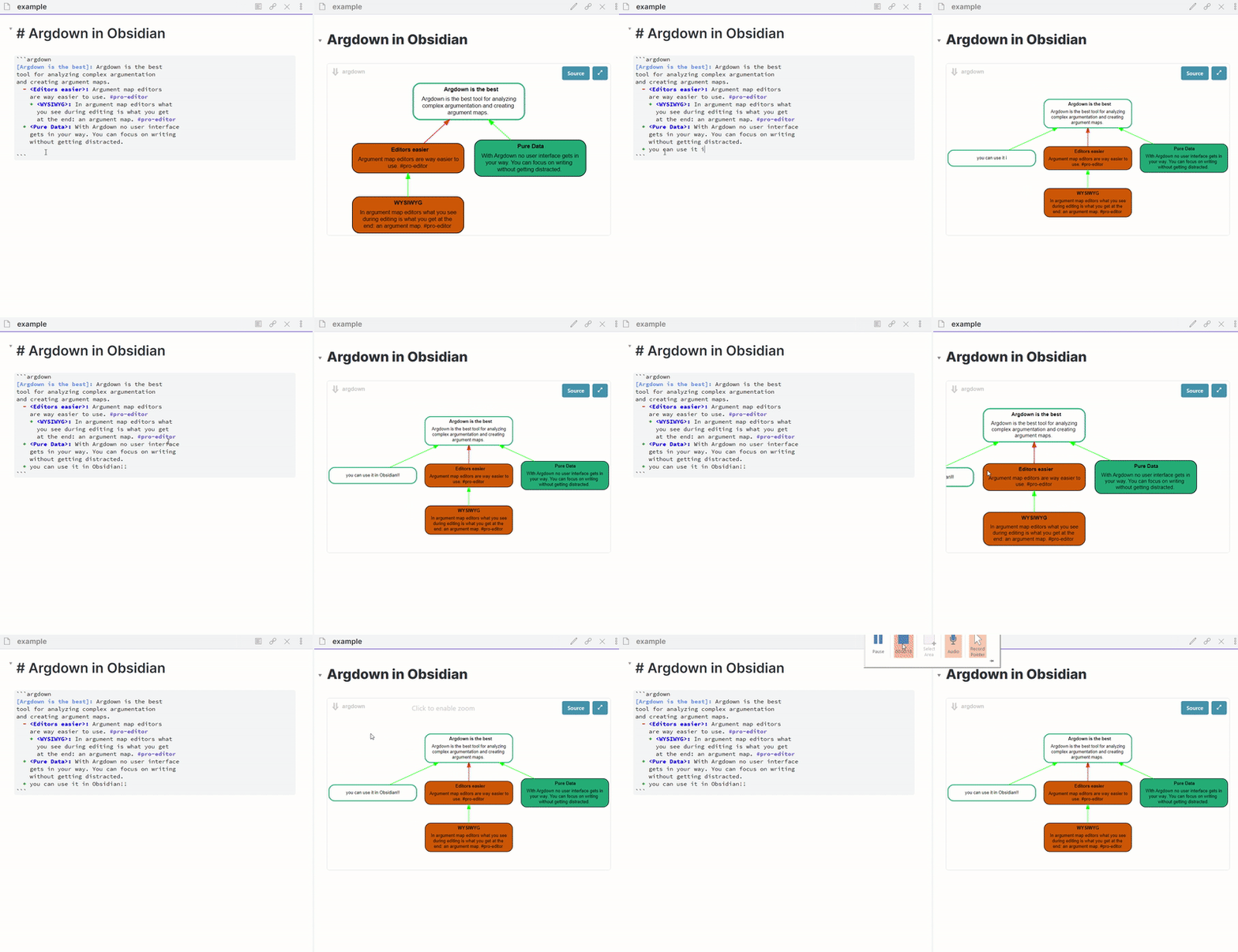
How to Use
Check out https://argdown.org for more information on usage & syntax.
Add an Argdown codeblock to your note and just start typing. The preview will automatically update.
```argdown
[Statement]: this is a statement
    + pro one
    + pro 2
    - con 1
```
or
```argdown-map
[Statement]: this is a statement
    + pro one
    + pro 2
    - con 1
```
Dark Mode
See suggestion of @trungng2006: https://github.com/amdecker/obsidian-argdown-plugin/issues/3
For plugin developers
Search results and similarity scores are powered by semantic analysis of your plugin's README. If your plugin isn't appearing for searches you'd expect, try updating your README to clearly describe your plugin's purpose, features, and use cases.