Omg.publish
approvedby maymeow
Post selected text to OMG.lol statuslog.
omg.publish

Omg.publish is a plugin for Obsidian that allows you post notes to omg.lol services like statuslog or weblog (planned).
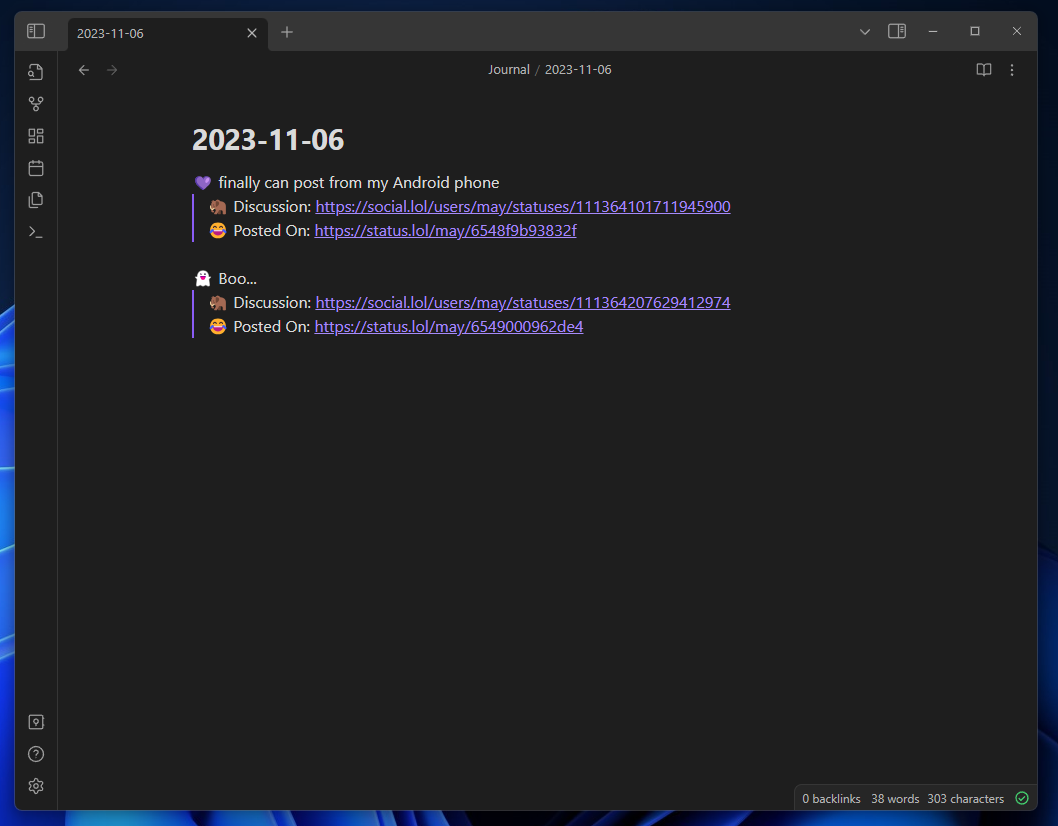
Installation (In progress)
You will need to enable obsidian community plugins in settings > community plugins then go to browse and find omg.publish
Plugin Settings
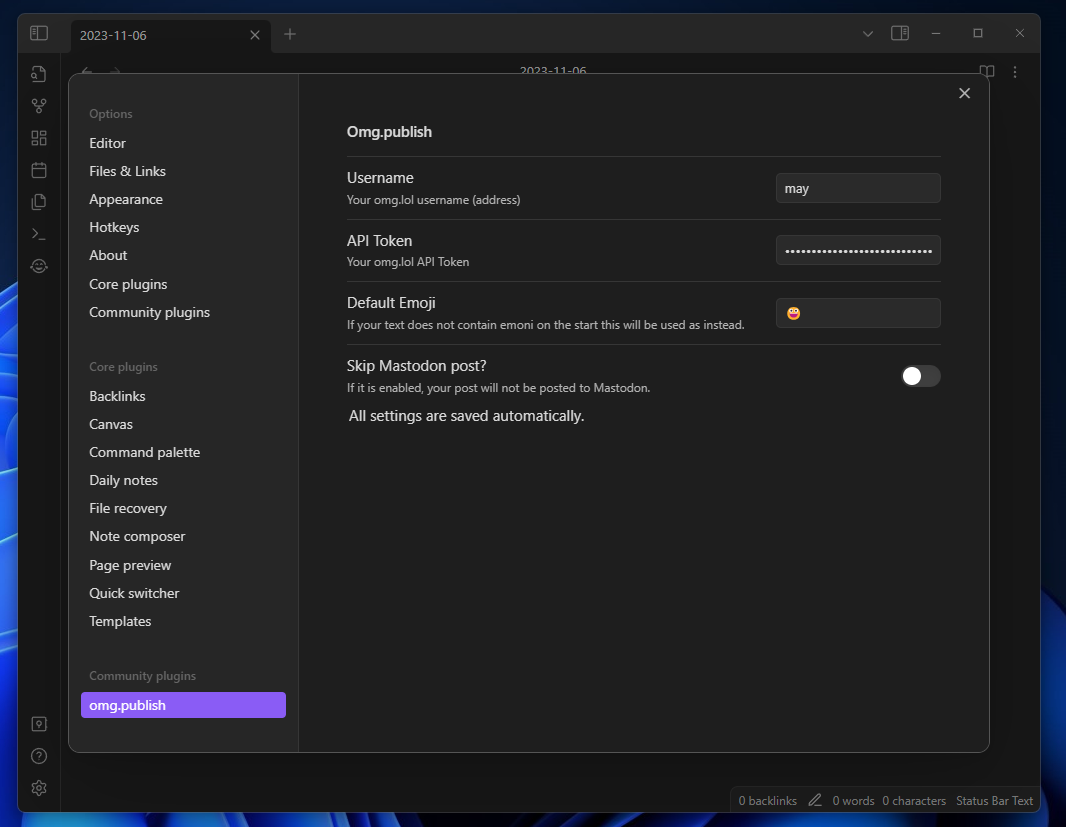
You will need your username and API token from https://home.omg.lol/account (scroll down to bottom).
You can also change default emoji for cases when you posting text without staring emoji.
If you don't want to cross-post status to mastodon you can enable skip mastodon post settings. This one is by default disabled.
Publishing text to statuslog
Select any text you want to post to statuslog and open the command palette with CTRL+P (Windows) or a similar keyboard shortcut, depending on your operating system. Find for Post to status log action.
Others
The icon I used is from Font awesome
This is a community plugin and is not affiliated with Obsidian or omg.lol.
For plugin developers
Search results and similarity scores are powered by semantic analysis of your plugin's README. If your plugin isn't appearing for searches you'd expect, try updating your README to clearly describe your plugin's purpose, features, and use cases.