Clean Cards View
pendingby Artem Nosenko
Display vault notes as clean, minimal cards with cover images, text preview, tags and filtering.
Clean Cards View
Display your vault notes as clean, minimal cards with cover images, text preview, tags and filtering.
Screenshots
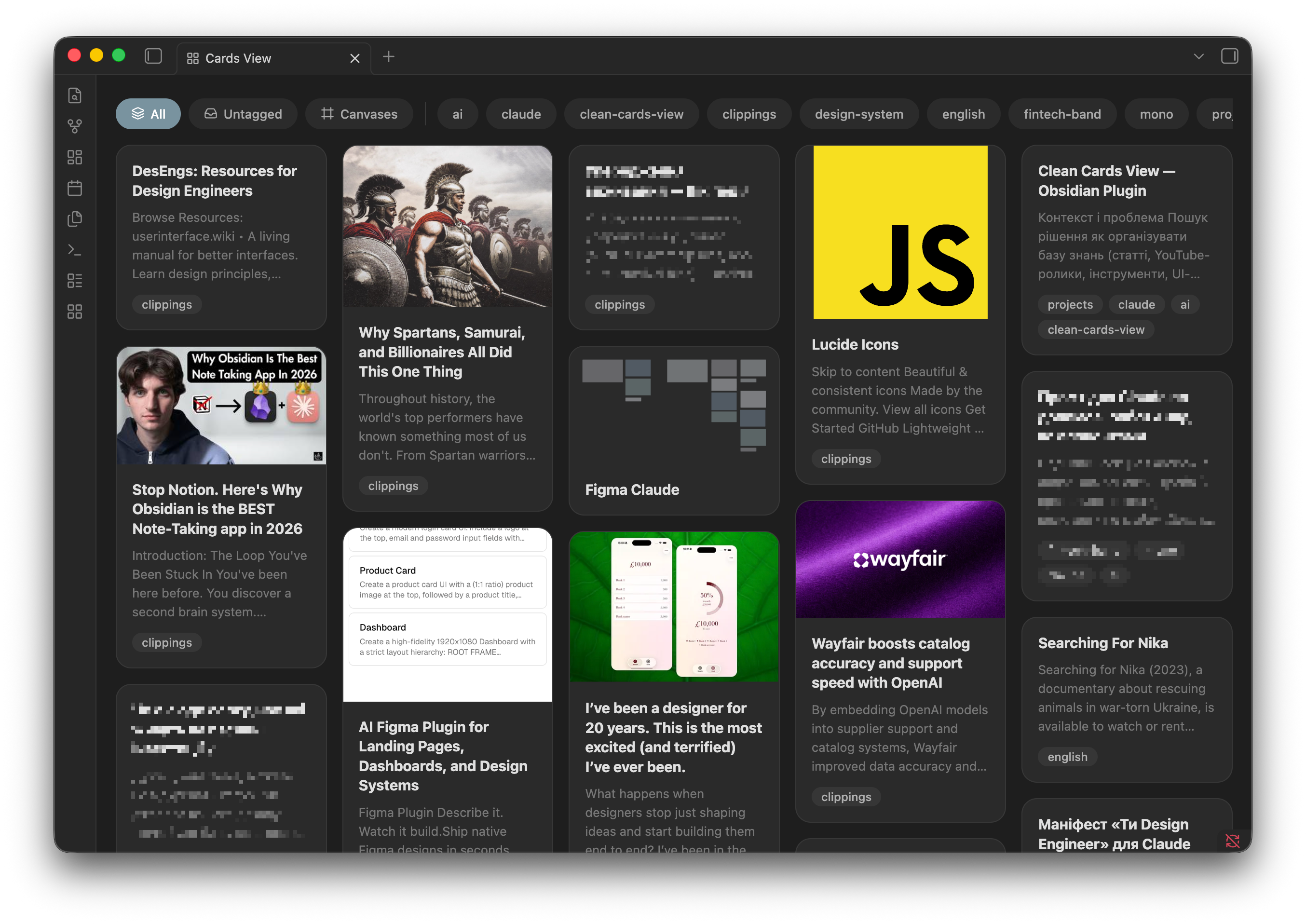
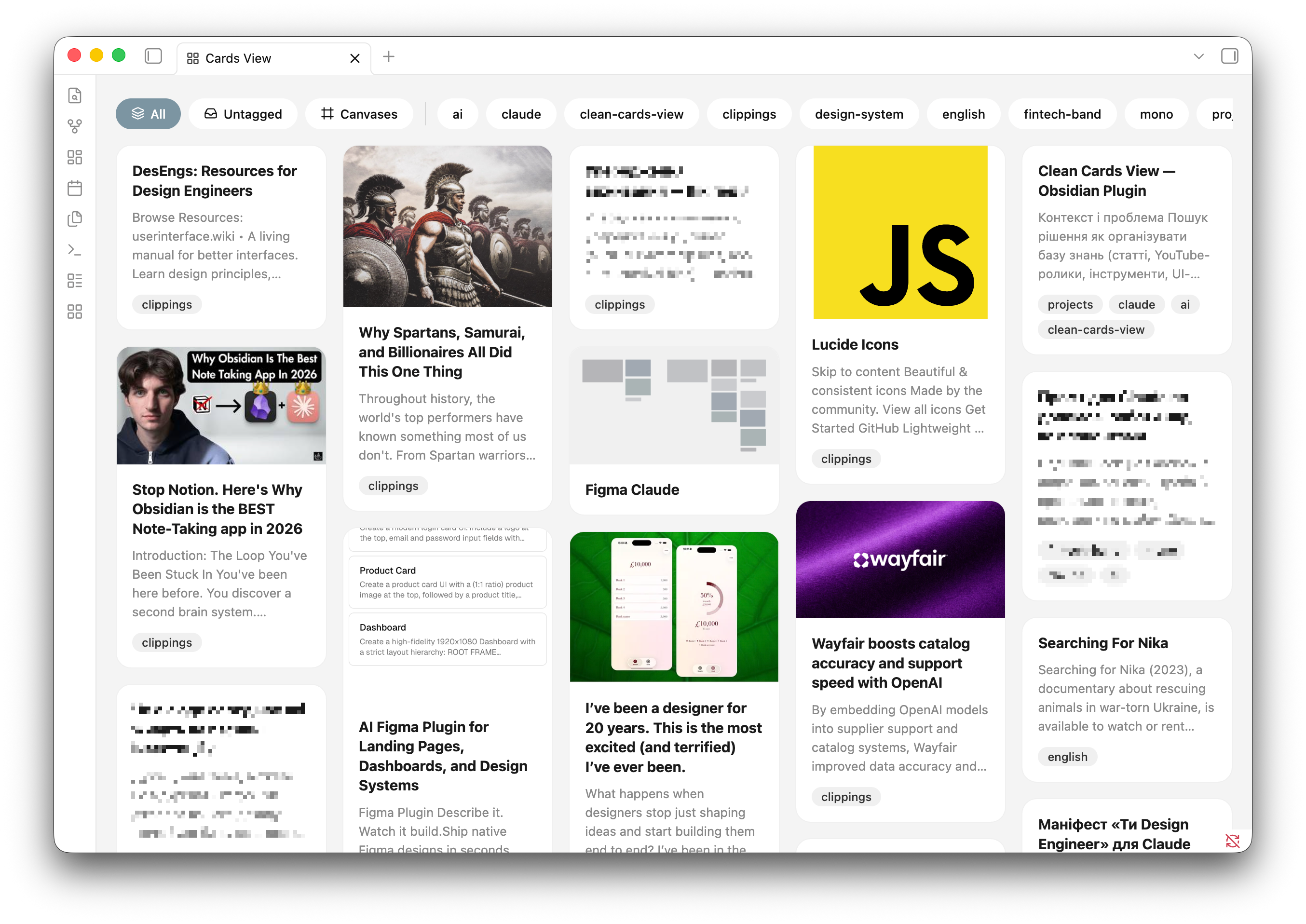
Desktop
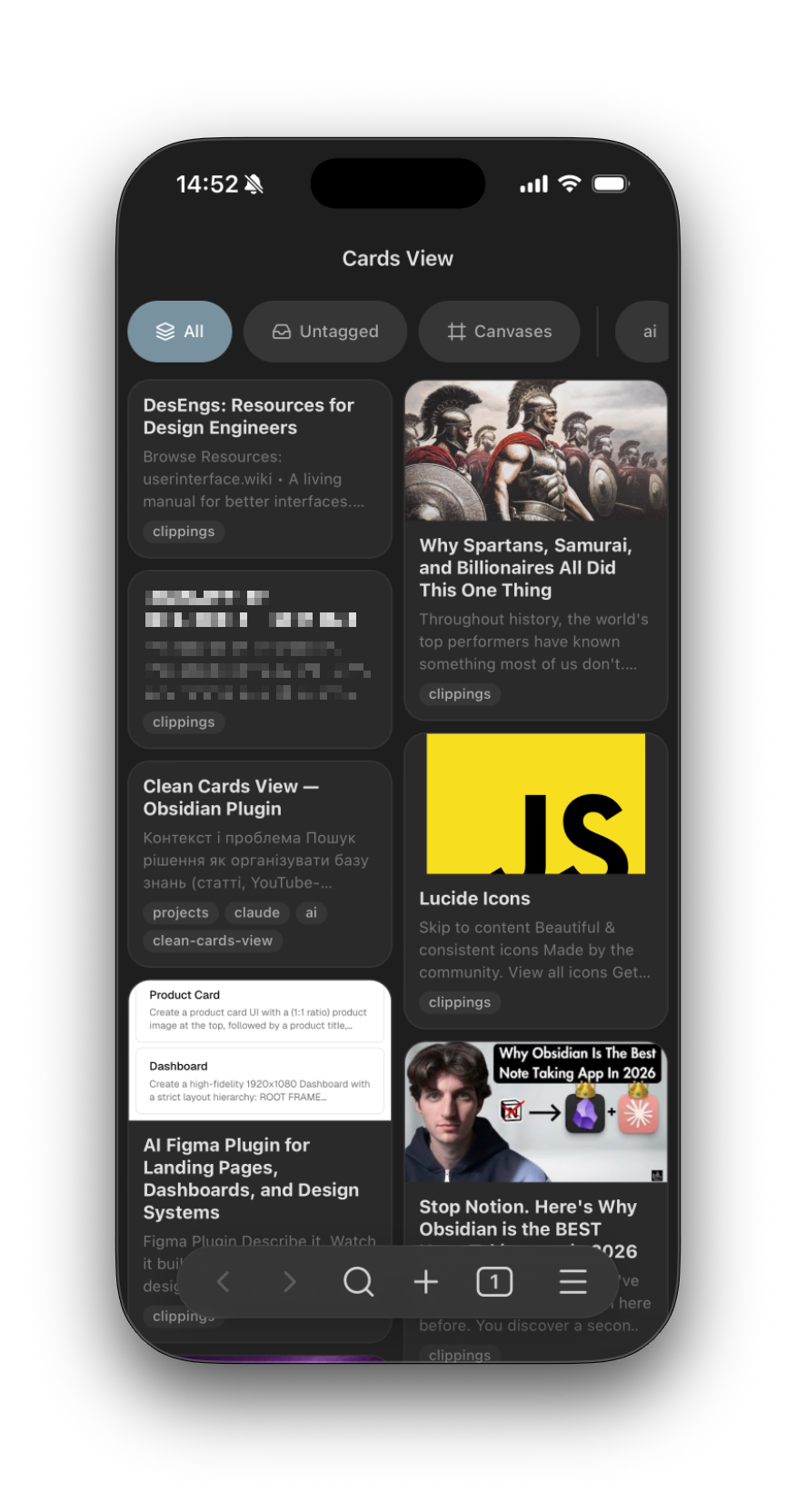
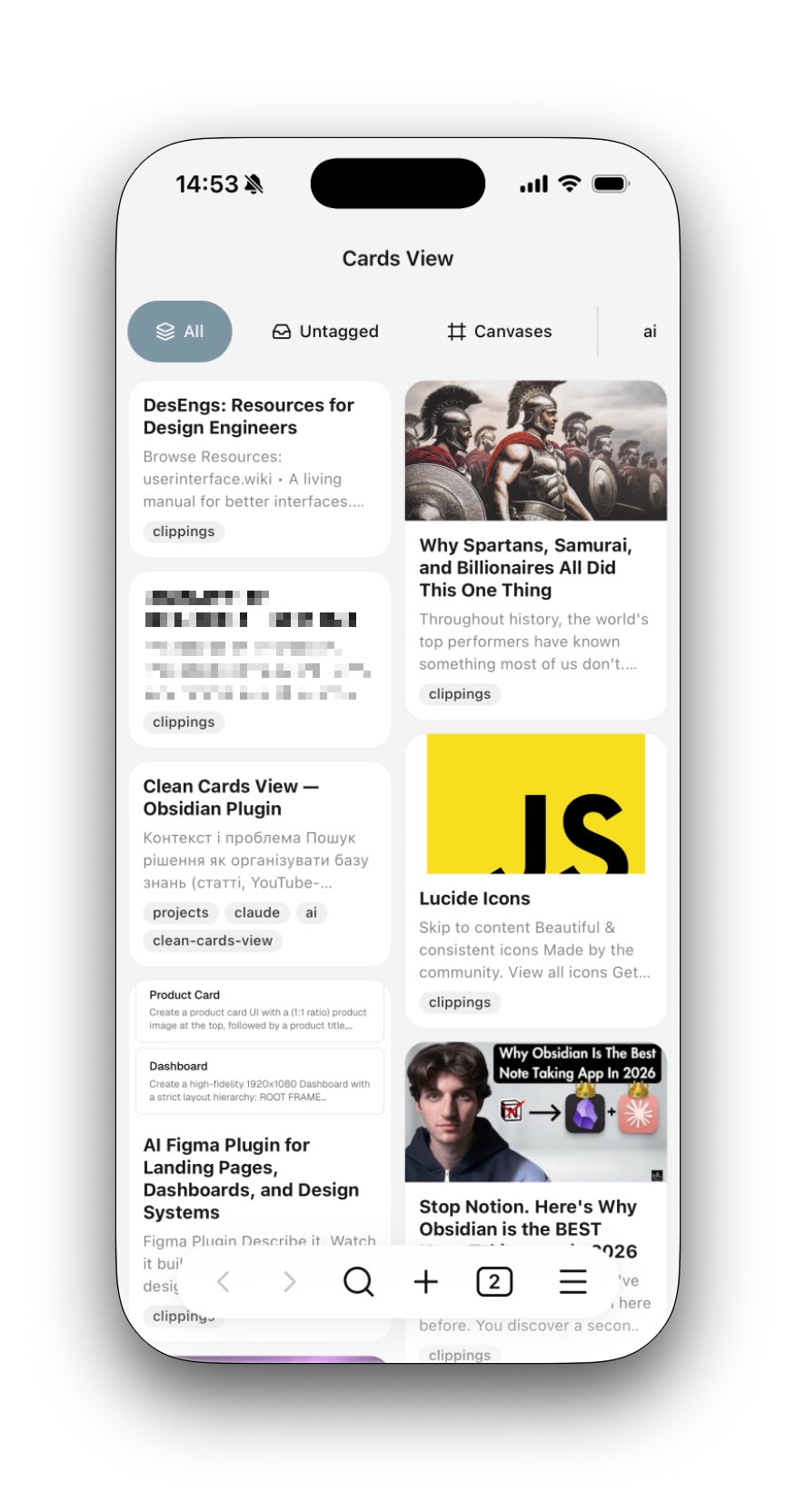
Mobile
Features
- Card layout — notes displayed as masonry cards that adapt to window width
- Cover images — automatically extracted from frontmatter (
cover,image,banner), first image in note body, or YouTube thumbnails - Text preview — first ~160 characters of note content, cleaned from Markdown syntax
- Tags — displayed as pill-shaped chips from frontmatter and inline tags
- Tag filtering — filter bar with All, Untagged, Canvases, and individual tag chips
- Canvas support —
.canvasfiles shown with mini-map preview of node layout - Dark theme — full support for light and dark themes
- Mobile — works on iOS and iPadOS with 2-column layout
Installation
From community plugins (coming soon)
- Open Settings → Community plugins
- Search for Clean Cards View
- Click Install, then Enable
Manual installation
- Download
main.js,styles.css, andmanifest.jsonfrom the latest release - Create folder
.obsidian/plugins/clean-cards-view/in your vault - Copy the three files into that folder
- Restart Obsidian and enable the plugin in Settings → Community plugins
Usage
Click the grid icon in the left ribbon or run the command Open Cards View.
Cover image priority
The plugin looks for a cover image in this order:
- Frontmatter fields:
cover,image, orbanner - YouTube thumbnail from frontmatter
sourceorurl - First Markdown image in note body
- First wikilink image in note body
- YouTube thumbnail from URL in note body
Development
npm install
npm run dev    # watch mode
npm run build  # production build
License
For plugin developers
Search results and similarity scores are powered by semantic analysis of your plugin's README. If your plugin isn't appearing for searches you'd expect, try updating your README to clearly describe your plugin's purpose, features, and use cases.