Tables
pendingby aztekgold
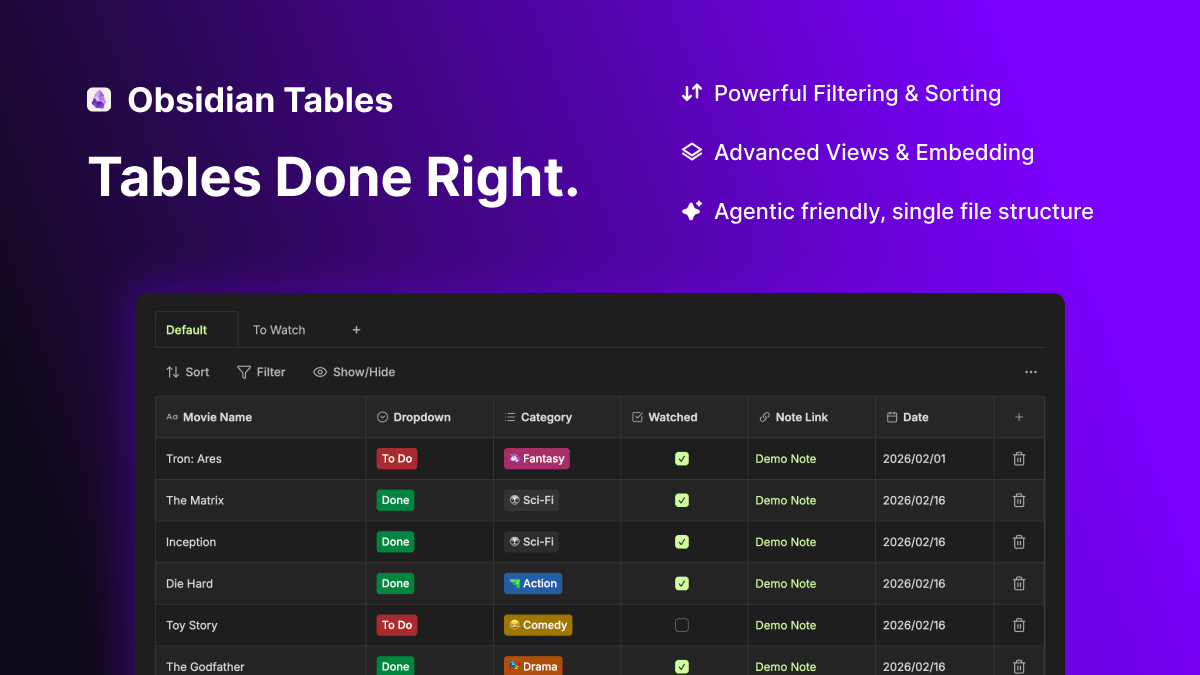
Create and manage interactive, single-file tables with rich column types, sorting, filtering, and embeds - agent-friendly by design!
Tables for Obsidian
A powerful table plugin for Obsidian that lets you create, manage, and visualize structured data with an intuitive interface.
Support
If you enjoy using Obsidian Tables consider Buy me a coffee

✨ Features
Multiple Column Types
- Text - Simple text input
- Checkbox - Boolean values
- Dropdown - Single selection from predefined options
- Multi-select - Multiple selections from predefined options
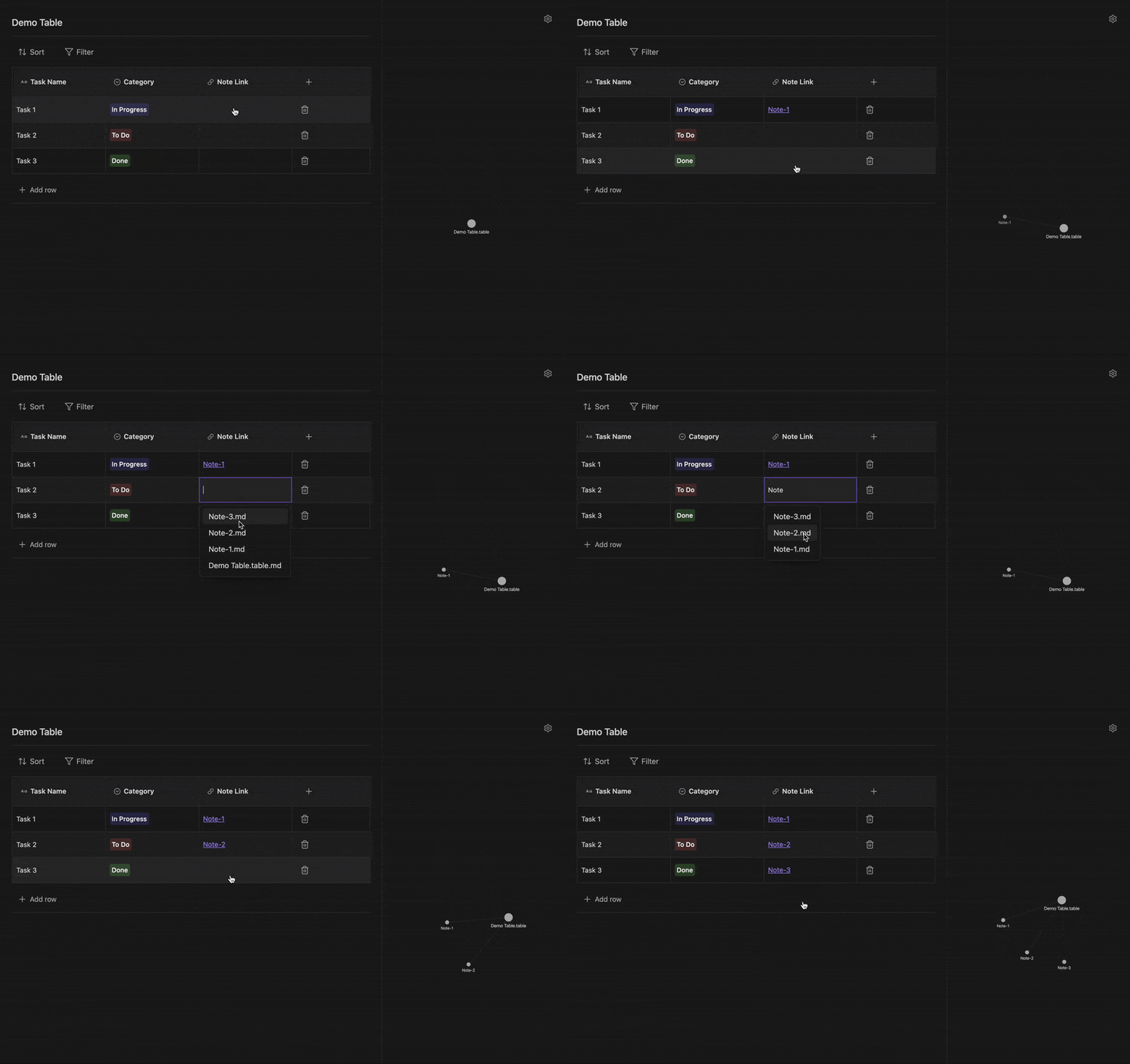
- Note Link - Link to other notes in your vault
- Date - Date picker with customizable format
📊 Views & Embeds
- Multiple Views: Create different perspectives of your data (e.g., "Active Tasks", "Completed Items") within the same table file.
- Inline Tables: Tables render directly in Live Preview for seamless editing.
- Linked Embeds: Embed your table in any other note using standard Obsidian embed syntax
![[MyTable.table]]. The embedded table is fully interactive!
🎯 Table Management
- Add/Delete Rows & Columns - Flexible data structure management
- Drag to Reorder - Intuitive drag-and-drop column reordering
- Resize Columns - Adjust column widths to fit your content
- Inline Renaming - Rename tables directly in the view
- Smart Linking - Automatic backlink updates when notes are renamed or deleted (only for non inline tables)
- Advanced Sorting - Multi-level sorting with ascending/descending order
- Powerful Filtering - Complex filter rules with multiple conditions
- Real-time Updates - Changes save automatically as you type
🔗 Graph View Integration
Tables integrate with Obsidian's graph view through note link columns:
🚀 Quick Start
Creating Your First Table
- Right-click in your file explorer or use the command palette
- Select "New table"
- Start adding columns with different data types
- Add rows and populate your data
📚 Usage Guide
Working with Columns
Add a Column
- Click the "+" button in the table header
- Choose from 6 column types: Text, Checkbox, Dropdown, Multi-select, Note Link, or Date
- Customize options for dropdown and multi-select columns
Edit a Column
- Click the column name to rename or modify column properties
- Delete columns when no longer needed
Managing Data
Rows
- Add: Click "Add row" at the bottom
- Delete: Click the trash icon on any row
- Reorder: Use drag handles (coming soon)
Filtering & Sorting
- Filter: Build complex queries with multiple conditions (equals, contains, greater than, etc.)
- Sort: Multi-level sorting by any column
- Combine multiple filters for precise data views
📦 Installation
Community Plugins (Coming Soon)
- Open Settings → Community plugins
- Click "Browse" and search for "Tables"
- Click "Install" then "Enable"
Manual Installation
- Download the latest release from GitHub Releases
- Extract
main.js,manifest.json, andstyles.cssto<vault>/.obsidian/plugins/tables/ - Reload Obsidian
- Enable the plugin in Settings → Community plugins
💬 Support & Feedback
Found a bug or have a feature request?
- Open an issue on GitHub
- Discussions for questions and ideas
📝 License
MIT License - see LICENSE file for details.
👤 Author
Created with ❤️ by Aztekgold
⚠️ Important: This plugin stores table data within your vault files. Always back up your vault regularly!
For plugin developers
Search results and similarity scores are powered by semantic analysis of your plugin's README. If your plugin isn't appearing for searches you'd expect, try updating your README to clearly describe your plugin's purpose, features, and use cases.