Caishen - Budget Tracker
pendingby Jakub Malinowski
Intuitive budget management and expense tracking. Add transactions via forms, track spending by category, and view dashboards.
Caishen - Budget Tracker
Caishen (God of Wealth) is a modern, privacy-focused budget management plugin for Obsidian. It helps you track your expenses, income, and savings goals directly within your vault, featuring a stunning "Vibrant Glass" dashboard.
 (Note: Add a screenshot of your dashboard here)
✨ Features & Visual Tour
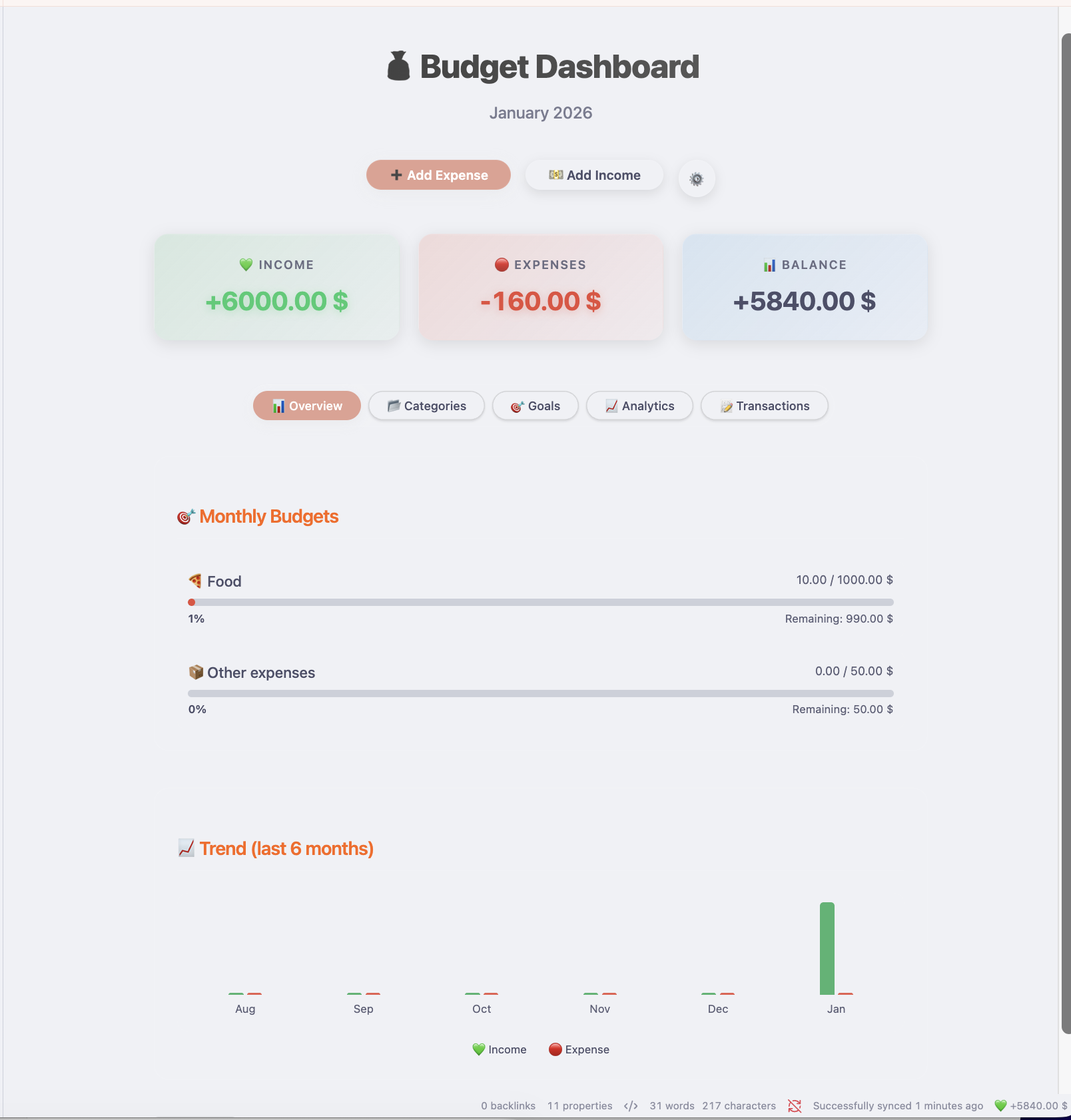
📊 Comprehensive Dashboard
Get a complete overview of your finances at a glance. Track income, expenses, and balance in real-time.
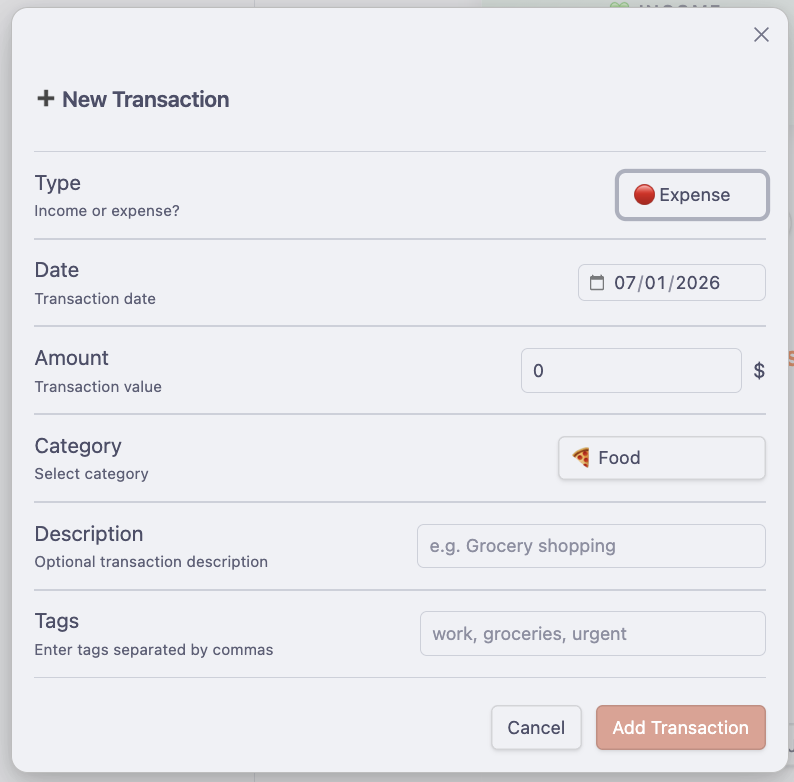
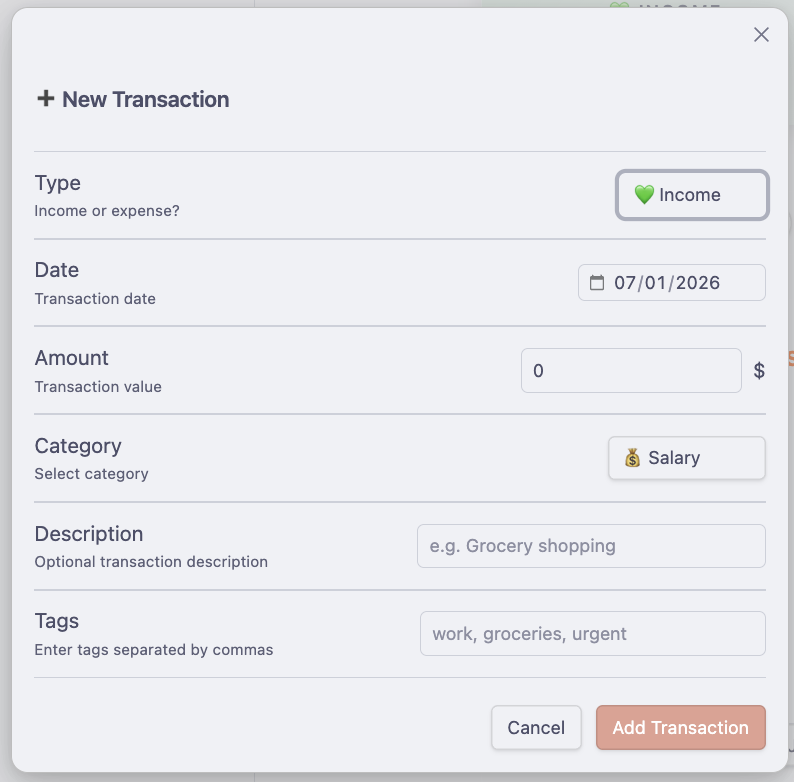
💸 Easy Transaction Entry
Quickly add income and expenses with intuitive forms. Support for recurring transactions included.
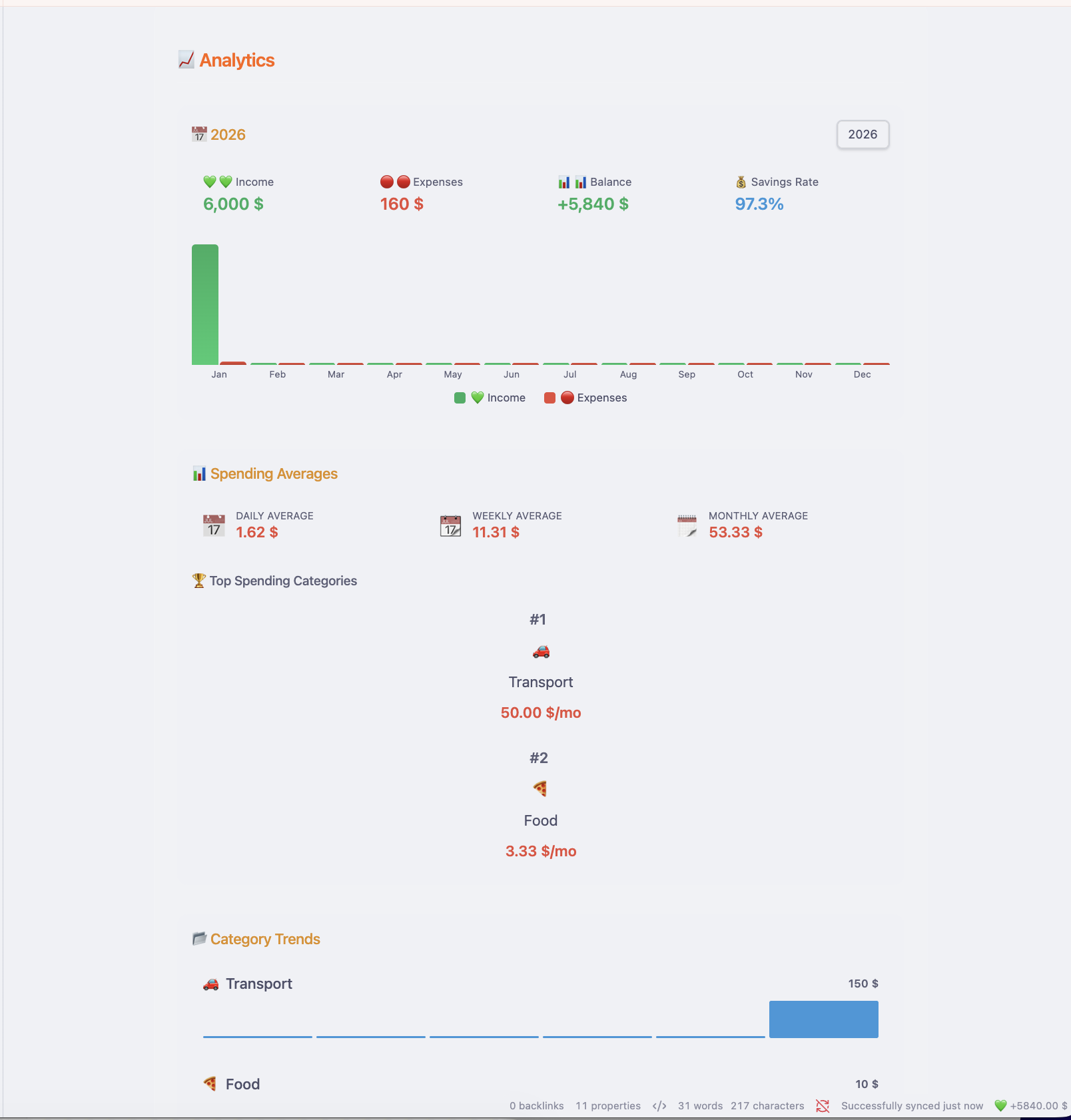
📈 Deep Analytics
Analyze spending trends over time and compare monthly performance.
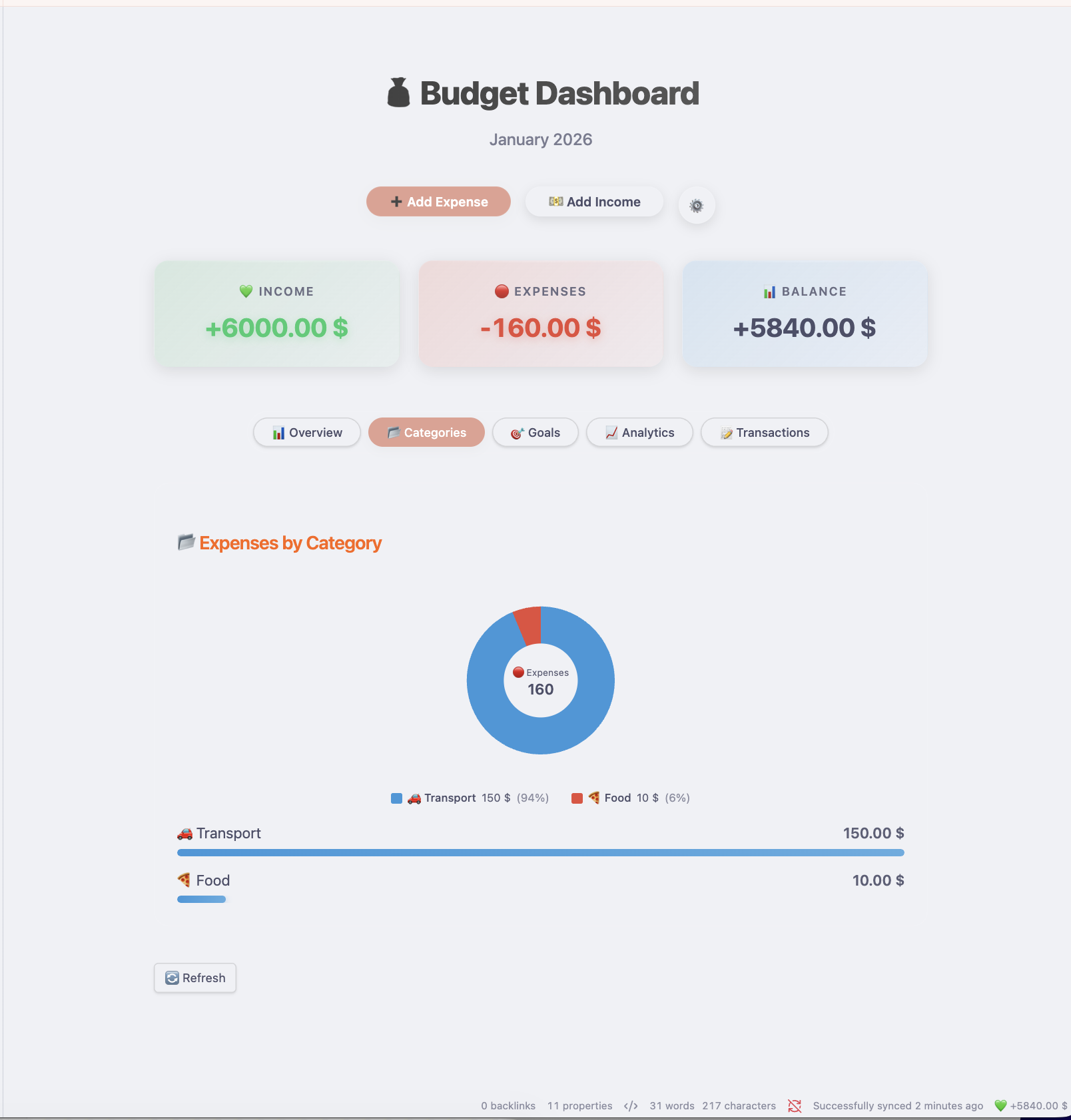
🧩 Smart Categorization
Visualize your spending by category to see exactly where your money goes.
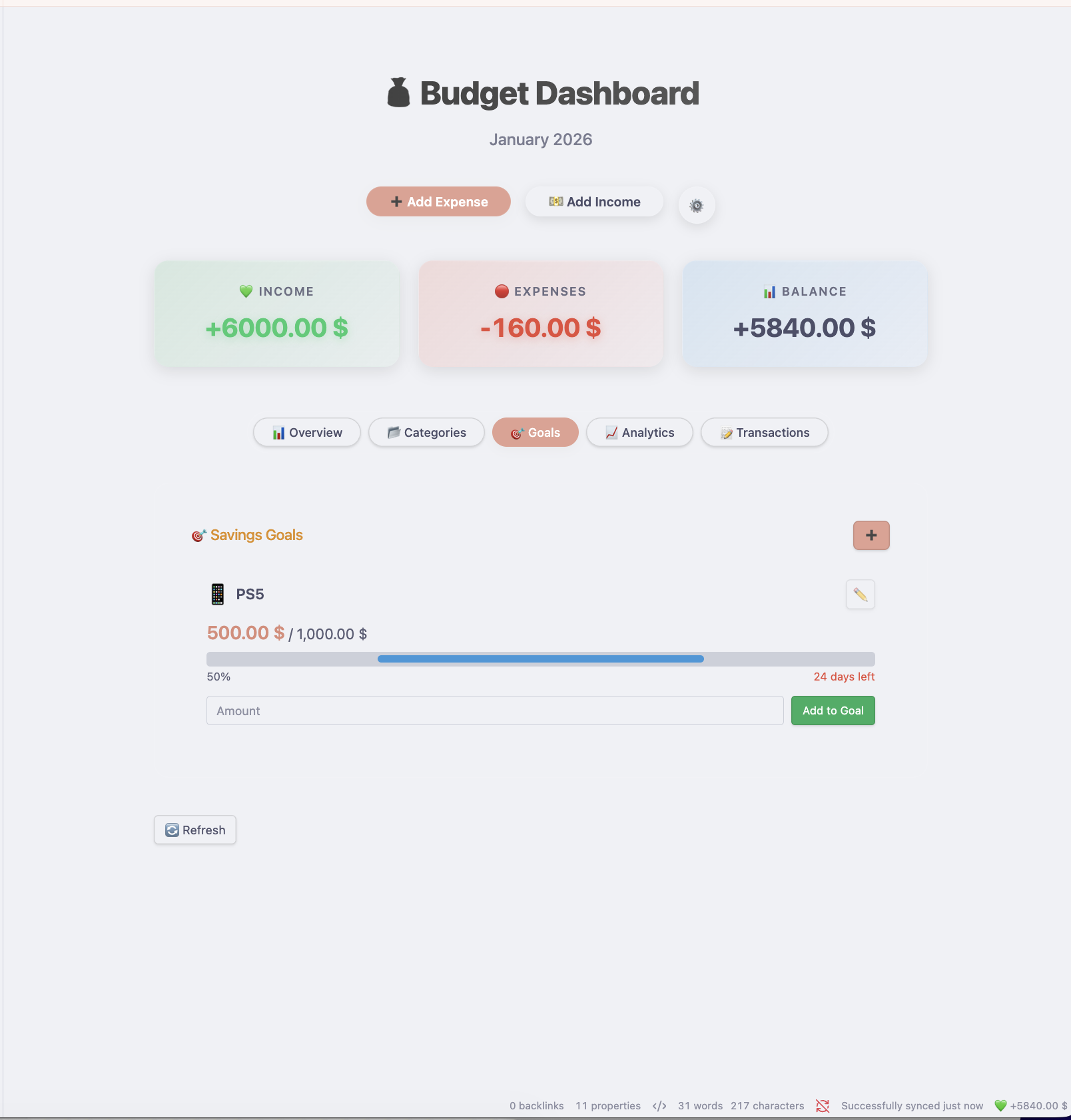
🎯 Savings Goals
Set financial targets and track your progress towards them.
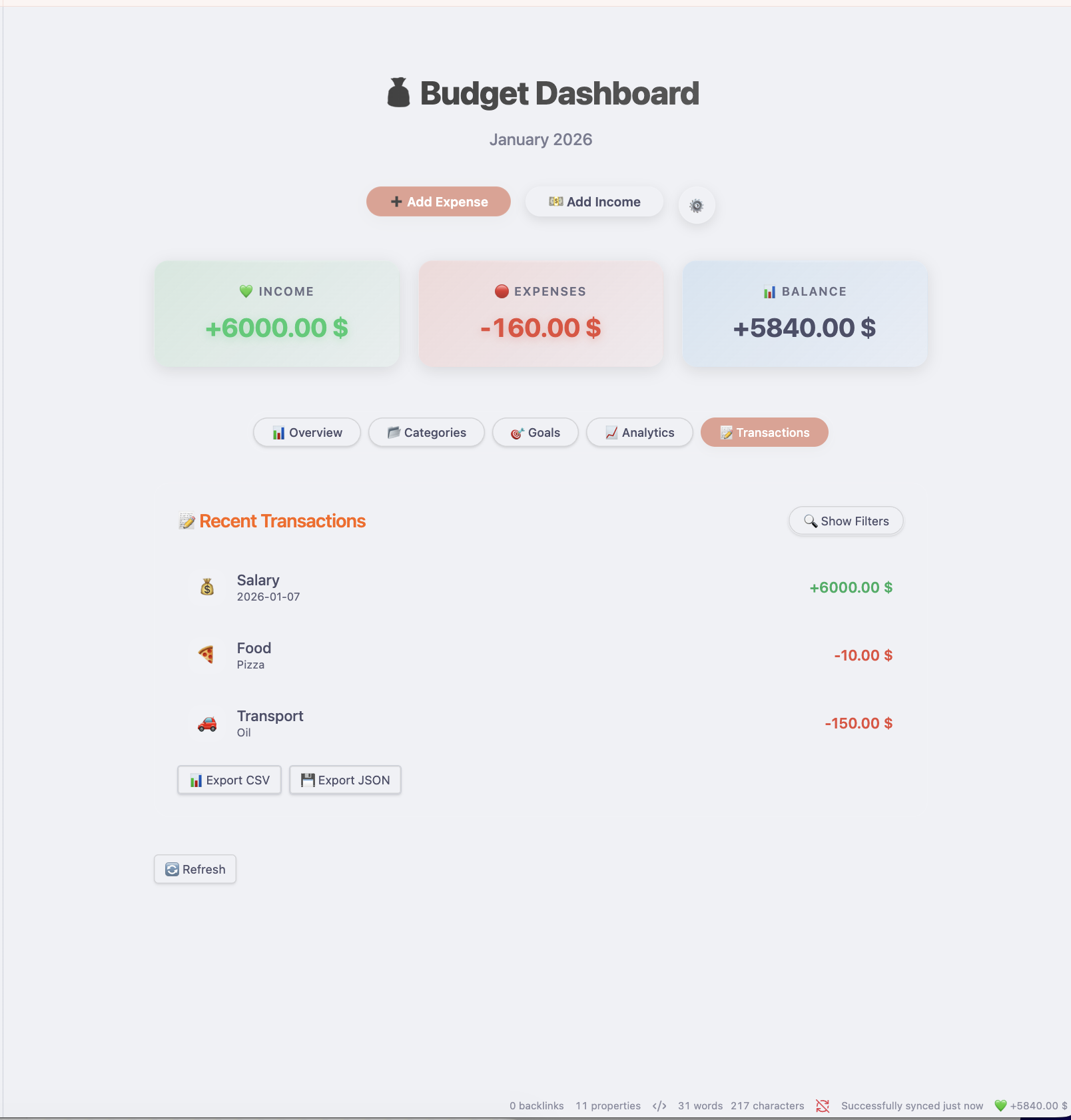
📝 Transaction History
View and manage your recent activity in a clean, list format.
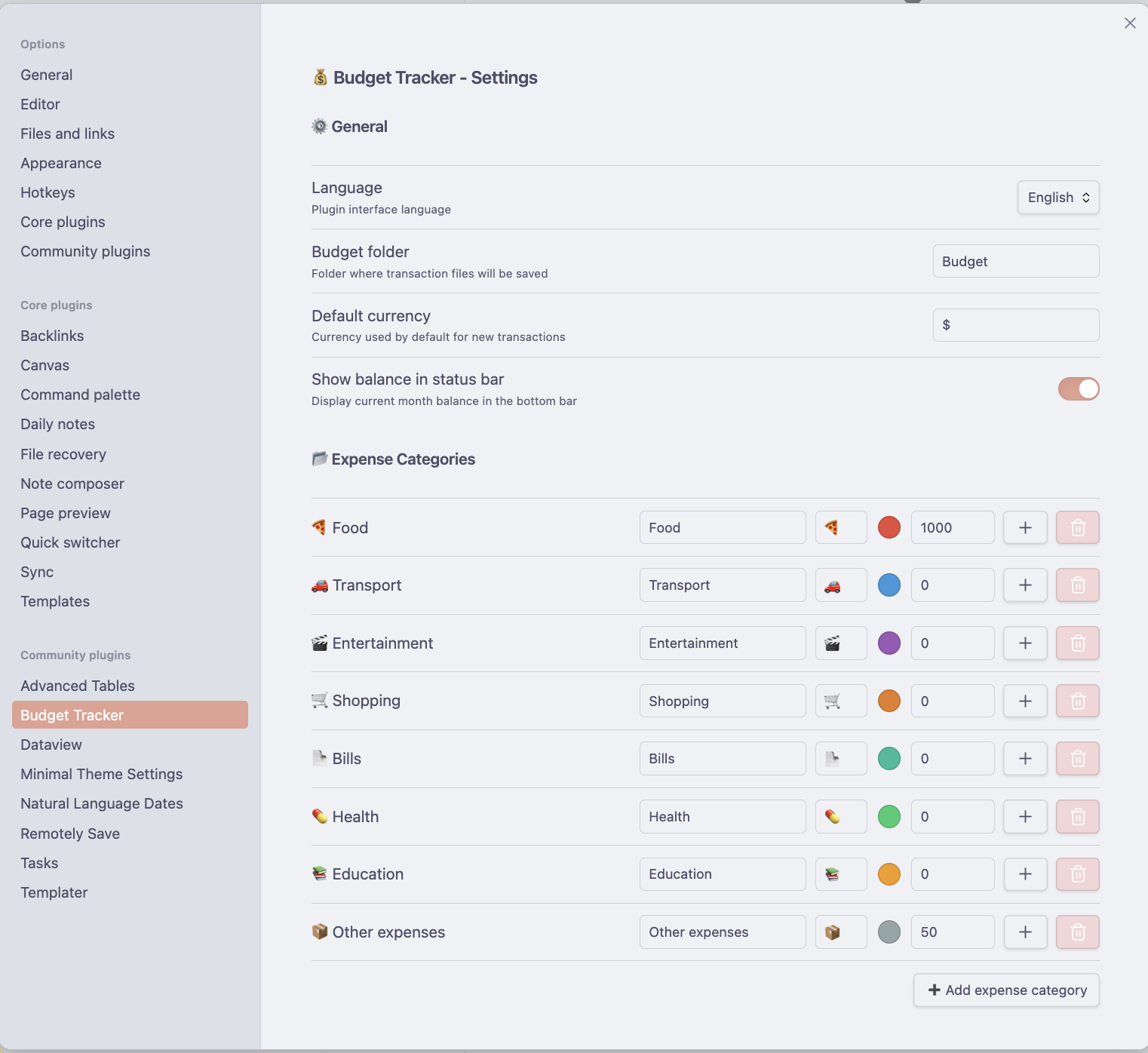
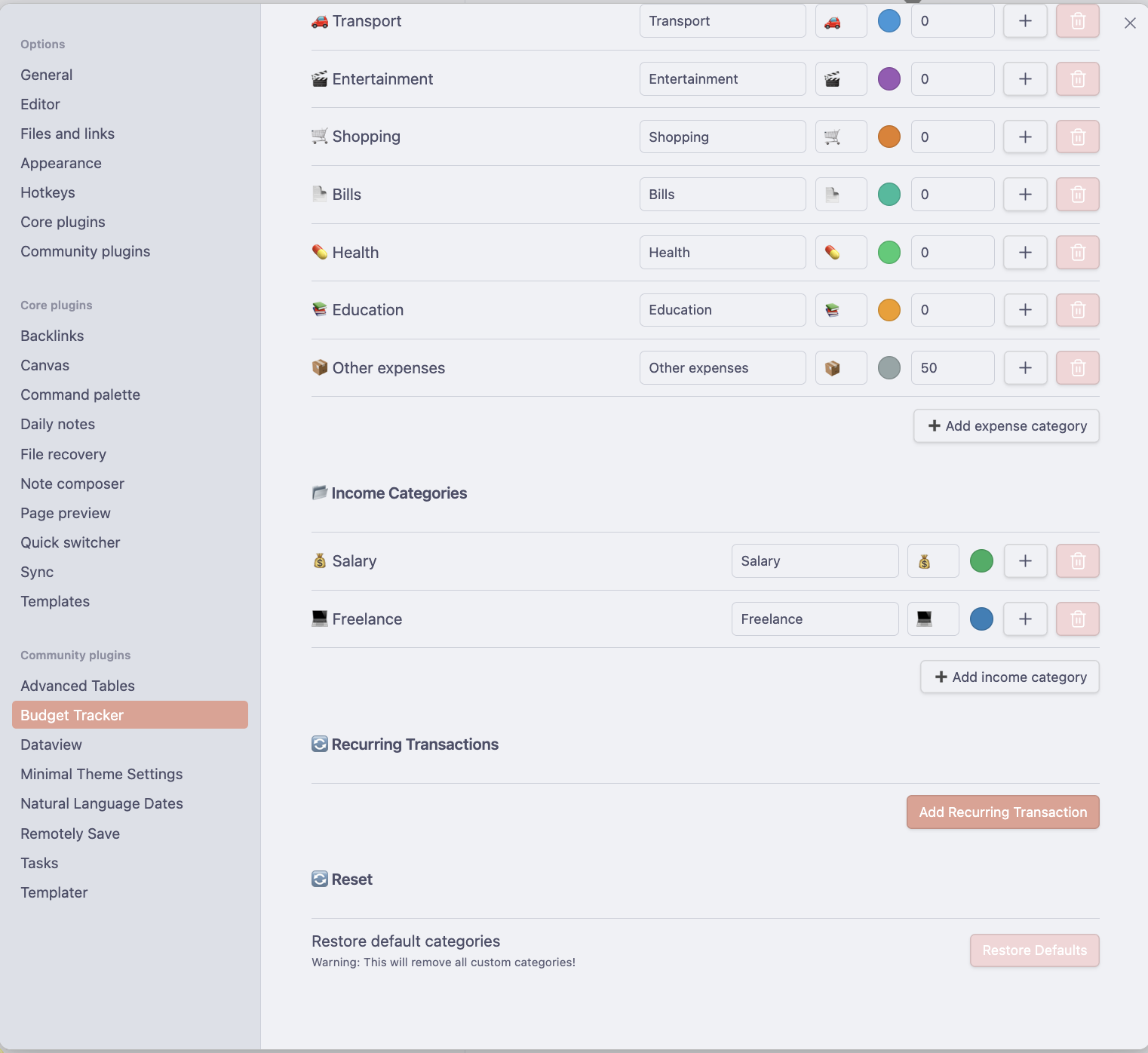
⚙️ Configuration
Customize categories, currency, and language settings to fit your needs.
🚀 How to Use
Opening the Dashboard
- Click the Ribbon Icon (Money Bag 💰) on the left sidebar.
- Or open the Command Palette (
Ctrl/Cmd + P) and search for "Open Budget Dashboard".
Adding Transactions
- Click the + Add Expense or + Add Income buttons on the dashboard.
- Fill in the amount, category, and optional details.
- Use the Recurring toggle if this is a repeating payment (e.g., subscription, rent).
Managing Categories
- Go to Settings > Categories to manage your structure.
- Drag and drop to reorder or nest categories (if supported in future updates) or use the tree view to organize.
Data & Analytics
- The specific Analytics tab provides yearly overviews and deeper insights into your spending habits.
- Savings Rate is automatically calculated based on your income vs. expenses.
⚙️ Settings
- Currency: Set your preferred currency symbol (e.g., $, €, PLN).
- Language: Switch between English and Polish.
- Notifications: Configure when to be alerted about upcoming recurring transactions.
📥 Installation
From Community Plugins
- Open Obsidian functionality Settings > Community plugins.
- Turn off "Restricted mode".
- Click Browse and search for "Caishen Budget Tracker".
- Click Install and then Enable.
Manual Installation
- Download the
main.js,manifest.json, andstyles.cssfrom the latest Release. - Create a folder named
caishen-budget-trackerin your vault's.obsidian/plugins/directory. - Put the downloaded files into that folder.
- Reload Obsidian and enable the plugin.
🤝 Support & Contributing
If you find a bug or have a feature request, please open an issue on GitHub.
� License
MIT License. See LICENSE for more information.
For plugin developers
Search results and similarity scores are powered by semantic analysis of your plugin's README. If your plugin isn't appearing for searches you'd expect, try updating your README to clearly describe your plugin's purpose, features, and use cases.