Default Zoom Fixer
pendingby Mariano Cavallo
Forces a default zoom factor at startup.
Default Zoom Fixer for Obsidian
Fixes Obsidian's broken zoom‑level persistence on Linux (e.g. under XWayland or Wayland). Many users report that Obsidian's default zoom resets to 100% on restart, especially on Wayland/X11 setups. This plugin forces and remembers your preferred zoom level reliably.
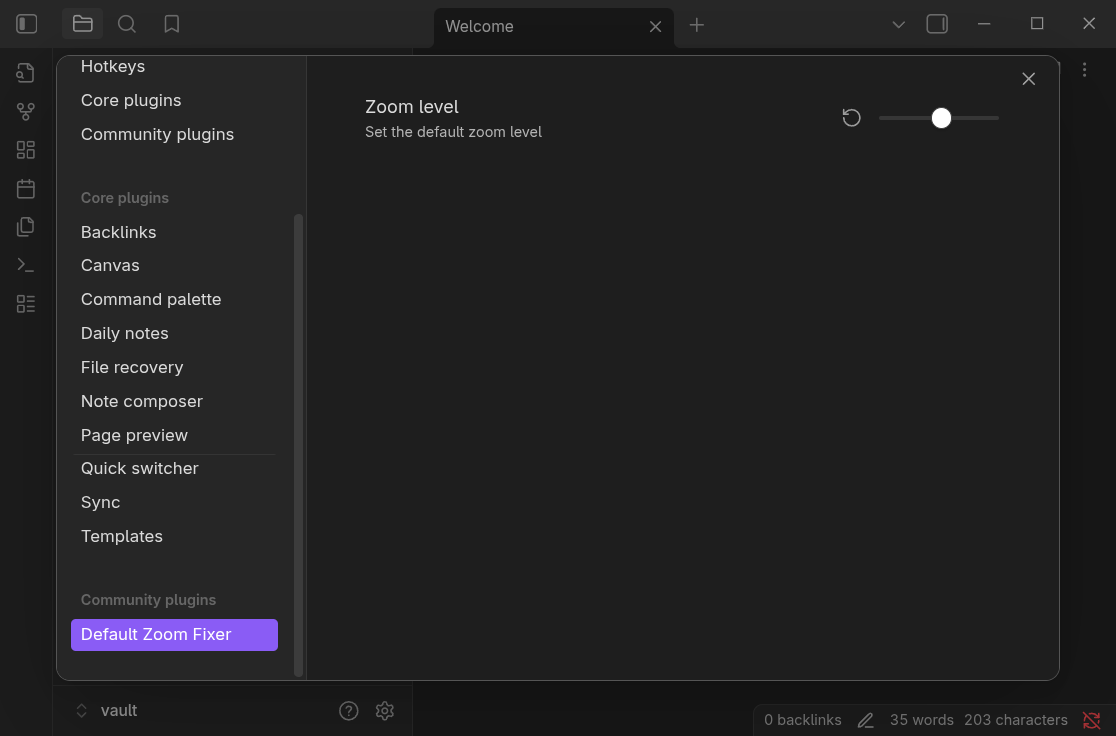
Installing
- Open the Obsidian Settings and go to Community Plugins
- Click Turn on community plugins to enable the use of custom plugins
- Click the Browse button to open the community plugins search
- Search for
Default Zoom Fixer, select it and click the Install button - You will find
Default Zoom Fixerin your list of Current plugins. Switch the toggle to enable the plugin.
Building
If you'd like to build the plugin yourself follow these instructions. This plugin uses TypeScript and Bun. You will need Bun installed in order to build it.
Build
bun install
make build
Install to vault
VAULT_PATH=/path/to/vault make install
Or manually:
mkdir -p /path/to/vault/.obsidian/plugins/default-zoom-fixer
cp -r dist/* /path/to/vault/.obsidian/plugins/default-zoom-fixer/
After installing the plugin files, restart Obsidian.
For plugin developers
Search results and similarity scores are powered by semantic analysis of your plugin's README. If your plugin isn't appearing for searches you'd expect, try updating your README to clearly describe your plugin's purpose, features, and use cases.