Mini Notes
pendingby Bana Tawalbeh
Your quick thoughts, beautifully displayed, with a Google Keep-style colorful card-based view.
Mini Notes
Your quick thoughts, beautifully displayed, without worrying about organization. Review them later in a colorful Google Keep-style card-based view, where you can pin, tag, and arrange what matters.
- view your notes in a google keep-notes similar layout
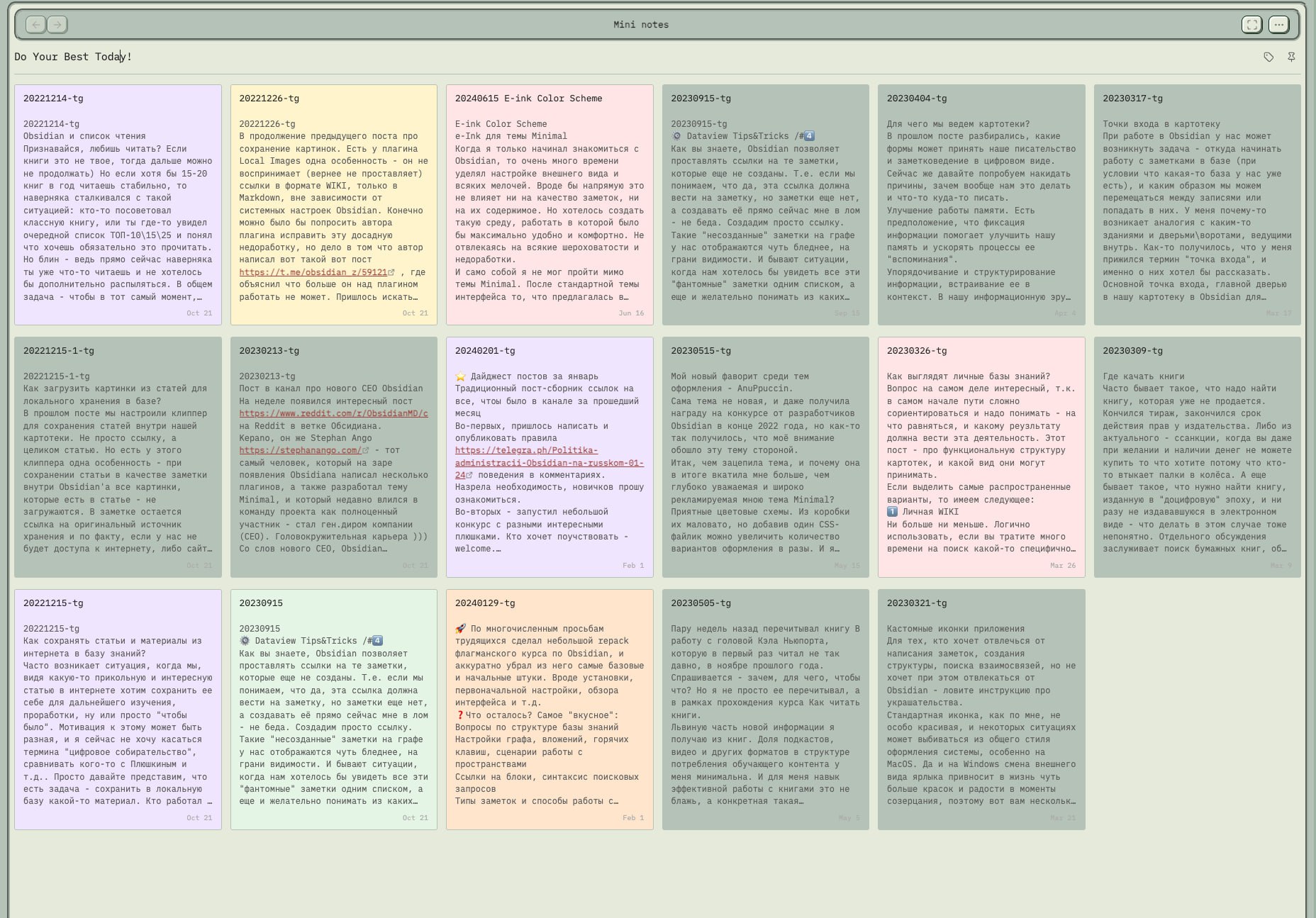
- change the bg color of your notes!
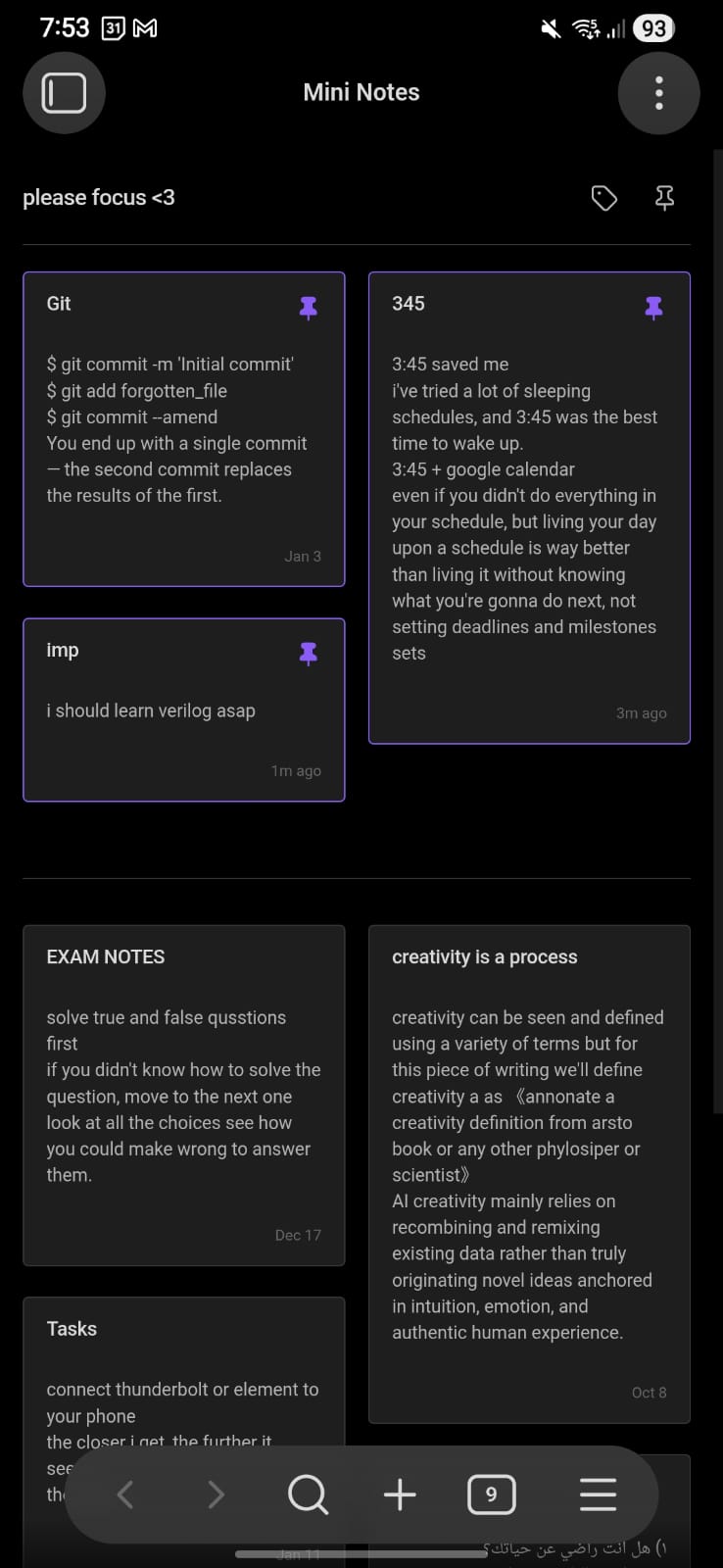
- pin your most important notes
- filter your notes based on their tags, folder, color, type.
- Example:
folder:projectscolor:yellowtag:cs
- Example:
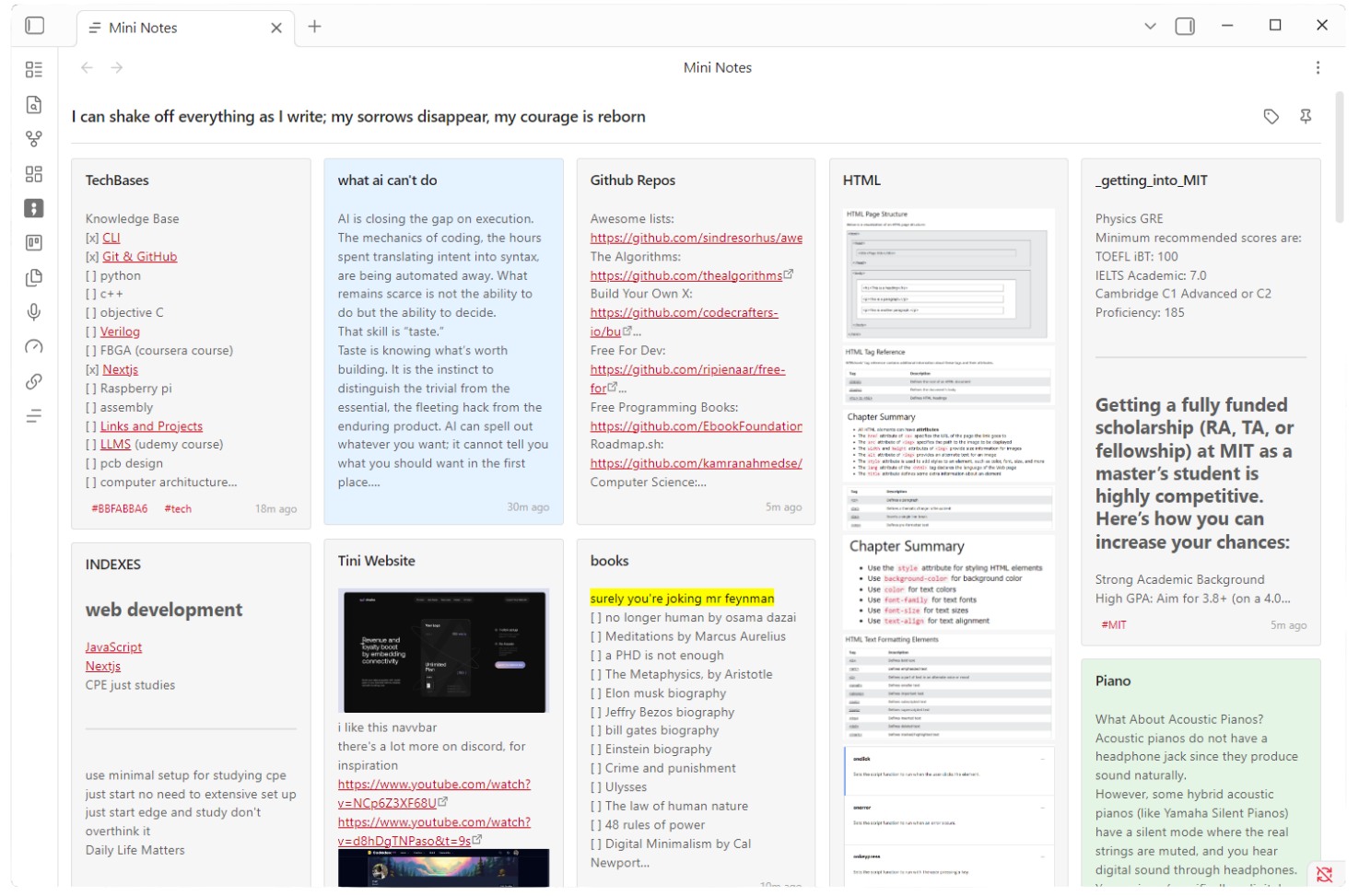
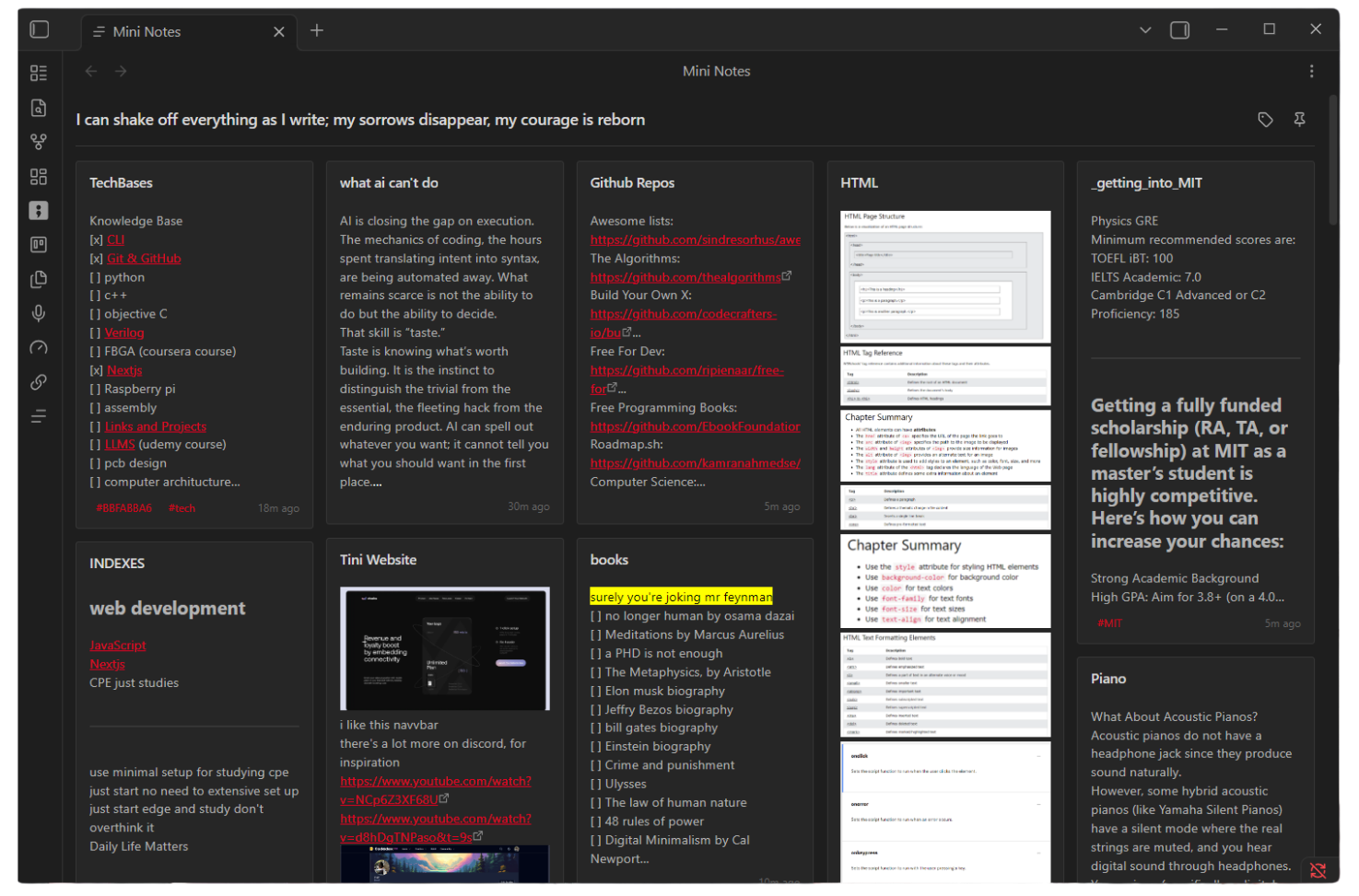
Aligns with whatever theme you have!
IOS & Android Mobile Support
Coloring Notes: Hover on a note >> select the color you want.

Creating a New Mini Note
- Click on the icon in the cards view
- Search for "Mini Notes: Create new mini note"
- Notes are created in the "Mini Notes" folder by default (configurable in settings)
- Recommended Hotkey:
Ctrl + [
Opening the Cards View
- Click the grid icon in the left ribbon, or
- Search for "Mini Notes: Open view"
- The view will intially load all notes (configurable in settings)
- Recommended Hotkey:
Ctrl + ]
Customizing the View
- Edit the title by clicking on it directly
- Drag cards to reorder them
- Settings → Mini Notes to configure:
- Source folder (where notes are fetched from)
- Create folder (where new mini notes will be saved)
- Maximum notes to display (default: 150)
- Theme color preferences
Filtering: within the search bar
- search for normal text, using the smart search or
- filter by: (folder:, tag:, color:, type:, is:, has:)
folder:and see all available folderstag:and see all available tagscolor:and see all color optionstype:and see all content type optionsis: is:pinned or is:unpinned
Don't forget to give it a ⭐ on GitHub to help others discover it!
If you find Mini Notes helpful, please consider supporting my work!


For plugin developers
Search results and similarity scores are powered by semantic analysis of your plugin's README. If your plugin isn't appearing for searches you'd expect, try updating your README to clearly describe your plugin's purpose, features, and use cases.