Realistic Sticky Notes
pendingby SumuS
Realistic physical-style sticky notes for your notes.
Obsidian Realistic Sticky Notes
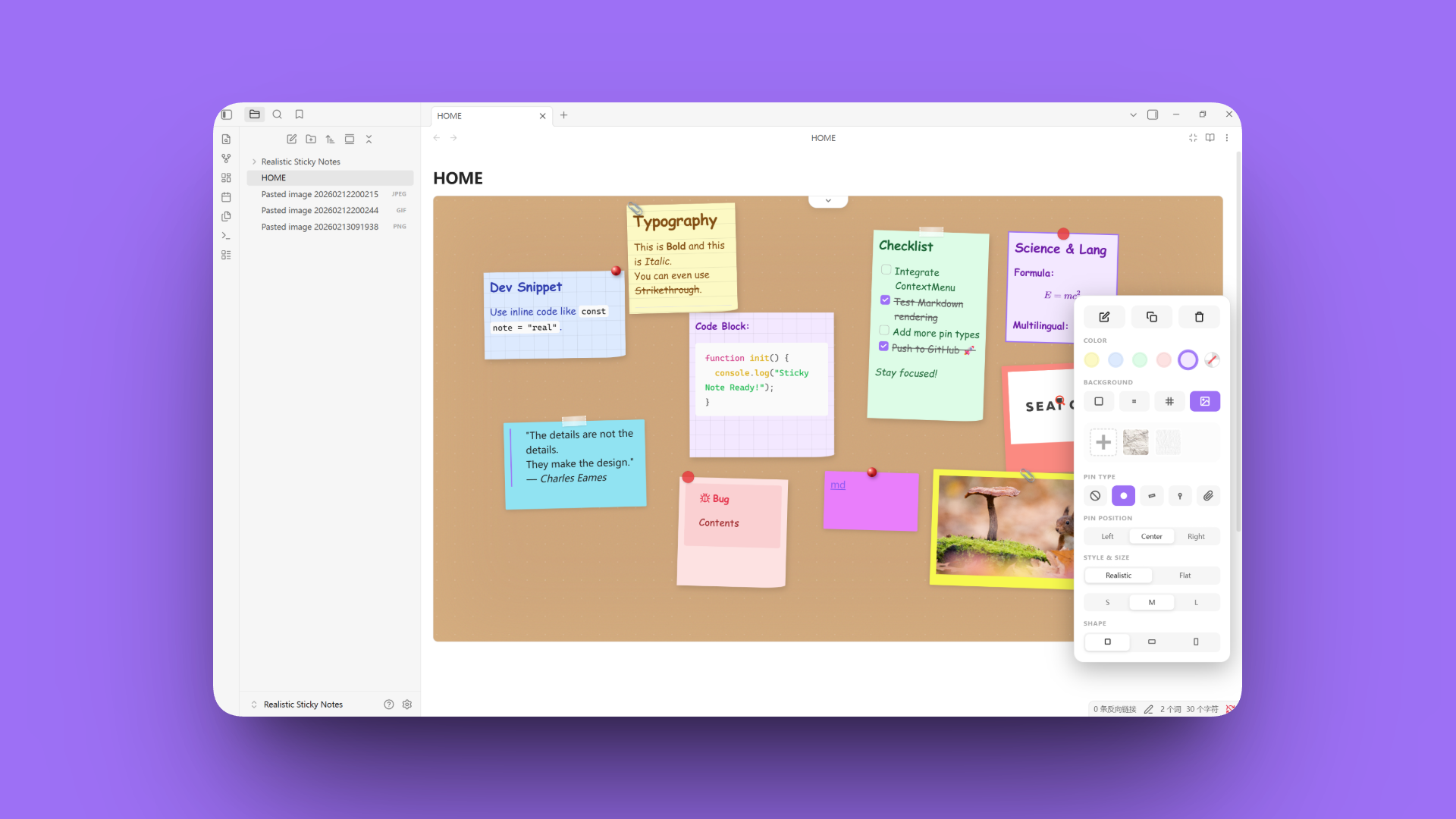


A highly realistic sticky note dashboard for Obsidian. Capture ideas as naturally as on a physical whiteboard, with zero learning curve.
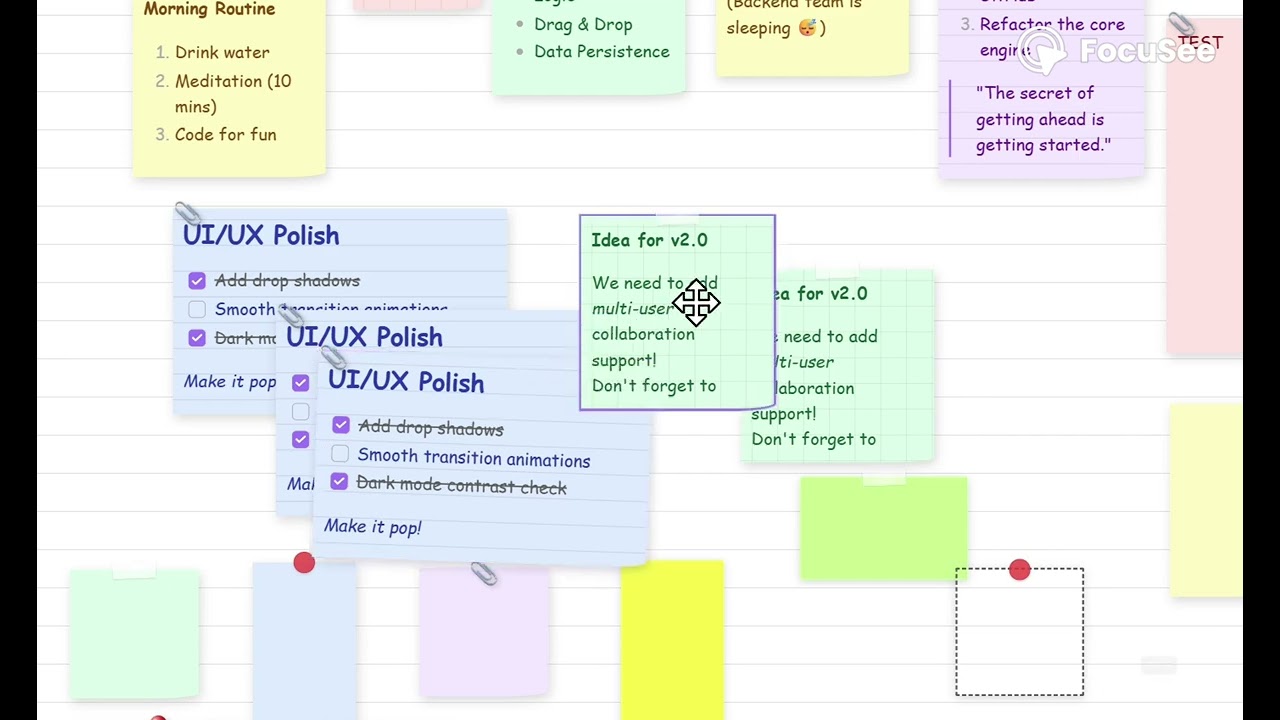
Click to Watch the Demo Video on YouTube
Feature Highlights
Realistic Sticky Notes
-
Zero Syntax: Double-click to create or edit notes instantly. You can also copy and paste notes directly.
-
Deep Customization: Fully customize the Style, Size, Pin Type (Tape, Pin, Clip, or Circle), Background (Solid, Lined, Grid, or Custom Images), Color, and Shape.
-
Full Markdown Support: Seamlessly use Obsidian's native Markdown syntax inside notes, including support for pasted images and GIFs.
-
Cross-Platform: Optimized for a smooth experience on both iOS and Android mobile devices.
Board Management
-
Smart Views: Toggle between Overview Mode and Center View. Easily switch between Aligned or Random Rotation for that authentic "messy" whiteboard look.
-
Multiple Boards: Pre-set with 6 board backgrounds. Create, manage, or delete multiple independent boards and adjust the canvas height to fit your needs.
-
Focus Mode: Toggle a "Narrow Width" option from the toolbar to maximize your workspace (affects the current board file only).
Transparent Data Storage
- Secure & Open: Every sticky note's data is stored as an independent .md file within your vault, ensuring your data remains human-readable and future-proof.
How to Use
-
Open any
.mdfile and enter Editing Mode. -
Trigger the command (via Command Palette) to insert the Sticky Notes panel.
-
Double-click any empty space to create a new note.
-
Right-click a note to access the context menu for styling, copying, or deleting.
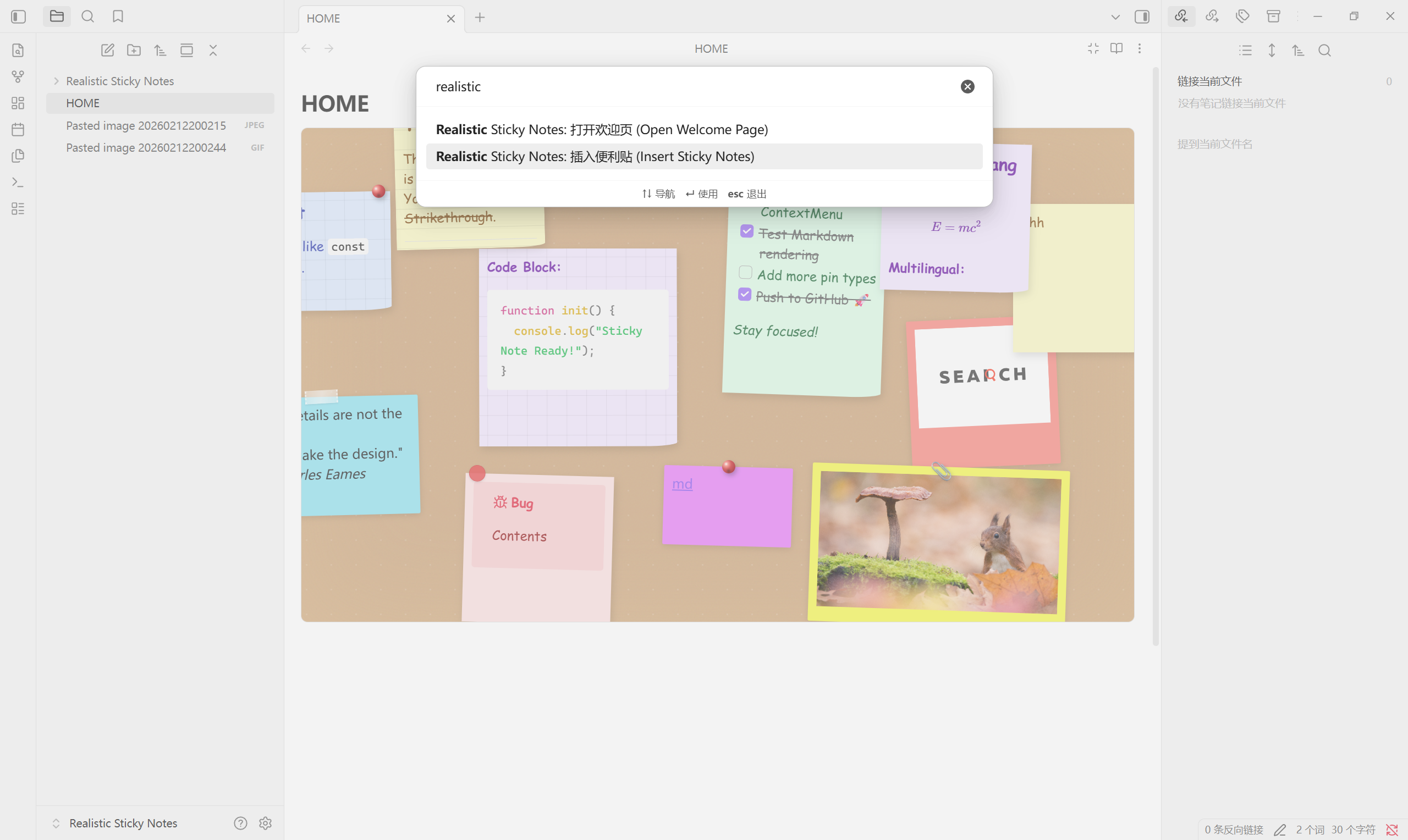
Support the Developer
If this plugin helps you stay organized and inspired, consider supporting its development. Your "coffee" helps SumuS(素木生) keep this project free and open-source!

License
Licensed under the AGPL-3.0 License. Contributions and PRs are always welcome!
For plugin developers
Search results and similarity scores are powered by semantic analysis of your plugin's README. If your plugin isn't appearing for searches you'd expect, try updating your README to clearly describe your plugin's purpose, features, and use cases.