Yearly Timeline
pendingby Elaine Serrano
Visualize your notes across a yearly view.
Yearly Timeline
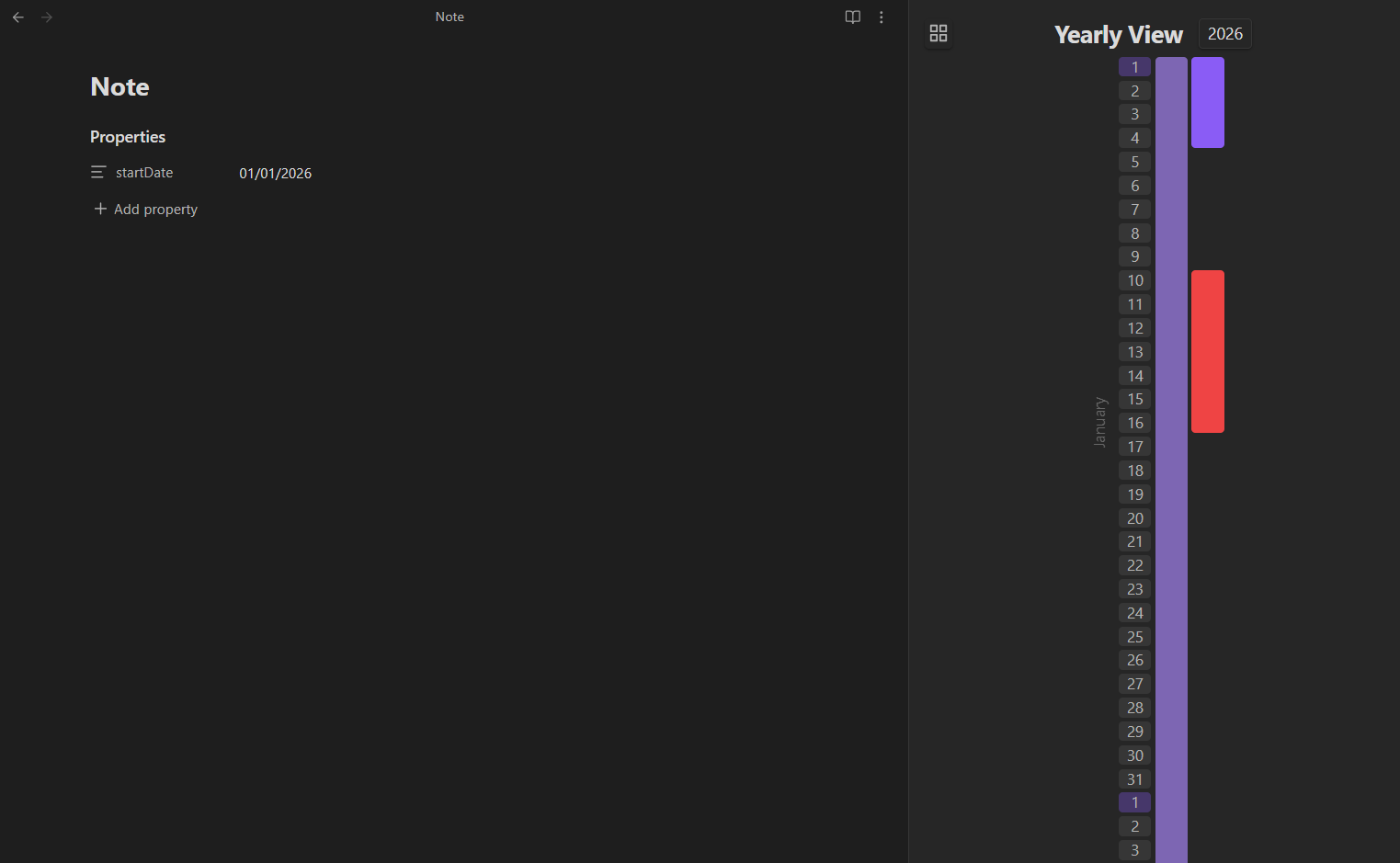
A visually intuitive vertical timeline plugin for Obsidian that allows you to track and visualize your notes across a yearly view.
How to use
- Install the plugin and enable it in your Obsidian settings.
- Click on the Activate view icon in the left ribbon (looks like a Gantt chart) to open the timeline view.
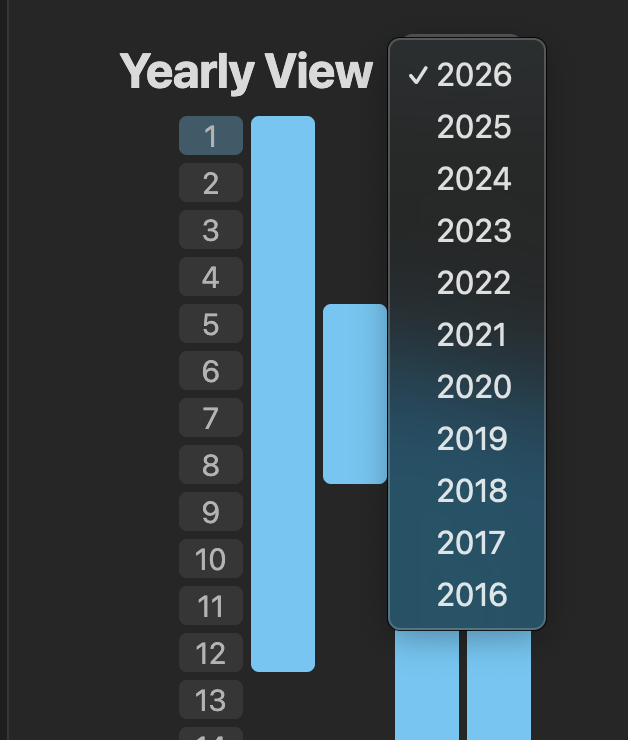
- Use the year selector at the top to navigate between different years.
Frontmatter Configuration
To display a note on the timeline, you need to add specific fields to your note's frontmatter (YAML). The plugin automatically picks up any note that contains at least a startDate.
Required Date Format
Dates MUST follow the DD/MM/YYYY format. (Day, Month, Year).
Fields
startDate: (Required) The start date of the event or note.endDate: (Optional) The end date.- If provided: The note is marked as Done (100% saturation).
- If not provided: The note is marked as In-Progress (50% saturation) and automatically extends to today's date.
name: (Optional) The name of the event or note. If not provided, the plugin will use the file name.category: (Optional) Categorizes the note for color-coding. The plugin automatically assigns one of 12 vibrant colors to any new category it discovers.
Status & Appearance
The plugin automatically determines the status and visual style of a note based on its properties:
| Status | Frontmatter Requirement | Appearance |
|---|---|---|
| Todo | No startDate | Hidden from timeline |
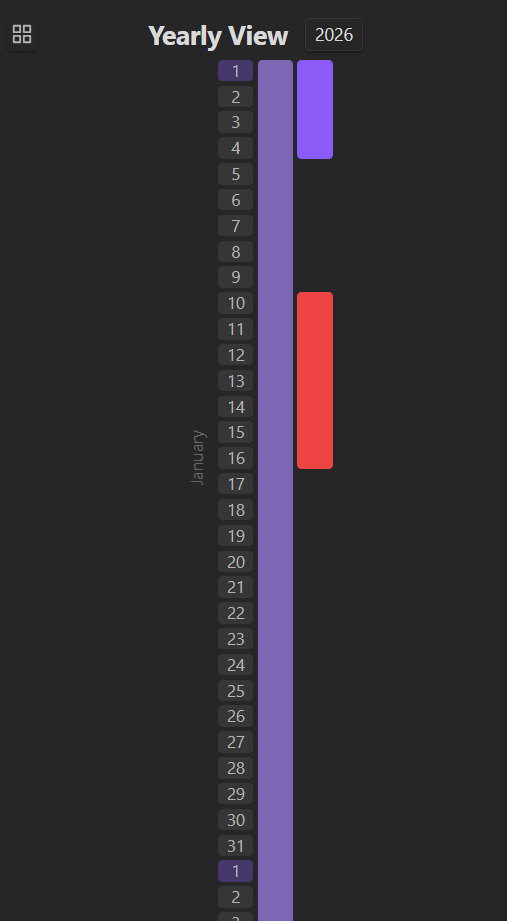
| In-Progress | startDate but no endDate | 50% Saturation, ends today |
| Done | Both startDate and endDate | 100% Saturation |
Category Colors
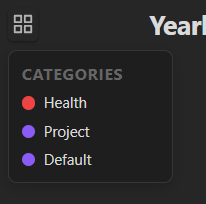
Notes are colored based on their category. The plugin uses a dynamic 12-color palette, assigning colors in the order categories are discovered (chronologically by note date). A legend button in the top-left of the timeline view shows the current mapping. If no category is provided, the default theme accent color is used.
Example
---
startDate: 10/01/2026
endDate: 25/01/2026
category: work
---
Features
- Yearly Perspective: See your entire year's activities at a glance in a vertical layout.
- Category Color Coding: Automatically assigns one of 12 vibrant colors to categories discovered in your notes.
- Progress Visualization: Automatically distinguishes between "In-Progress" and "Completed" notes using saturation levels.
- Dynamic Legend: Access a quick legend in the top-left to see active categories and their colors.
- Overlap Handling: Automatically organizes overlapping notes into separate columns.
- Interactive Navigation: Click on any block in the timeline to instantly open the associated note.
- Leap Year Support: Full support for leap years and varying month lengths.
For plugin developers
Search results and similarity scores are powered by semantic analysis of your plugin's README. If your plugin isn't appearing for searches you'd expect, try updating your README to clearly describe your plugin's purpose, features, and use cases.