Text Hider
pendingby Hunter
Visually hides note text while editing to protect privacy in public.
Text Hider
Text Hider is an Obsidian plugin that visually hides your note content while you’re editing. Perfect for writing notes in public spaces without shoulder-surfing.
Text Hider will not:
- Change or encrypt your notes
- Modify files on disk
It works entirely at the editor display level. Turn it off at any time and your notes appear exactly as before.
Features
- Toggleable text masking
- Multiple masking styles:
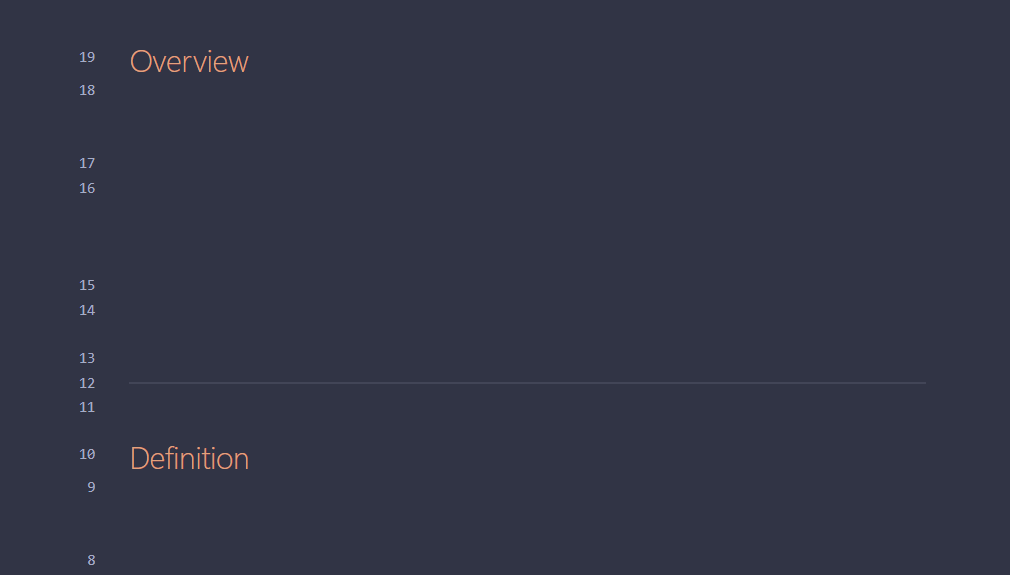
- Hide – completely invisible text (best layout stability)
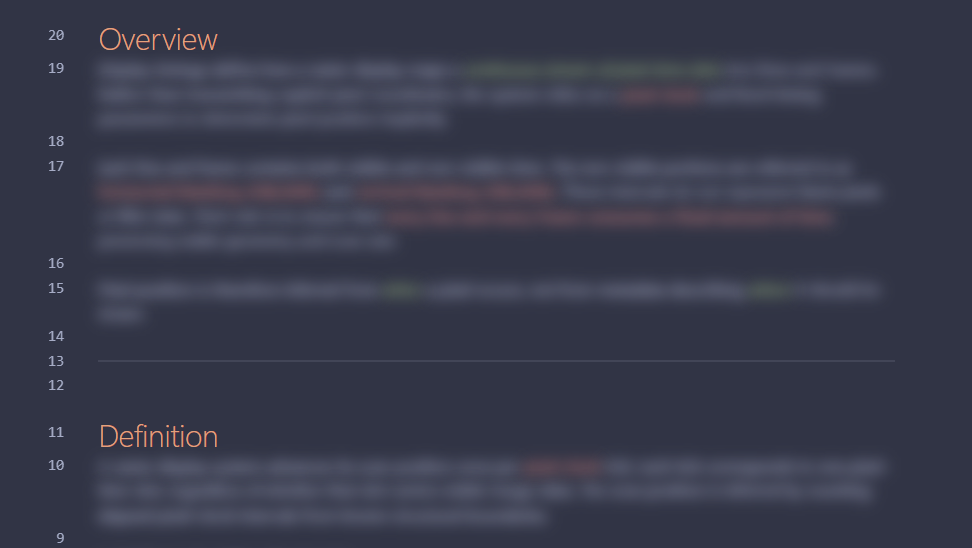
- Blur – obscures text while preserving structure
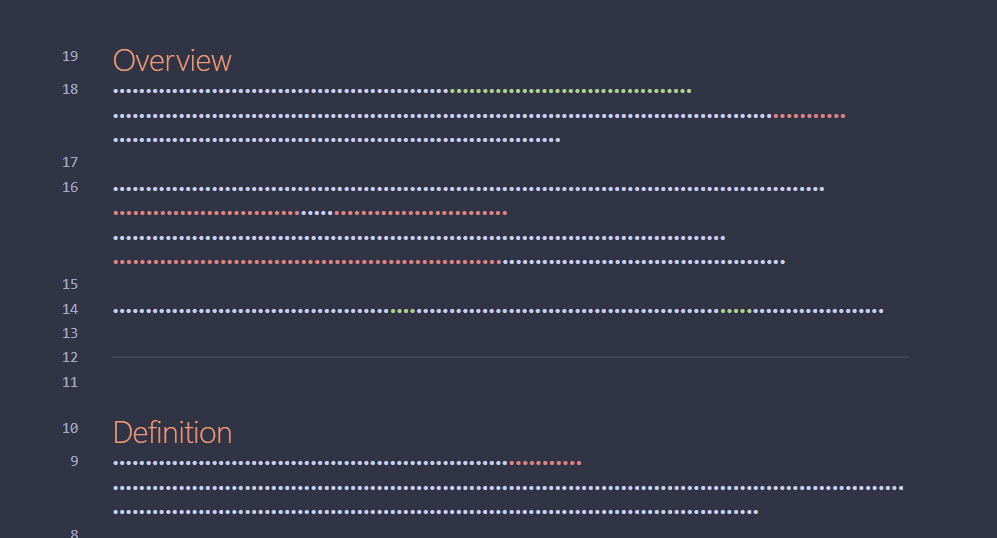
- Password – bullet-style masking (may vary by theme)
- Reveal only what you need:
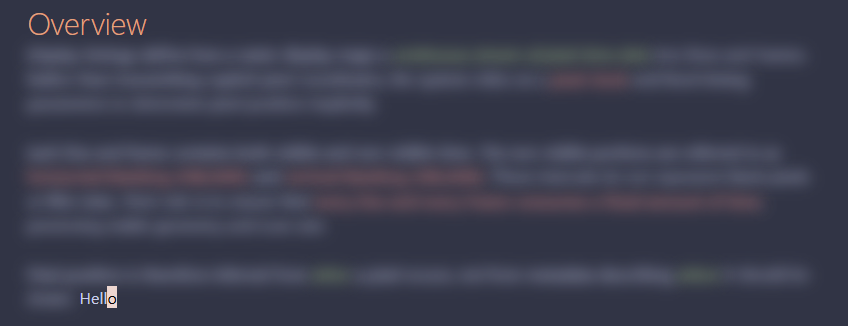
- Current word or
- Current letter
- Optional exceptions:
- Keep Markdown headers visible
- Reveal selected text while selecting
Commands & Hotkeys
Text Hider provides three commands:
- Toggle privacy mode
- Enable privacy mode
- Disable privacy mode
For best use, bind a hotkey to Toggle privacy mode:
- Open Settings → Hotkeys
- Search for “Text Hider”
- Assign your preferred keybinding
All commands are also available via the Command Palette.
Settings
Mask mode
Choose how hidden text is displayed:
-
Hide – fully invisible (recommended for best layout consistency)
-
Blur – visually obscured but readable up close
-
Password – masked with bullet characters (appearance may vary by theme)
Reveal mode
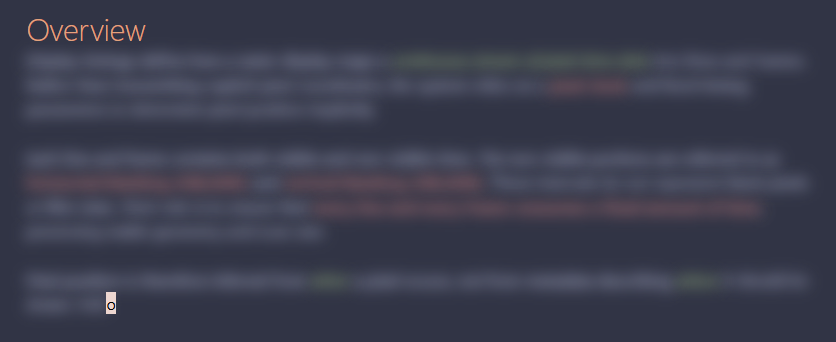
Choose what remains readable at the cursor:
-
Current word
-
Current letter
Exclude headers
Keeps Markdown headers (#, ##, ###, etc.) visible while the rest of the note is masked.
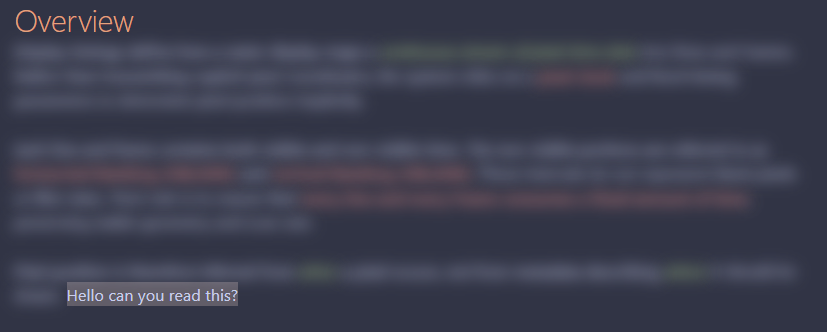
Reveal selected text
When enabled, any text you select becomes visible while selected.
Notes & limitations
- Masking applies only to the editor view (Live Preview / Source mode)
- Reading View masking may be added in the future
- Some themes may slightly affect blur or password masking appearance
Development status
Text Hider is under active development.
Feedback, bug reports, and suggestions are welcome!
License
ISC
For plugin developers
Search results and similarity scores are powered by semantic analysis of your plugin's README. If your plugin isn't appearing for searches you'd expect, try updating your README to clearly describe your plugin's purpose, features, and use cases.