Quick Select
approvedby James Alexandre
Quickly select items in any modal using keyboard shortcuts. Supercharge your workflow with fast, efficient item selection.

Obsidian Quick Select
Open any Obsidian modal and press Mod + number to quickly open that file/execute that command/select that tag/choose that suggestion!
Supercharge Your Workflow!
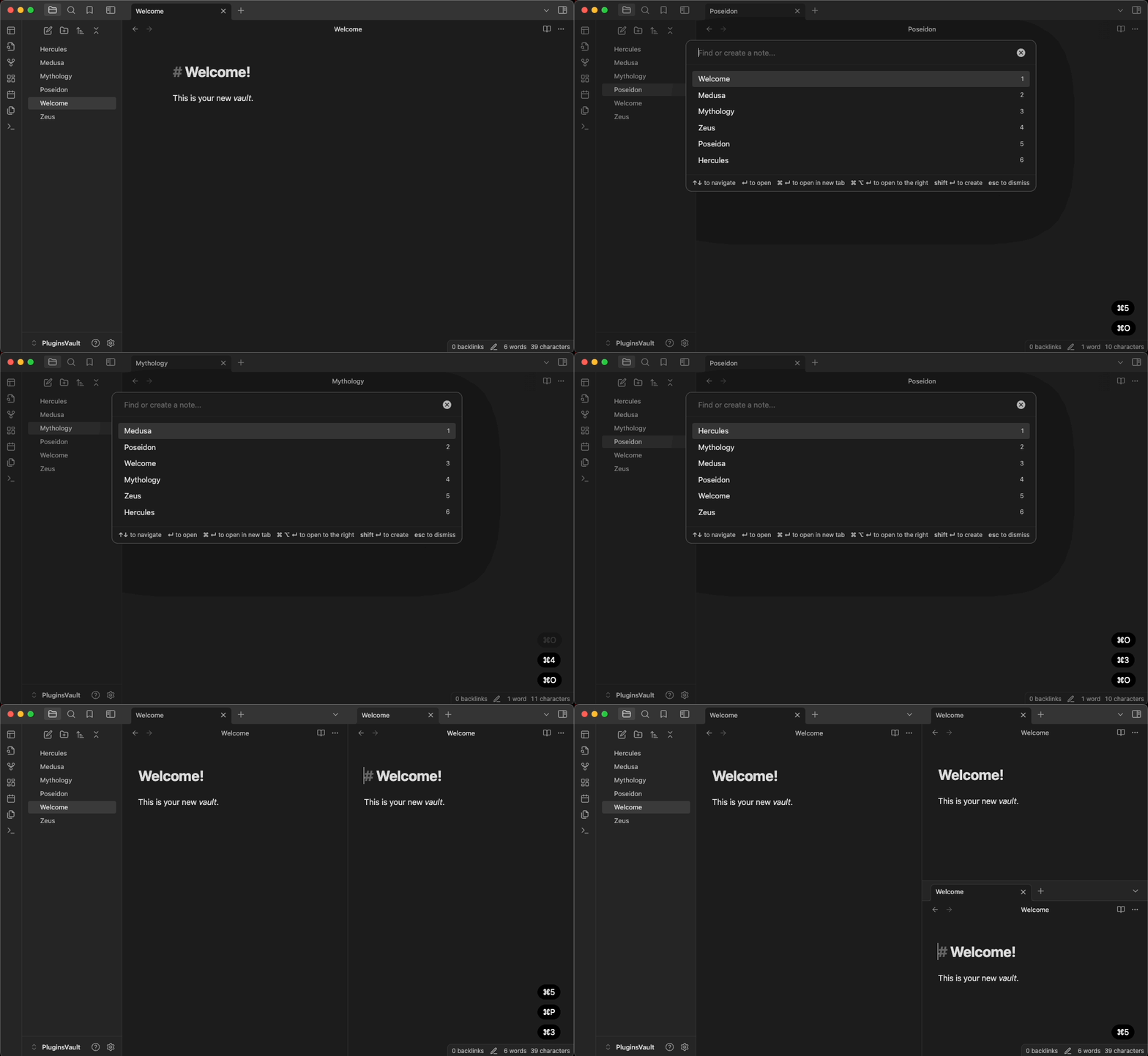
Quick Select works in all Obsidian modals including: the quick switcher, command palette (including all subsequent modals), slash command, search, even tags and alias!
Examples:
Quick Select Tags (Frontmatter/Inline)
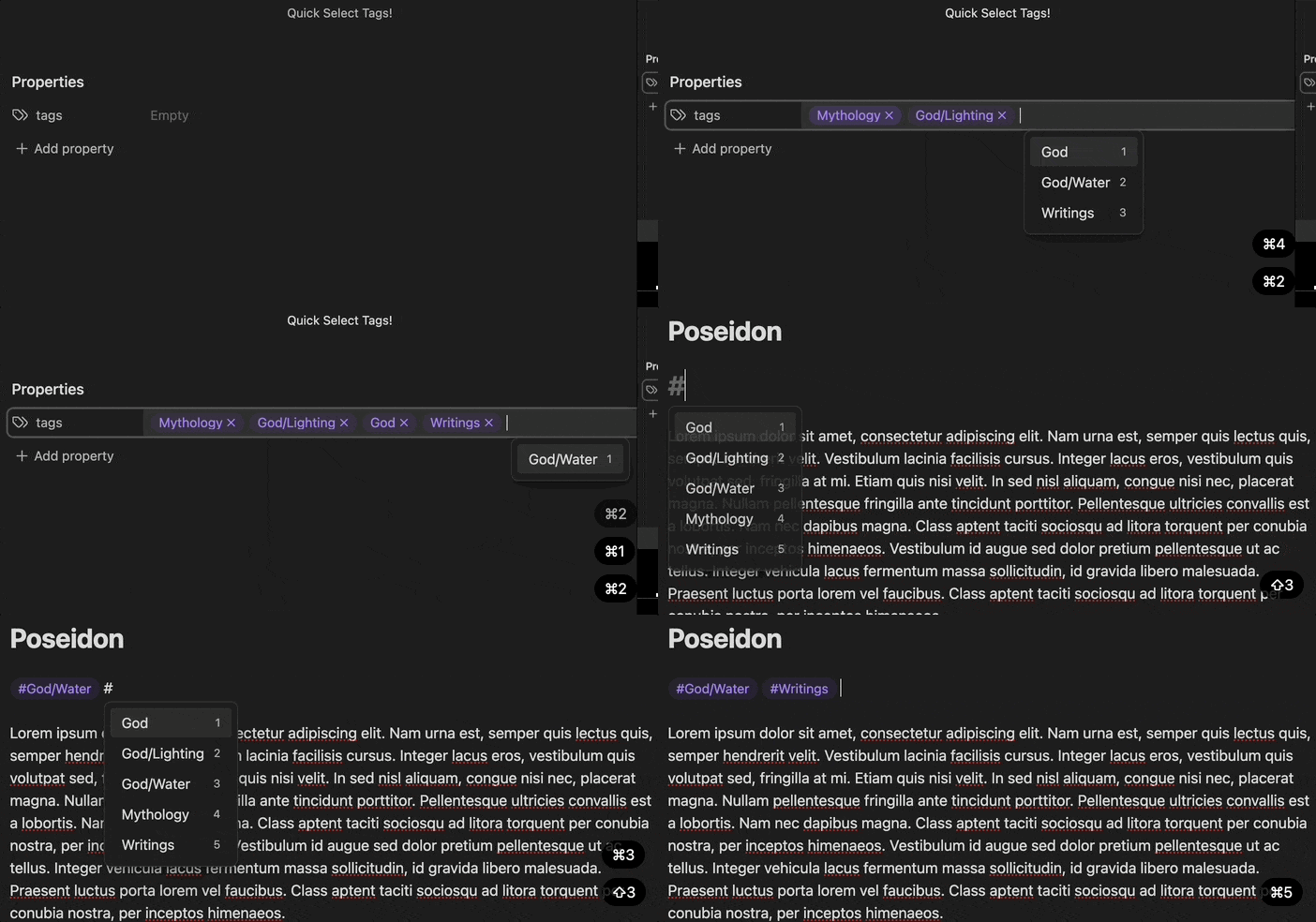
Quick Select Search Items

Hot Swap Workspaces
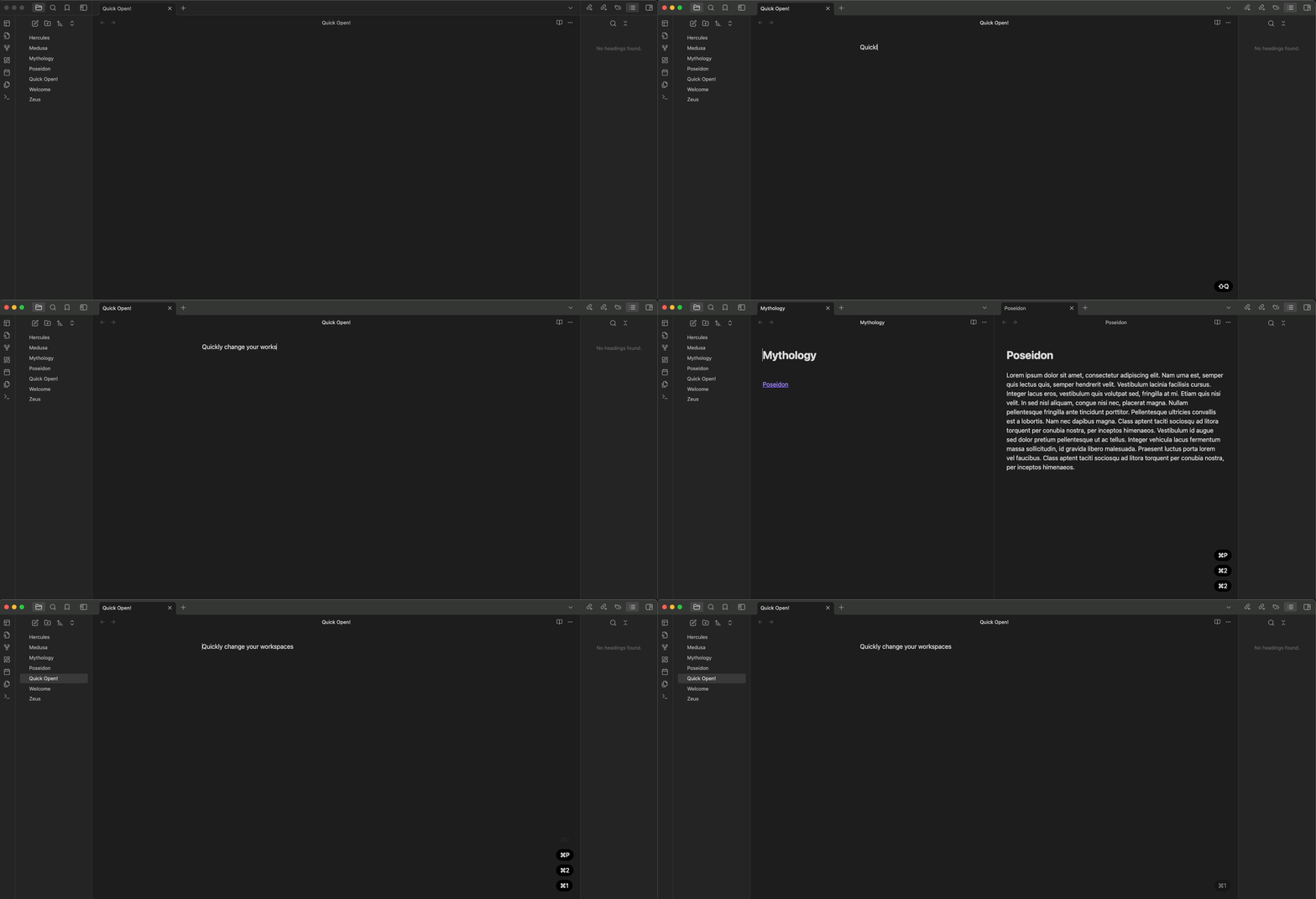
Quick Select Slash Commands

And much more...
Mod Key Usage
- MacOS: Command + number
- Windows + Linux: Ctrl + number
This project is licensed under the terms of the MIT license.
For plugin developers
Search results and similarity scores are powered by semantic analysis of your plugin's README. If your plugin isn't appearing for searches you'd expect, try updating your README to clearly describe your plugin's purpose, features, and use cases.