by Bryan Monge
A bookmark bar in the left ribbon: web links, any file, nested folders, separators, drag and drop, and monochrome icons.




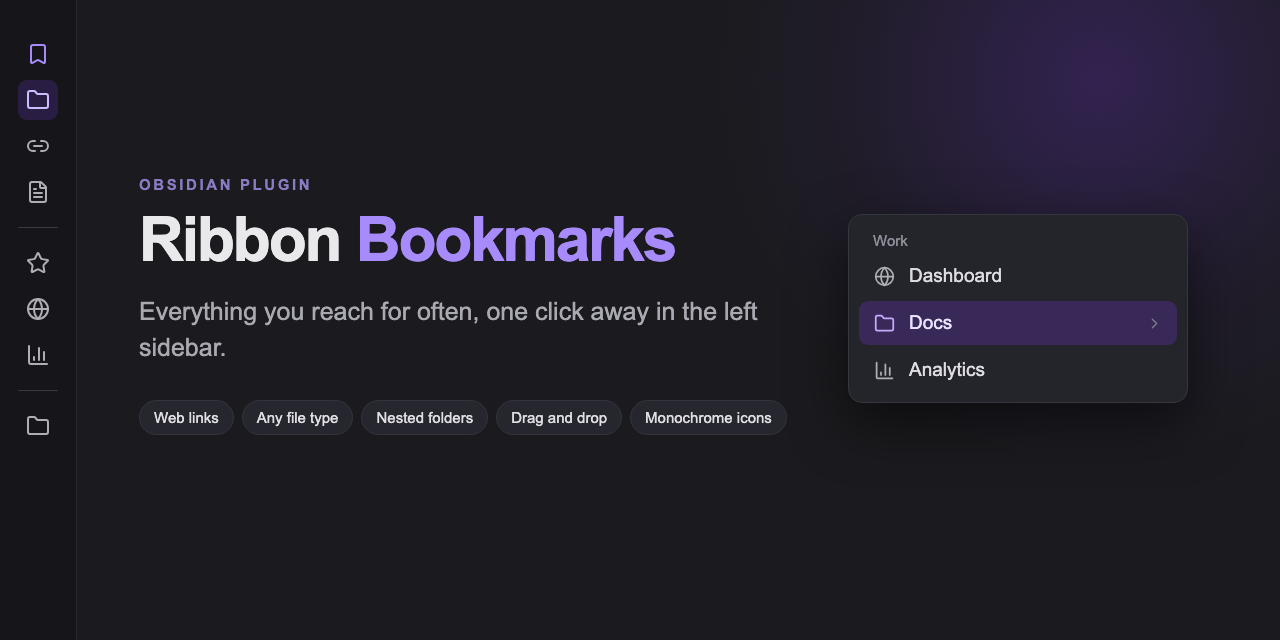
Everything you reach for often, one click away in the left sidebar.
Screenshots
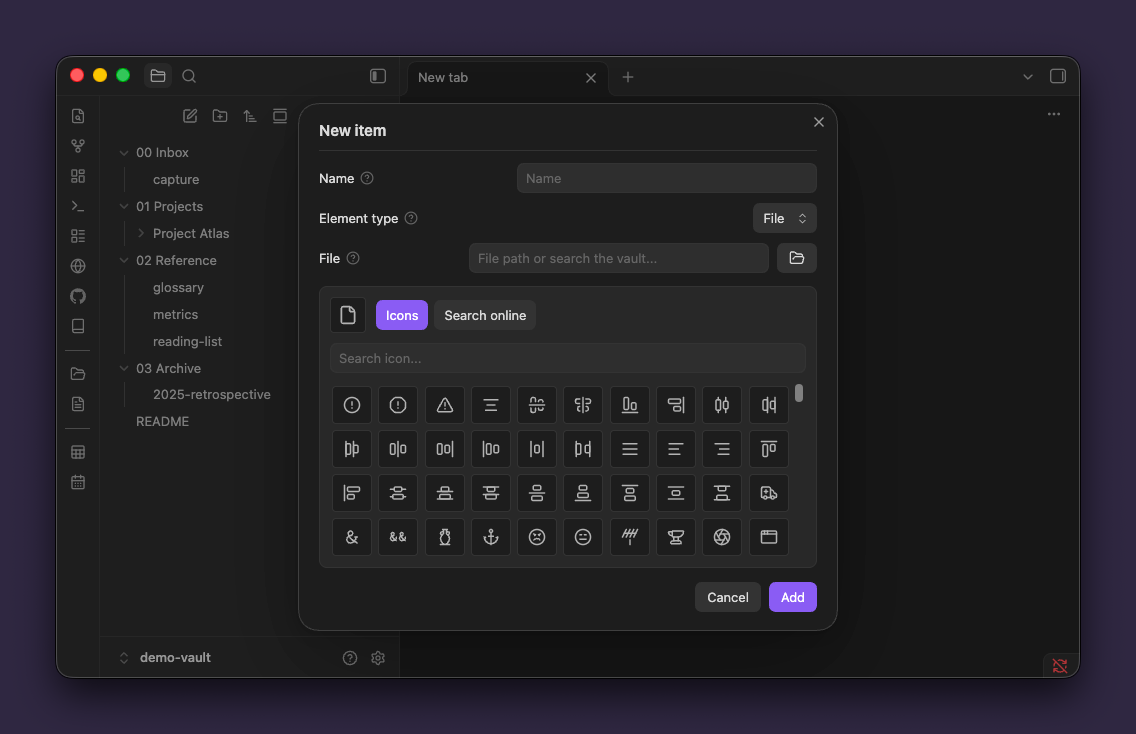
Features
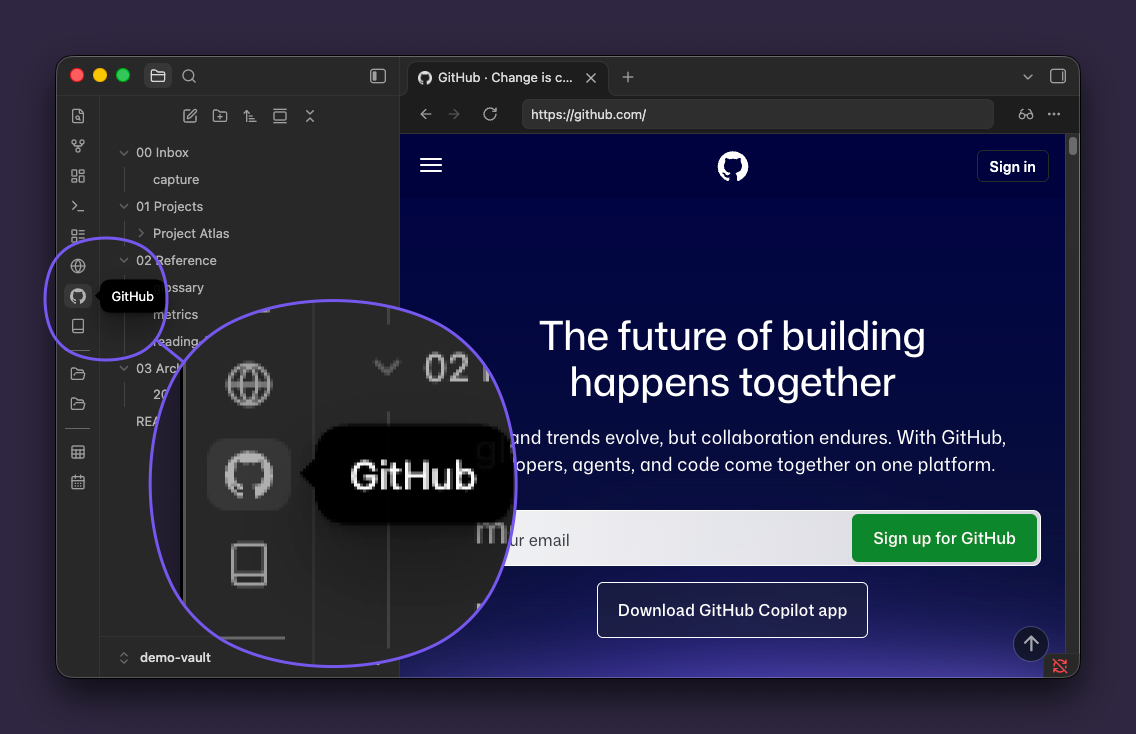
- Web links and any file type — notes, PDFs, canvas, Excalidraw, Office documents, video, audio and archives.
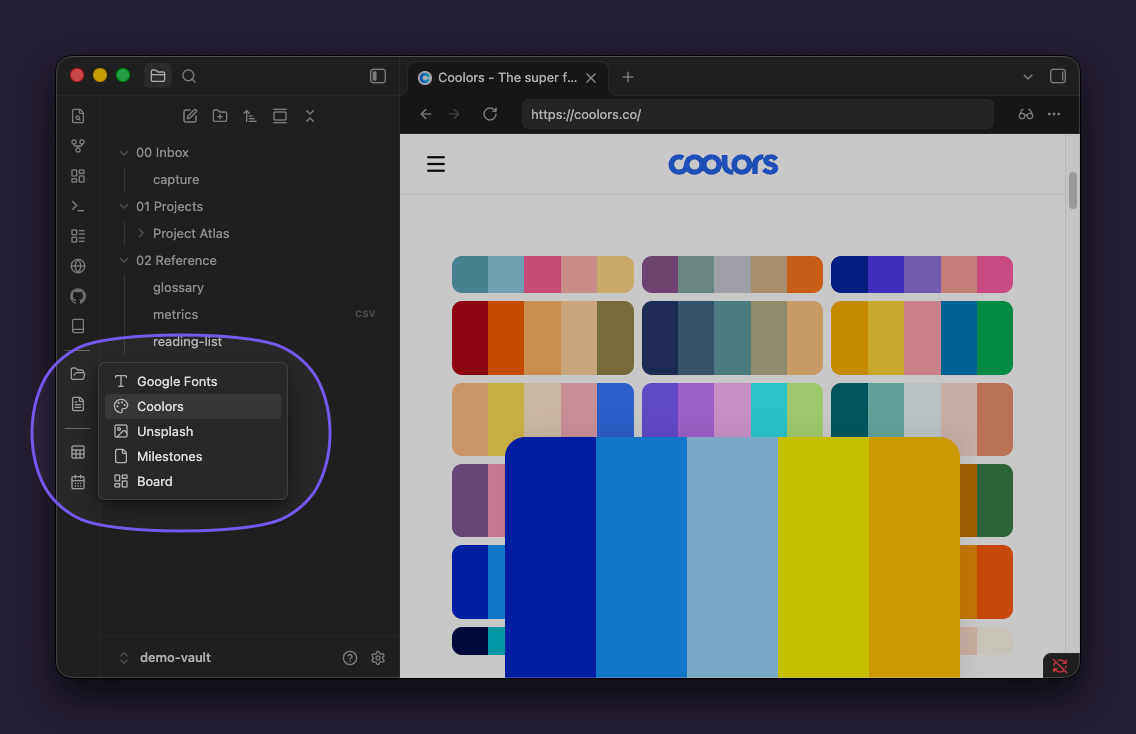
- Nested folders — drop an item on another to group them. Folders open in cascading side menus and nest without limit.
- Drag and drop — drag a tab, a link, or files and folders straight onto the ribbon.
- Flat monochrome icons — Lucide, built-in brand logos, an online SVG search, or your own
.svgfiles, always tinted by the current theme. - No lock-in — it opens links in whichever browser is already enabled in the vault, and follows whatever tab behavior you have configured.
Installation
From the community directory

With BRAT — for testing a version that is not in the directory yet:
- Install BRAT and run BRAT: Add a beta plugin for testing.
- Enter
bryanmongesolano/obsidian-ribbon-bookmarks.
Manually — copy main.js, manifest.json and styles.css from the latest release into .obsidian/plugins/ribbon-bookmarks/.
Usage
| Action | Result |
|---|---|
| Left click | Opens the item |
| Middle click | Opens it in a new tab |
| Left click a folder | Shows its contents |
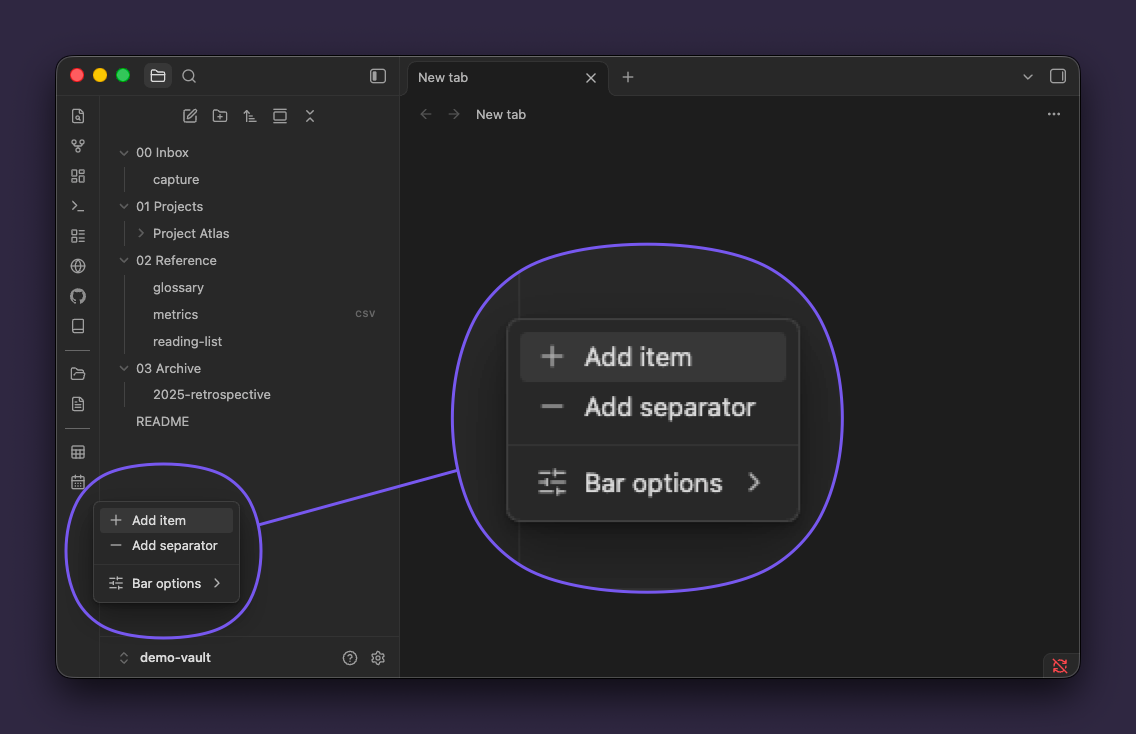
| Right click the ribbon | Add an item or a separator, plus the native ribbon options |
| Right click an item | Open in new tab, open externally, modify, delete |
| Drag onto another item | Groups them into a folder |
| Drag between two items | Reorders, with a line showing where it will land |
Settings
Language: automatic (follows the app), English or Spanish.
Compatibility
- Requires Obsidian 1.13.0 or later.
- Tab behavior and browser rendering are inherited from the vault: Surfing → Web viewer → system browser, and Open Tab Settings when it is installed.
- No telemetry. The only network requests are the optional icon search and the site logo lookup, both started by you.
Development
npm install
npm run dev      # watch build
npm run lint     # ESLint + Stylelint with Obsidian's official rules
npm run build    # type check + production build
npm run deploy   # build, then copy into a local vault
npm run deploy needs the target vault:
OBSIDIAN_VAULT_PLUGINS="/path/to/vault/.obsidian/plugins" npm run deploy
License
Support
Ribbon Bookmarks is free and open source. If it earns a place in your sidebar, you can support its development:
For plugin developers
Search results and similarity scores are powered by semantic analysis of your plugin's README. If your plugin isn't appearing for searches you'd expect, try updating your README to clearly describe your plugin's purpose, features, and use cases.