Schematex
approvedby Maarten Peels
Render Schematex diagrams in your notes with pan, zoom, fullscreen view, and image export. - This plugin has not been manually reviewed by Obsidian staff.
Schematex for Obsidian
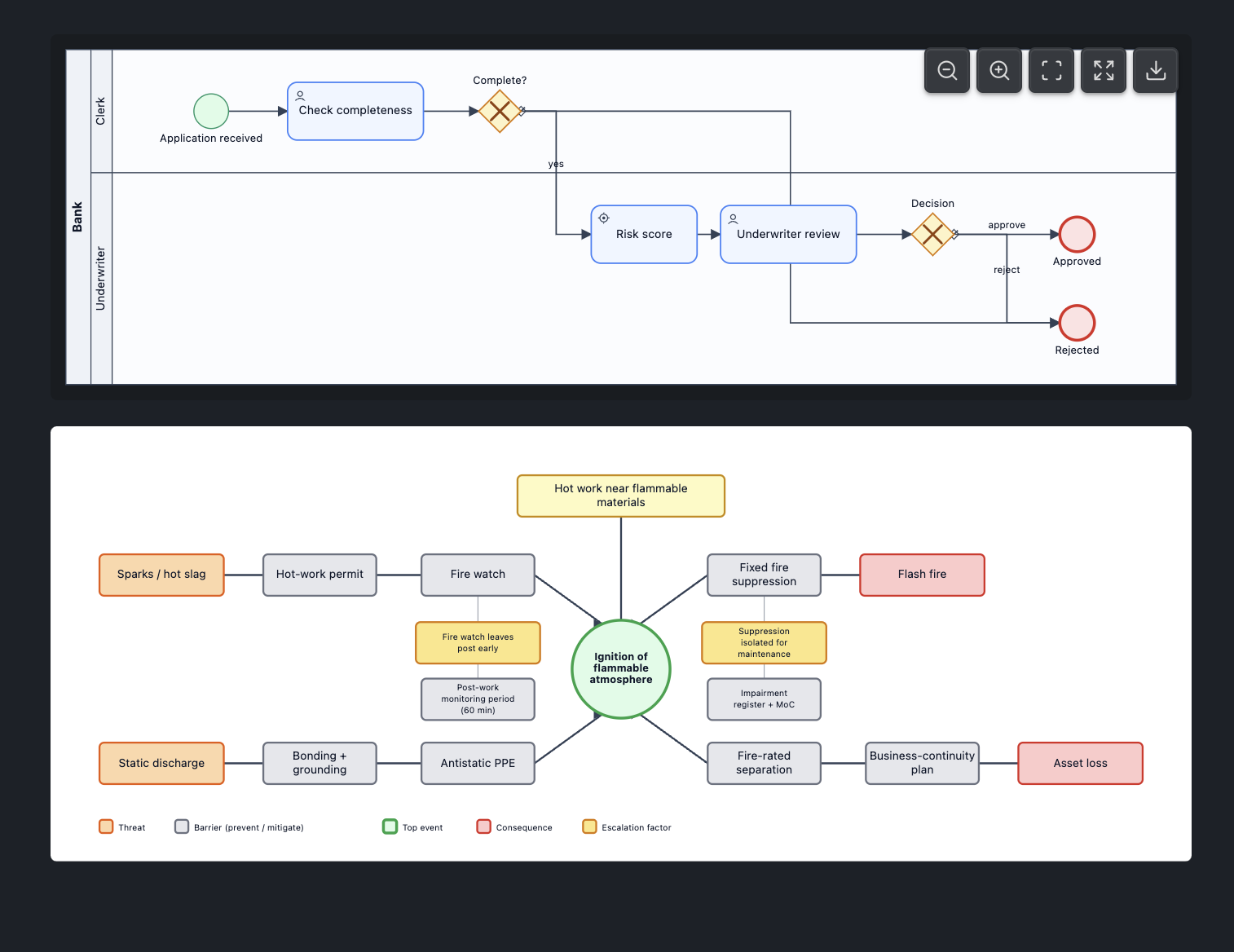
Render Schematex diagrams in your Obsidian notes with pan, zoom, fullscreen view, and image export.
Features
- Multiple diagram types: genogram, circuit, ladder, fishbone, and more
- Interactive viewport: Pan and zoom to explore complex diagrams
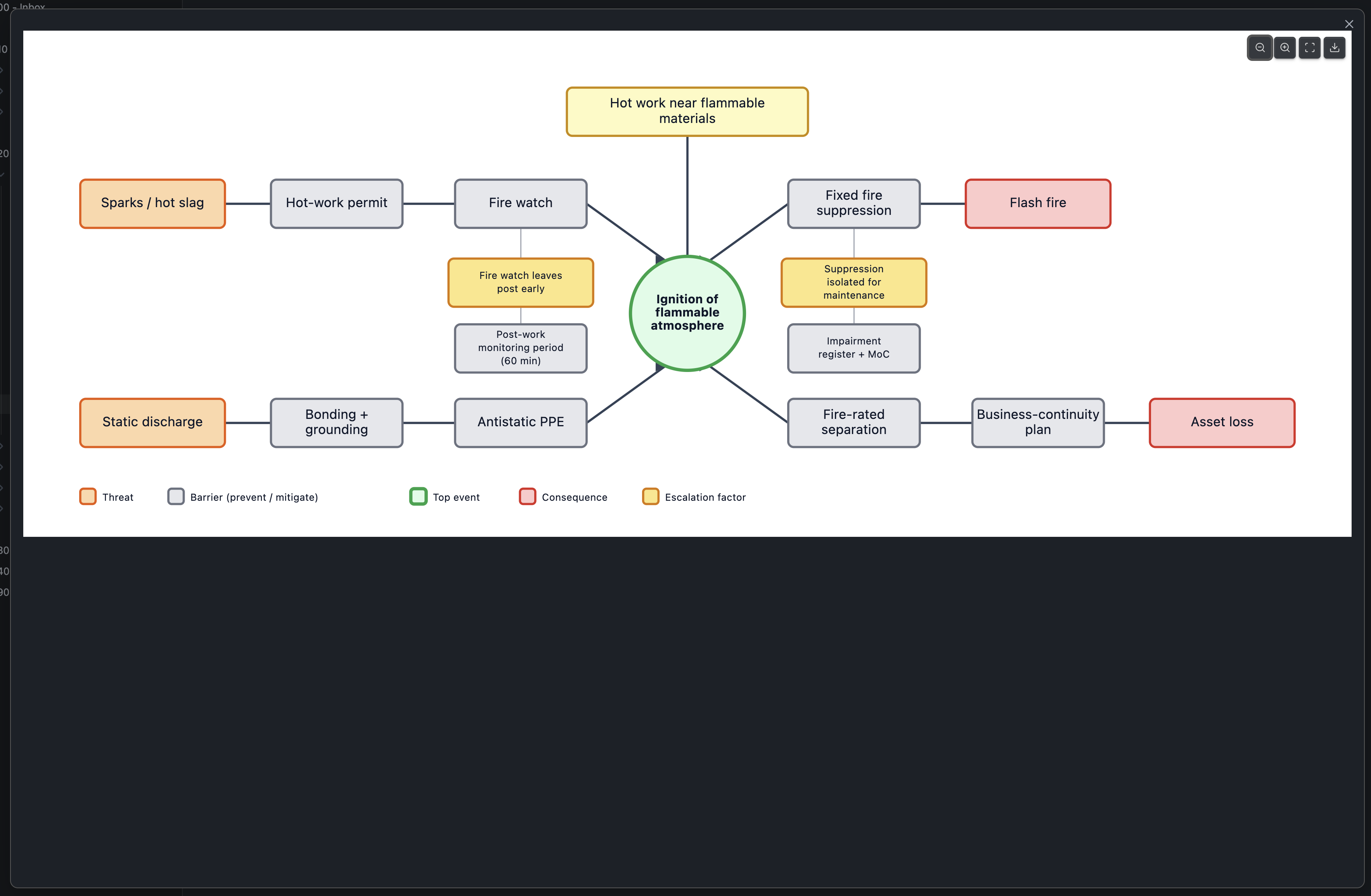
- Fullscreen mode: View diagrams in a dedicated fullscreen window
- Export: Save diagrams as SVG or PNG images
- Theme integration: Automatically adapts to your Obsidian theme
Installation
- Open Settings → Community plugins
- Search for "Schematex"
- Click Install, then Enable
Usage
Create a fenced code block with the schematex language identifier:
```schematex
comparison "Cloud provider — managed services"
mode: matrix
option "AWS"
option "GCP"
option "Azure"
criterion "Free tier"
  AWS: "12 months"
  GCP: "Always-free"
  Azure: "12 months"
criterion "Serverless GPU"
  AWS: partial
  GCP: yes
  Azure: partial
```
The diagram will render inline in your note. Hover over the diagram to reveal the toolbar with:
- Zoom out / Zoom in: Adjust zoom level
- Reset view: Fit diagram to viewport
- Fullscreen: View diagram in fullscreen mode
- Export: Download as SVG or PNG
Diagram Types
This plugin supports all Schematex diagram types. See the Schematex documentation for the complete list of available diagrams and their syntax.
Settings
Configure the plugin in Settings → Schematex:
- Zoom controls: Show toolbar always, on hover, or never
- Max inline height: Maximum height for inline diagrams (in pixels)
- Default fit: How diagrams scale initially (fit width, fit within height, or actual size)
- Theme: Diagram theme - auto follows Obsidian's light/dark mode, or choose a specific theme
- Scroll behavior: Configure how scrolling works over diagrams
Development
# Install dependencies
npm install

# Start development build with watch mode
npm run dev

# Run tests
npm test

# Type checking
npm run typecheck

# Production build
npm run build
Privacy
Obsidian flags this plugin for clipboard access. Schematex only writes to the clipboard, and only when you click "Copy source" on a diagram's error message, to let you copy the offending diagram source (e.g. to report a bug or fix the syntax). It never reads the clipboard and never accesses it automatically.
License
AGPL-3.0-only
Author
For plugin developers
Search results and similarity scores are powered by semantic analysis of your plugin's README. If your plugin isn't appearing for searches you'd expect, try updating your README to clearly describe your plugin's purpose, features, and use cases.