Simple Sticky Notes
approvedby Alper Dogan
Open floating sticky-note popups with pin, colors, and workspace restore. - This plugin has not been manually reviewed by Obsidian staff.
★ 3 stars↓ 257 downloadsUpdated 1mo agoAGPL-3.0
Simple Sticky Notes
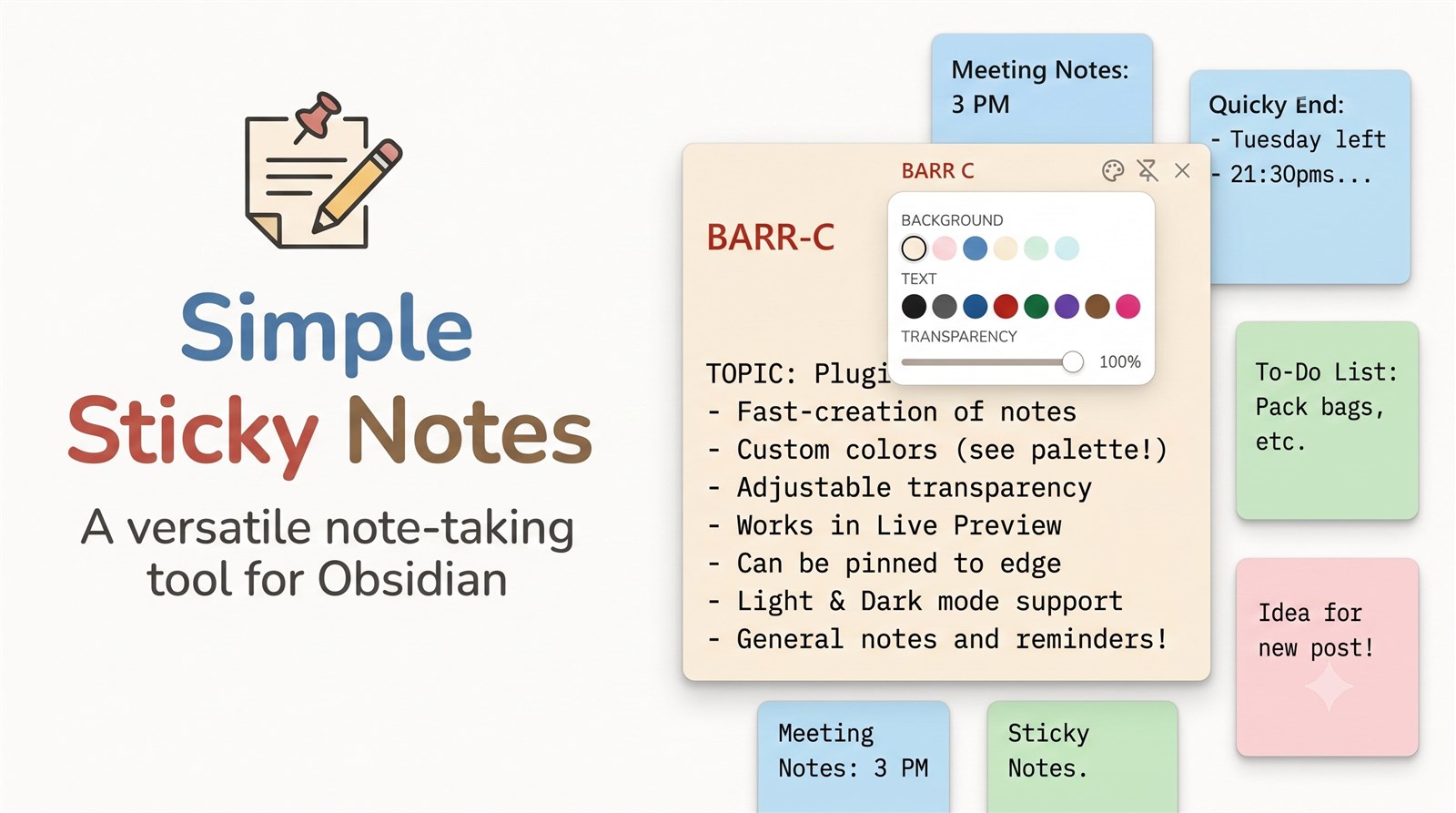
Floating sticky-note windows for Obsidian — pin, colors, opacity, text colors, and workspace restore.
Open a sticky note from the ribbon, command palette, or file context menu.
Installation
Community plugins (after approval)
- Open Settings → Community plugins → Browse
- Search for Simple Sticky Notes
- Install and enable
Manual
- Download
main.js,manifest.json, andstyles.cssfrom the latest release - Put them in
<vault>/.obsidian/plugins/simple-sticky-notes/ - Reload Obsidian and enable the plugin
Commands
- Open sticky note
- Create sticky note
- Destroy all sticky notes
Settings
- New sticky note folder
- Restore open sticky notes (position, size, colors, transparency)
- Show in taskbar
- Default pin mode
- Default window size / resizable
- Default transparency
- Background colors (same palette as on the note)
- Text colors (same palette as on the note)
- Save appearance to note frontmatter
Support
If you find this useful:
Limitations
- Requires Obsidian 1.13.0+ (declarative settings API)
- Desktop only — uses Electron APIs for pin, opacity, and window sizing
- Relies on Obsidian popout / header DOM structure, which may change in future Obsidian versions
License
GNU Affero General Public License v3.0 — see LICENSE.
For plugin developers
Search results and similarity scores are powered by semantic analysis of your plugin's README. If your plugin isn't appearing for searches you'd expect, try updating your README to clearly describe your plugin's purpose, features, and use cases.