MyStickies
unlistedby zhuyinheng
Always-on-top floating sticky windows for Obsidian notes, with a shortcut for today's daily note.
MyStickies
Always-on-top sticky windows for Obsidian notes.
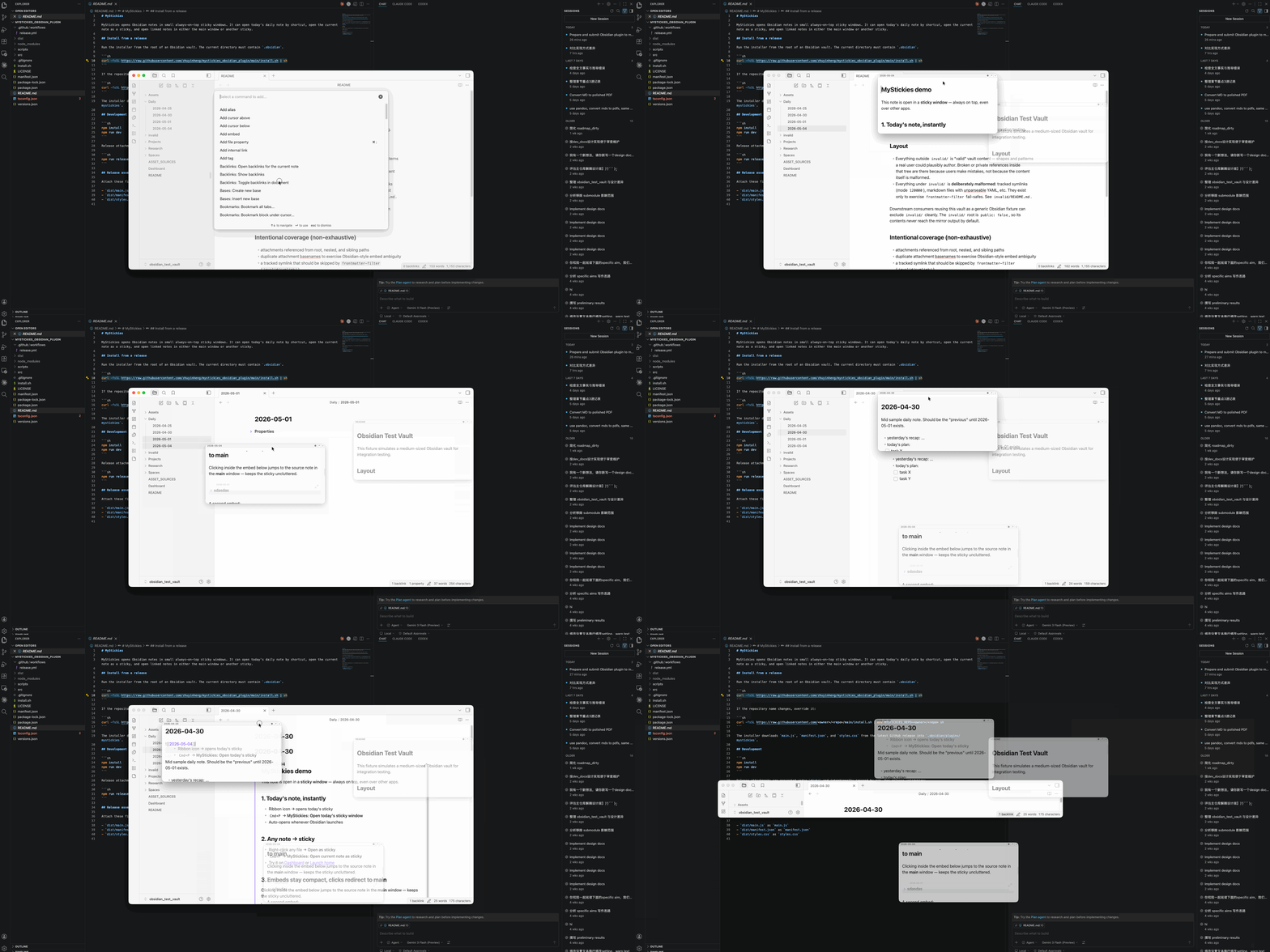
Features
- Always on top, dims when inactive — the sticky stays above other windows and fades to a low opacity when it loses focus.
- Embeds for inline preview —
![[other-note]]renders inside the sticky as a compact card. Useful when the sticky is today's daily note and you want yesterday's note in view at the same time. - Link clicks don't navigate the sticky — a plain click on
[[wiki]]or an embed header opens the linked note in the main Obsidian window; Cmd/Ctrl + click opens it as a new sticky. The sticky itself always stays on its own note.
Install from a release
Run the installer from the root of an Obsidian vault. The current directory must contain .obsidian.
curl -fsSL https://raw.githubusercontent.com/zhuyinheng/mystickies_obsidian_plugin/main/install.sh | sh
If the repository name changes, override it:
curl -fsSL https://raw.githubusercontent.com/<owner>/<repo>/main/install.sh | env MYSTICKIES_REPO=<owner>/<repo> sh
The installer downloads main.js, manifest.json, and styles.css from the latest GitHub release into .obsidian/plugins/mystickies.
Development
npm install
npm run dev
Release attachments are generated under dist/ and intentionally ignored by git. For release validation:
npm run release:check
Release assets
Attach these files to each GitHub release:
dist/main.jsasmain.jsdist/manifest.jsonasmanifest.jsondist/styles.cssasstyles.css
For plugin developers
Search results and similarity scores are powered by semantic analysis of your plugin's README. If your plugin isn't appearing for searches you'd expect, try updating your README to clearly describe your plugin's purpose, features, and use cases.