by Simon Gufler
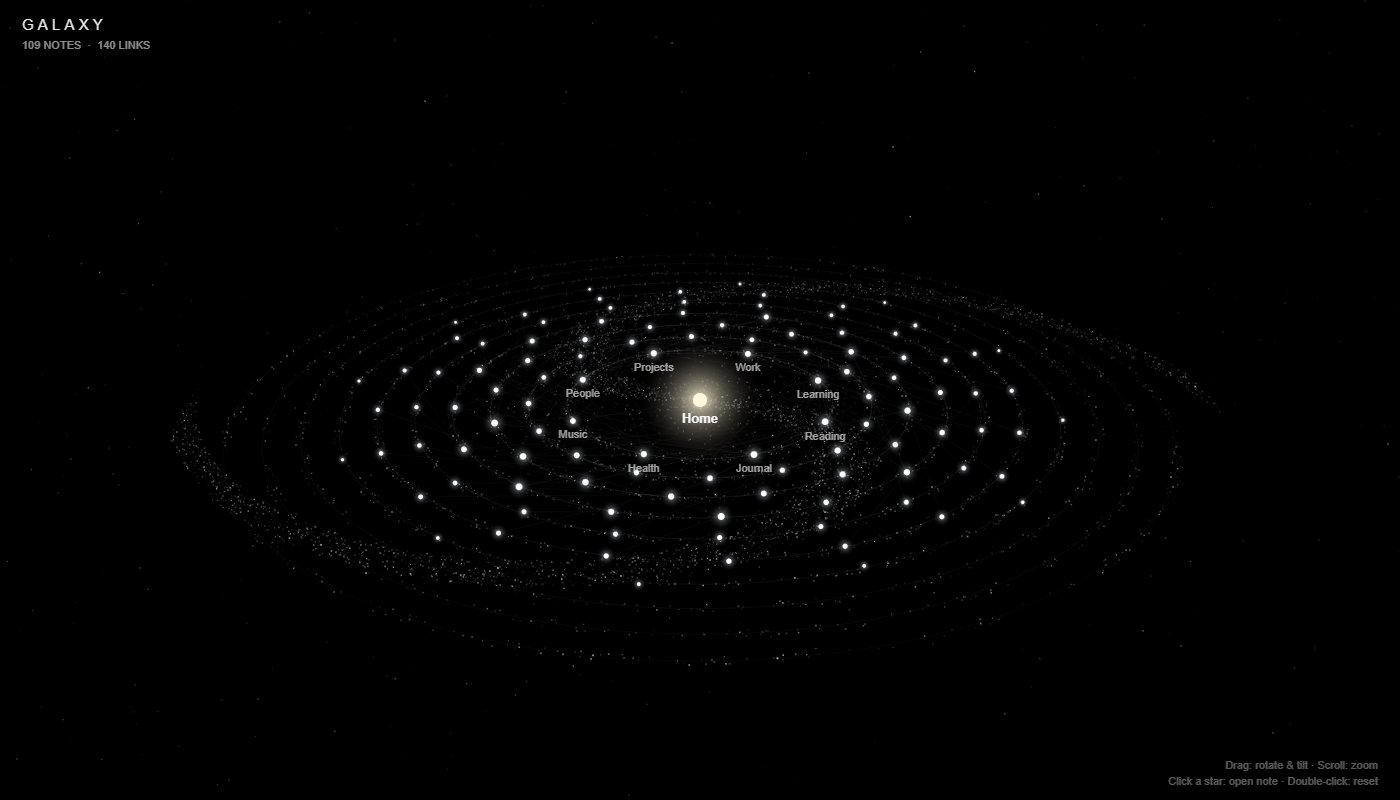
View your vault as a rotating galaxy. Your home note is the sun, linked notes orbit on tilted rings, surrounded by glowing star dust.
Vault Cosmos
View your Obsidian vault as a rotating galaxy.
Your home note shines as the sun in the middle. Every linked note becomes a star on a tilted orbit: main notes close to the core, deeper notes further out. Thousands of particles of star dust form spiral arms and rings around them.
Features
- Galaxy layout: notes are placed on orbits by link distance from your home note. Related notes stay close together.
- Living animation: the galaxy slowly rotates. Inner orbits move faster than outer ones, like a real galaxy.
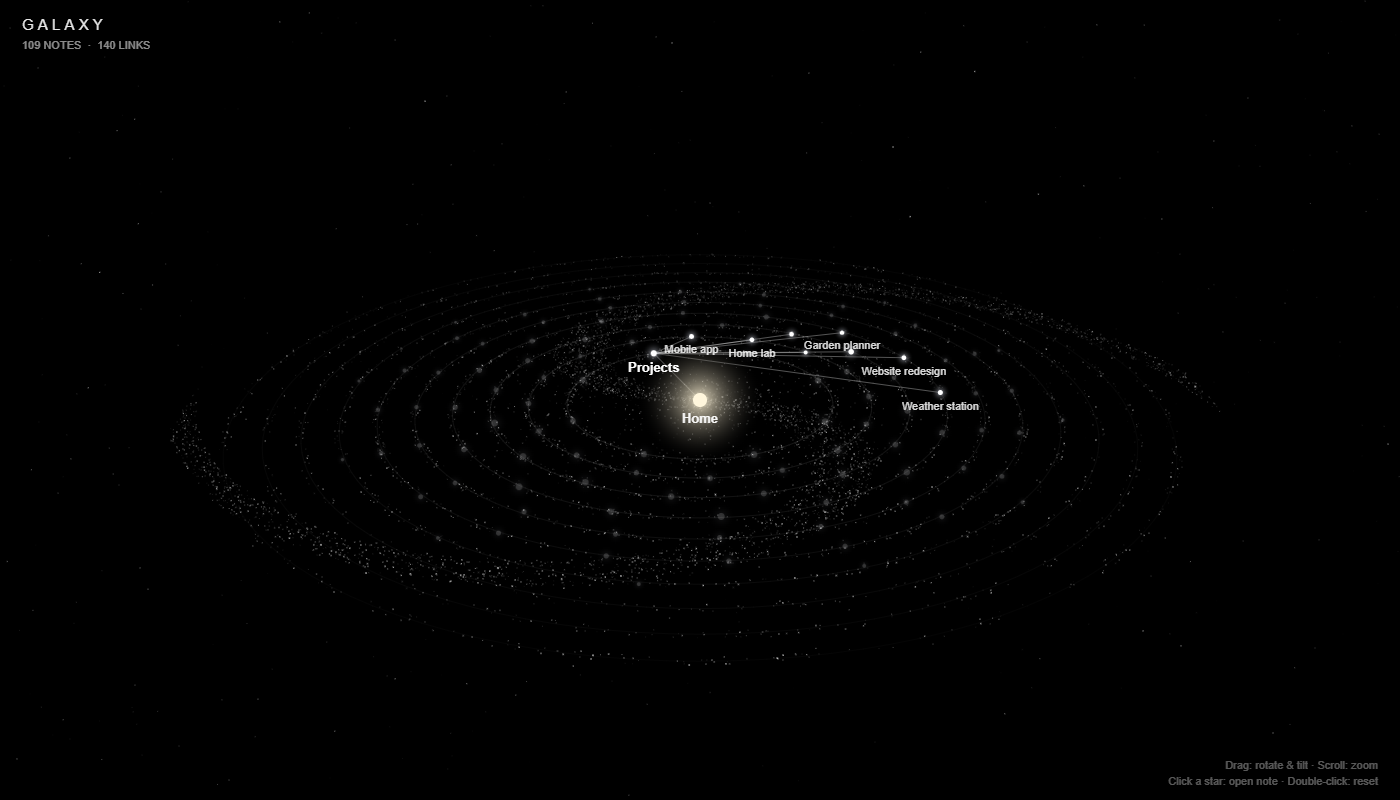
- Hover to explore: hover a star to highlight its links and see the names of connected notes.
- Click to open: click any star to open the note in a new tab.
- Camera control: drag to rotate and tilt, scroll to zoom, double-click to reset. Hold Shift while dragging to pan.
- Updates automatically when you add, rename, or link notes.
- English and German interface.
Usage
- Click the orbit icon in the ribbon, or run the command Vault Cosmos: Open galaxy view.
- Drag, scroll, and click around.
Settings
| Setting | Description |
|---|---|
| Center note | Note shown as the sun. Leave empty to use the most linked note. |
| Star dust | Number of dust particles (0–15,000). Lower it on slow devices. |
| Rotation speed | 0 stops the rotation. |
| Labels | Show names of the center and main notes, all notes, or only on hover. |
| Show unlinked notes | Notes without links orbit on the outermost ring. |
Installation
From Community plugins
- Open Settings → Community plugins and turn off restricted mode.
- Select Browse, search for Vault Cosmos, and select Install, then Enable.
Manually
- Download
main.js,manifest.json, andstyles.cssfrom the latest release. - Create the folder
<your vault>/.obsidian/plugins/vault-cosmos/and copy the three files into it. - Reload Obsidian and enable Vault Cosmos under Settings → Community plugins.
Privacy
Vault Cosmos works fully offline. It only reads your note names and links from Obsidian's metadata cache and never sends data anywhere.
Performance
The view is drawn on a canvas and pauses while hidden. If it feels slow on your device, reduce Star dust in the settings.
License
MIT © 2026 Simon Gufler
For plugin developers
Search results and similarity scores are powered by semantic analysis of your plugin's README. If your plugin isn't appearing for searches you'd expect, try updating your README to clearly describe your plugin's purpose, features, and use cases.