Visited Countries
approvedby ivanpeshykov
Mark and visualize the countries you've visited on an interactive world map.
★ 10 stars↓ 1,185 downloadsUpdated 6mo agoMIT
Visited Countries Map — Obsidian Plugin
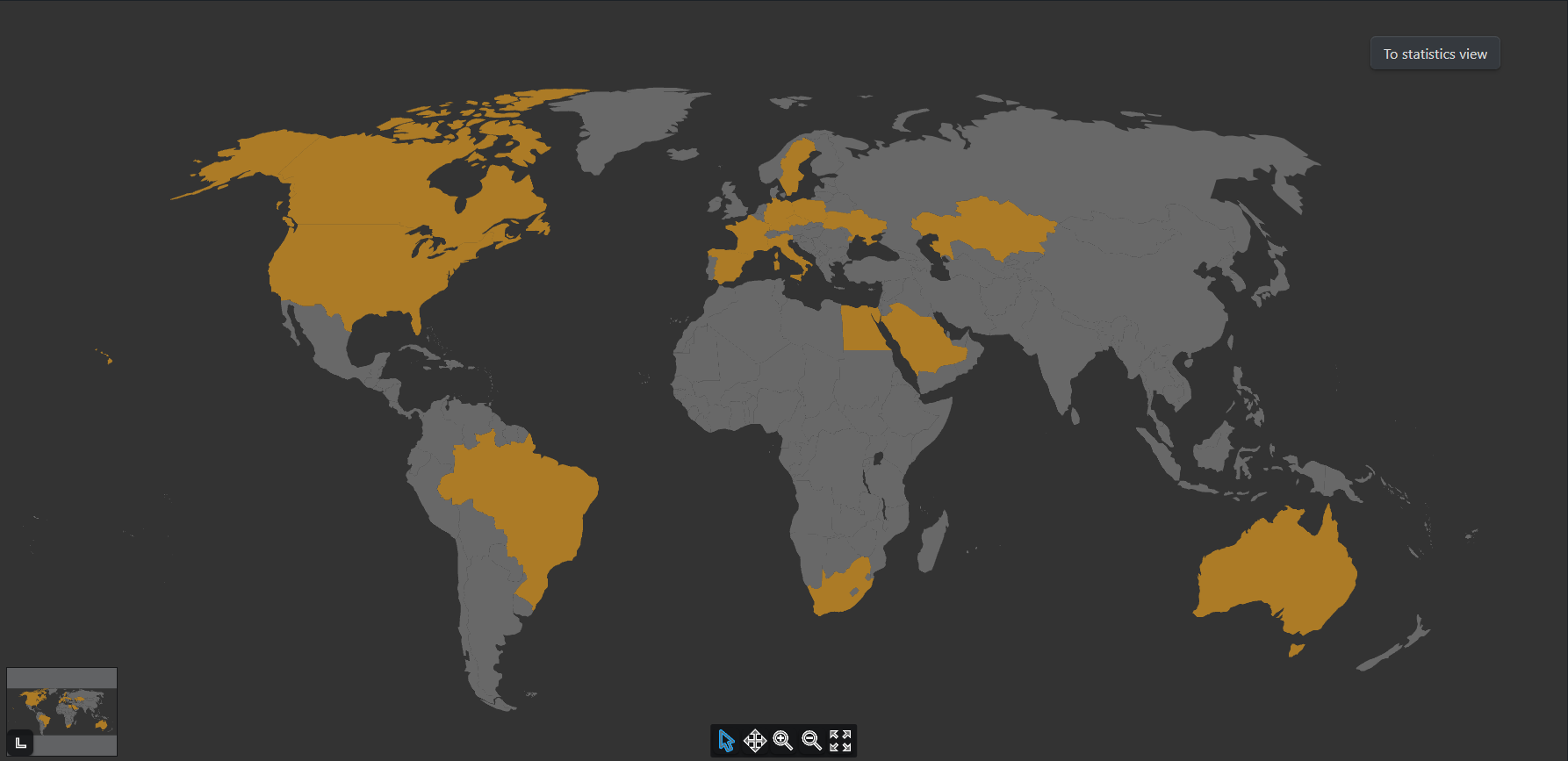
An Obsidian plugin that lets you mark and visualize the countries you've visited using an interactive world map, directly inside your vault.
Features
- Interactive world map for selecting visited countries
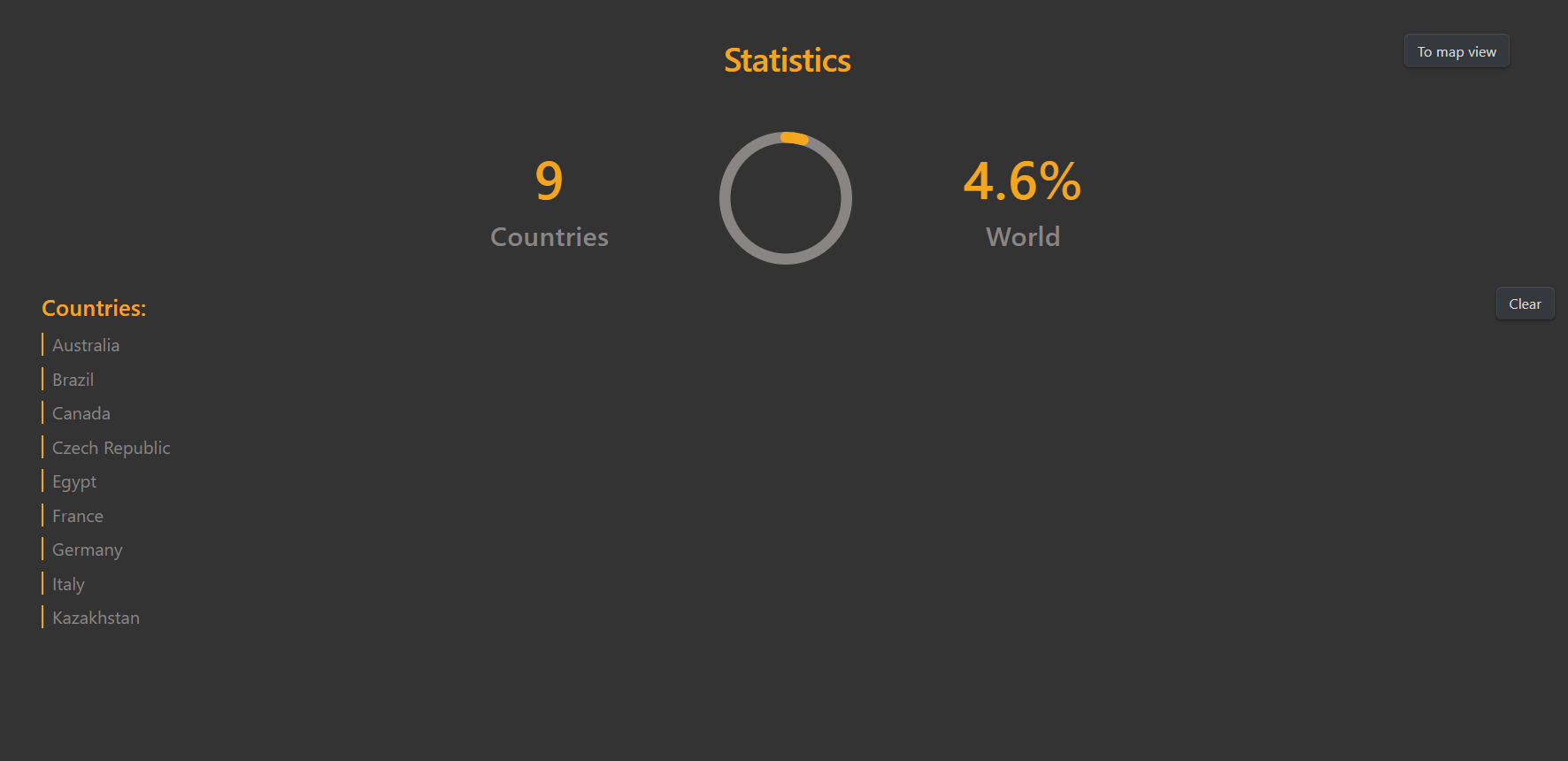
- Built-in stats page with totals and coverage percentage
- Optional links from countries to notes or travel logs
- Mobile support — works on Obsidian for iOS and Android
- Fully local — no internet connection or external services required
- Simple, responsive design that blends into your workflow
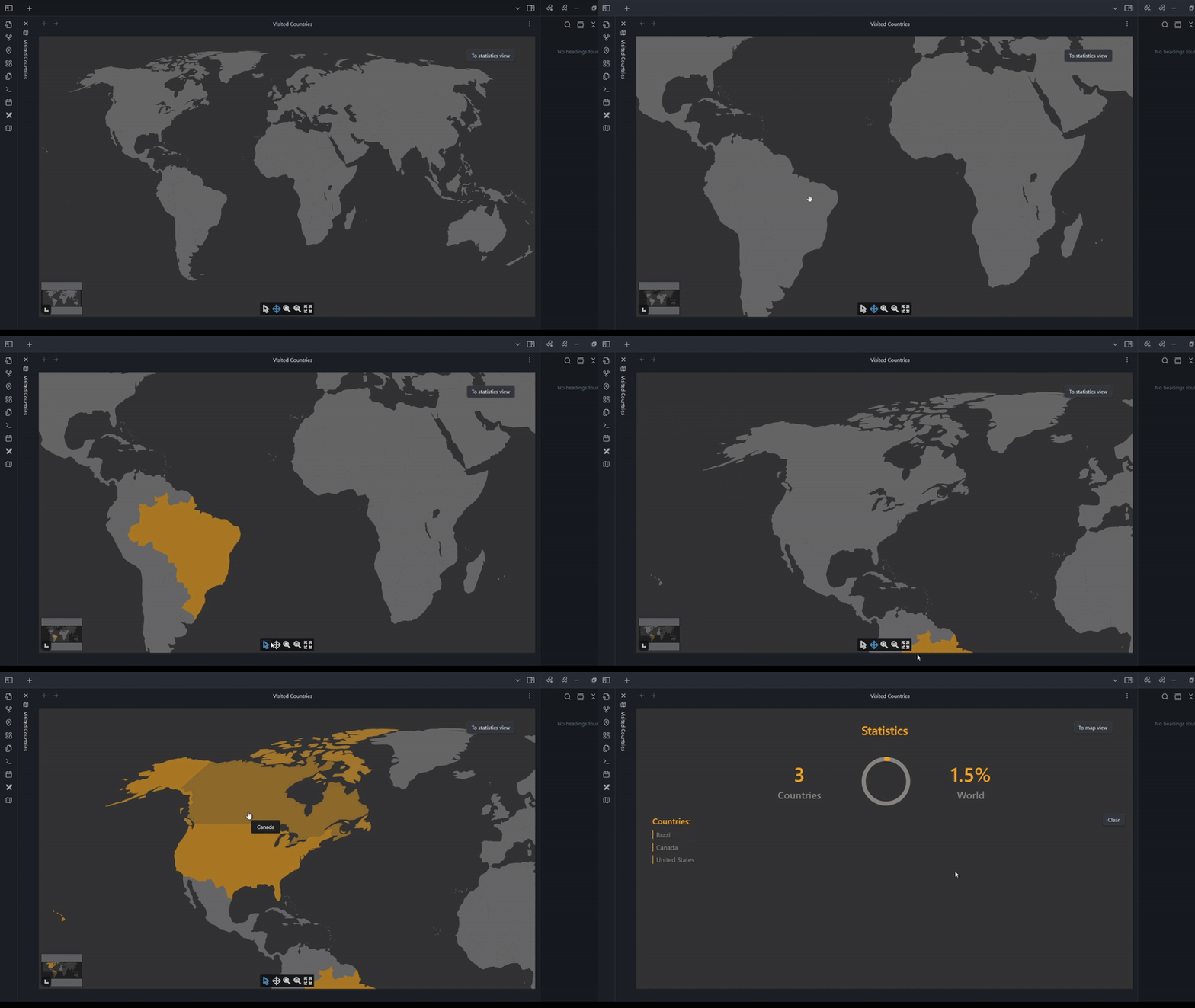
Demo
Stats Page Preview
Installation
- Clone or download this repository as a ZIP archive.
- Extract it into the
.obsidian/plugins/directory inside your Obsidian vault.- If you've customized the name or location of your plugins folder in Obsidian settings, use that path instead.
- Open Obsidian, go to Settings → Community Plugins, and enable the plugin.
Once enabled, you can launch the map from the command palette and begin marking countries.
For plugin developers
Search results and similarity scores are powered by semantic analysis of your plugin's README. If your plugin isn't appearing for searches you'd expect, try updating your README to clearly describe your plugin's purpose, features, and use cases.