by Sebastien
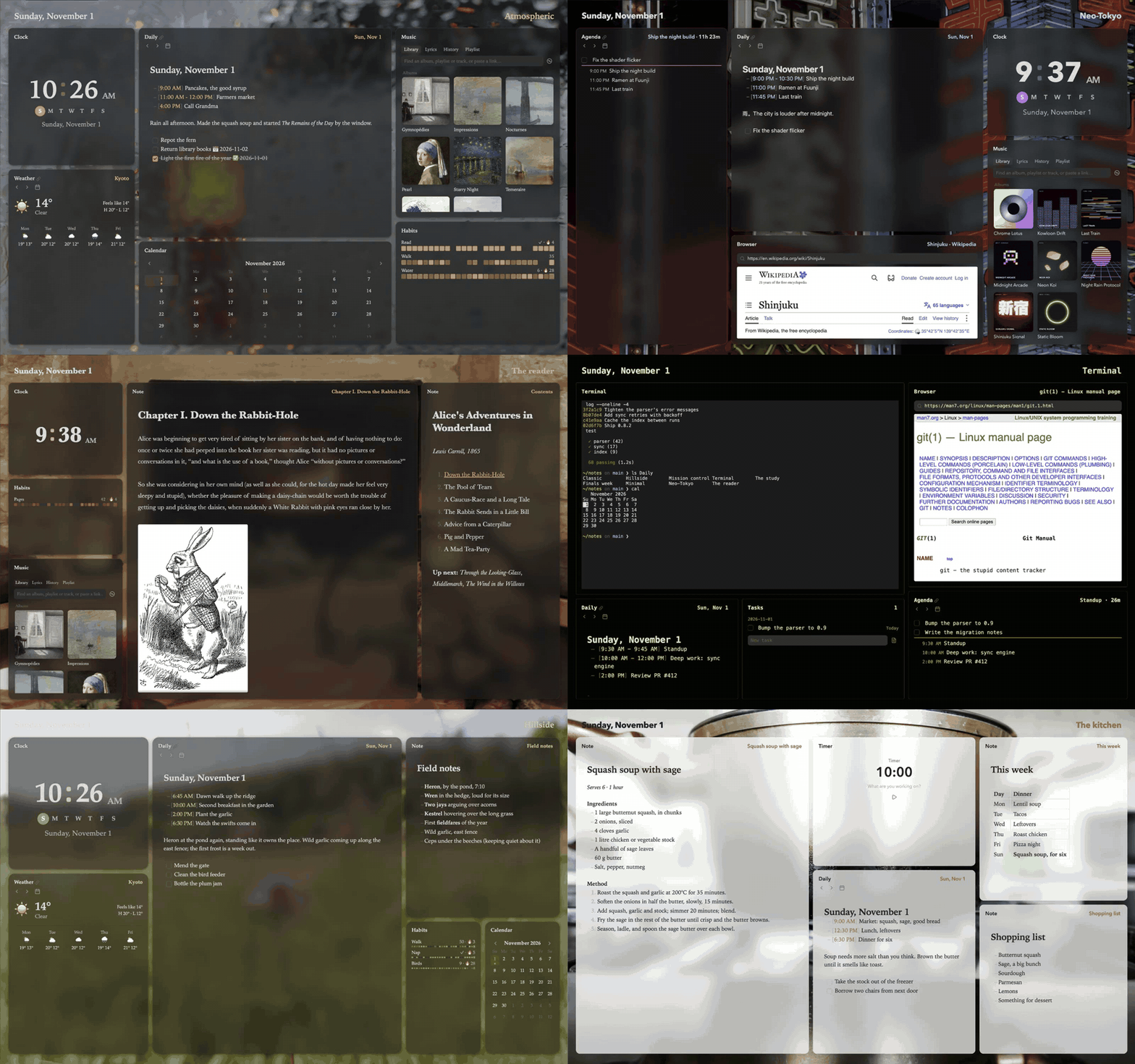
An Obsidian OS: A homepage, workspace, and beautiful place to work, built around your notes and useful modules.
Atrium™ for Obsidian
Learn more at atrium-md.com →
Install
- In Obsidian, open Settings → Community plugins. If Restricted mode is on, turn it off.
- Select Browse, search for Atrium, then select Install and Enable.
- Select the house icon in the ribbon, or run Atrium: Open from the command palette.
The first time Atrium opens, a short tutorial walks you through a sample page. Run Atrium: Open tutorial to see it again. To make Atrium your home page, turn on Open on startup in Settings → Atrium.
Getting started
- A page of cards. Atrium shows your day as cards that fill the page as tiles. Each card is a module, such as your daily note, your tasks or a clock.
- Add a card. Click a dotted line between cards, or pick out a card and press ⇧A, then an arrow for the side it goes on.
- Arrange them. Drag a card by its header to move it, and drag its edges to resize it. Right-click a card, a header or the page for everything you can do there.
- Keys. Press ? to see the shortcuts for where you are. Every action is also a command in the command palette.
- Workspaces. A workspace is a page with its own cards and background. Point at the workspace's name at the top right to show the others, then click one to switch to it, or + to make a new one.
- Your notes stay notes. Atrium reads what it shows from your notes and writes changes back to them, in formats other plugins read too.
- Atrium Complete. Cards marked ● below need a license. Start a 30-day trial from Settings → Atrium.
Each module's page in the guide explains its settings and keys.
Modules
Atrium has 21 modules. Each name links to its page in the guide.
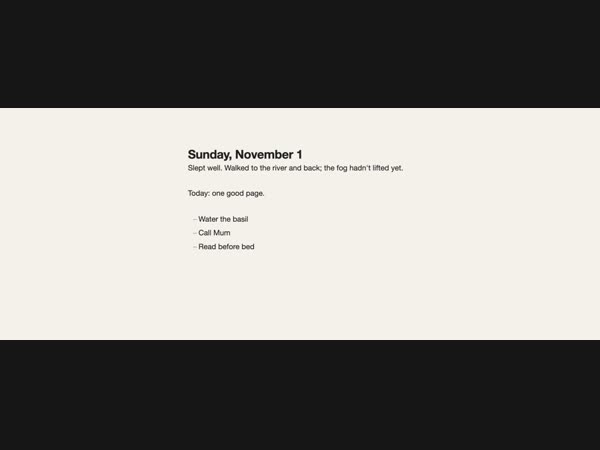 Daily Today’s note, editable in place. | 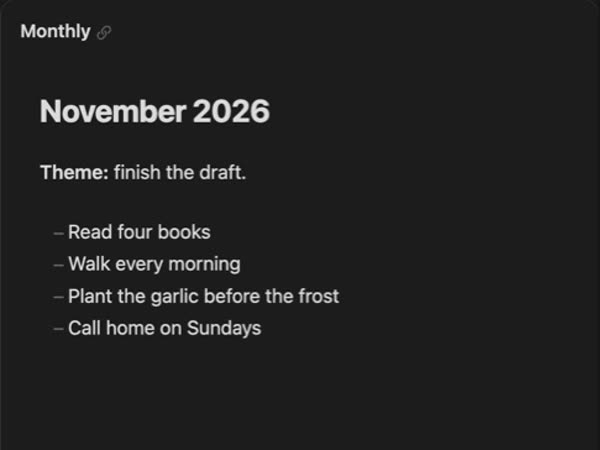 Monthly The month’s note, following the day. |  Note Any note, pinned where you want it. |
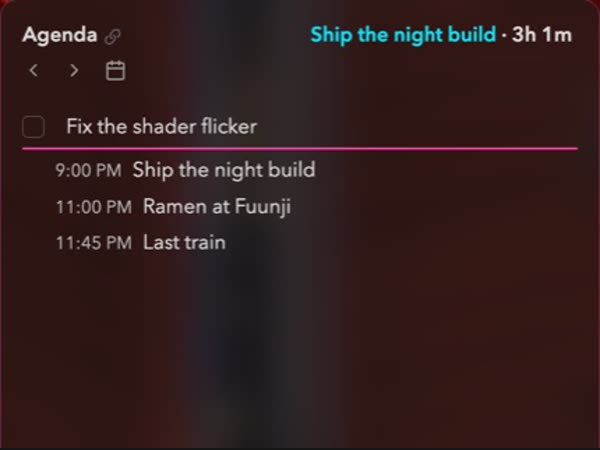 Agenda Tasks and events: list, timeline, week, month. | 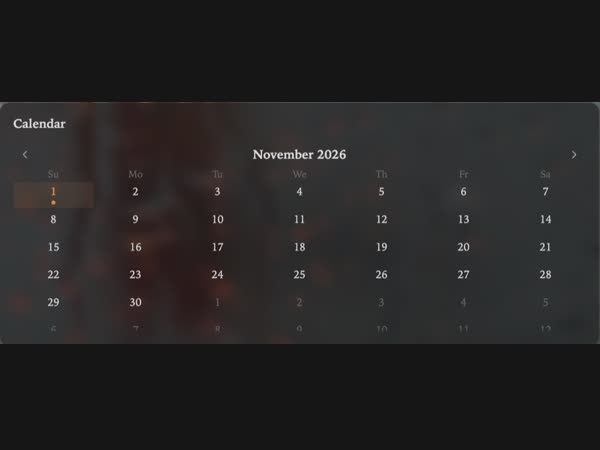 Calendar The month, a dot where notes are. | 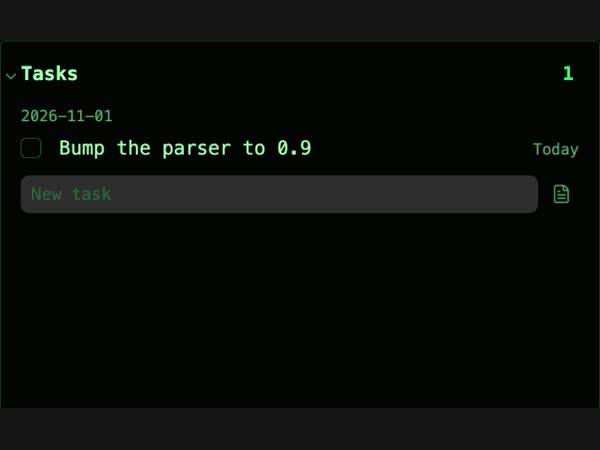 Tasks What’s due, overdue first. |
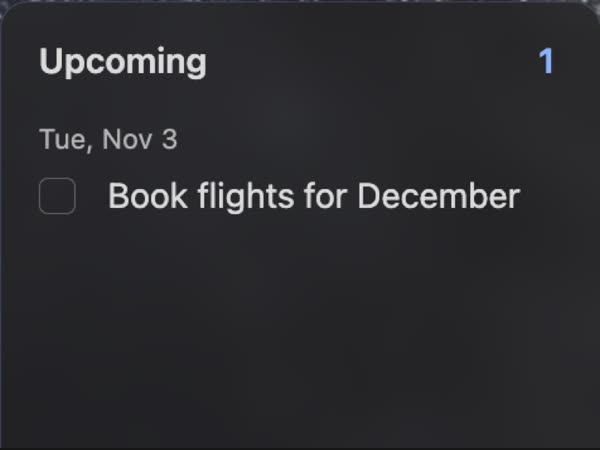 Upcoming What’s coming next. | 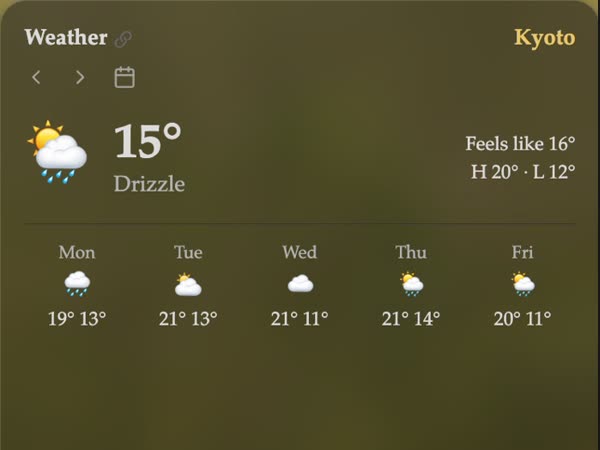 Weather Now, today and the days ahead. | 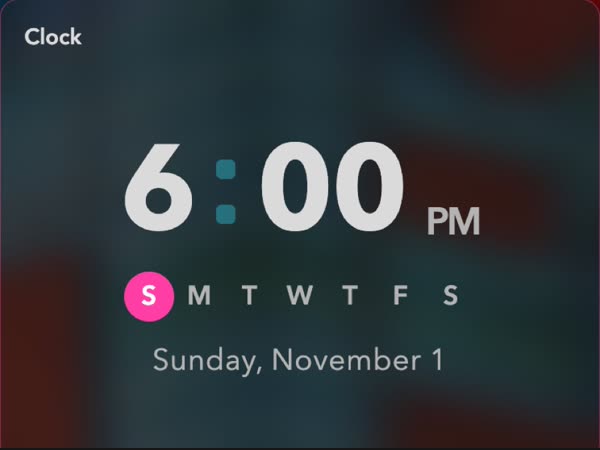 Clock The time, at any size. |
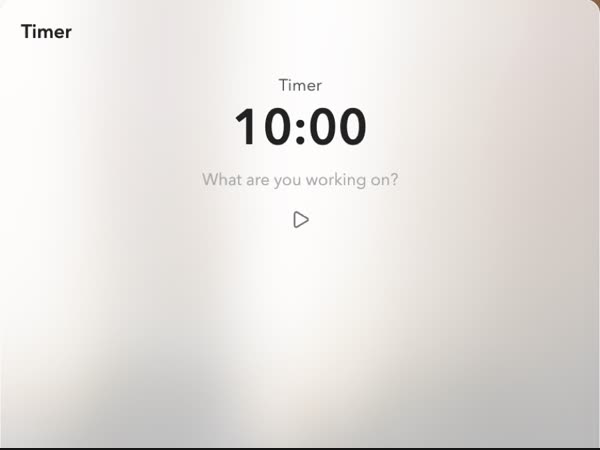 Pomodoro Focus, breaks, countdowns. | 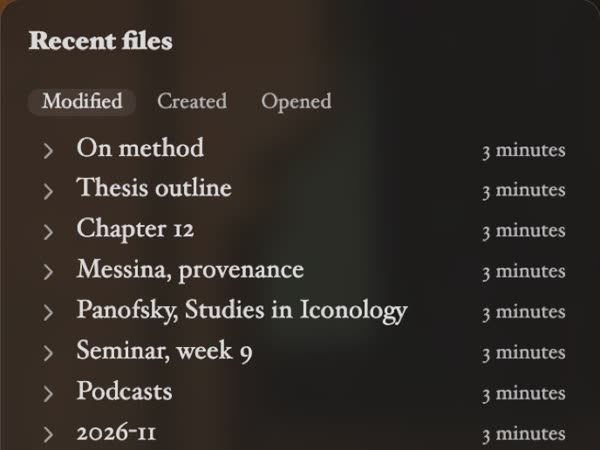 Recent files What you touched last. | 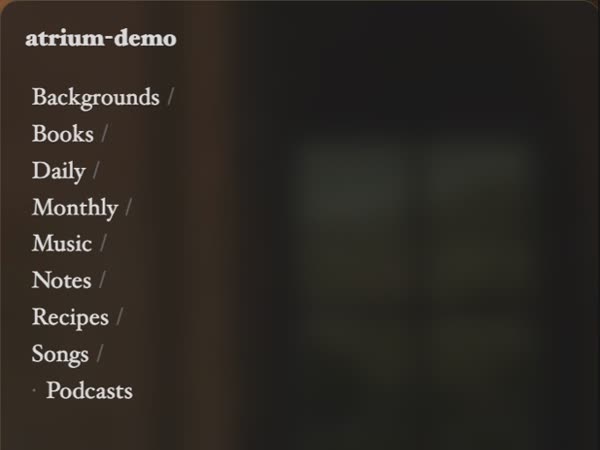 Files A folder of your vault, run from the keys. |
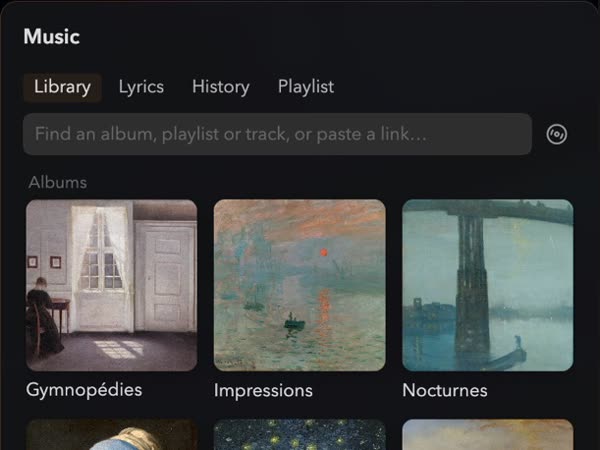 Music ● Your own music files and YouTube links, with lyrics and playlists. |  Podcasts ● Shows and episodes, where you left off. | 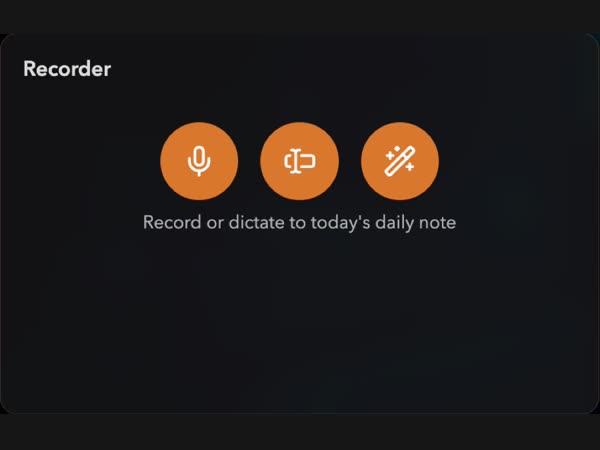 Recorder ● Record, dictate, speak a command. |
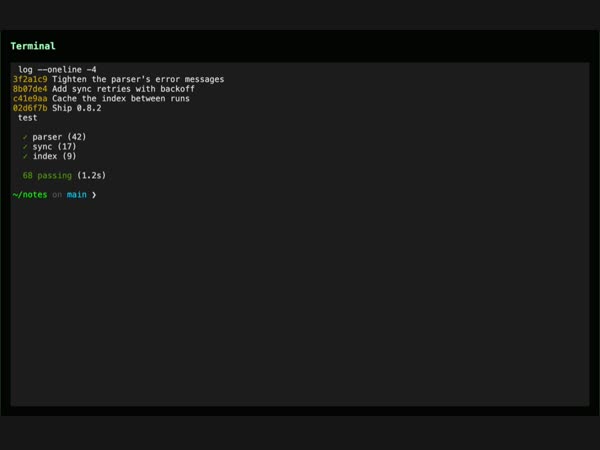 Terminal ● A real shell, in a card. | 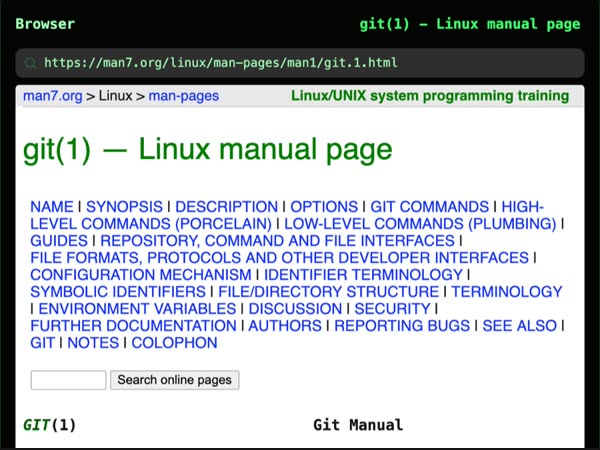 Web page ● The web, or a web app, one card over. | 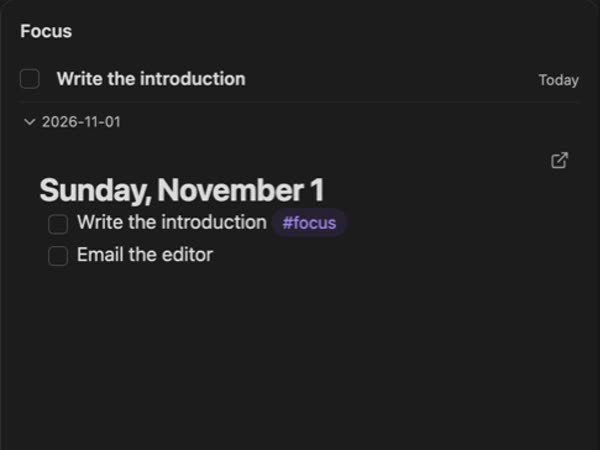 Focus ● The task you’re on, and nothing else. |
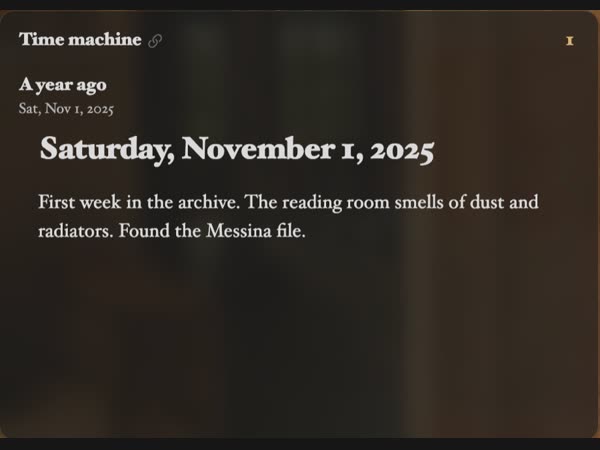 Time machine ● What you wrote a year ago today. | 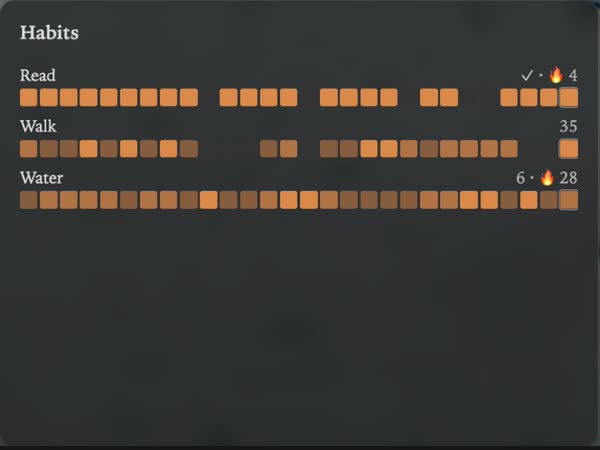 Habits ● Little streaks, kept in your notes. | 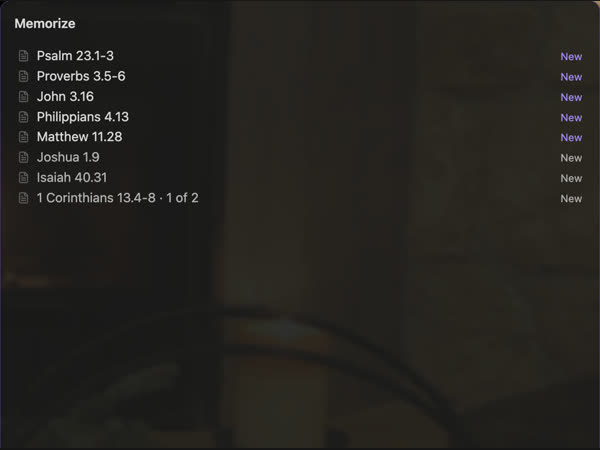 Memorize ● Passages learned by heart, on a schedule. |
Modules marked ● are part of Atrium Complete.
Programs Atrium runs
On desktop, three cards start other programs on your computer through Node's child_process. To show only what works on your computer, Atrium first checks which of these programs are installed, with /bin/sh.
- Terminal runs your shell in the card, through Python 3 or
expect. - Calendar events (macOS) read and edit the Calendar app's events through
atrium-calendar, a small helper, each time a card shows them. Without it, Atrium reads events from icalBuddy if you have it installed. - Dictation and spoken commands (macOS) turn speech into text through
atrium-speech, a small helper using Apple's speech recognition. A spoken command can ask Claude Code, in a terminal card, if you turn that on.
Both helpers are built from the Swift source in helper/ and attached to each GitHub release. On a Mac, Atrium downloads them from GitHub once per version into its plugin folder and marks them executable with chmod.
For plugin developers
Search results and similarity scores are powered by semantic analysis of your plugin's README. If your plugin isn't appearing for searches you'd expect, try updating your README to clearly describe your plugin's purpose, features, and use cases.