Limelight
approvedby smikula
Spotlight your active pane.
Obsidian Limelight
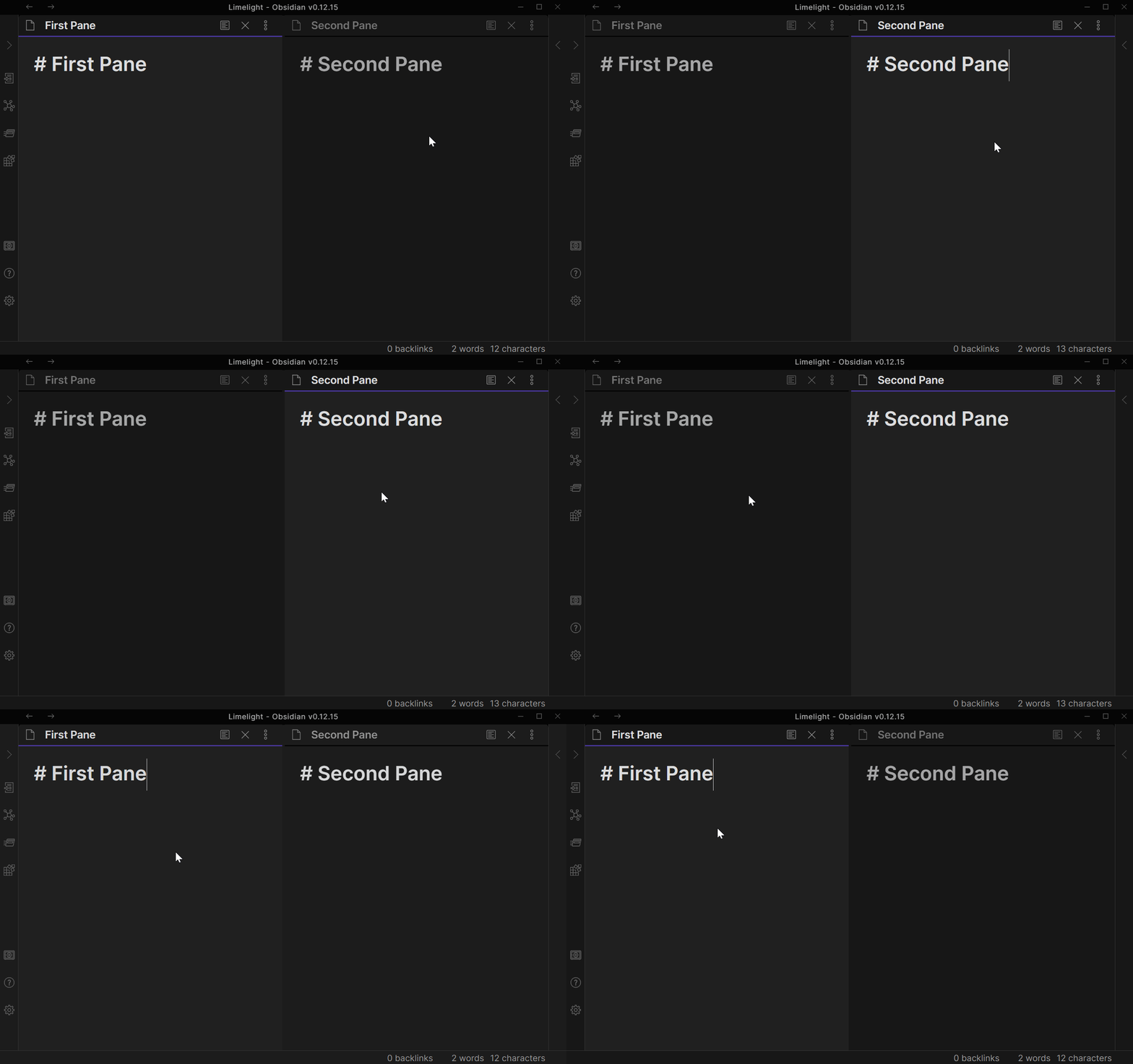
This is a plugin for Obsidian that spotlights your active pane to make it more obvious.
Demo
Installation
This plugin is brand new and hasn't been accepted as a community plugin yet. If you want to try it out, you can install it manually with the below steps (based on this guide). Once it is a community plugin this section will be updated with the normal installation steps.
- Find the latest release on this page.
- Download
obsidian-limelight.zipfrom that release. - In your vault, extract that zip file into
.obsidian/plugins/. (You may need to create thepluginsdirectory if this is your first plugin.) - In Obsidian, go to Settings > Community plugins and enable "Limelight". (You may need to disable safe mode first.)
Contributing
If you run into problems, feel free to open an issue in this repository. In particular, if the plugin doesn't play well with some other plugin or theme, please let me know! Issues or pull requests are also welcome if you have ideas for improvements.
For plugin developers
Search results and similarity scores are powered by semantic analysis of your plugin's README. If your plugin isn't appearing for searches you'd expect, try updating your README to clearly describe your plugin's purpose, features, and use cases.