Eisenhower Matrix
pendingby dipendave
A visual Eisenhower Matrix for prioritizing tasks by urgency and importance.
Eisenhower Matrix for Obsidian
Prioritize your tasks by urgency and importance, right inside Obsidian.


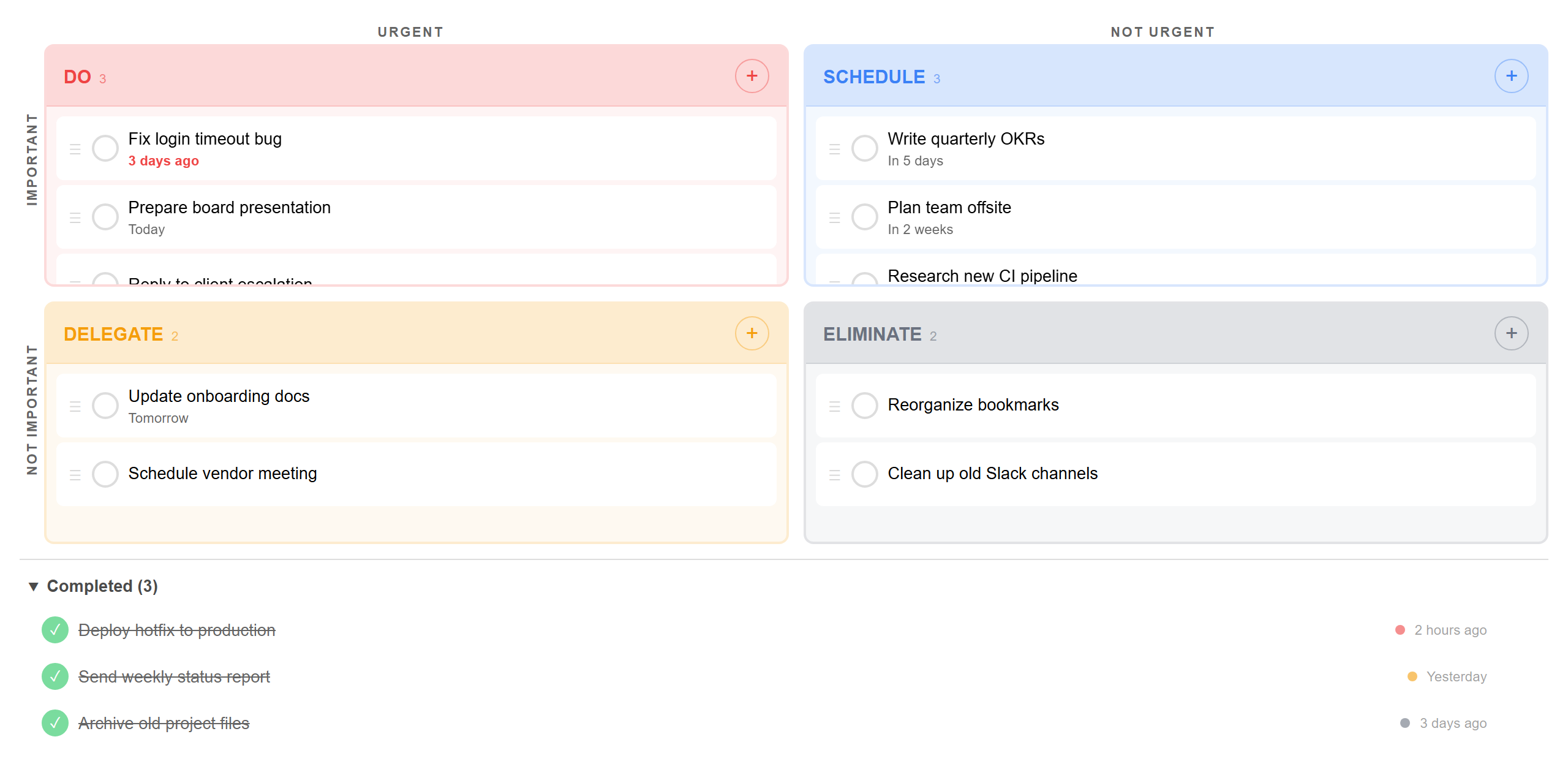
Features
| Feature | Description |
|---|---|
| 4-quadrant matrix | Do, Schedule, Delegate, Eliminate — the classic Eisenhower layout |
| Task completion | Check off tasks with a single click — completed items move to a collapsible bin with timestamps |
| Revive or delete | Uncomplete a task to send it back to its quadrant, or delete it permanently |
| Drag and drop | Move tasks between quadrants on desktop. Long-press to drag on mobile |
| Due dates | Relative formatting (Today, Tomorrow, 3 days ago) with overdue highlighting |
| Inline editing | Click any task to edit its title or due date in place |
| Task count badges | Each quadrant header shows the number of active tasks at a glance |
| Undo on actions | Delete or complete a task by accident? A 5-second toast lets you undo instantly |
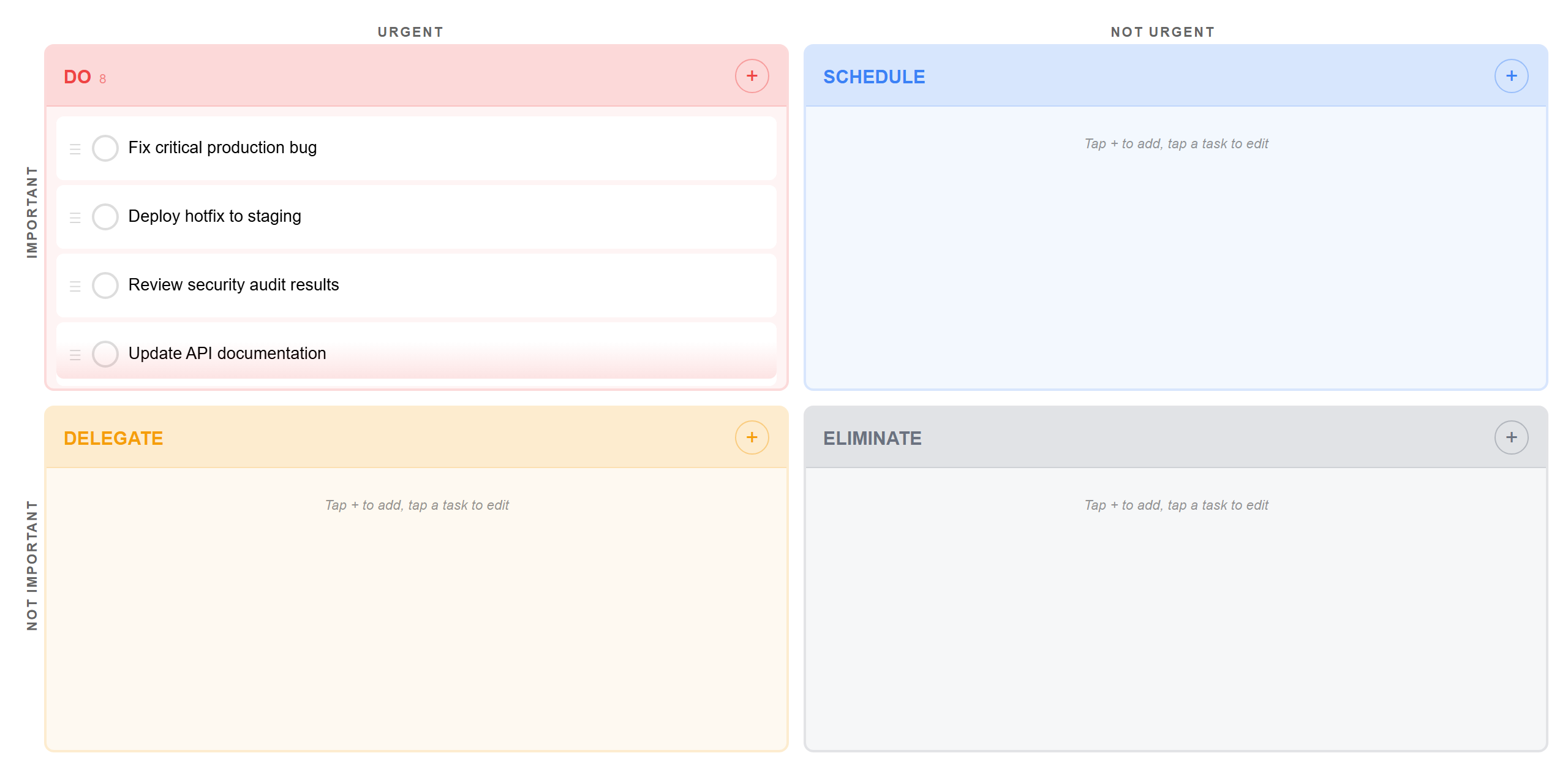
| Overflow scrolling | Quadrants scroll individually when overloaded — with a color-matched fade indicator |
| Syncs across devices | Works with Obsidian Sync — tasks update automatically on all devices |
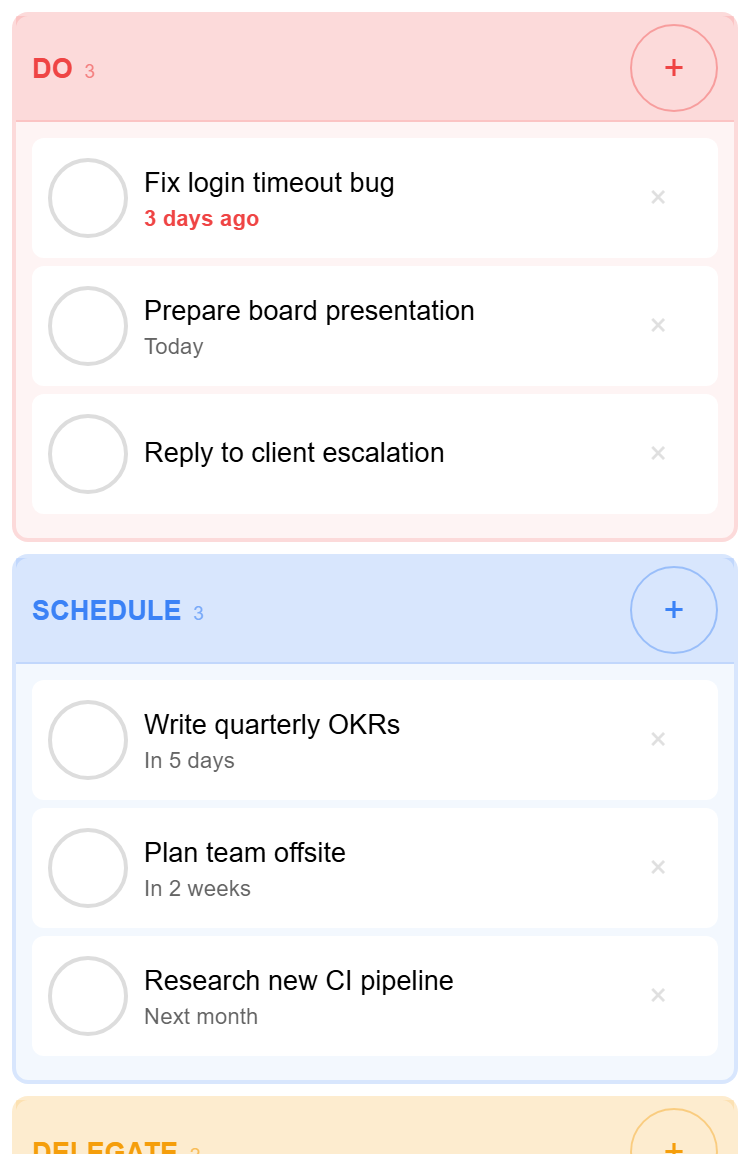
| Mobile friendly | Responsive stacked layout with touch-friendly checkboxes and drag onboarding |
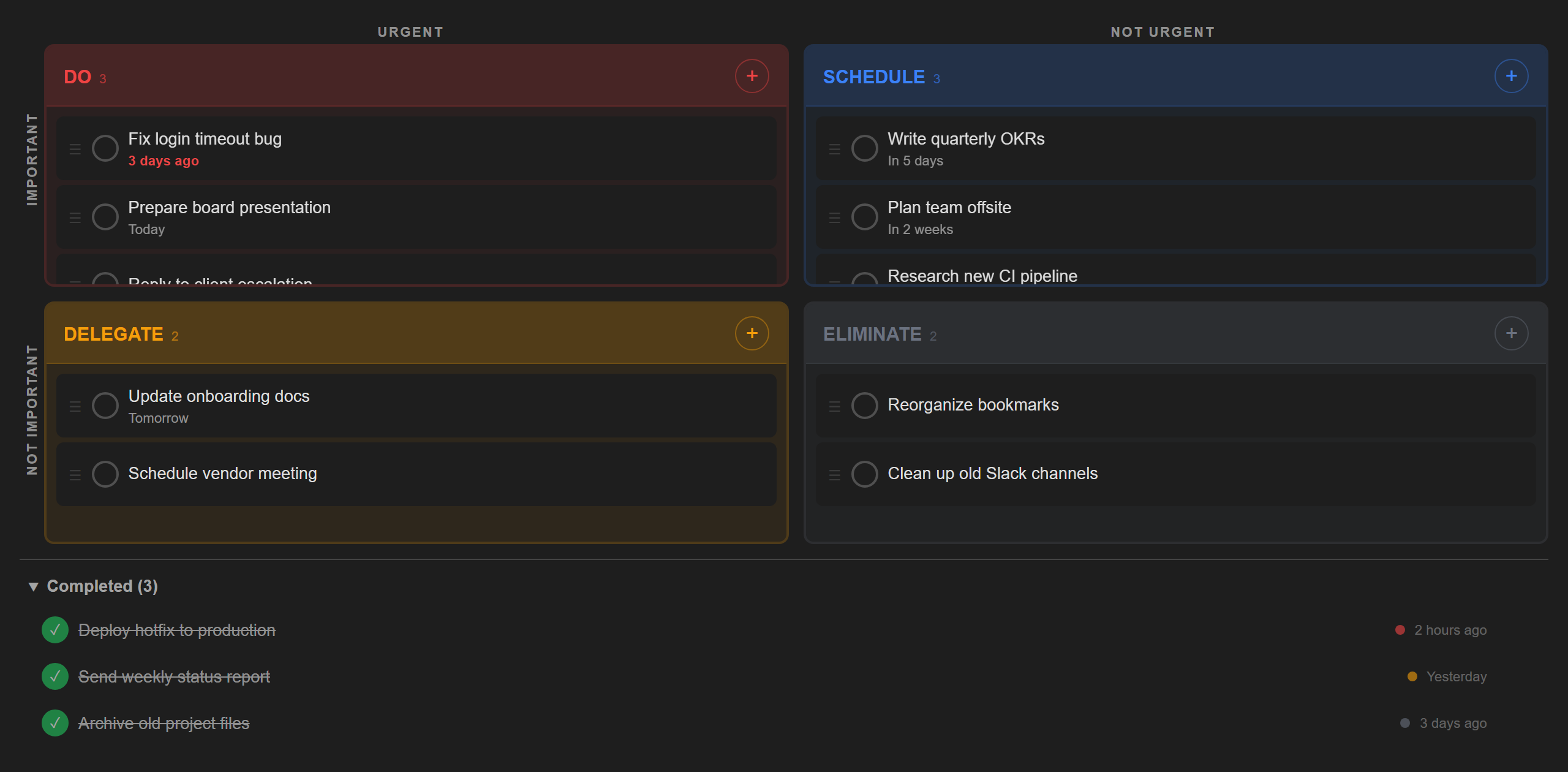
| Theme aware | Adapts to your light or dark Obsidian theme |
Dark mode
Mobile layout
Overflow scrolling
Installation
- Open Settings > Community plugins in Obsidian
- Turn off Restricted mode if prompted
- Click Browse and search for Eisenhower Matrix
- Click Install, then Enable
Usage
Open the matrix from the ribbon icon or the command palette (Eisenhower Matrix: Open matrix).
- Add a task — tap the + button in any quadrant
- Complete a task — click the circle checkbox to mark it done
- Edit a task — click on it to change the title or due date
- Move a task — drag it to a different quadrant (long-press on mobile)
- Revive a task — click the green checkbox in the Completed section to bring it back
- Delete a task — click the x button (undo within 5 seconds)
Development
npm install
npm run dev          # watch mode
npm run build        # production build
npm test             # unit tests (Jest)
npm run test:mobile  # mobile layout tests (Playwright)
npm run screenshots  # regenerate README screenshots
License
For plugin developers
Search results and similarity scores are powered by semantic analysis of your plugin's README. If your plugin isn't appearing for searches you'd expect, try updating your README to clearly describe your plugin's purpose, features, and use cases.