ZenBoard
pendingby Shad Abdullah
A simple habit tracker to help you build and maintain daily routines.
Habit Tracker – Zenboard
Track, visualize, and maintain your daily habits directly in Obsidian. Build streaks, stay consistent, and keep everything in your vault.
Features
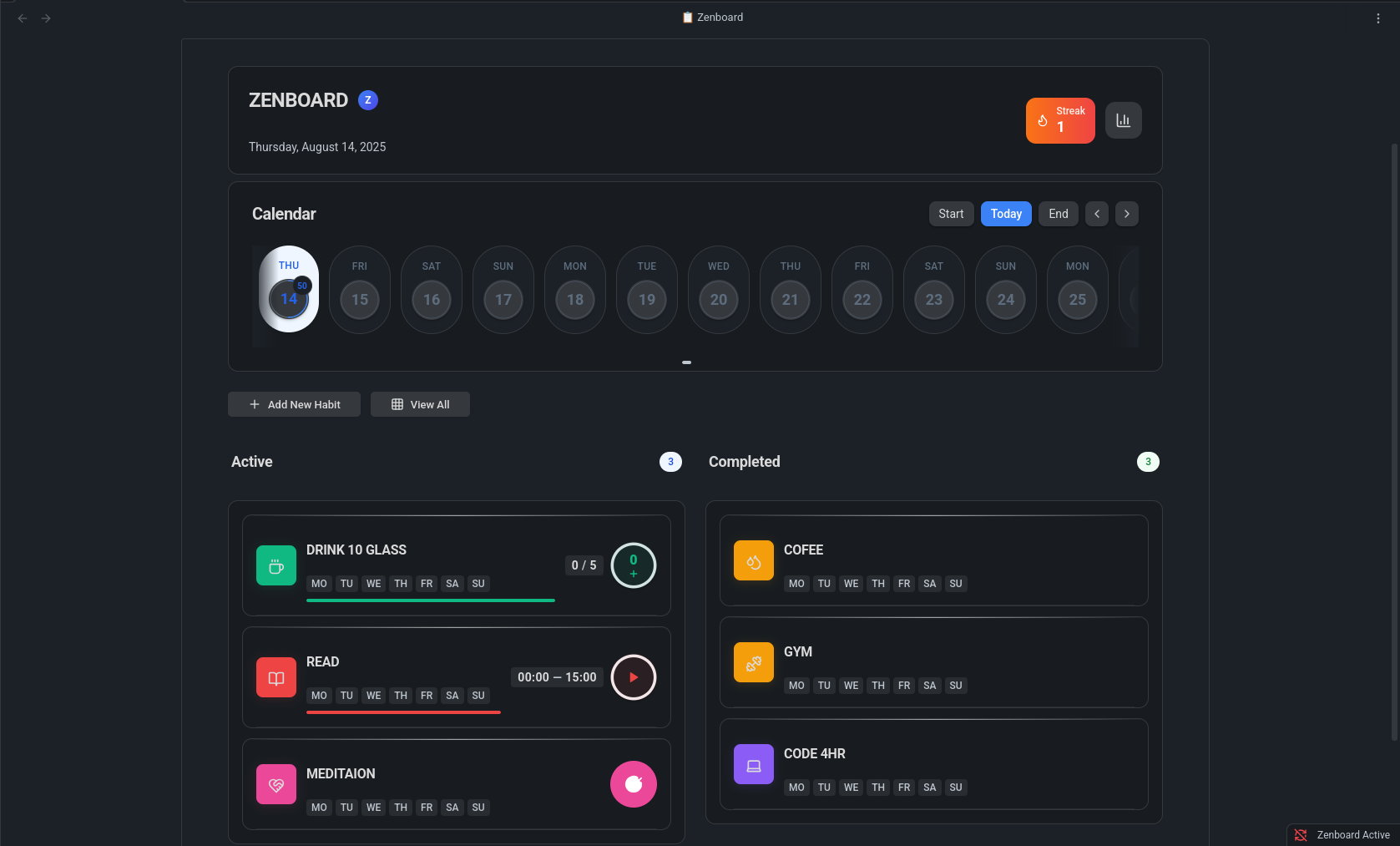
- 📅 Flexible habit types – daily, weekly, or custom intervals
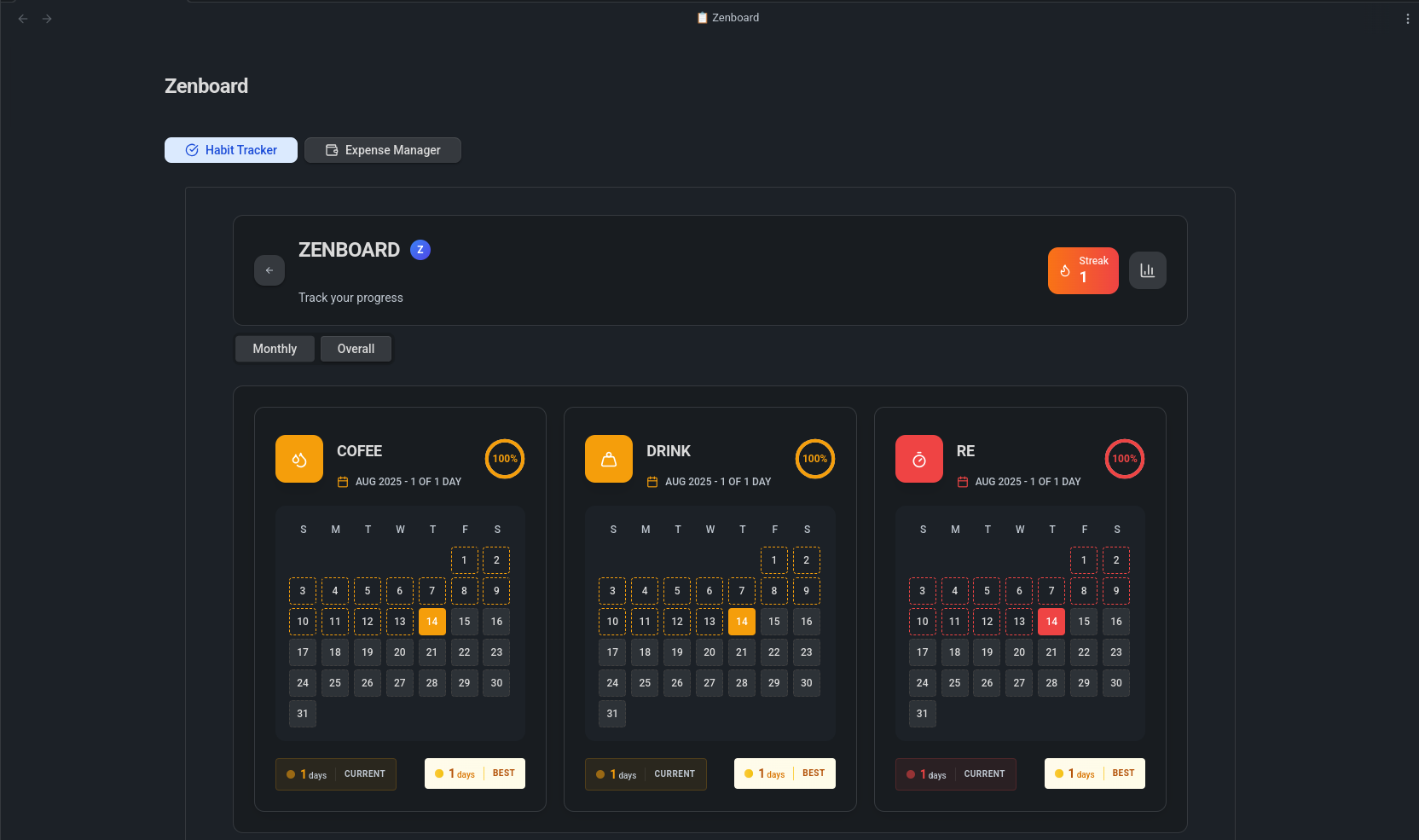
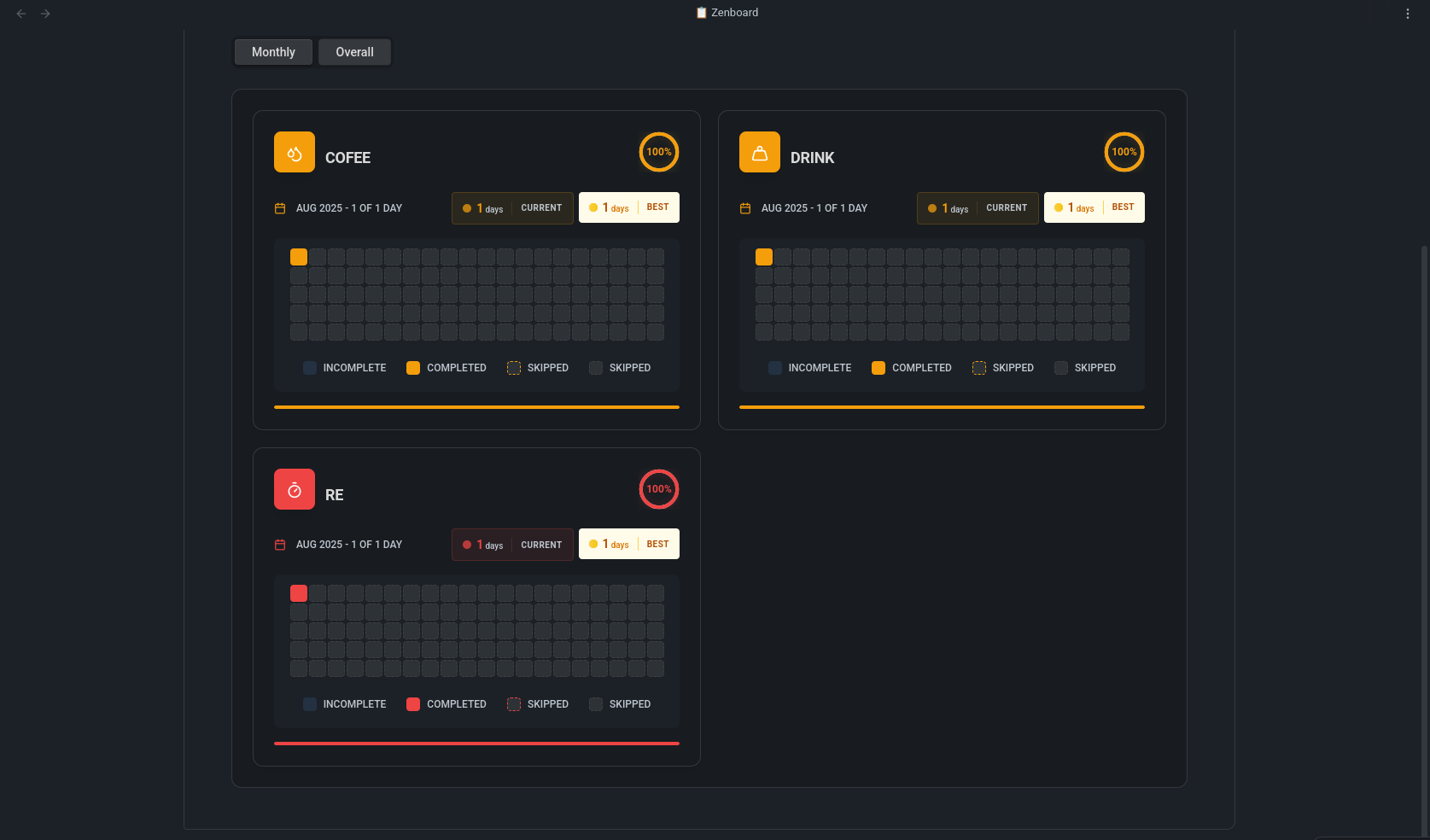
- 📊 Progress tracking – streak counters and visual charts
- ⚡ Quick logging – via ribbon icon, dashboard, or command palette
- 🗂 Vault-first storage – all data is saved locally in your vault
- 🌗 Obsidian theme support
How to Use
- Install and enable Habit Tracker – Zenboard from
Settings → Community plugins → Browse. - Open the dashboard via the ribbon icon or:
- Command Palette →
Open zenboard
- Command Palette →
- Add your first habit with + Add Habit.
- Log progress daily and watch your streak grow.
Tip: You can pin the dashboard as a side pane for quick access.
Screenshots
Dashboard
Monthly Analytics
Yearly Analytics
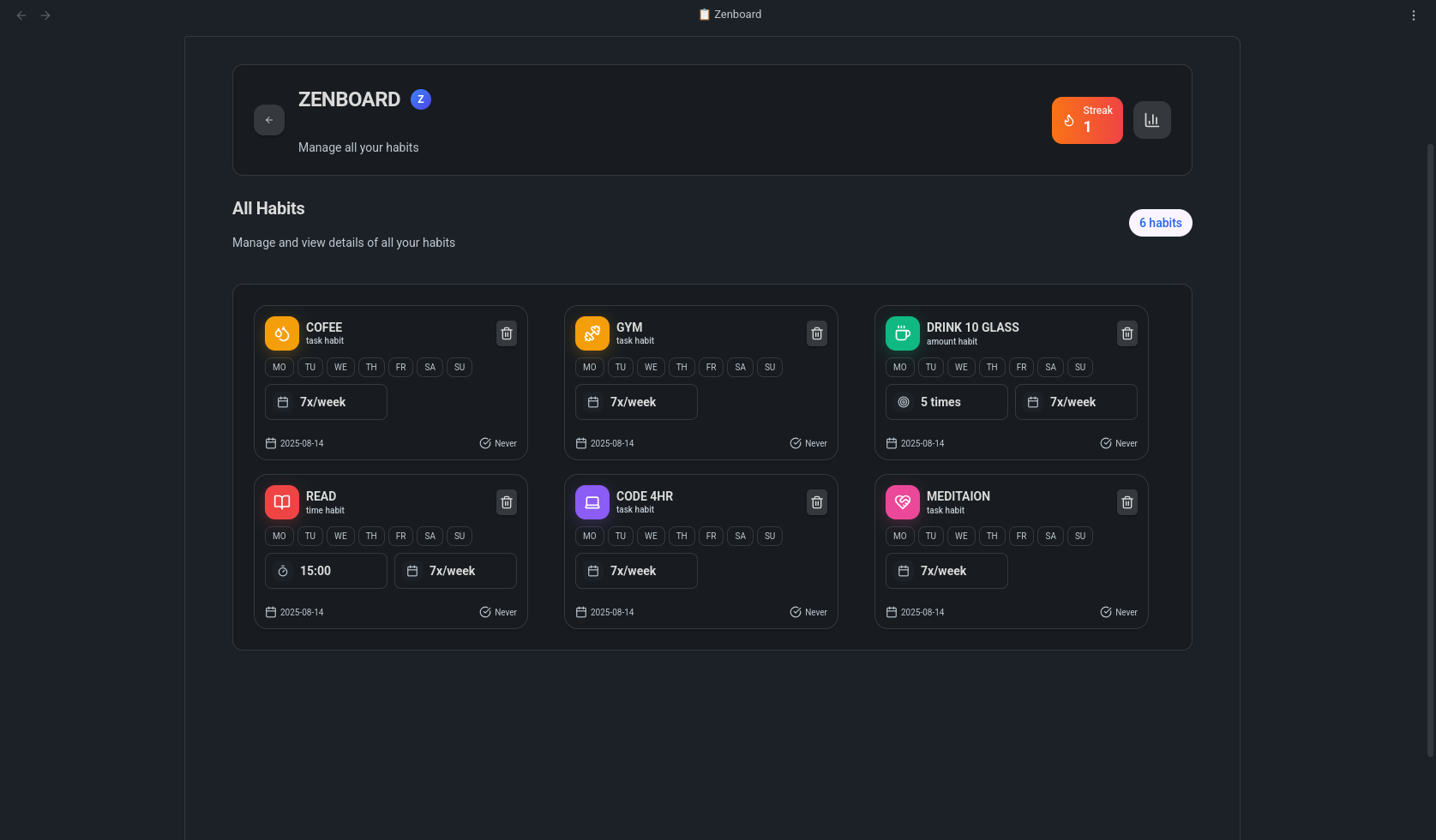
All Habits View
For Developers
If you want to contribute or customize the plugin:
# Clone the repository into your vault’s plugins folder
git clone https://github.com/shadabdullah/obsidian-zenboard .obsidian/plugins/zenboard

cd .obsidian/plugins/zenboard
npm install

# Development: watch JS + Tailwind CSS for live updates
npm run dev:watch

# Build once for production (generates JS + CSS)
npm run build

# Clean build: remove old files and rebuild everything
npm run clean-build
For plugin developers
Search results and similarity scores are powered by semantic analysis of your plugin's README. If your plugin isn't appearing for searches you'd expect, try updating your README to clearly describe your plugin's purpose, features, and use cases.