Enchartix 3D Graph
pendingby true-ed
3D data visualization and cardiograms for Dataview.
Enchartix 3D
Interactive, data-agnostic 3D visualization engine for your Obsidian vault.
Enchartix transforms your daily logs — whether it's fitness routines, reading habits, or learning progress — into spatial, interactive 3D graphs. Instead of flat charts, you get a beautiful, explorable landscape of your data that seamlessly adapts to your Obsidian environment.
Features
- Data Agnostic: Track anything. Just feed it an array of metrics, and it builds the graph. No hardcoded variables.
- Fluid Perspectives: Seamlessly toggle between an isometric 3D landscape and a classic 2D flat view with smooth camera transitions.
- Smart Color Harmony: Uses OKLCH color spaces to automatically generate perfect background, grid, and segment colors based on a single hex code you provide.
- Theme Aware: Automatically detects and syncs with Obsidian's dark/light modes. No manual reloading required.
- High Performance: Built with Three.js. Handles hundreds of entries smoothly, using geometry instancing and dynamic LOD for curve rendering.
Showcase
🌙 Dark Theme Integration
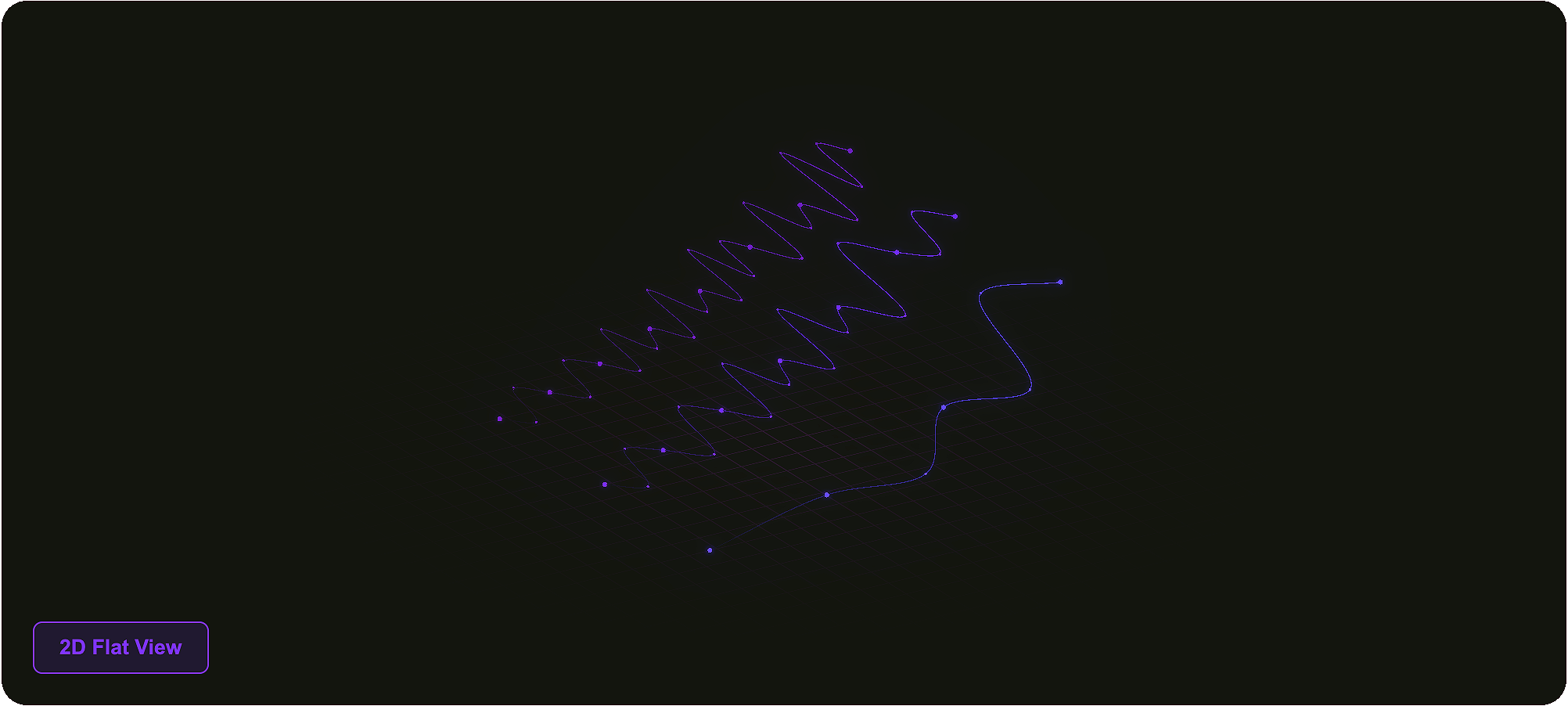
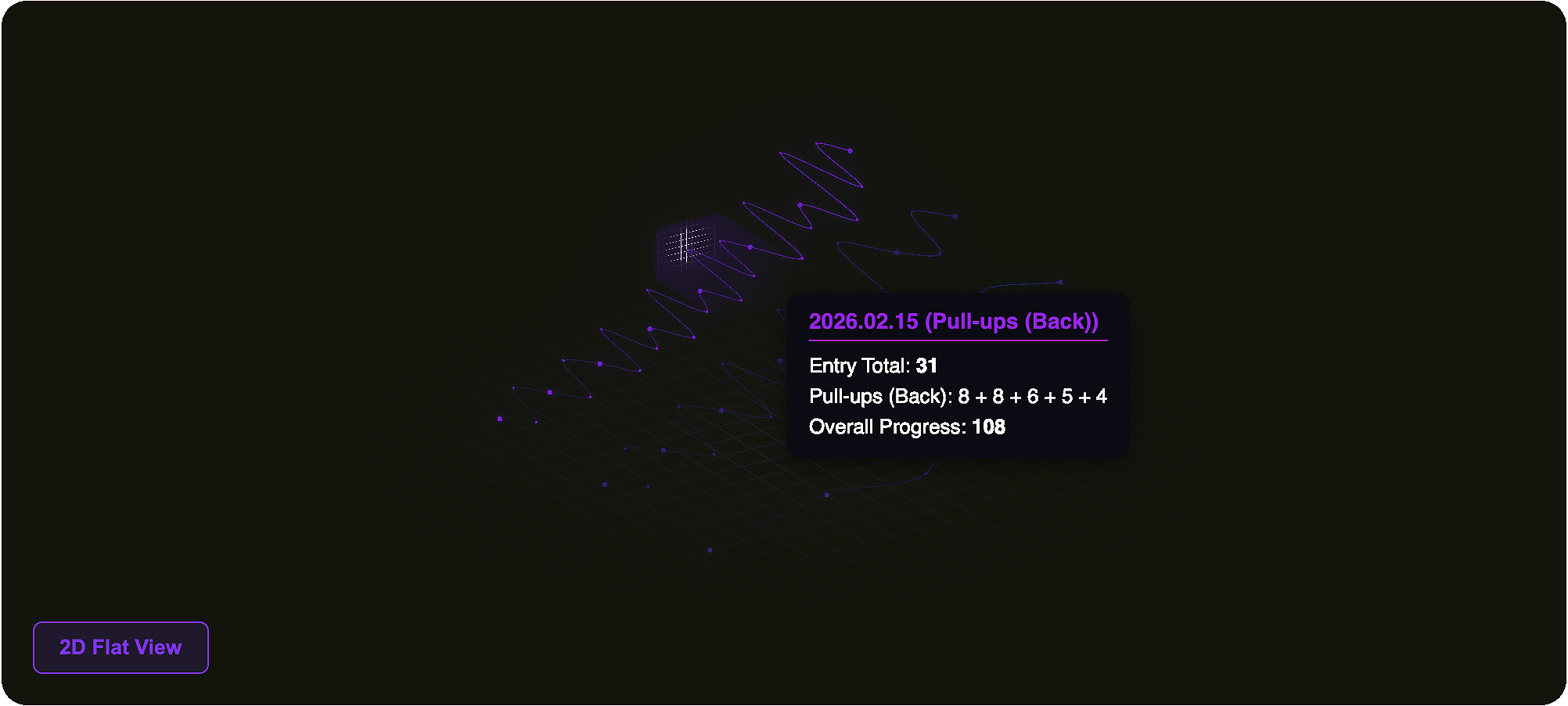
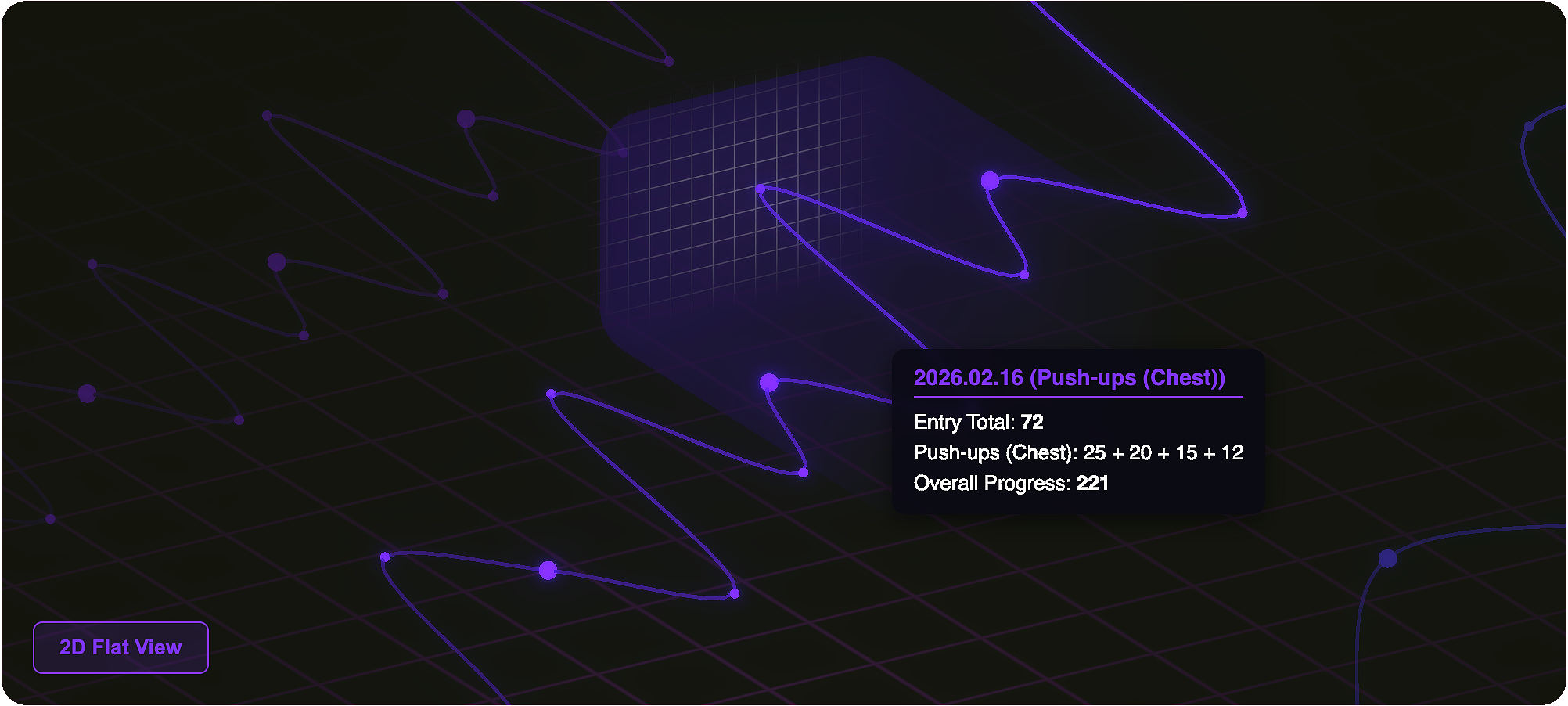
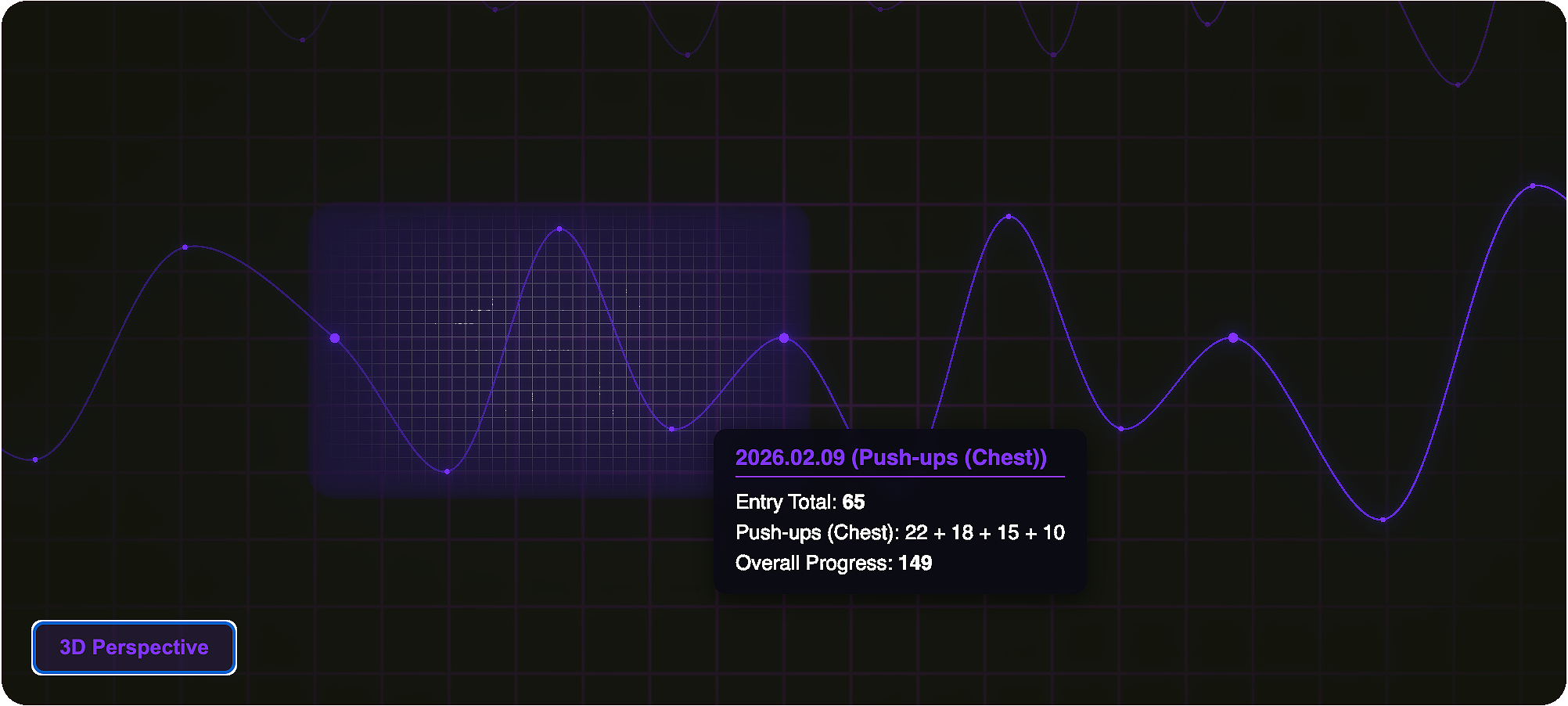
☀️ Light Theme Integration
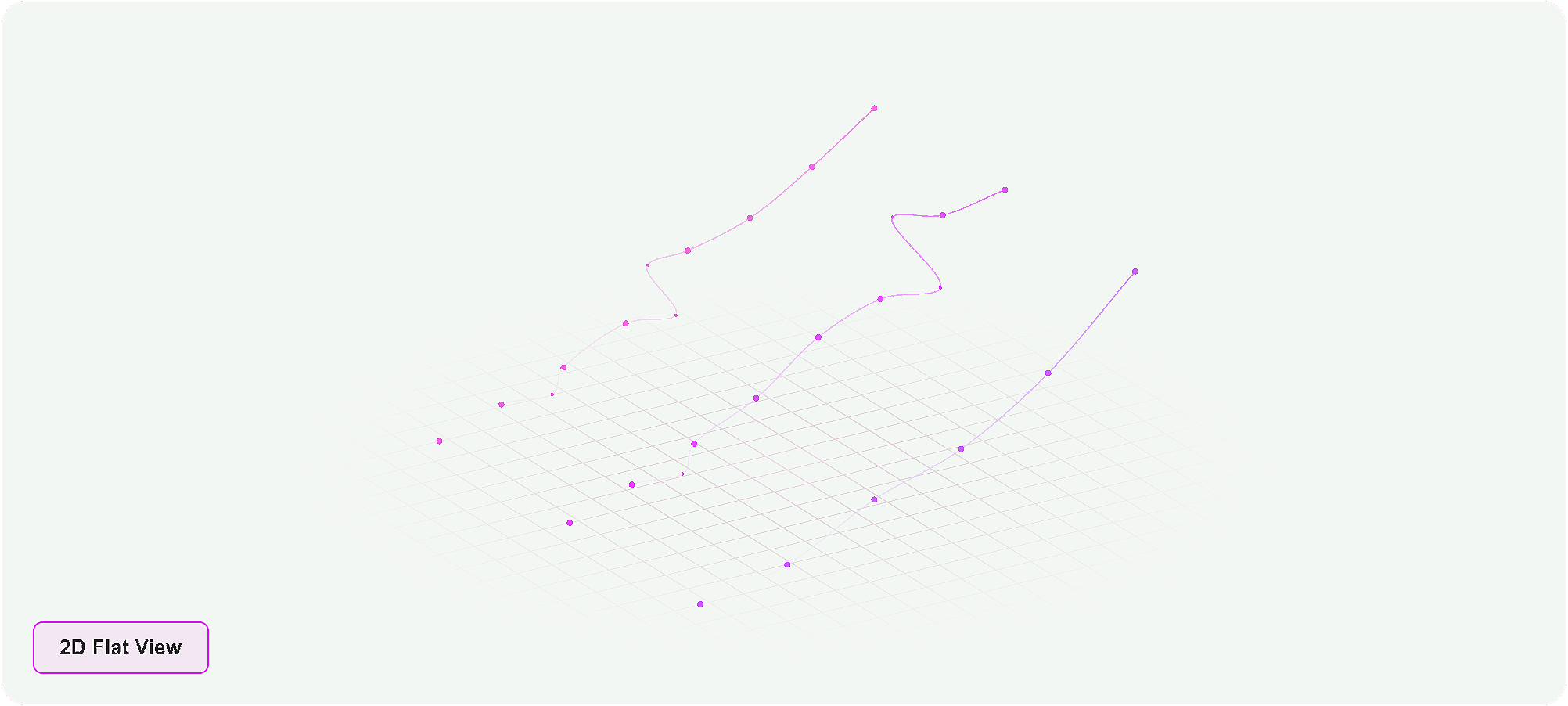
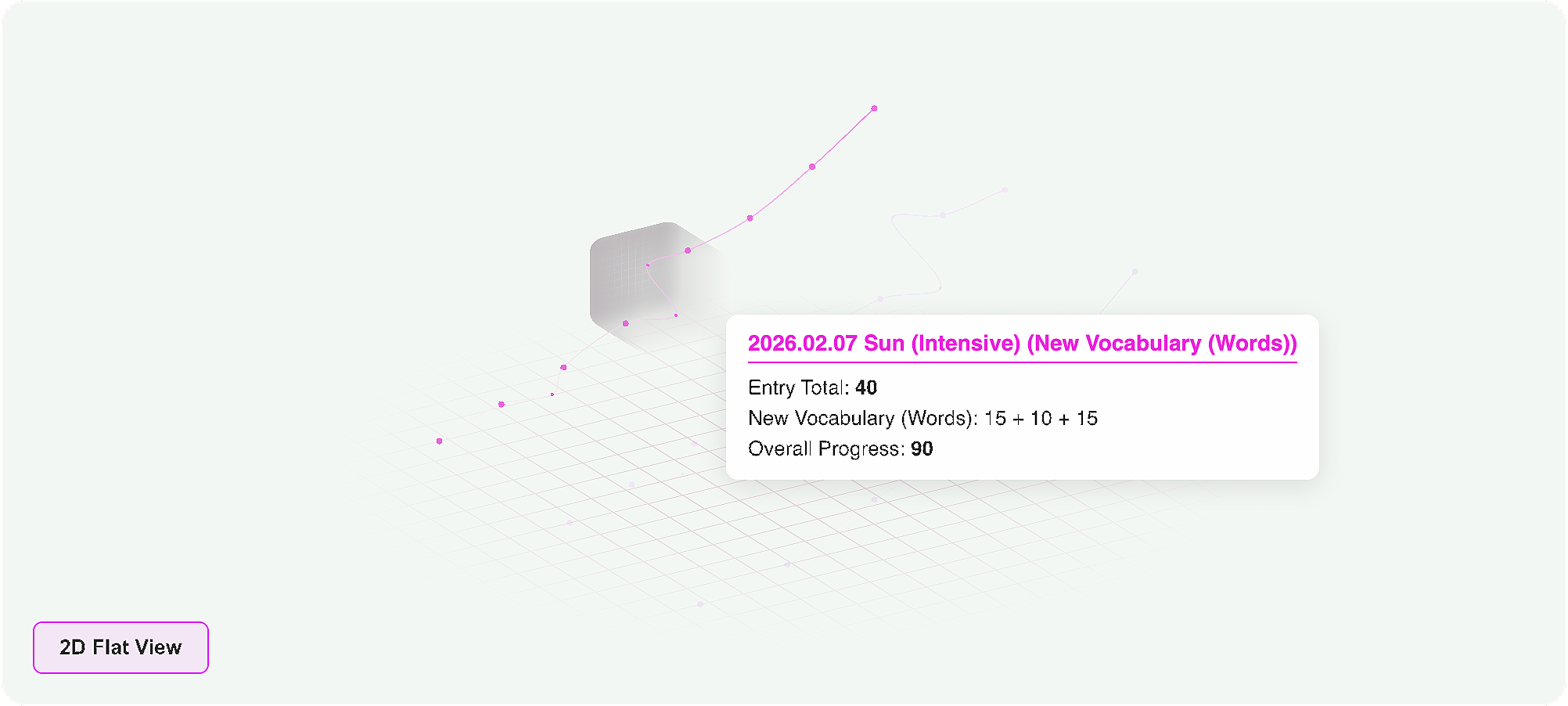
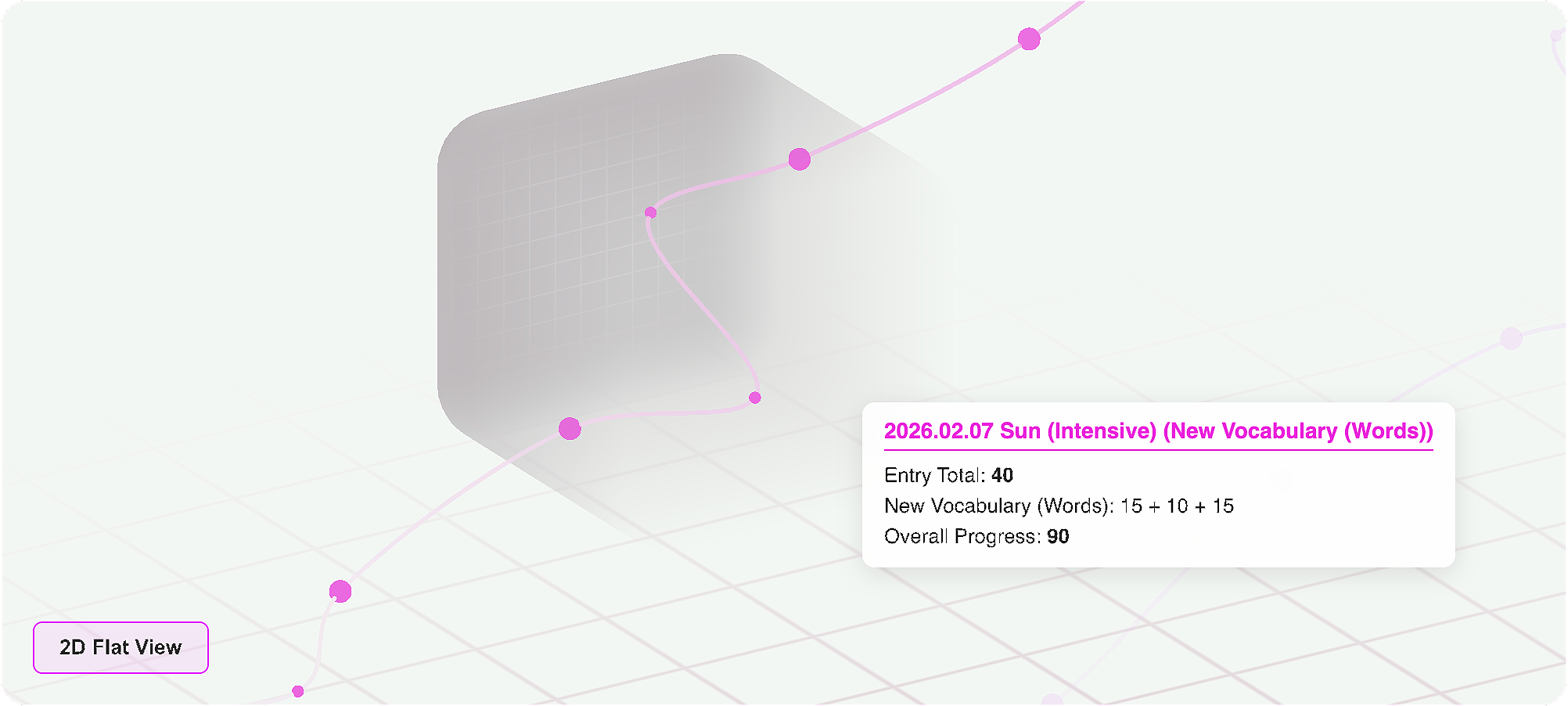
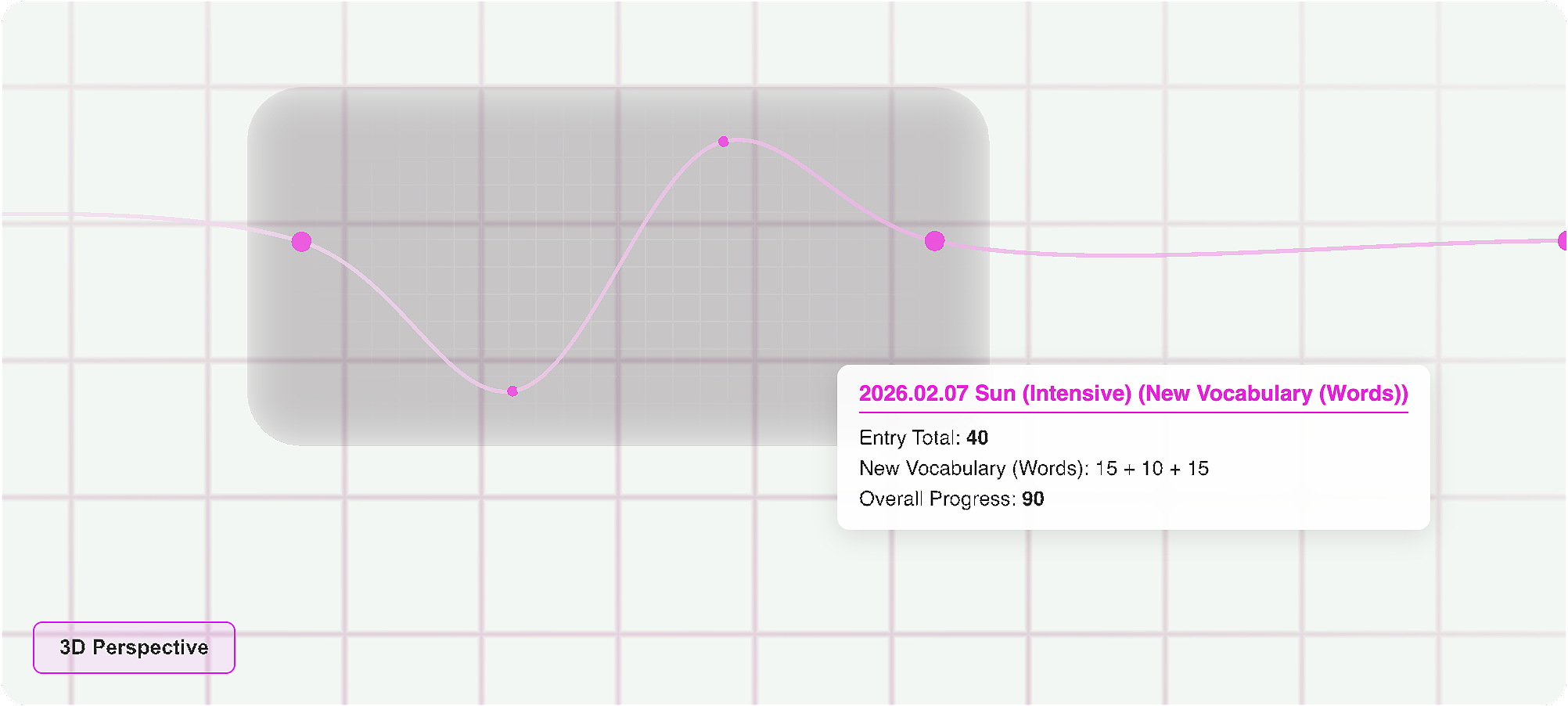
Obsidian Workflow
Enchartix is designed to be driven by Obsidian's native properties and rendered via DataviewJS. Here is the standard implementation flow.
1. Note Properties (Frontmatter)
Define what you want to track directly in your dashboard note's properties. The graph will automatically adapt to the number of metrics you provide.
---
target_tag: "#workouts"
tracking_params:
  - Pull-ups
  - Push-ups
theme_color: "#7d33ff"
---
2. DataviewJS Integration
Use a DataviewJS block to fetch the notes corresponding to your target_tag, map the data, and initialize the EnchartixGraph.
```dataviewjs
const note = dv.current();
const targetTag = note.target_tag;
const metrics = Array.isArray(note.tracking_params) ? note.tracking_params : [note.tracking_params];
const themeColor = note.theme_color || "#7d33ff";

// 1. Fetch data from your vault
const pages = dv.pages(targetTag).sort(p => p.file.ctime.ts);
const seriesData = metrics.map(metric => {
    let entries = [{ sets: [], date: "Start" }];

    pages.forEach(p => {
        let val = p[metric];
        if (val === undefined || val === null) return;

        // Handle both arrays [10, 15] and single numbers
        let sets = Array.isArray(val) ? val.map(Number) : [Number(val)];
        entries.push({ sets: sets, date: p.file.name });
    });

    return { name: metric, entries: entries };
});

// 2. Initialize the 3D Engine safely (prevents WebGL memory leaks on re-renders)
if (window.EnchartixGraph) {
    // Clean up previous instance if Dataview triggers a re-render
    if (this.container._enchartixInstance) {
        this.container._enchartixInstance.destroy();
    }

    const graph = new window.EnchartixGraph(this.container, seriesData, {
        themeColor: themeColor,
        labels: {
            viewToggle2D: "2D Flat View",
            viewToggle3D: "3D Perspective",
            tooltipNoteTotal: "Entry Total",
            tooltipCumulative: "Overall Progress"
        }
    });

    // Save instance reference for future cleanup
    this.container._enchartixInstance = graph;
} else {
    dv.paragraph("⚠️ Enchartix engine not found.");
}
Interactions
- Rotate: Left Click + Drag
- Pan: Right Click + Drag
- Zoom: Scroll / Middle Click
- Inspect Data: Hover over any segment to reveal specific entry data via tooltips and vertical grid highlights.
- Auto-reset: The camera gracefully animates back to its optimal default perspective after 5 seconds of inactivity.
For plugin developers
Search results and similarity scores are powered by semantic analysis of your plugin's README. If your plugin isn't appearing for searches you'd expect, try updating your README to clearly describe your plugin's purpose, features, and use cases.