Modern Mermaid
pendingby wis-graph
Render latest Mermaid diagrams.
Modern Mermaid
Render latest Mermaid diagrams with support for light/dark themes and image copy functionality.
한국어 버전 | English
Why This Plugin?
Obsidian's built-in Mermaid renderer uses an older version (v11.4.1), which means you can't use the latest Mermaid features and syntax. This plugin always fetches and uses the latest Mermaid version, giving you access to:
Example: Latest Mermaid syntax with Obsidian vs. this plugin
Code with latest Mermaid syntax:
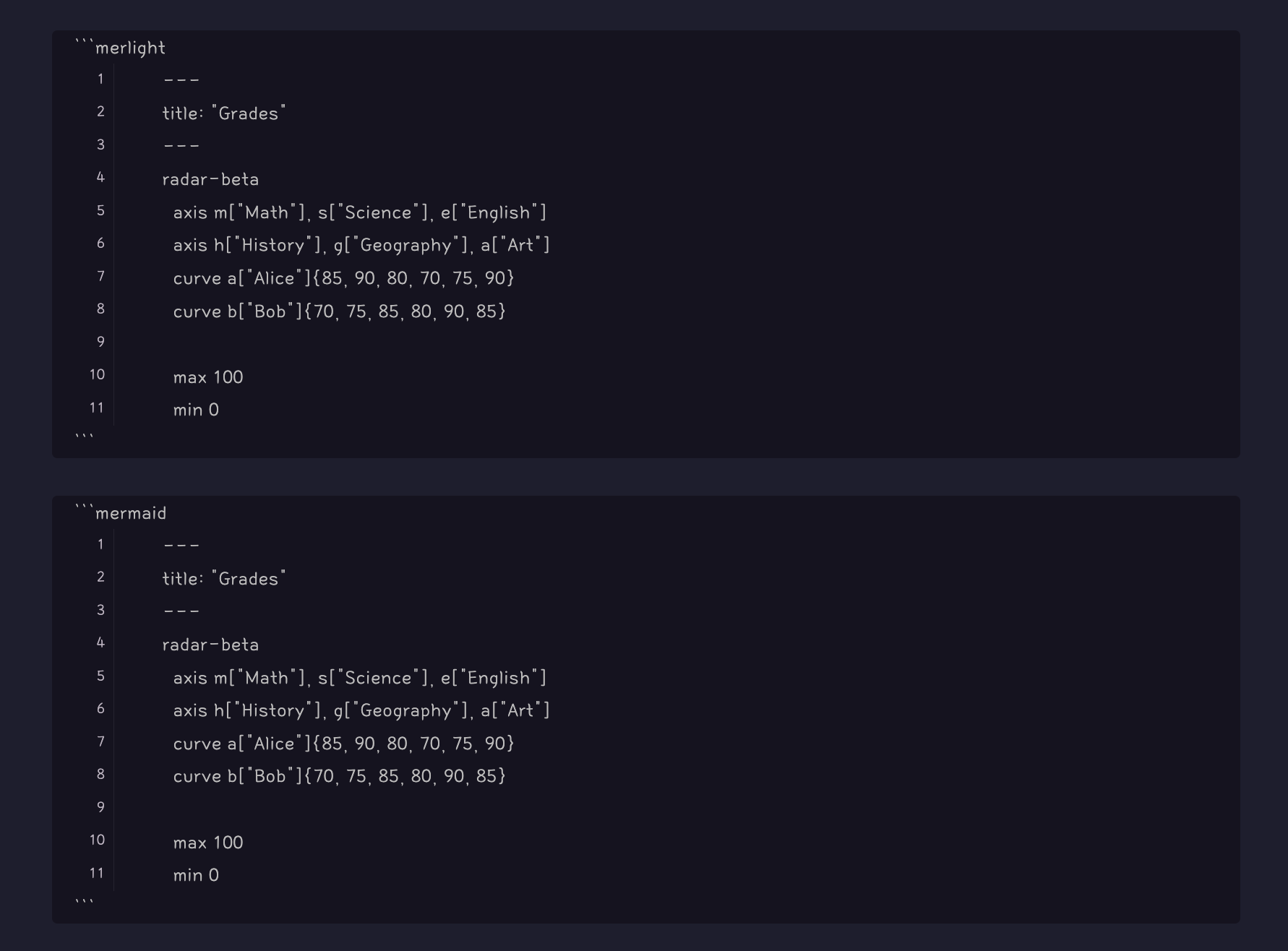
Obsidian's built-in Mermaid (v11.4.1) cannot render the latest syntax:
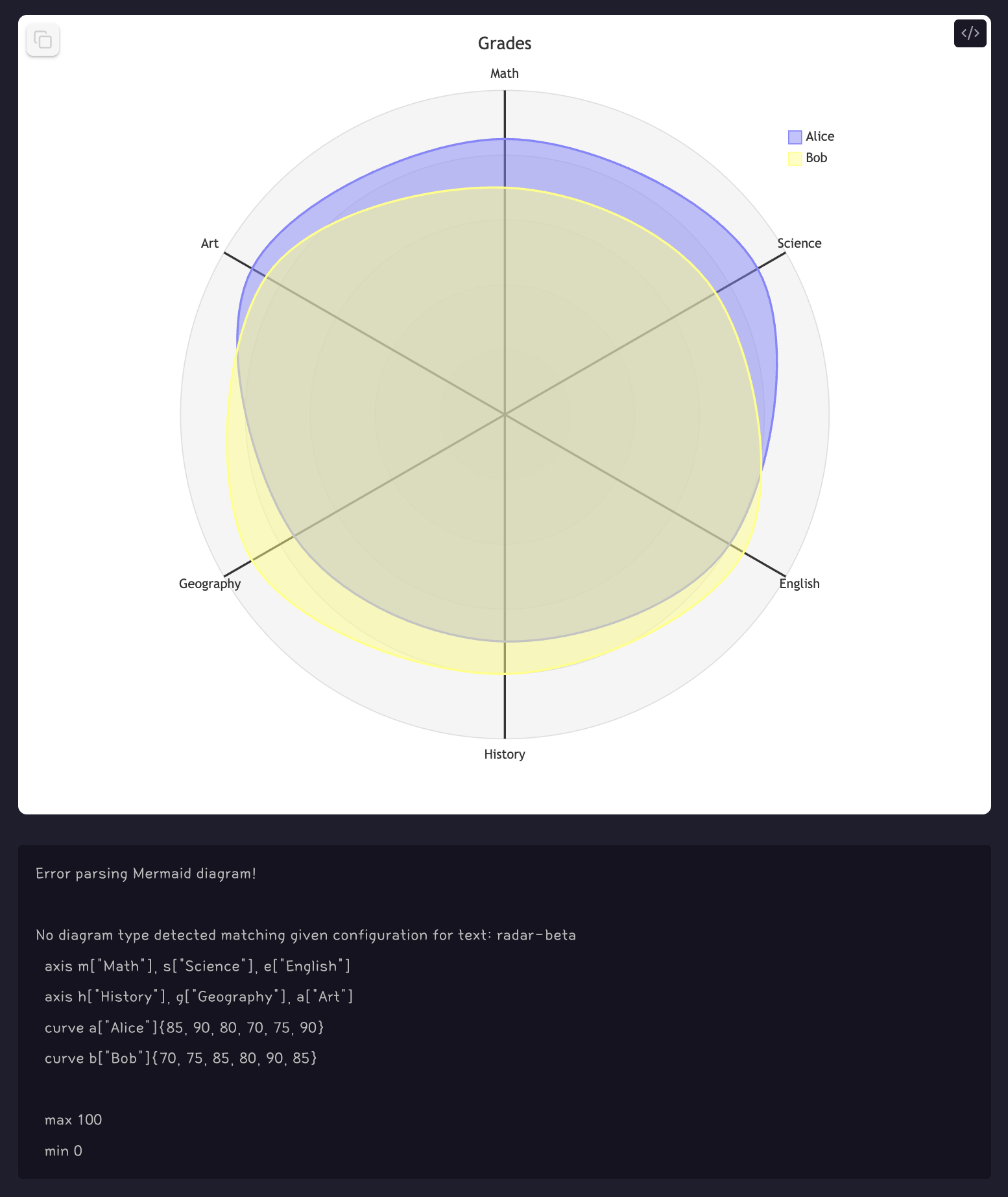
With this plugin (always latest version), the same diagram renders perfectly using the code above
Mermaid Version Support
| Platform | Mermaid Version | Checked |
|---|---|---|
| Obsidian Official Build | v11.4.1 | 26.2.1 |
| This Plugin | Always Latest ✨ | - |
This plugin automatically fetches and uses latest Mermaid version, giving you access to newest features and syntax!
Features
- Render Mermaid diagrams with latest syntax
- Three code block types:
- ```mer``` - Transparent background (configurable in settings)
- ```merlight``` - Light theme with white background
- ```merdark``` - Dark theme with black background
- Click to copy diagrams as PNG to clipboard
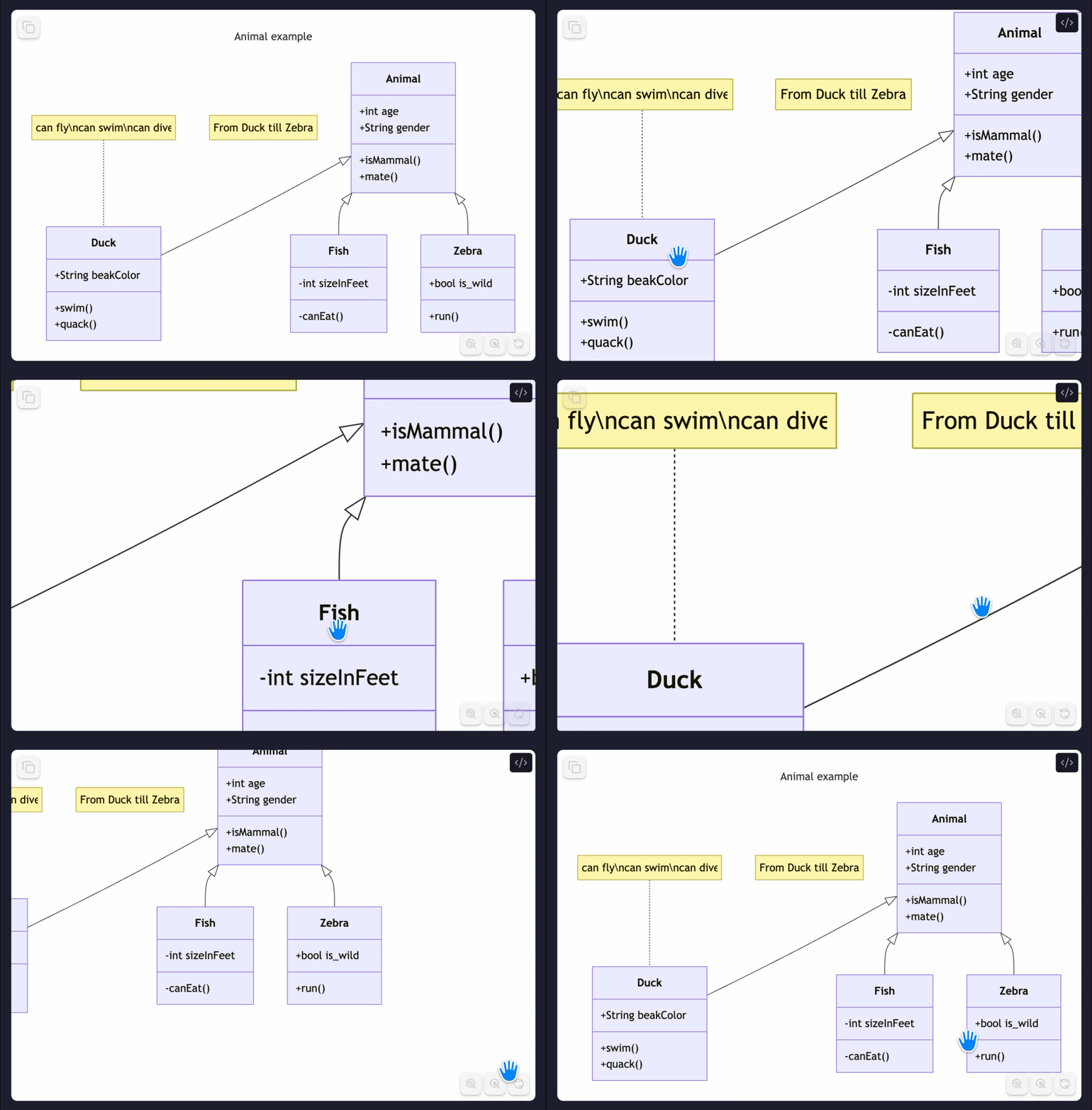
- Pan & Zoom: Mouse wheel to zoom, drag to pan
- Double-click to zoom: Zoom to configured level (default: 2x), click again to reset
- Zoom controls: Zoom in/out and reset buttons
- Centered layout
- Ghost-style Lucide icons
- Custom width support (add width in pixels on first line of code block)
- Transparent background option for seamless integration
- Auto-update to latest Mermaid version on startup
- Fast loading with CDN and caching
- Offline support with cached version
Usage
Basic Usage
```mer graph TD A[Start] --> B[End] ```
```merdark graph LR A[Dark] --> B[Theme] ```
Pan & Zoom
When Enable Pan & Zoom is enabled in settings, you can:
Mouse Wheel Zoom
- Scroll wheel up/down to zoom in/out
- Zoom centers on your mouse cursor position
- Zoom speed is optimized for smooth experience
Drag to Pan
- Click and drag on the diagram to move it around
- Cursor changes to grab/grabbing for visual feedback
Double-Click Zoom
- Double-click anywhere on the diagram to zoom in
- Double-click again to reset to original size
- Zoom level is configurable in settings (1.5x - 5x, default: 2x)
- Smooth transition animation for double-click zoom only
Zoom Controls
- Bottom-right corner has zoom control buttons:
−button: Zoom out+button: Zoom in- ⟲ button: Reset to original size and position
Settings
You can customize plugin behavior in Obsidian Settings → Modern Mermaid:
- Mermaid Version: View currently loaded Mermaid library version
- Enable Pan & Zoom: Enable mouse wheel zoom and drag-to-pan for diagrams
- Double Click Zoom Level: Set zoom level when double-clicking (1.5x to 5x, default: 2x)
- Transparent Background for "mer": Enable/disable transparent background for
mercode blocks - Include Background in Copy: Include background color when copying diagram as image
- Clear Cache: Clear cached Mermaid library and force re-download
Custom Width & Height
You can control the diagram size by adding dimensions (in pixels) on the first line of the code block:
Width only:
300
graph TD
    A[Small] --> B[Diagram]
    B --> C[300px wide]
Height only:
, 400
graph TD
    A[Fixed] --> B[Height]
    B --> C[400px tall]
Width and height:
300, 400
graph TD
    A[Custom] --> B[Size]
    B --> C[300x400px]
Result:
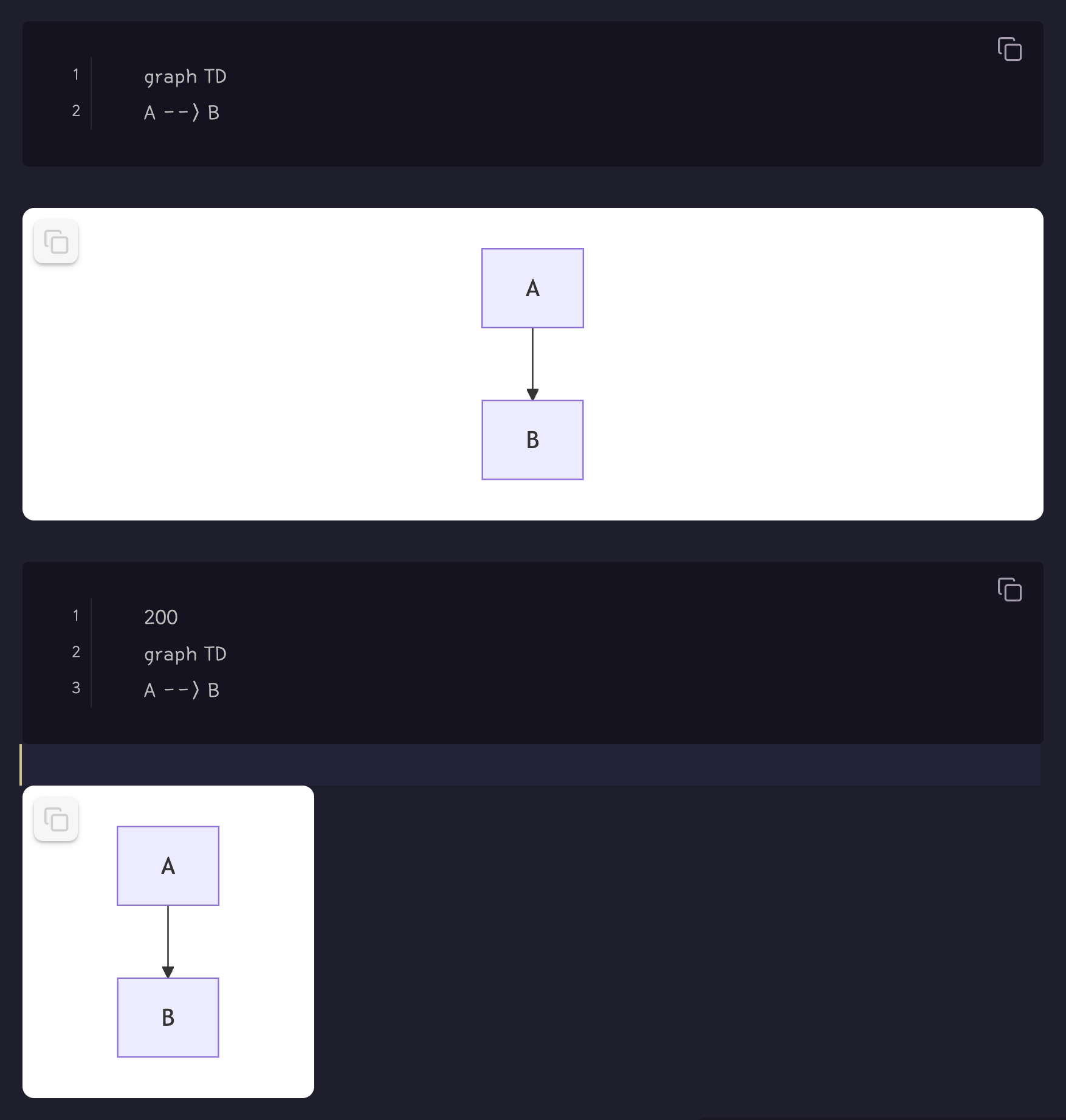
If you don't specify dimensions, the diagram will fill the available space in your note.
Transparent Background
The mer code block uses transparent background by default, making it perfect for integration with any theme or document style. You can configure this in plugin settings.
Code:
200
---
title: Simple sample
---
stateDiagram-v2
    [*] --> Still
    Still --> [*]

    Still --> Moving
    Moving --> Still
    Moving --> Crash
    Crash --> [*]
Result:
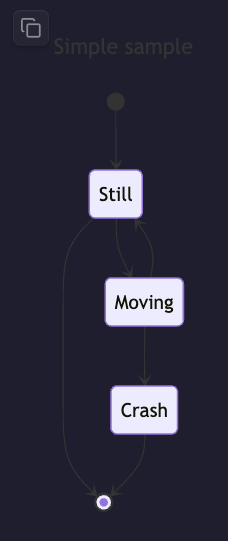
Note: The diagram has a transparent background, allowing it to blend seamlessly with any note background color.
Animation
The latest Mermaid version supports animated diagrams! The plugin automatically uses the latest version, so you can create animated flowcharts and state diagrams.
Code:
flowchart LR
    A e1@==> B
    e1@{ animate: true }
Result:

Learn more about Mermaid animations: Mermaid Documentation
Credits
Built with Obsidian Sample Plugin
For plugin developers
Search results and similarity scores are powered by semantic analysis of your plugin's README. If your plugin isn't appearing for searches you'd expect, try updating your README to clearly describe your plugin's purpose, features, and use cases.